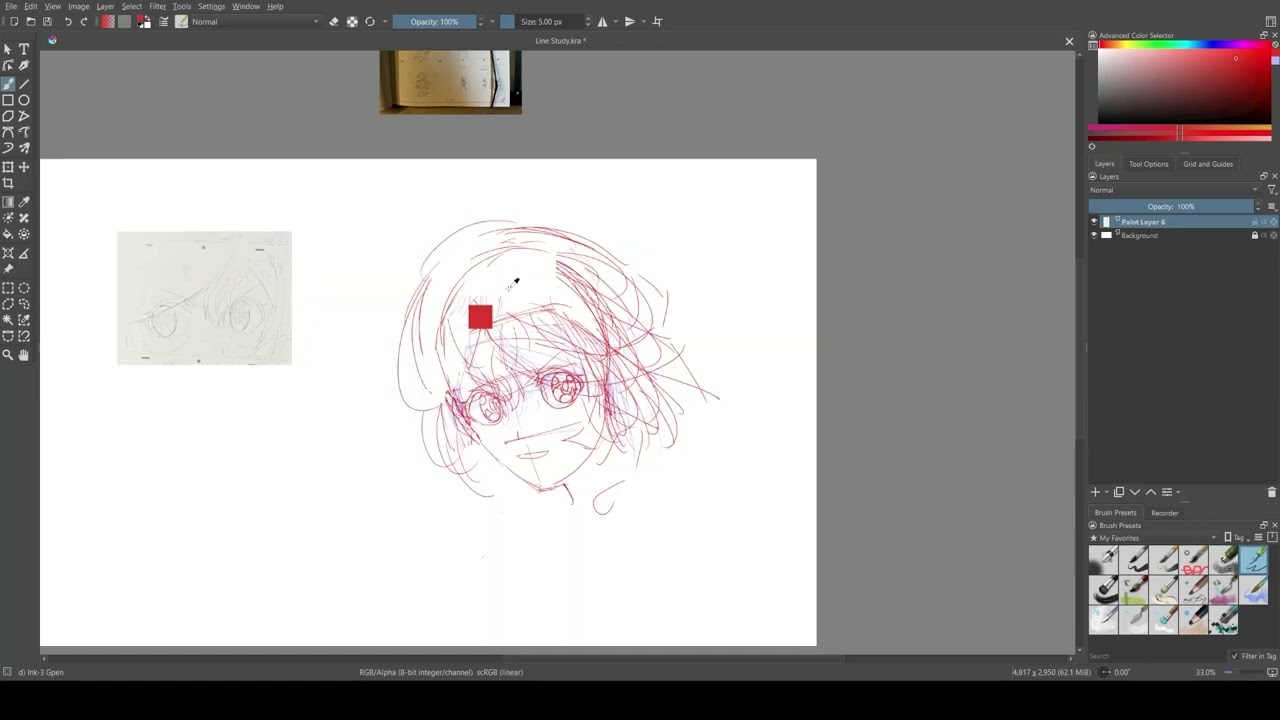
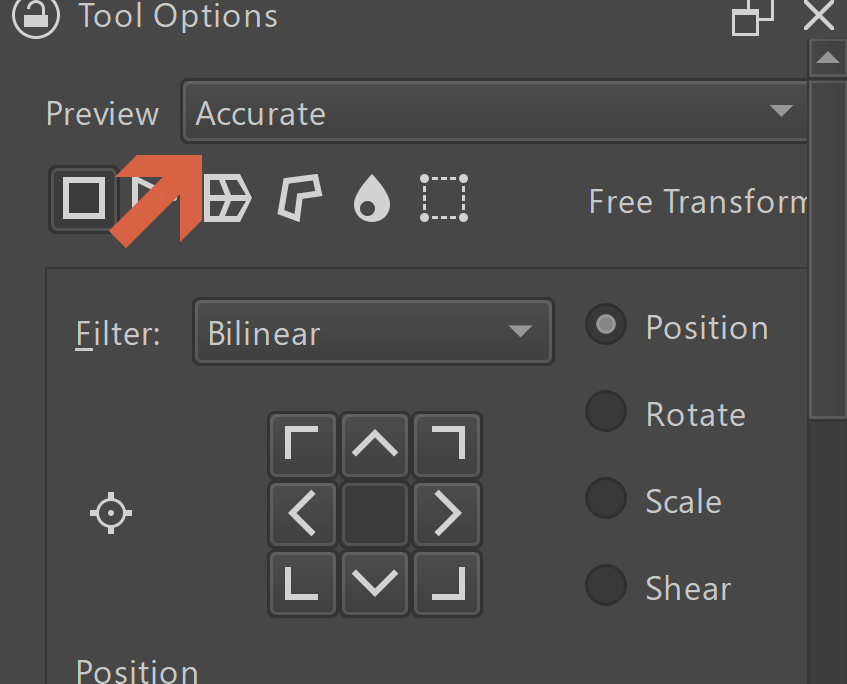
Anyone encountered same problem?
I think there are chances that the content of the layer will be gone after you transform it.
The canvas still has it (shows it), but the layer is empty, you are seeing the “cache”.
If you inspect this layer in isolation mode, you see it is empty.
Often you notice this after you been drawing for a while. So it is really nasty to deal with.
(I just do a screenshot and go with it…)
Bc it is a random event, i don’t have any evidence nor the way to reproduce it.
(That is why i am not opening any ticket.)
I am going in with a OBS recording from now on, see if i can provide some evidence later.
But now, has anyone ever encountered this “bug”?
I’m not sure to understand what exactly is the problem.
The video doesn’t provide any useful information to me, especially because the layer stack is missing.
Without having the layer stack visible, not possible to determinate what happen.
Usually, it’s better to provide a full Krita window screenshot/video than a cropped canvas area.
Also, providing OS & Krita version are welcome too
After examining my own recording… the moment my layer icon changed into a rectangle, i am switching my pen direction. (Pen tail is eraser)
Could this be the cause?
If that is the cost, it would grave hard to reproduce, cus i am pretty sure i switch about hundreds times a day.
What happen here doesn’t seems to be normal.
For me it’s not the transform tool, but a problem with dynamic brush.
It seems to be similar to thjs one with line tool.
If you’re running on Windows (always a good idea to provide OS and krita version…) you can try version provided by @dkazakov here to check if problem still occurs:
Judging by both videos, it does appear that after switching to the eraser, the entire layer is cleared (content erased, boundary resized, which is visible in the layer thumbnail) without updating the canvas.
Looking at the second video in slow-motion (around :04), I can see the layer thumbnail update while the brush outline is not visible- while the pen is being flipped, before the eraser is activated.
It is different from the other bug, which only erased part of the layer and did update the canvas.
I haven’t managed to reproduce it, so I don’t really have any ideas.
UPD: also disable Instant Preview in ‘View->Instant Preview’ and ‘Settings->Preferences->Performance->Instant Preview->Force Instant Preview in Transoform Tool’
Please also make sure you run DebugView alongside Krita, because Krita will dumb a bit of info into it.
UPD:
The person in the bugreport said that the shortcuts scheme is related to the issue, that is, he had “Brush Tool” linked to ‘V’ key. Do you also have something like that?
As per bug 460557 – Selection content deleted after transform but remains on screen until canvas area is "refreshed", I tested repeatedly toggling the Line Tool using the ‘V’ shortcut while the Transform Tool is active, and it caused unpredictable behavior. Either the Transform Tool would return to the unapplied transformation, the unapplied transformation would be reverted, or the layer would be cleared. I also encountered an assert in the memento manager on undo/redo.
Now that I have some idea of how to reproduce it, I’ll look into it further and see if I find anything.
I think I found the issue: on pressing of the V key, the tools switch too quickly, so the transform tool activates and deactivates too quickly, so that KisToolTransform::slotTransactionGenerated doesn’t have a chance to execute, therefore no updates come. I’ll check what I can do with that.
The only trouble is that I cannot reproduce the memento manager safe assert here. I can only see the pixel data loss, but not the undo breakage

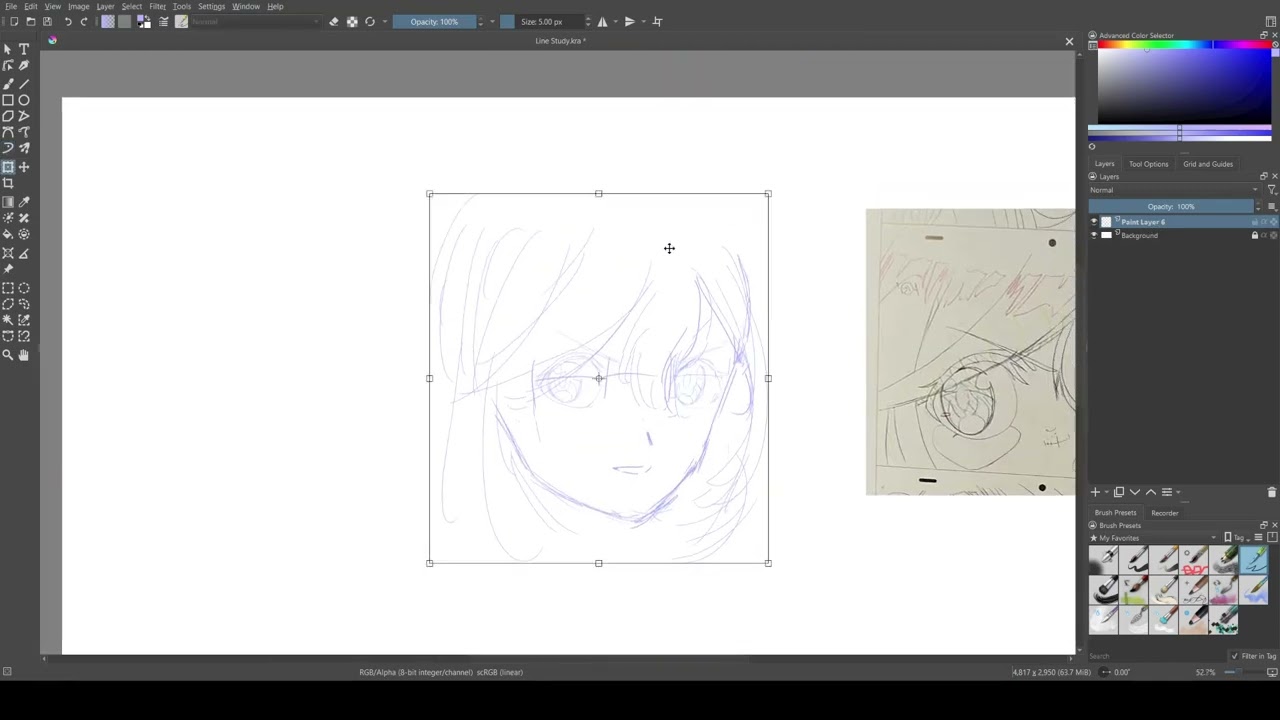
 Thx for the help, i will definitely check that version.
 Sadly this happened again.