Just tested 1.1.6, and it’s renaming instantly, working great ! And such a shame the folder icon cannot be added to the plugin  Thanks again for this great contribution !
1 Like
I tried it with v1.1.6,and It worked fine
Thank you!!
1 Like
v1.1.7 Release
2 small QoL changes
Layer Kit Undo
The v1.1.6 and older versions did not include alpha inheritance when you went to undo a clipping mask so you had to disable it yourself:
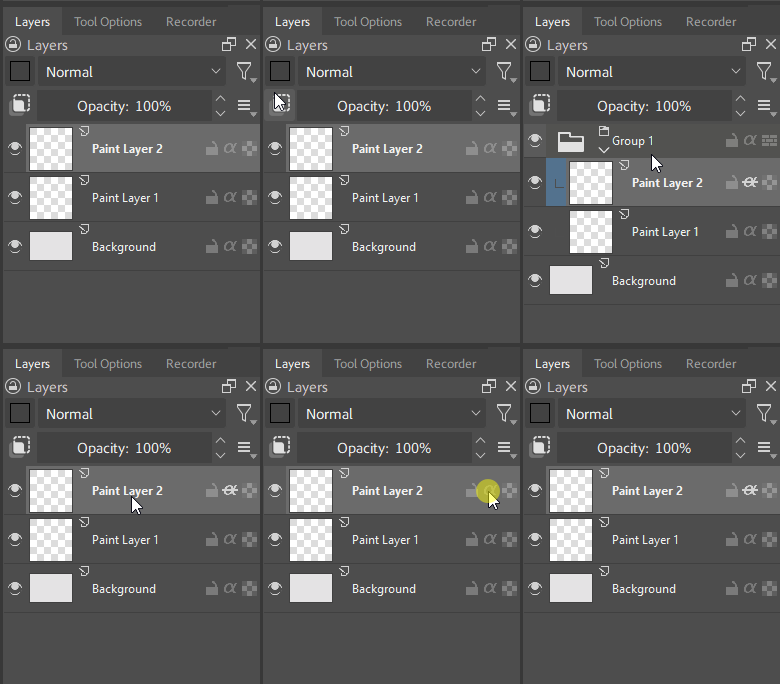
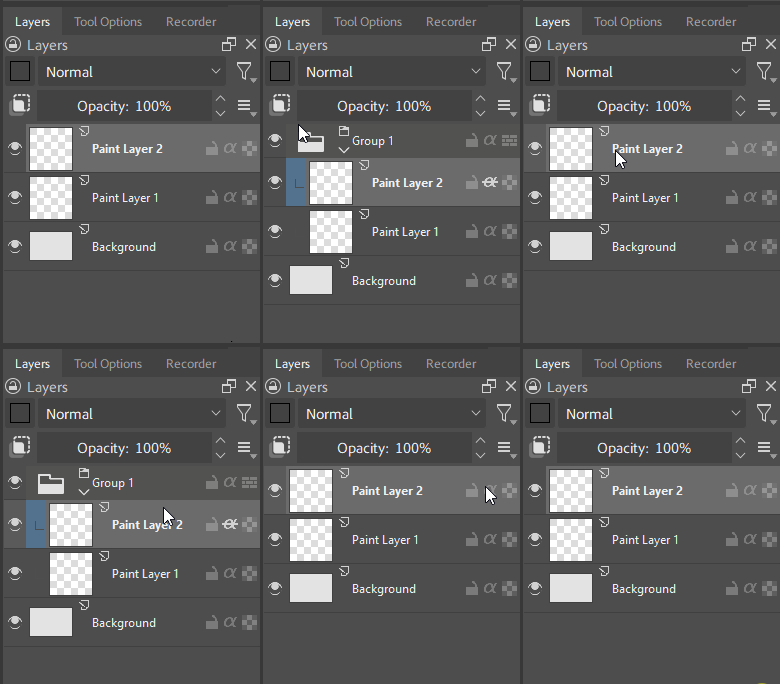
v1.1.7 includes alpha inheritance state for layers so undo is quick. You can see me pressing ctrl+z here and not having to turn of alpha inheritance myself:
Layer Kit UI
Label box is exactly square and symmetrical with the clipping mask button.
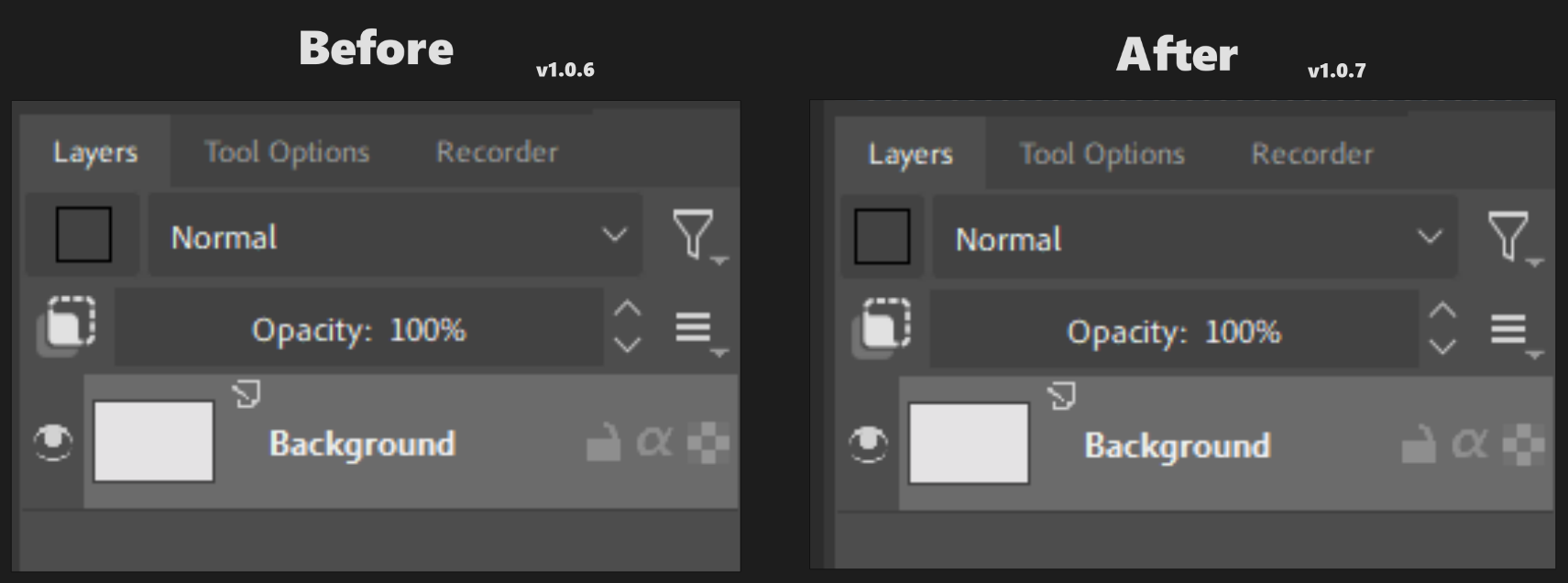
the label box button is located at the top-left of the layers docker
5 Likes
Thank you so much for this plugin! It would be great if layers worked like in Photoshop, but even so, this is amazing.
1 Like
No problem! I agree it would be nice if Clipping Masks were a native feature in Krita. I don’t think Krita’s layers needs to necessarily conform to how PS/CSP works. Instead, give us artists the option to make layers clip to all layers below (Alpha Inheritance) or just clip to the layer/group directly beneath it (Clipping Mask) without having to use groups like we have to do now, this would be a very nice QoL that wouldn’t conflict with existing Krita users.
3 Likes
Really awesome plug-in, thanks for sharing!
1 Like
Me actually  This is power of Krita over other software.
I often make Quick Group of my layer, work on it using mix of modes, alpha inheritance and Erase blending mode.
Something like this
- NORMAL INHERIT A
- ERASE
- NORMAL
- NORMAL
- NORMAL INHERIT A
- NORMAL INHERIT A
- ERASE
- BASE LAYER
And often I merge them afterward. Ultimate temporary non-destructive editing.
Only Krita allows this workflow and it’s actually my favorite feature.
1 Like
Great plugin! Are there plans to release it for Krita 6.0 as well?
2 Likes
are there any features that allows to link 2 different layers for transforming?(say for example, you want to move both layer 1 and layer 3 but you dont want to move layer 2, which is in between layer 1 and 3)
You can just control + select individual layers
no like, i want to move two different layers with the same transform mask
The included label-box plugin has a bug with the floating layer panel: when you move it, the color list always appears in the same place, which doesn’t happen in the original plugin.
P.S. It would be nice if, when creating clipping groups, the plugin assigned a different color each time.