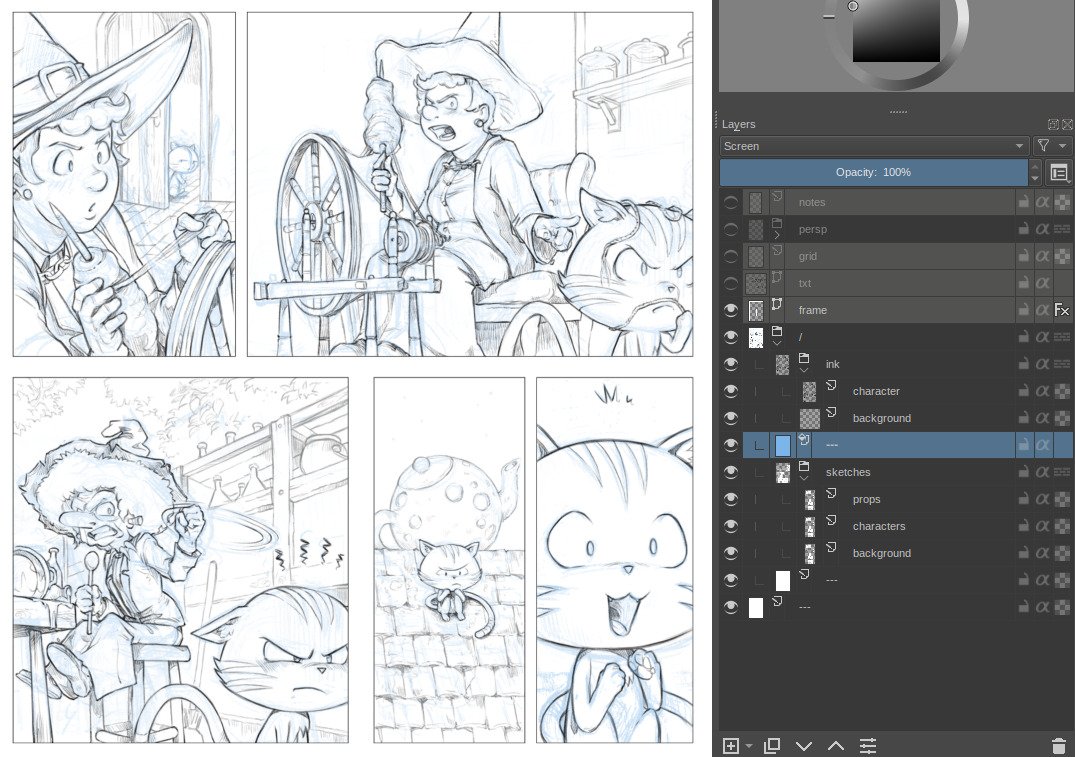
For reference:
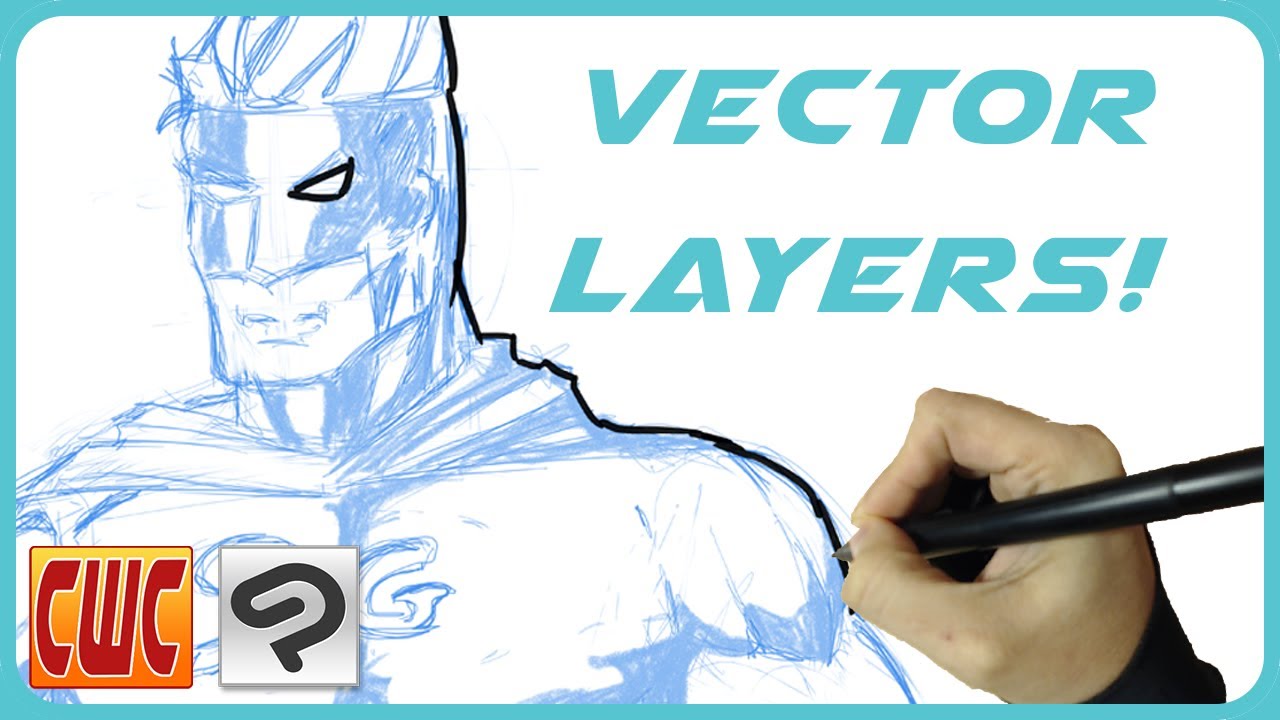
I saw this video this morning: watch how changing the color rendering on Clip Paint Studio is a single click directly in the layer stack ( it takes 6 seconds at 1:58 , then you can stop video ).
For reference:
I saw this video this morning: watch how changing the color rendering on Clip Paint Studio is a single click directly in the layer stack ( it takes 6 seconds at 1:58 , then you can stop video ).
so, here’s the thing though, that’s an ‘8-bit layer’ in CSP, the closest equivelant we have is… the fill layer, which you find slow… and it doesn’t solve all the other requirements (it is transparency-only, no appropriate colorization of black and white, it cannot happen on multiple layers at once, etc).
I am most worried about the slowness thing here, because we could solve the time it takes for ‘screen layer’ setup by writing a python script that just nestles in an appropriate layer set to screen into the layer stack.
‘8-bit layer’ in CSP
Ah, the cheater. Ok, I understand better an aspect of the complexity if the feature has to work also for Lab, CMYK, Grayscale and all.
I am most worried about the slowness thing here
Right and true too  Having a solution slightly slower, less flexible or “laggier” than a simple paint-layer filled with blue in Screen blending mode in between sketch and ink layer and the feature would be not used.
a python script that just nestles in an appropriate layer set to screen into the layer stack
Very interesting approach. It could really simplify the process I do now:
A classic stack for me in prod
Hi, @Deevad!
Could you please check an updated package? The filter now has all the configuration options to overcome the issues you pointed in the previous review.
https://yadi.sk/d/ipWN1lPbYZ-buw
Like the previous time, the main question is whether the performance of the filter is enough for your pipeline? The secondary question is whether it solves the problem completely?
As a UIX optimization we could add a menu action that would add such mask to the layer with a proper name and collapse it in one action (if this mask in the only child of the layer).
For black lineart colors can be changed with limited amount in layer properties and unselecting/selecting active channels. Just select layer and press F3.

It was already discussed in the first post (see point 2.). It’s limited and has some unwanted side-effects. It’s fast and quick to setup though, so it might be a good solution for lots of artists.
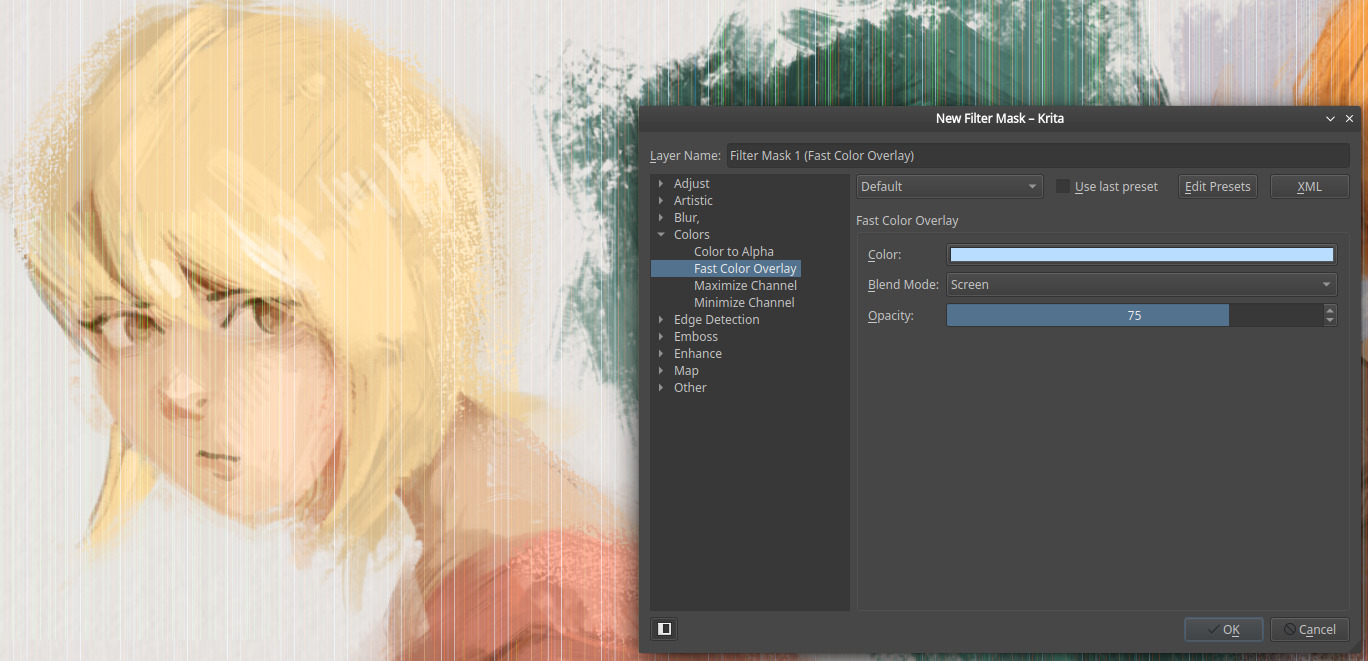
@dkazakov : I tested the appimage, but the rendering is off. I have a lot of vertical lines appearing on the top of the sketch. I tried various scenario (layer mask/filter layer/using it directly as a filter + on a flat alpha layer or just lines) and same result. Maybe just a bug? It looks like that:
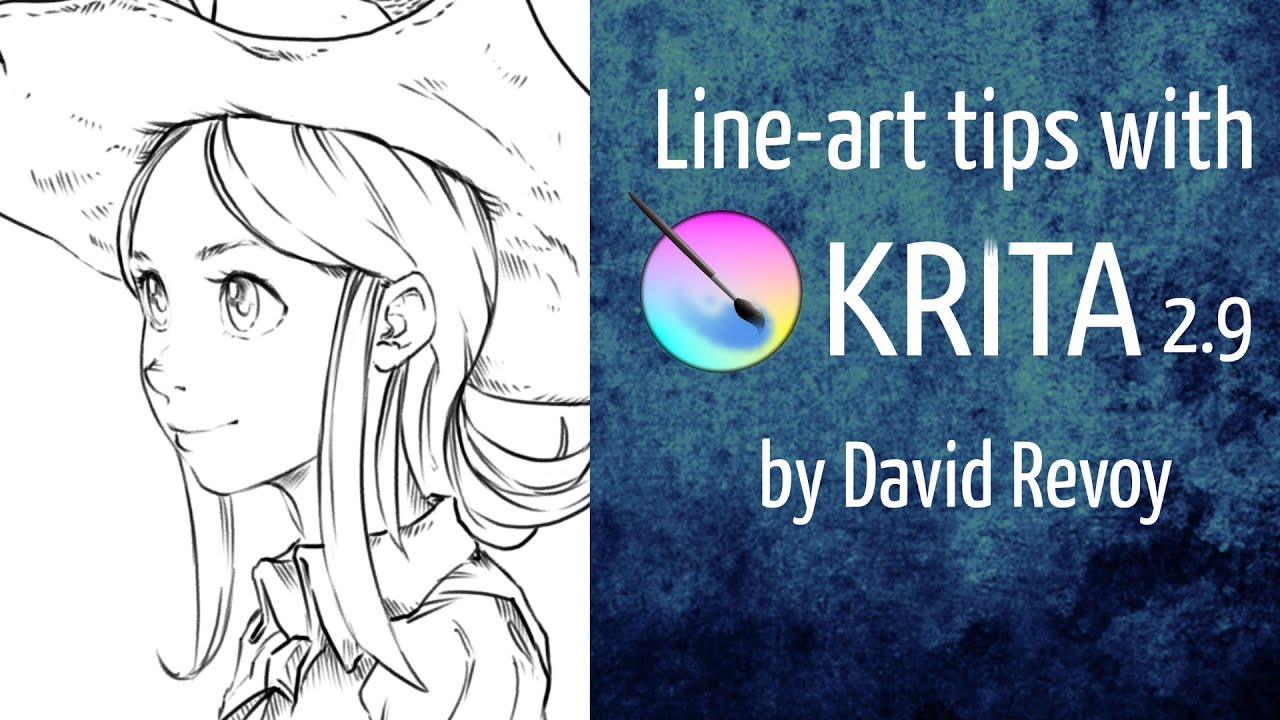
@ZigiZen Yes, as already said by @tiar: method already listed on the first post, chapter 3, (2). Also, I’m the one who popularized the workaround in 2015 via this video (at 1min45s) 
Hi, @Deevad!
Could you test this updated package? The problem should be fixed now 
@dkazakov Thanks. It’s really smooth. I haven’t got time for a long test; but I reopened a heavy page and applied Fast Overlay Color filter via a Layer Mask on the ‘sketch’ group. I could draw without noticing any performance issue. So I guess this is a valid technical choice to composite a feature like that. I tested also moving things around, transform.Ctrl+C and Ctrl+V. All feels smooth.
Actually, it shouldn’t be too hard to implement this exactly like in CSP: a mode for GRAYA layers where instead of gray, the given color is used when compositing the image. That would certainly perform best.
Did anything happen with this?
@tiar : No, nothing went on invent.kde or somewhere else (as far as I know) and everything about this topic is here.
I hope this can be added soon to Krita
How about making a “bluescale” color space?
I suddenly thought of some heresy today:
Use the animation “onion skin” function
Move the sketch to the second frame
Change “next frames” to blue
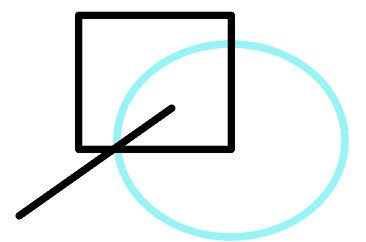
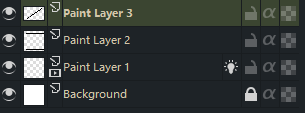
So I got blue without adding much memory. However, it can only be used for line sketch 
It is not “perfect”, but I have tried to do this functionality or at least how I would like to use it as a script.
maybe it helps someone. 
By the way this filter was added to Krita?
If so, it would help me a lot.
Hey, no, “Fast Color Overlay” filter was a proof of concept only, waiting for a better GUI in the layer stack.
Just for our information, in CSP although it is available in one click on the layer stack docker, this is counted as one of the layer effects. Layer properties
Layer Colour
The color of the drawing on the layer can be changed arbitrarily.For layers whose [Expression color] is [Monochrome] or [Gray], the black [Drawing color] becomes [Main color] and the white [Drawing color] becomes [Sub color] for display.
For layers whose [Expression color] is [Color], the colors are first converted into grayscale by the application and then changed to alternative colors.
@deevad with this idea I tried adding a color overlay layer effects and with screen or other lightening blend mode we can achieve similar effects. A work around might be saving this layer effect and adding it to layers when needed. May be a one click button to add this particular layer effects can help.
Just an update to this thread after watching Yukito Kishiro (Battle Alita Angel, Gunm, famous Manga artist) usage of the feature in CPS for his manga:
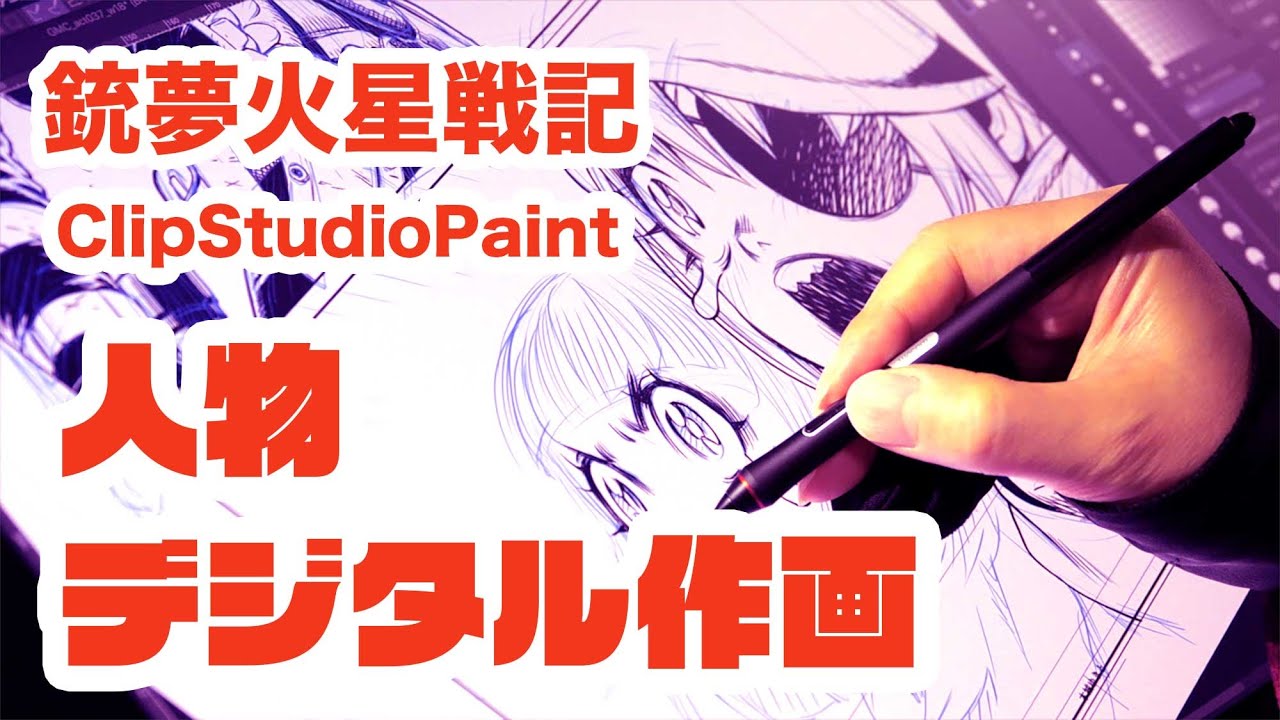
Also great to see a short studio tour and how traditional manga artist adapted to digital workflow and use this type of feature.