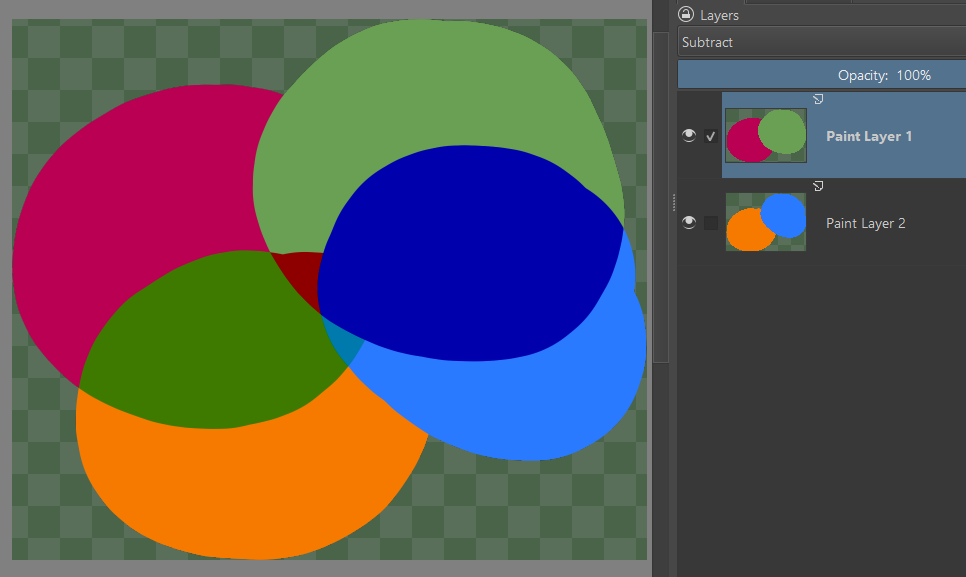
It seems that using a blend mode on a layer with a layer style blends it differently. Like, say I have a layer set to subtract.
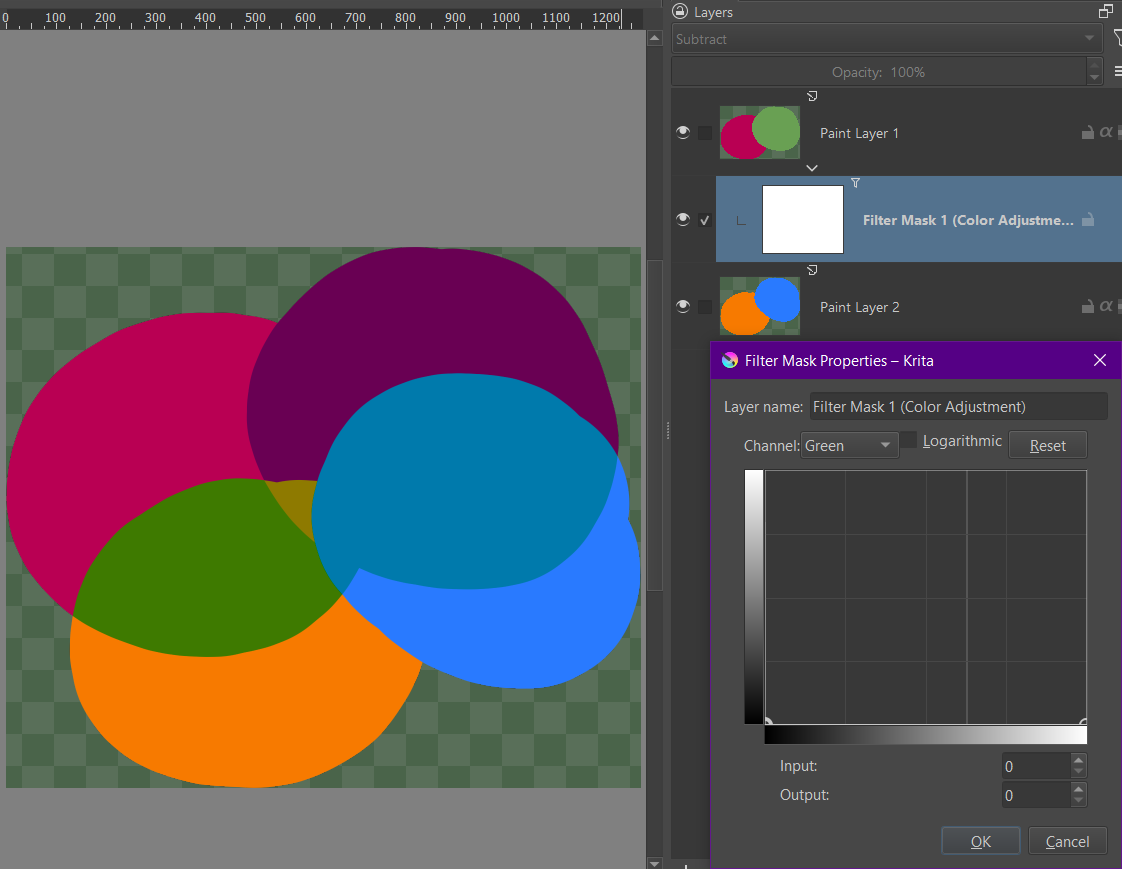
If i use a color adjust filter mask to remove the green from the layer, it blends like this:
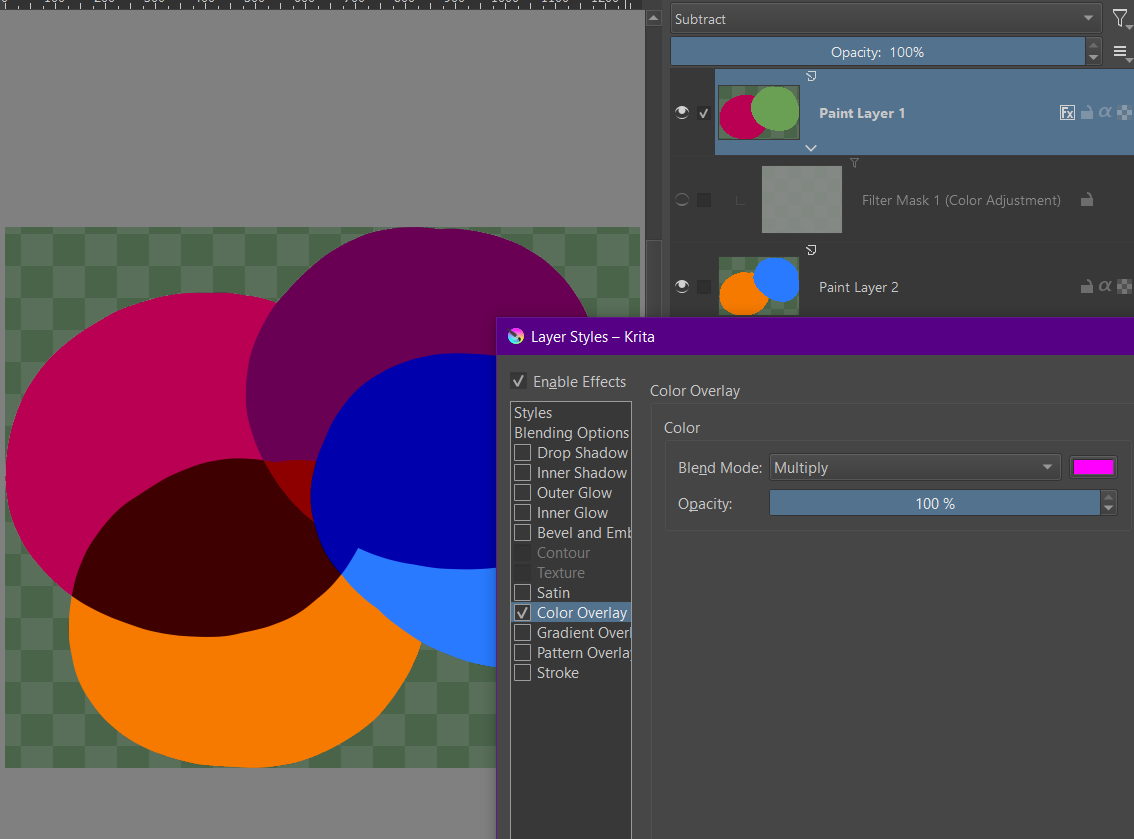
If I use a layer style with magenta color overlay set to multiply, it blends differently:
Why is this happening?
Just a hunch but, how’s your file configs?
Tried drawing in friend’s laptop with a (quite) modern monitor and it defaulted to more than 8-bit depth (plus tried to use CMYK) and the colors got all funky when I tried to use a blending mode
Perhaps it’s something like that?
If you use a filter mask, you are effectively putting your layer into a group with the filter mask as a layer on top of it. So these two are equivalent.
Whereas the layer style is (almost) equivalent to putting a duplicate of the layer on top with a fully magenta layer clipped to it with Multiply. This is not exactly true, but close enough to think of it that way in this case.
Which is why it’s different. The filter applies before compositing the layer. whereas the layer style applies after compositing it.
oooohh ok!! thank you so much!