graphics tablet
Huion Kamvas 13
Windows 10 v 2004system information for bug reports`)
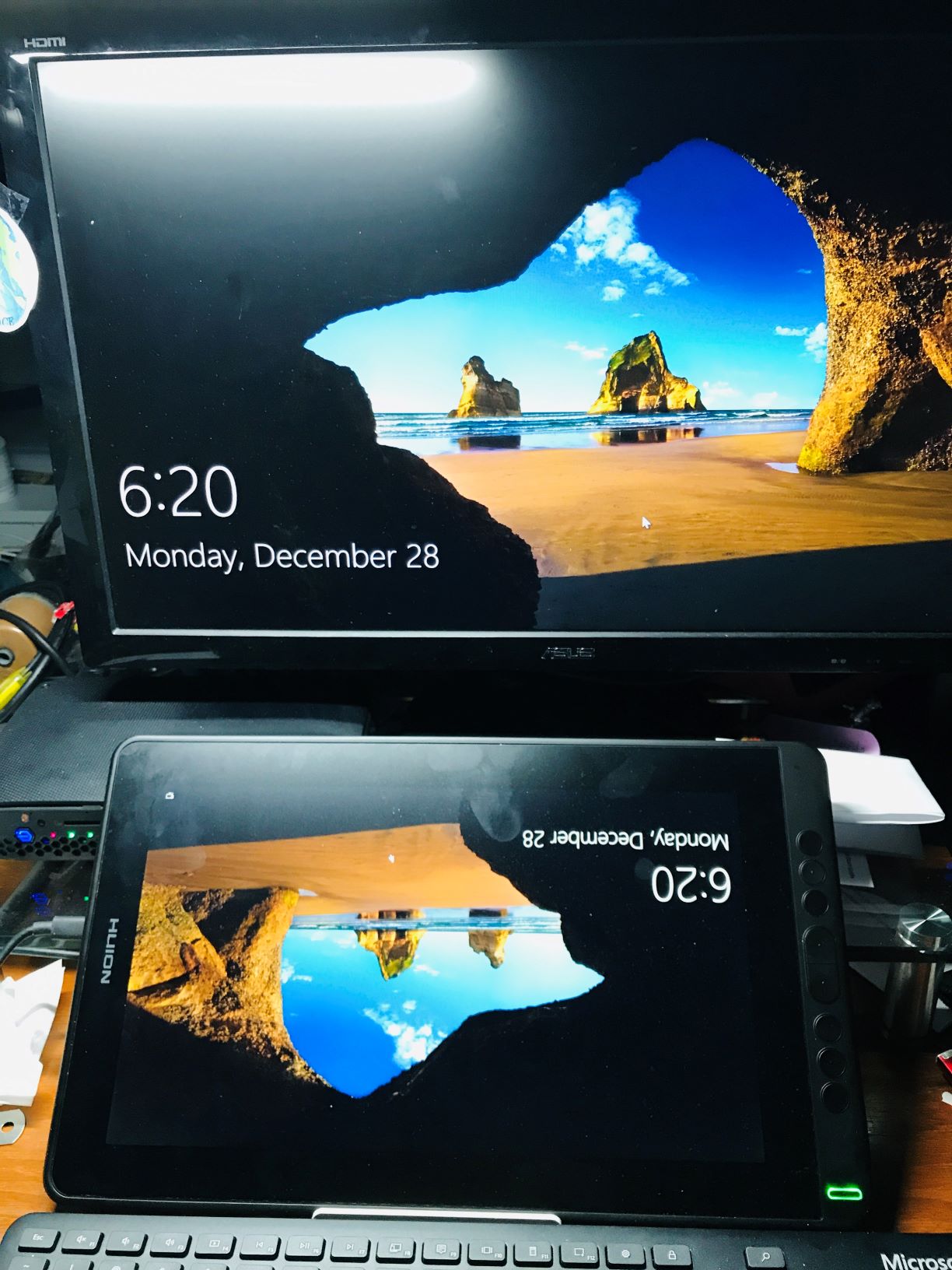
First time to use two screens and I’m very confused. Top picture shows result of flipping and extending image in Win 10. The tablet has duplicated my familiar main screen. I can open Krita, etc. Is this a typical situation? To go left handed, I used System>Display>Landscape Flipped. The mouse is available on the top and bottom screens
The second picture shows a simple setup, just plugging in the tablet. I’m failing to grasp the concepts. Is the upper screen just a “decoration” when the tablet is set up like the first picture?
Could one of you experienced tablet users please straighten me out?
Description of the issue (you can include screenshots):