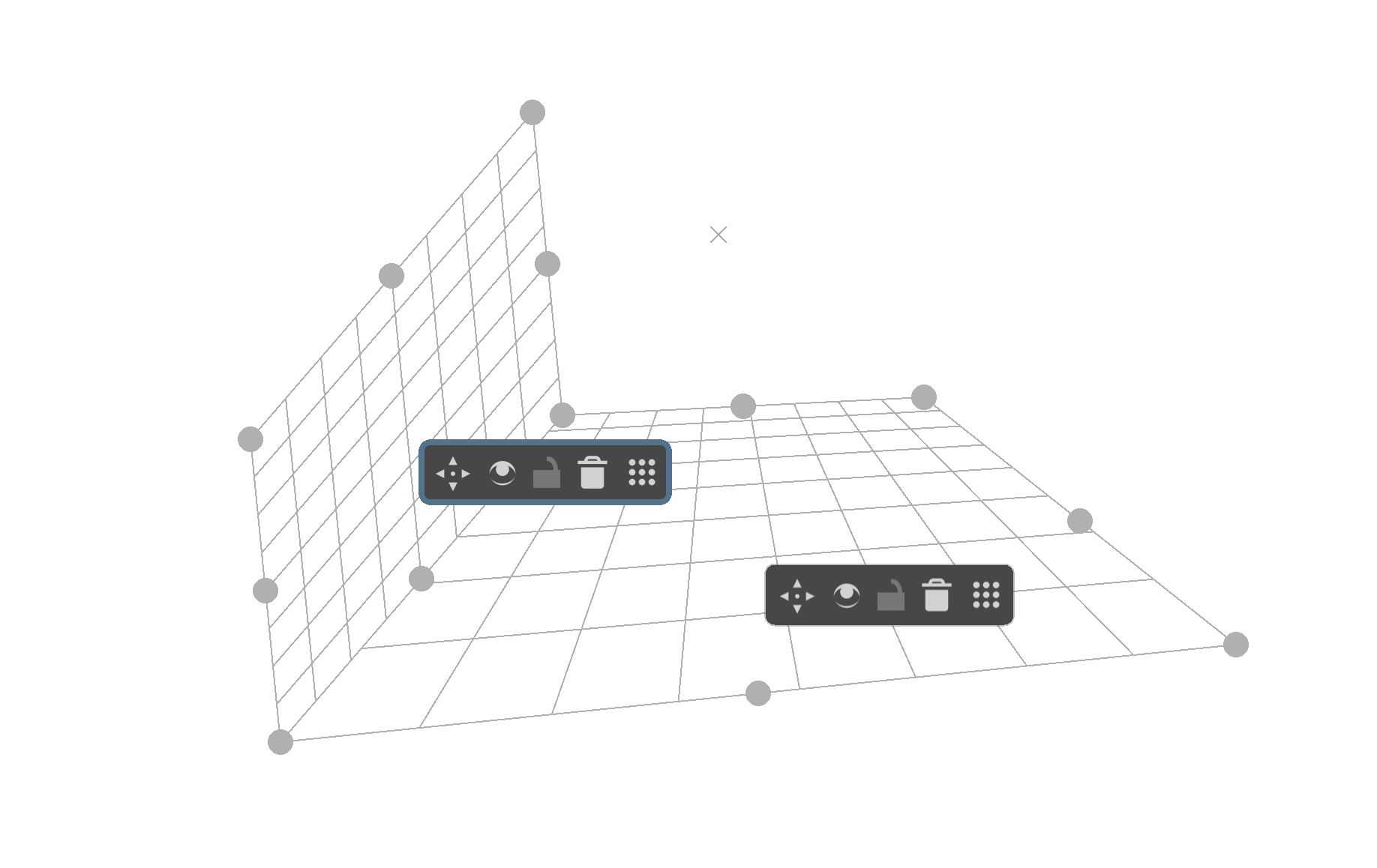
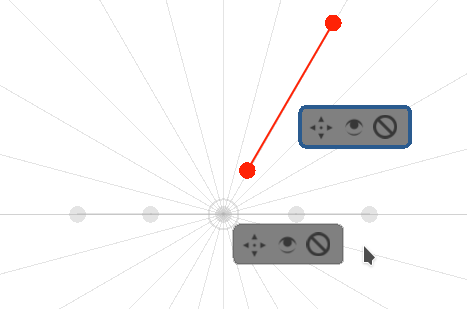
Why I want to keep it at all while there are other perspective assistants?
It has a nice grid that lets our brain perceive the 3D better than for example just a vanishing point assistant (2pp does a better job than VP but I think Perspective grid is even better).
However it’s not exactly super useful right now. I want to improve it.
IMPROVEMENTS - all ideas I consider - suggest yours!
Improved creating new adjacent Perspective grids:
F104 When grabbing by the handle on the sides, the created perspective grid will match the vanishing points of the parent Perspective grid:
(there is a valid question but how would it know where the vertical is?, and sure, in 2pp and 3pp perspective it should create different grids; but the basic option would be 2pp, and the vertical line will just be the line perpendicular to the horizon line, and the horizon line can be calculated based on the handles of the grid).
it would work like snapping, so it will be easy to get the grid you want, hopefully
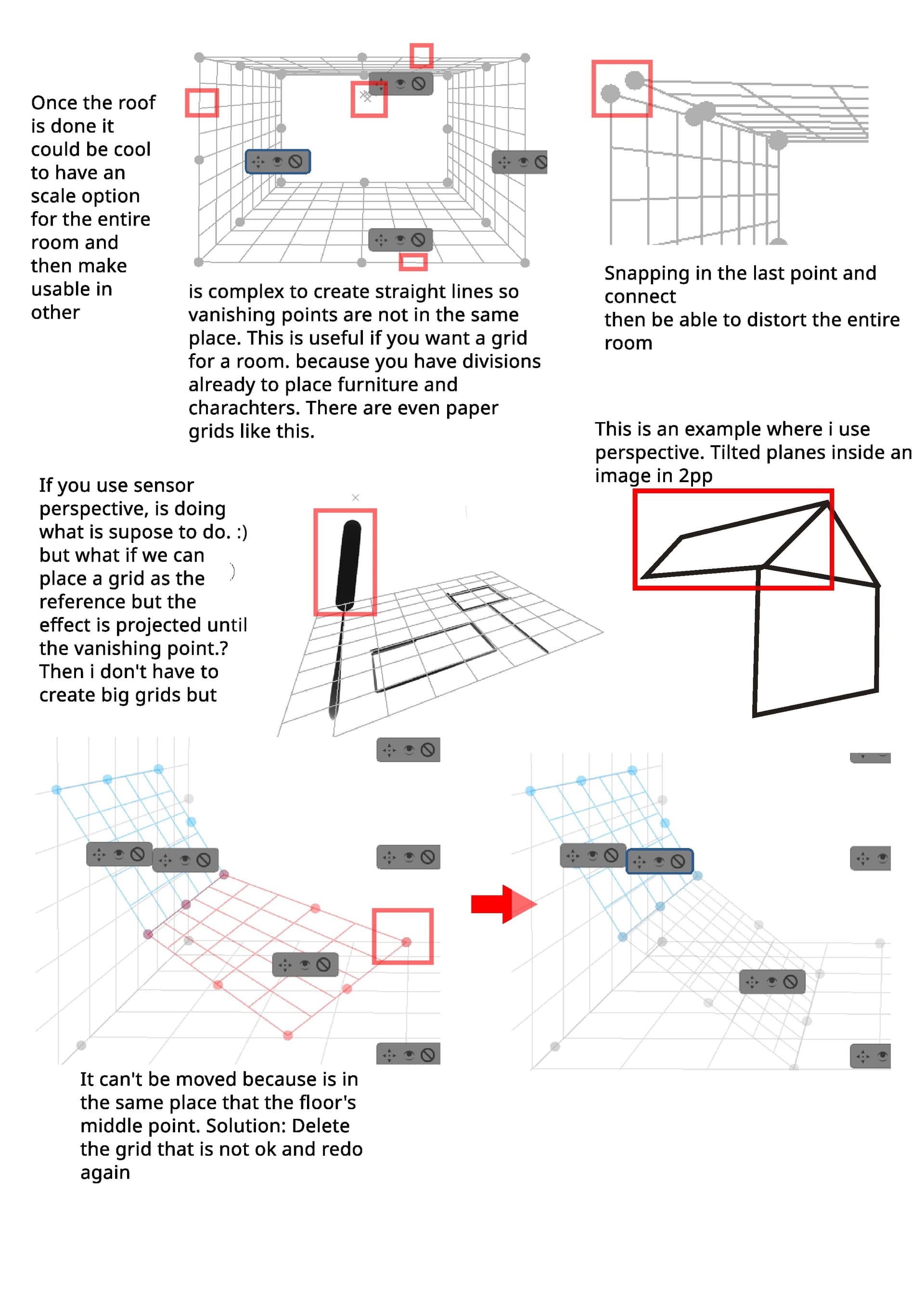
the purpose is to make it easy to create a room in at least 2pp.
F5 When grabbing by the edge, it will extend in that direction while keeping the horizon and the vanishing points.
right now it creates a new assistant, and if you grab by the handle, it creates a new Perspective grid
Improved perspective-aware modifications
F117 Perspective and Perspecrive Ellipse scale up and down remembering about perspective
F138 Extend Perspective grid in a specific direction by a specific number of cells rows/columns (especially when in the “perfect squares inside the assistant” mode).
F144 Move Perspective in all three directions – to/from both Vps and vertically, while perspective-aware
Improved snapping to all other perspective-based assistants and tools:
F62 Snapping Perspective’s VPs to other Perspective’s VPs, 2pp Vp’s, and VP assistants
F136 Transform tool perspective mode should snap to Perspective and Persp. Ellipse handles
F128 Snap Perspective horizon to horizon line in 2pp
F129 Snap Perspective Vps to horizon lines between VP assistants (tedious, but should be doable…)
Improved perception of perspective:
F133 Perfect squares in Perspective (in grid), and perfect square tetragons in Persp. Ellipse and Perspective grid (I don’t know how to do it yet, I’d need good math for that)
F11 Add a way to measure distance in Perspective (the way Ruler now has divisions, it could have Perspective ones, or there could be another way - it might be related to F133, I need a mockup if someone wants them to be different)
Improved painting/drawing
F119 When using Perspective grid (if you start drawing inside of it and use snapping), limit the points to those inside the Perspective grid (useful when using Perspective sensor for Size etc.)
Others
(most probably will do) F108 - only the handles of the currently selected assistant(s) can be moved.
FEEDBACK
Go ahead and tell me how you use the grid or how you’d like to use it, what are your biggest issues with it, and all other ideas for the Perspective grid you have!
This is probably waaaay out of the scope of this feature update, but a way to translate, rotate, and scale the grids in space would be nice. Right now, changing camera angles slightly is an absolute pain.
About shortcuts, we are thinking about to use more Shift ctrl or Alt to restrict in some ways or give variations? Ctrl could constrain to angles in 15º amount. Shift could be used to only allows vertical, and Alt could be used to …i have to think about this
Also please a parameter to adjust the snap threshold to move handles or whatever, you need to be so precise that breaks the flow.
By the way you are doing an amazing and complex job, thanks
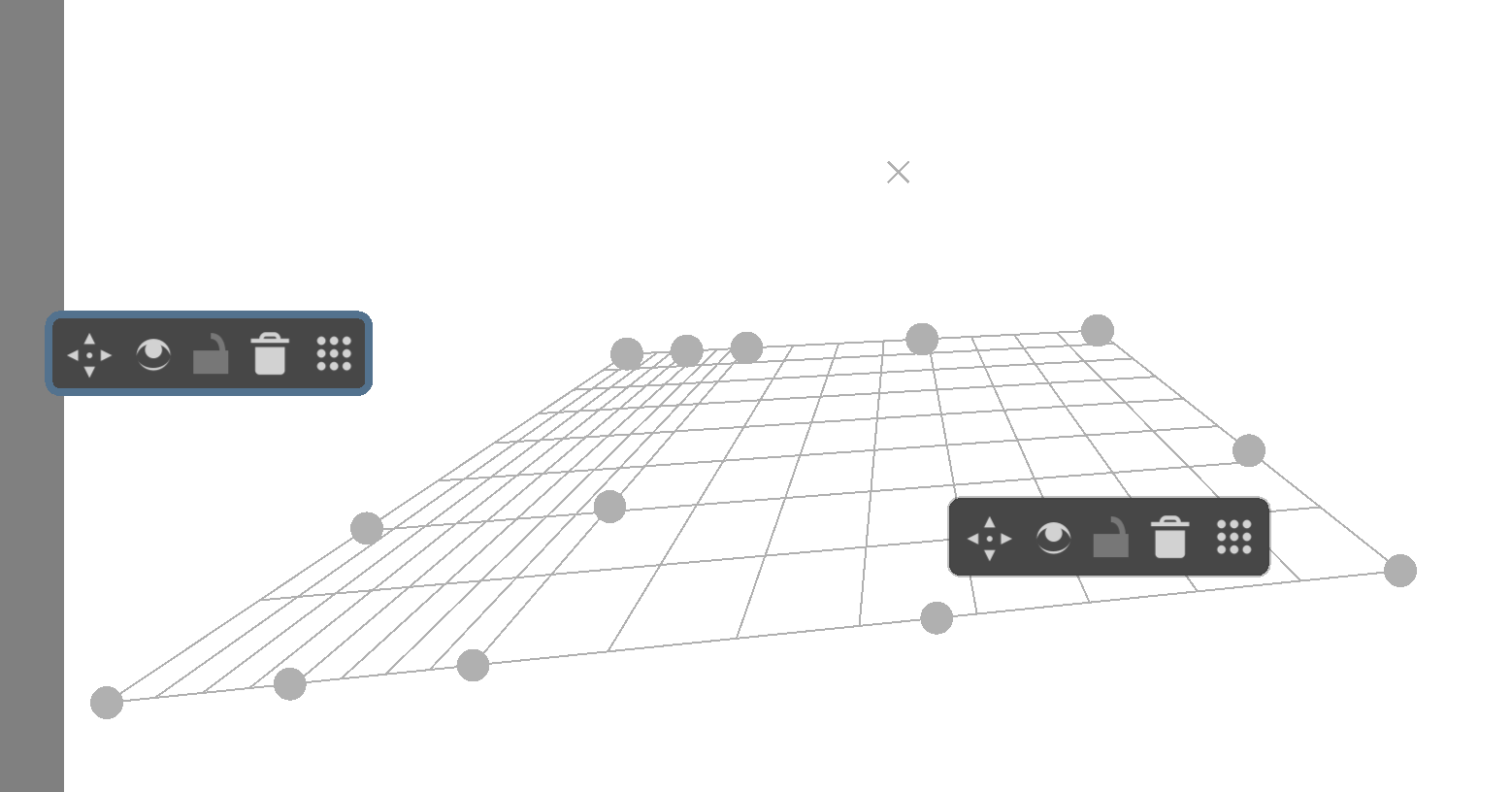
A problem occurs when you use two vanishing points… and you want them to be quite far apart, to minimize distortion. It is bad for you to manipulate the grid as it becomes huge. In traditional drawing, there is a solution for this, described in this forum.
Before that, when I was working with CorelDRAW, I made some perspective templates, in sulfite sheet. I don’t know if it will be useful… but I did it like this:
It created several horizontal lines, with equal spaces between them;
I selected all the points on the left side of the line… and, using a command, joined these points into one: that is, it became a “vanishing point”;
Then I created a vertical guide in the distance where I wanted to place this “vanishing point”. For example, 70 centimeters;
Then, with that single point selected, I would drag it to the left… until it touched the guide;
When printing, naturally, only the lines that were inside the page would come out.
What annoys me the most about the perspective objects is the handle that is always in the way.
How about creating a bounding box around perspective object your hovering or selecting with the tool and place the handle just outside the bounding box to so the operations? Like hovering to reveal and select to operate the panel.
Selecting the object before operating would also help not editing the wrong node from the wrong object when there are several on screen and overlapping.
Another pet peeve I have with perspective tools is when I have a document with perspective objects hide view of them, save the document and exit krita. Next time I open Krita and that document vision of those perspective tools is not hidden but in full view again. It does not remember my view settings not on the document nor on krita itself. I rather have a discrete icon telling me there are perspective objects hidden in the scene than having constantly having to change the view. Ussually I tend to delete them after using.
Probably this is going to be off topic and a stupid request !
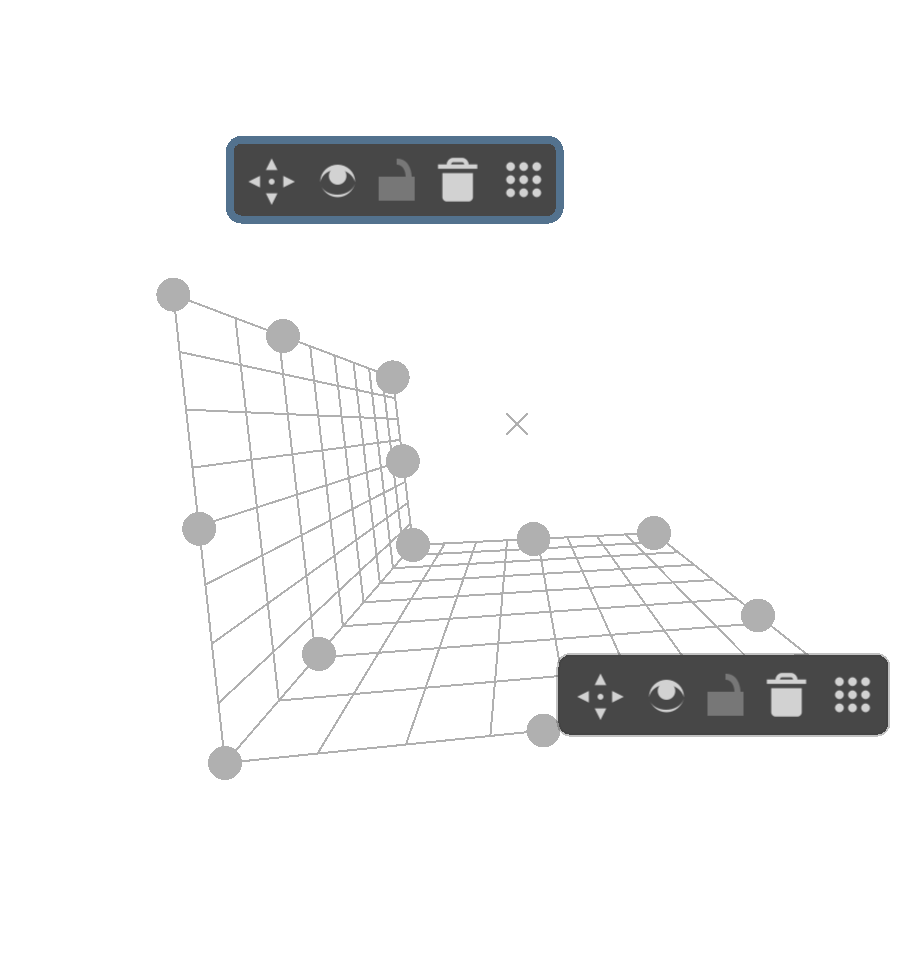
But I always felt if this perspective assitant was available as a 3D cube like form, then I would love to use it more than other available perspective options .
If we could manipulate the grids to change the shape of that 3D cube/ grid and create different perspective.
I am aware that Krita prefers to keep moving as a 2d oriented software and I am fine with that.
But I have seen and used few other free 2d drawing softwares with 3d cube perspective grids .
I have found that quite helpful and it can be great if we can get something like that inside krita in future.
I am sorry again,if I was totally off topic.
One problem I’ve noticed in perspective with two vanishing points and when those vanishing points are off the page: I can’t keep the two vanishing points on the horizon line. and for the perspective to be correct, the two points must be on the horizon line.
So honestly, this “perspective” assistant feels more like constructing a 3D mesh than a perspective tool, i end up having to set up so many grids that i rather not use it at all and just draw things by hand. So i’d suggest renaming it to “Perspective Mesh”, if not just “perspective grid” to avoid confusion for users.
However as a grid it’s not really useful either. The fact it’s not an infinite grid feels like i’m using the “Limit assistant to Area” feature of the recent tools in 5.0, i think the tool should allow you to choose if you want a grid that extends all the way or just a small area.
And also since i mention the mesh idea, why not give us the ability to bend the grid and even twist it? Might sound like a wild idea but it would actually be tremendously helpful for drawing more curved and organic shapes in perspective, things like hills, bridges, curved roads or buildings, etc. Often artist draw a flat texture and then twist it with transformation tools to fit in the object they are drawing, but if we could skip the texture part and draw directly on the shape in 3D that would be pretty cool.
Other than all that, i agree with most of the improvements suggested by Ramon and Tiar, i think they’d make the tool more useful for people. Still i’d probably not use it since i’m pretty confident on my perspective skills that i personally won’t need it much.
What I am still missing is a way to add subdivisions within a grid cell/ row/ column. Consider the grid that’s created by the perspective tools as ‘major’ lines, I may want to add ‘minor’ lines in between (could be displayed with dashes). So I’m thinking you should be able to hover over a gridline and click to add a new minor subdivision line.
If you are familiar with Blender, see it as an equivalent to the loopcut tool (no sliding though) in terms of how it should work from UI/ UX point of view.
My suggestion would be to have a kind of 3-planes, infinite grid display( general tip for optimization, make only what’s visible on the canvas to be computed for the rendering ). It would feature, XY plane, YZ plane, and XZ plane. It is linked to perspective but might instead be called 3 point perspective tool.
Since it’s 3D, I may wait until Krita actually starts to seriously consider 3D functionalities.
I never said to take it out or anything, just that i don’t find it useful at all, i would prefer an infinite grid as that would be more useful for drawing a whole scene instead of individual objects, but i don’t see why we can’t have both as a simple toggle feature.
The creators of those two topics are considering if they could be merged.
Along with this topic, I think the developers would be the best people to decide if a combined development was a good thing to work on.