Hello. I am posting to discuss a software project of mine, libmarugarou.
I believe that this is related to Krita because @halla posted in the past about her attempts to add support, see here: Add suport for importing Clip studio paint files - #6 by halla
This is a development version and also a prototype. I would like the final library to be written in Rust and to have a C compatible API (not hard to do in Rust, all I have to do is make the important structures repr(C) and extern C the C API functions).
It is not yet capable of doing much. All it can do is extract the canvas preview. I have the same problems that she did, but I think that as a community effort, especially because if somebody is really interested in helping with this and wants a grant from me I can make that happen (see mfek dot org), we can work on it little by little: perhaps for example we will figure out how to get all the layers out but not their modes, and then we will figure out what some of the modes mean, and then we will figure out other stuff until eventually we have a pretty good CLIP STUDIO PAINT reader.
In my opinion the purpose of free software is to get people off of using proprietary software so my library will never officially support writing back this format, it really is not a good format so I don’t see any reason to do it.
Thank you for your time and attention.
Edited to add: non-technical users who wish to contribute can best help by sending files. See post #10
10 Likes
This seems like a good and useful idea, keep it up!
The only difficulty I see at the moment could be the license. I do not know about the individual licenses, their terms and whatnot, but there are projects that failed because of this.
Michelist
3 Likes
Thank you for your concern but I can assure you that licensing will not be a problem. It is perfectly legal for us to reverse engineer CLIP STUDIO PAINT art files that we have legally obtained. I do not own a copy of the software and I’ve never agreed to its EULA. Therefore I am perfectly within my rights to study commissioned artwork that artists have sent me in this proprietary format and reverse engineer it to my heart’s content until I have something that works.
It’s important to know that file formats and software are very different beasts, many things that are not legal when it comes to reverse engineering a binary program are quite all right when it comes to dealing with file formats. Because I’m not using Clip Studio itself to verify anything and I have not decompiled its binaries there is no way that they can come after me legally.
2 Likes
I wasn’t talking about the CSP licenses, the important thing is that your API is compatible with the Krita licenses, that is, with the “GNU General Public License (version 3 or any later version)”.
Michelist
2 Likes
I did want to ask though what people think that the best output format for this program should be. Personally I’m a lot more familiar with the GIMP than I am Krita. But that’s just because I’m terrible at drawing and also 29, I absolutely concede that Krita is far better for artists than the GIMP.
Nevertheless I was considering using the .xcf format because I have a lot of experience with it but @halla maybe you have some opinion on this?
Oh I understand thank you. Well of course it’s compatible, it will be released under the Apache License version 2.0 and you are absolutely free to include it in a GPL3 program, Apache 2 is GPL3 compatible.
psd is a format used by csp, and krita, which might be a good output format?
I don’t know any of the technical things I am not a programmer, but csp to psd export does everything except vector layers which on the export turns them into non vector. maintaining the layer structure would be important, if that is possible.
just my thoughts.  and thank you for working on this.
2 Likes
Sorry I can’t use that. 
It’s another proprietary format, (even though it is well supported by a lot of free software I understand) I don’t own Photoshop and so I have no way of verifying whether I am actually making correct output or whether I am just exploiting bugs in either GIMP or Krita which are unknown even to me and so it seems like I’m getting correct output. The format that is chosen must be a format for which the main software implementation is free.
Right now the choice for me is between GIMP’s format .xcf, which I’m most comfortable with, Krita’s format .kra, which I really don’t know anything about, and then the Open Raster format .ora, but I’m not sure if it is well developed enough to meet this use case yet.
However if not technical users want to help me I have a big way you can help.
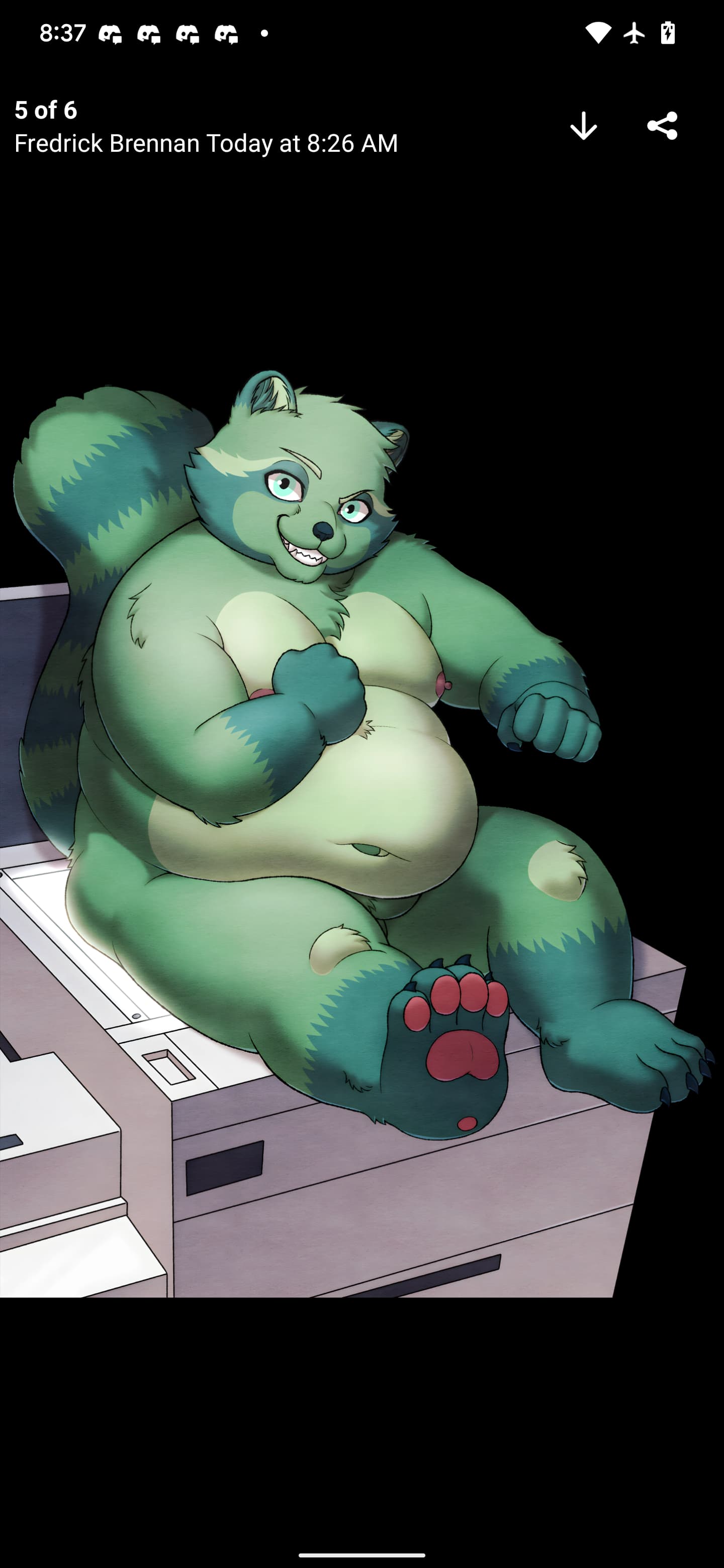
Here is an example of the type of file that I have:
I only have CLIP STUDIO PAINT files drawn by three different artists, and for one of those artists I only have a single example.
Because I do not own the software I cannot make these files on my own, everything has to come from existing output that exists somewhere that I know I can include as part of a test suite.
I own the copyright of all of my commissions and so I know I can use any of those but if you have a file that you have drawn in this program and you would not mind if it is used as part of a test suite for the software please email it to copypaste@kittens.ph. Put CLIP STUDIO somewhere in the subject please
The reason I uploaded my examples is so you can know what would help me: if your artwork is very different than what I have uploaded here it can almost certainly help, so that means instead of furry art that is relatively realistic, vector drawings or landscapes or things like that.
Hi
None
Using a specific output format will generate many problems:
- compatibility
- maintenance
Basically, as you’re developing a library, the library should be able to provide as output:
- Document properties in a JSON or XML document
– A computed preview of file content in PNG (or other simple readable format) like Krita provide a full preview of document (allowing to use it immediately if we just want to get a view of picture)
- Layers
And for each layer (and that’s important) a data representation of it
– properties
– as PNG if it’s a raster layer (or other simple readable format)
– as SVG if it’s a vector layer
Replacing an obfuscated proprietary format with an another 
Grum999
3 Likes
Hehe. Well of course. But in order to be developing this in a way that I’ll find coherent I’m going to be developing the binary tool and the library that provides the things you’re talking about in parallel. So I have to decide on an output format for the binary tool, with the understanding that the one I choose will skew the types of information that the binary is able to provide.
I just find it very convenient to be able to immediately output for example an xcf and then reload that in GIMP and see if I fixed anything.
I don’t have CSP and I’m not aware about software and file storage possibilities.
But for reverse engineering you’ll need:
- Basic files
– One basic raster layer
– One file per color space/color profiles
- More complex files
– 2 or more layers
– 2 or more groups layers (nested/not nested)
– 1 file per specific layer type (vector, text, filter, mask, …?)
This will allow to understand differences between contents.
Also for reverse engineering part, prefer to work with:
- small documents (20x10 and 200x150 pixels for examples)
- basic shapes content (pure red square, pure green circle, pure blue, yellow, alpha…) this will allow to understand how data are stored
Grum999
1 Like
Perhaps but I figured out the format well enough now that I already know how to find offsets to layers and even figure out blend modes in some cases. The version in my GitHub isn’t my current master, I’m just not convinced that my current master is really that good. But in reverse engineering terms we do have a big advantage because the format is really heavily dependent on a SQLite database. It is not your traditional format like PNG where every table has its own binary definition that is just a C-struct somewhere.
So I am really right when I say that I need lots of files that are very unique, and not what you have described I’m sorry
It’s as you wish
But I personally think it will be easier to export data as JSON/XML + PNG
Because by defining an output file format like XCF or KRA you’ll have more work and also more risk of bugs (may be CSP extract is correct but XCF conversion is buggy  )
)
Also without having CSP by yourself it won’t be easy to generate testing files you need 
Grum999
2 Likes
See above, it’s actually not a big problem because CLIP is just a SQLite database with extra steps. If you open it in a text editor you might see binary garbage but that’s just because it’s compressed, my GitHub already has a script that can split out all the blocks and give you the SQL database if you want to check it out yourself. All that was already there when I started, it was written by the original author in 2019, and it was tremendously helpful. They did not however implement decompression or some other things that were very important so I added those and now I’m just trying to get this working very well on my files
1 Like
Everyone works as he want
I was just talking about my own experience with decoding/parsing some files like PSD, PNG, KRA files
Having data stored in SQLite file or as binary blob or text files in ZIP doesn’t change anything for me
Grum999
I never open a CSP file by myself, I just know it’s stored in SQLite file.
But I suppose (I have to open a file and take a look) that data are stored in binary BLOBs
And these binary BLOBs are in a proprietary format that have to be decoded…
Grum999
2 Likes
There is a WIP documentation for kra may be that can help you somewhat in understanding it.
2 Likes
Re: output format; If you make an import plugin for Krita, whether through Python or C++, I think you can just give Krita the raw pixel data, etc for importing and let it handle the exporting into a .kra or other format. I’m not too sure about that though.
1 Like