I am new to Krita and try to understand some basics:
Is it possible to set a brush to linear blend mode in 8 bit and 16 bit documents?
As with a lot of painting softwares the default blending of brushes in Krita seems to be gamma encoded. I assume it is sRGB or 2.2 gamma (or maybe it inherits the blending from the document’s color profile).
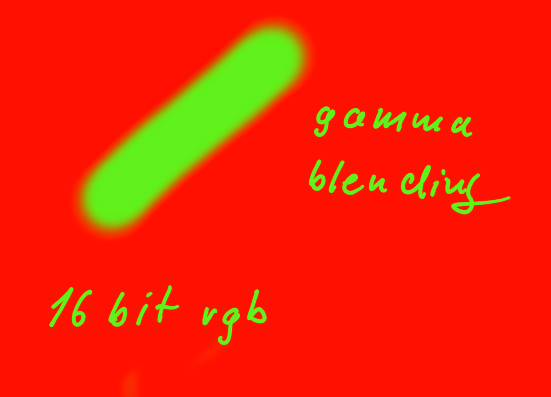
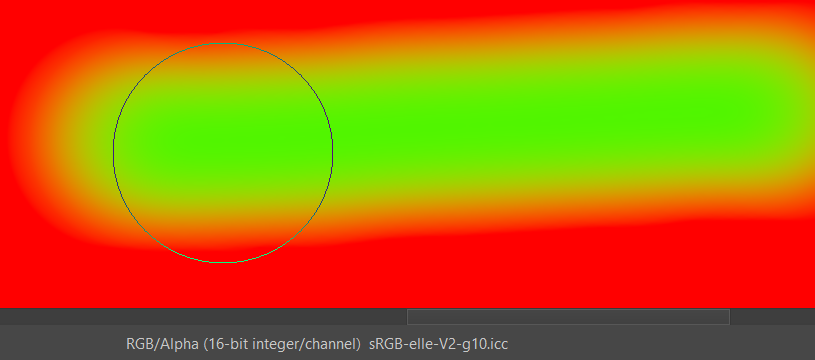
As a result I get the darkening at the stroke edges (where the green blends into the red). When I create a 32 bit document Krita uses a linear blend mode (no darkening at the edges).
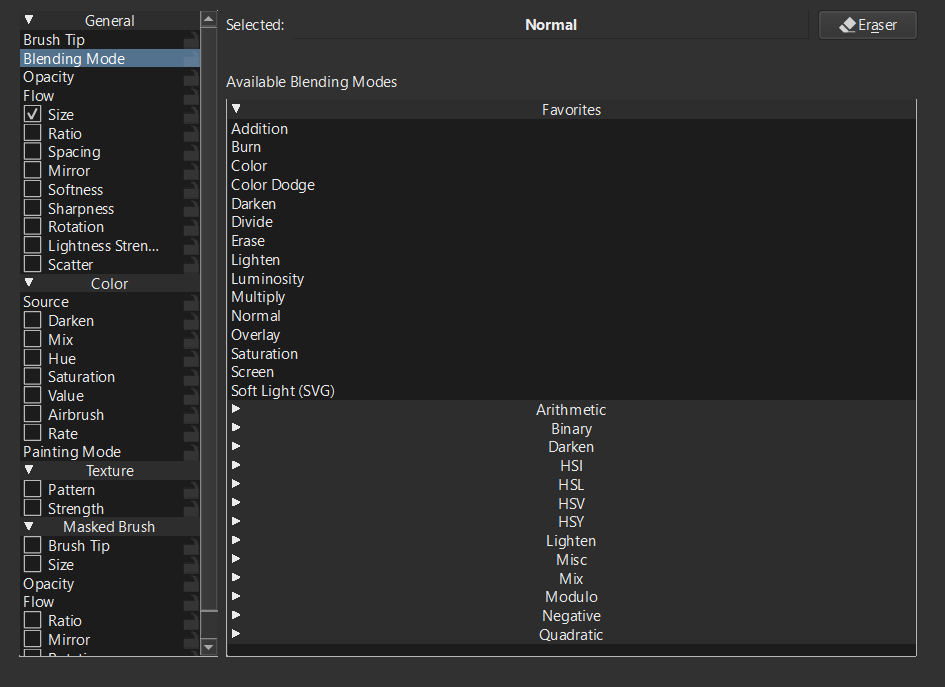
I found the bending mode configurator in the brush settings but am unsure how to create a linear blending here (if that is possible at all in 8 or 16 bit mode).
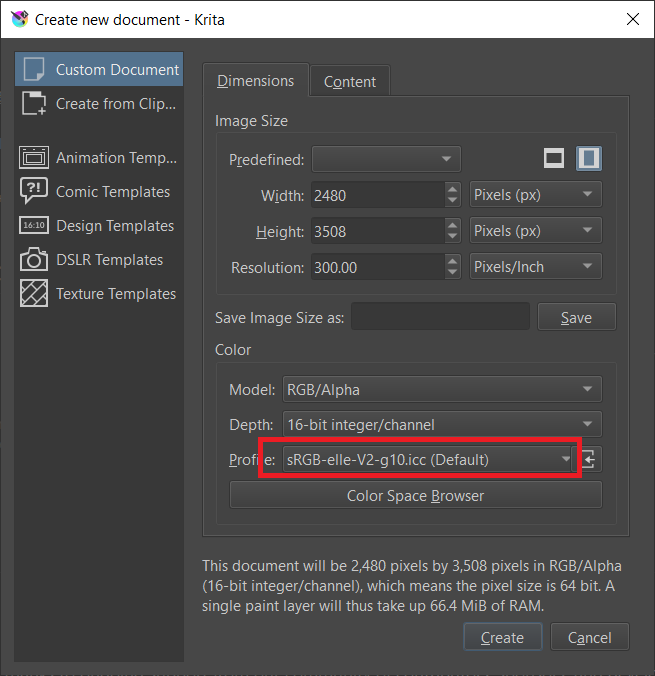
From my understanding, if the document is created with “gamma 2.2”, layers with Normal blending will follow gamma 2.2 between layers.
You can convert the chosen layer to linear color via Layer > Convert > Convert layer colorspace and change profile to sRGB-elle-V2-g10.icc, but the linear blending only works in that exact layer.