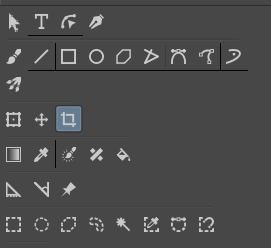
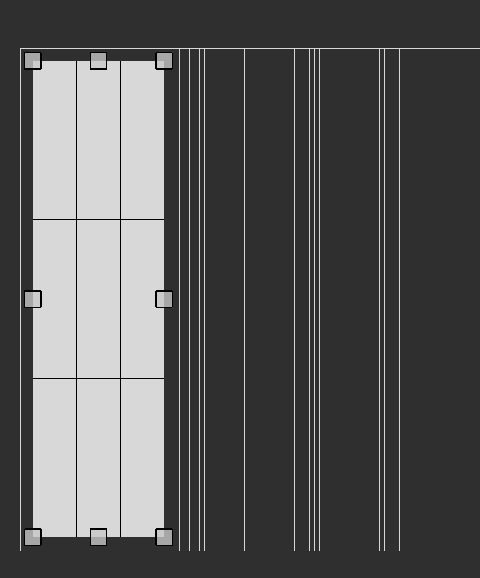
I’m not sure if this is supposed to happen or not but iv been getting lines popping up whenever i brush my mouse across the icons, as well as when i crop things. It doesn’t effect anything but i was wondering if there is anything to make it go away? i didnt have this problem with way earlier versions of krita but i also cant remember what version it started appearing to me.
I have a similar issue on different parts of the UI even on the canvas some times. As far as I can tell it comes when you have UI scaling set in the OS i.e. when using high resolution screens. So far there seems to be no fix, I don’t know if it’s going to be fixed in 5.0.
I have this issue on the toolbars and on the canvas as well and came here looking for information about it because I didn’t want to submit a bug report if this was a known issue or something I did. In my case, at least, this has only started happening since the last (4.4.7) update.
I also wanted to confirm Takiro’s statement about UI scaling as seemingly being the cause. I scaled my UI in OS settings back down to 100% and the problem disappeared (and then returned when I scaled the UI back up).