Hello. I am using Krita to make textures for a game.
I will have a lot of images open in Krita and being able to switch between them often and quickly is important.
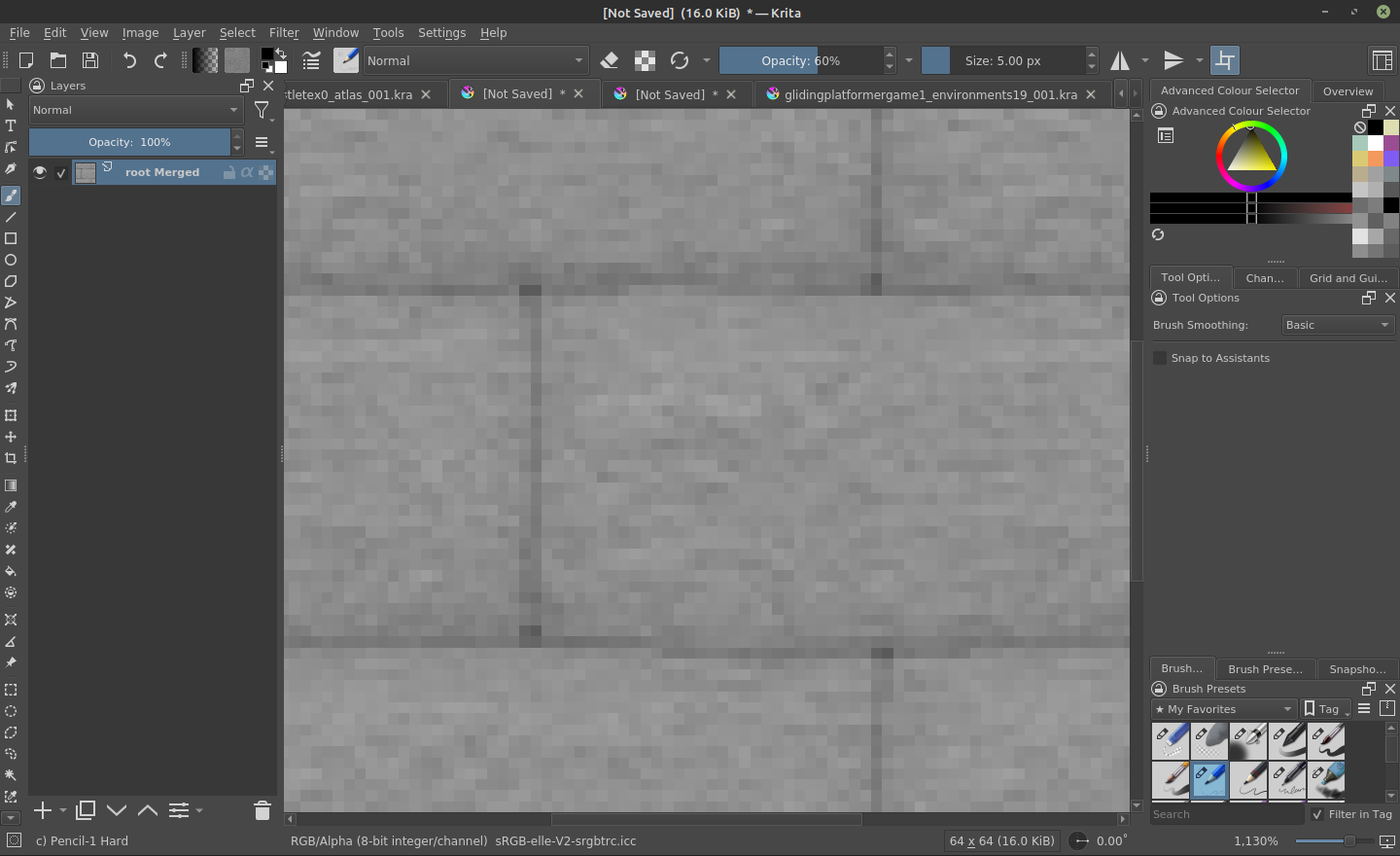
The Problem is that in the horizontal tab bar, the limited space means:
having to scroll horizontally (may be easier with a mousewheel but I’m tablet+stylus only so have to use the little buttons); and/or
truncated file names (a problem if names are distinguished by their suffix, eg. “tex_wood”, “tex_brick” and “tex_metal” becoming “tex_…”, “tex_…” and “tex_…”).
So, it takes time to identify the tab I need, and often additional time to navigate to it.
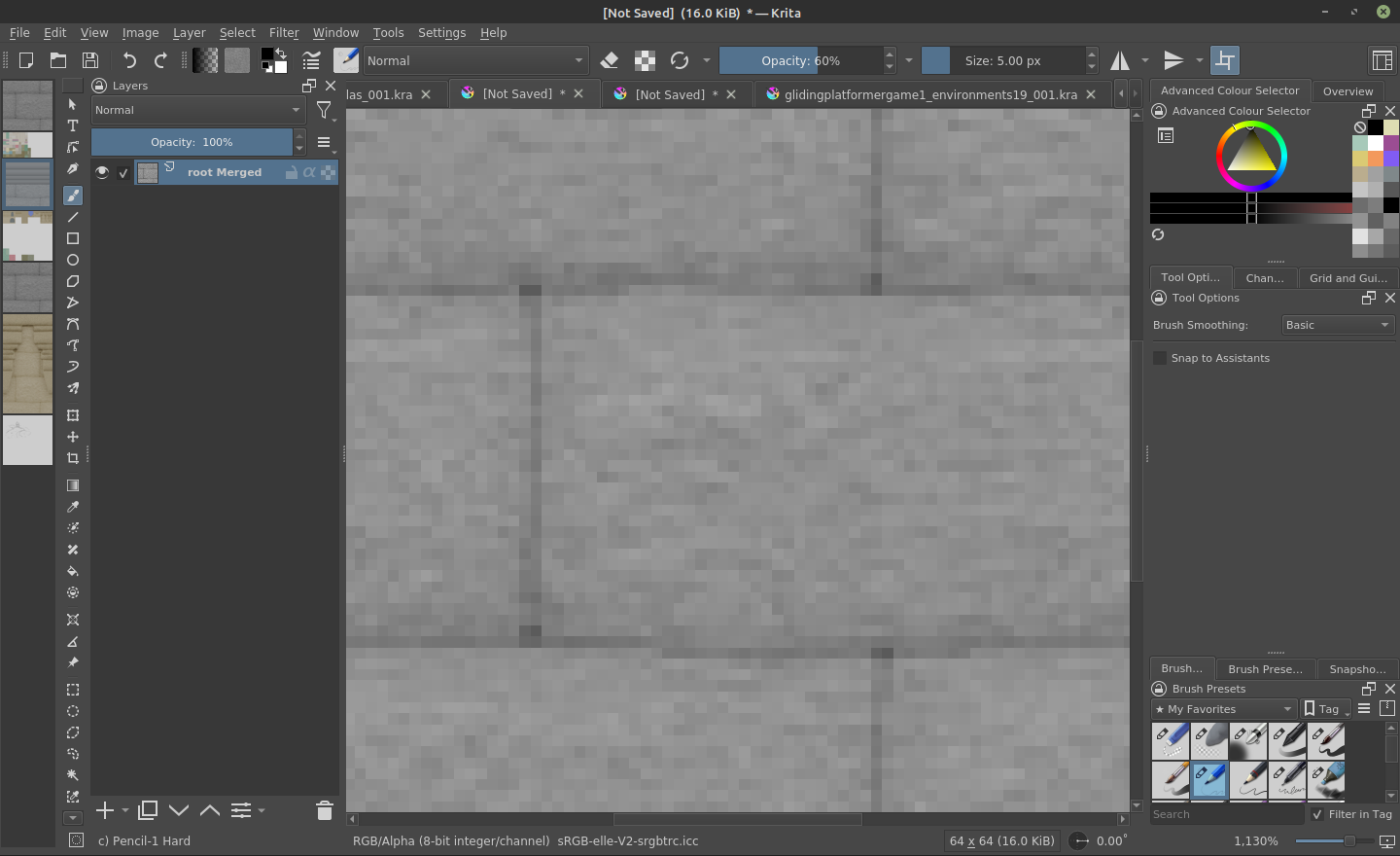
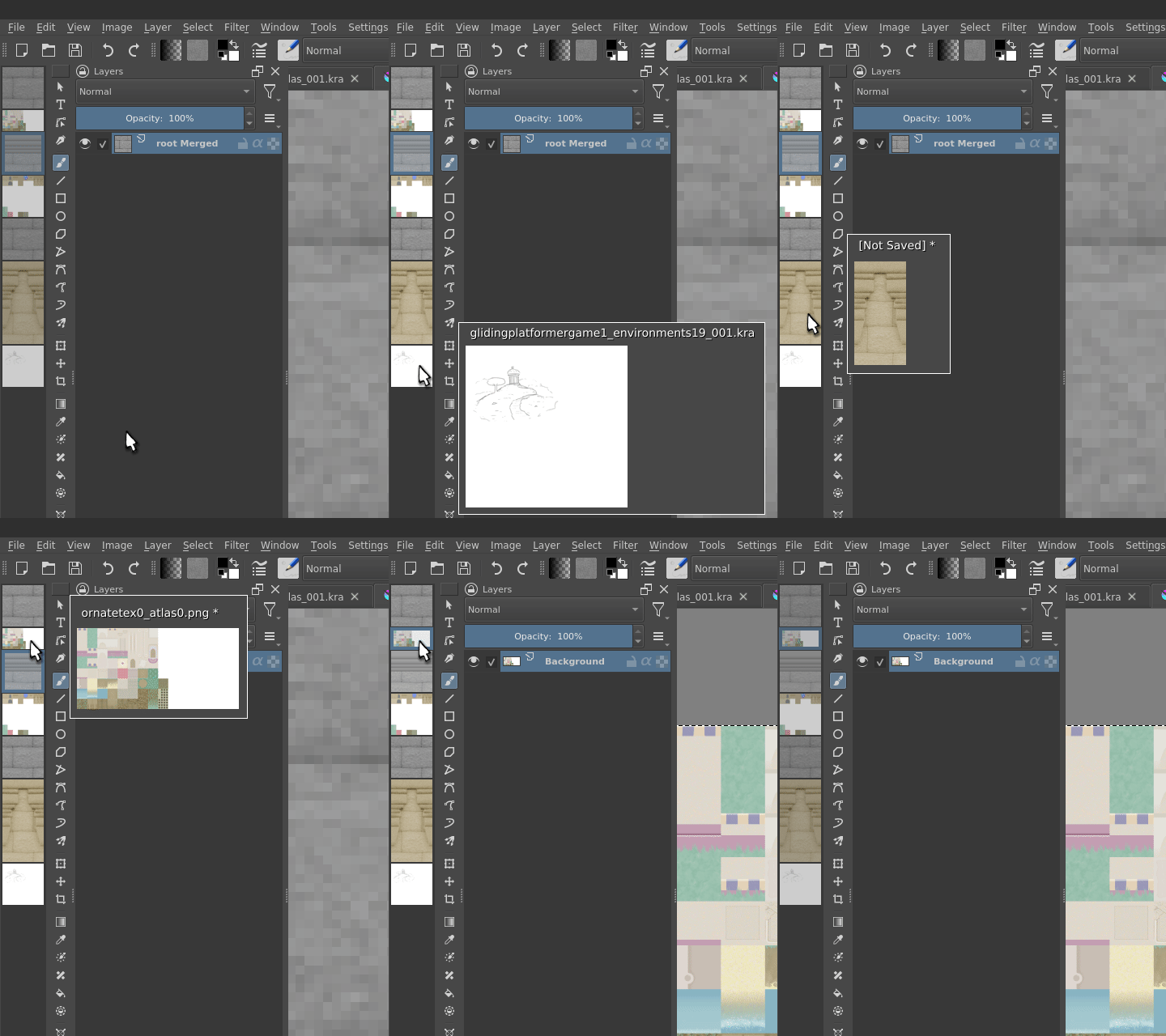
My Request is to introduce a list of currently open images. My initial idea was specifically a vertical list, and it looked like this:
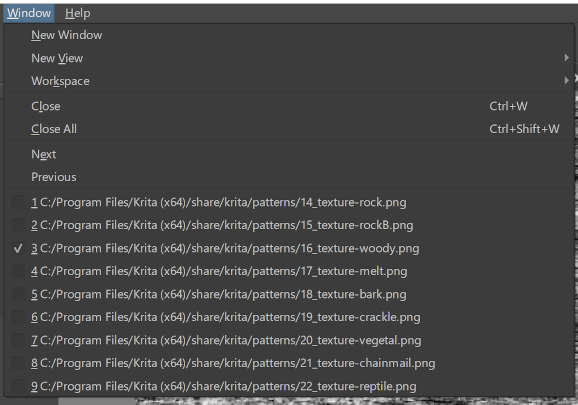
So I guess what I’m really requesting is this, but for open images.
There are several other art programs that have thumbnails directly in the tab bar (gimp, paint .net), but I assume krita doesn’t have that mainly for Qt reasons?
In terms of precedent, I myself have had horizontal tab lists massively improved before by turning them vertical, with tree style tabs in firefox:
@tomjk: I can understand your wish.
This is meant as a hint to a possible developer of a corresponding function, possibly also to you, as the developer of the Firefox extension you mentioned (if I grasped that correctly), to try it yourself, because the basis for your wish seems to already exist in the form of the “Last Documents Docker” (LDD), a standard Krita plugin.
So, it is meant as another thinkable direction to look in, in addition to your idea of using the “Brush Presets” docker as a basis.
You would have to extend the LDD with the function to open images. And probably to “jump” directly to the opened images, via a search function?
The LDD is, as I said, part of Krita and apparently intended as a sample plugin, you can find it in the list of dockers in the menu ‘‘Settings’’ → ‘‘Dockers’’.
For a targeted search and jump function, the code of “Search Actions” could serve as an idea generator or base and be united with the LDD, this way it would be convenient if you had extremely many opened images.
“Search Actions” is an existing toolbar extension and not a plugin. With it, you can navigate for example comfortably in a well named layer stack → simply enter name of the layer and click to jump to this layer. This should be extensible to documents and put in your “wish plugin”, I think. Enter the picture’s name and then click on it or press enter to jump to it.
If a “future extended LDD” is then placed on the edge of the canvas, or on another monitor, you should have what you are looking for.
I actually think I’ve seen someone create an open documents docker in Python, but I cannot find it…
When I implemented the MDI support in Krita, way back (before that, a single Krita window could open only a single image!) I actually intended to replace the QMdiArea class which shows the tabs with something homegrown that would show thumbnails in a flexible way, but the best laid plans of men and mice…
@Michelist I didn’t make the extension, only use it. Apologies if my phrasing was misleading.
@raghukamath: I figured my request would have my own support implicitly, but I’ll vote for it if that is what’s expected
I’m having a try at making this as a docker, modifying the Last Documents Docker as suggested. So far I can show a vertical list of thumbnails of currently opened documents; that feels like good progress from having never touched krita scripting a day ago
I’ve started a github repo for my progress on this. When it’s a little further along I’ll make a topic in the appropriate category, but for now I’ll just leave a link here:
It’s working ok and does what I was looking for - but if you want to try it, please be aware that it is a messy cobbled-together thing at the moment. Thanks!