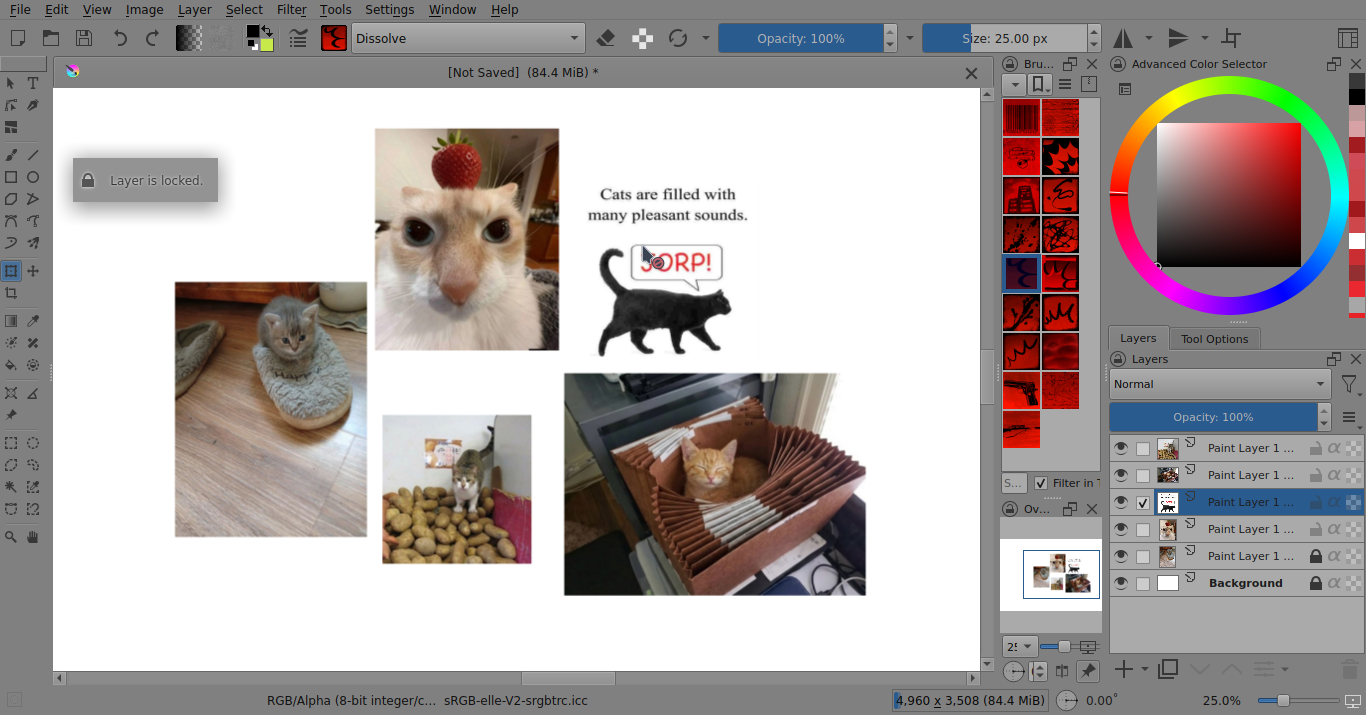
When trying to move a layer, it is not possible to move the layer because, according to the program, it is locked, although there is no lock on the layer. I am attaching a photo below. How can I solve the problem? I tried saving and reopening, but it doesn’t work. I purchased the program in Steam
Edited: Following a reader’s advice, I uploaded a video of my problem to Google Drive.
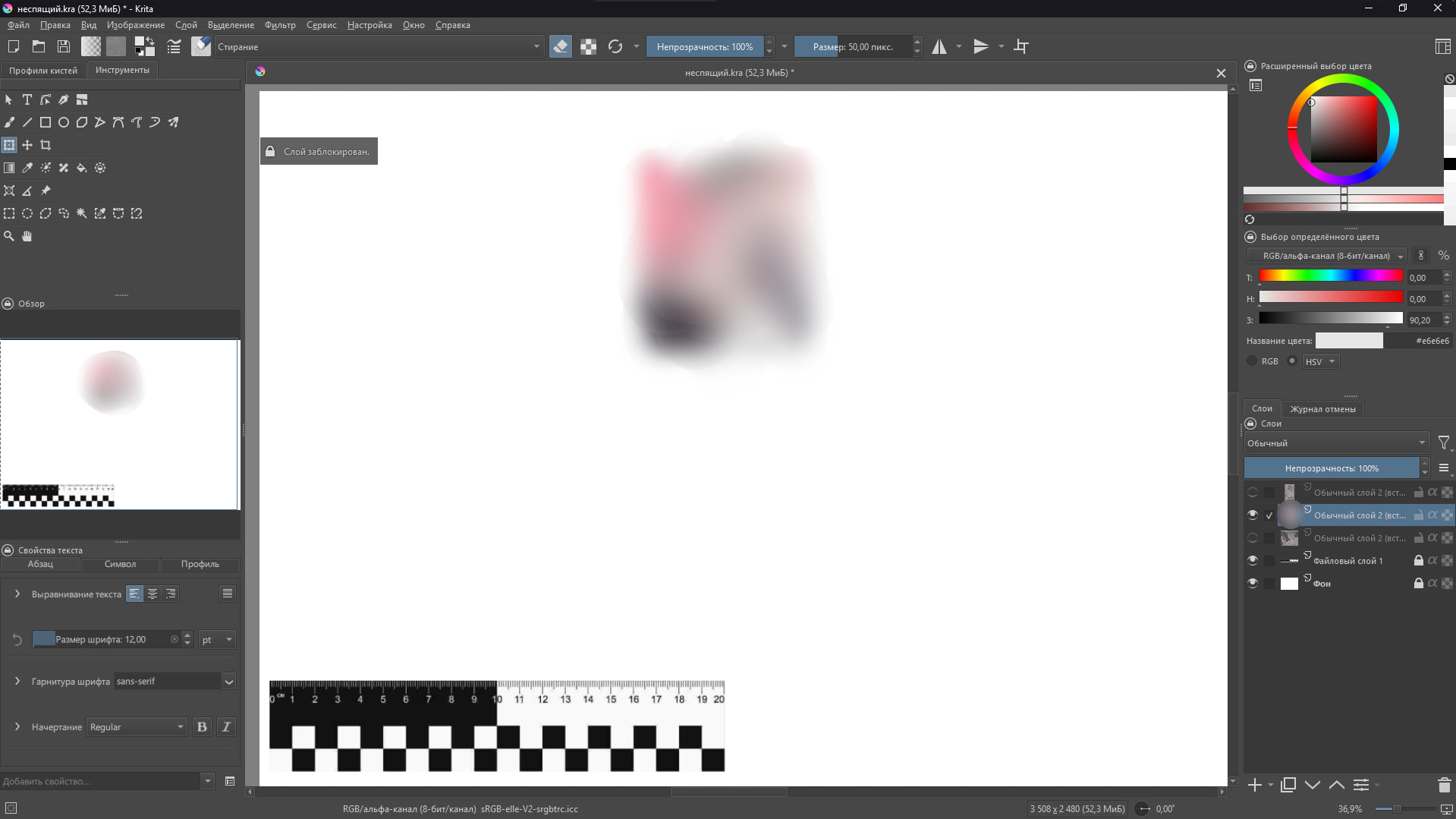
При попытке переместить слой невозможно, т.к., согласно программе, он заблокирован, хотя никакой блокировки на слое нет. Прикрепляю скриншот ниже/ Как можно решить проблему? Я пыталась сохранять и заново открывать, но не получается. Программа у меня приобретена в Steam.
Изменено: по совету читателя и скинула на гугл диск видео с моей проблемой
You can try to create a new and empty canvas beside your current canvas of the same size in pixels as your current one. Now select all layers of your current canvas and do a right mouse click RMB on the layer stack in your Layers Docker and select Copy Layer, change to the new created canvas and insert the copied layers via a RMB on the empty layer stack and select Paste Layer to insert all copied layers from your stuck canvas. With a little luck, you will now be able to access it again without issues.
Off-Topic:
There is absolutely nothing to be sorry for! Perhaps you simply did not know the following hint or did not download the picture to watch it using a viewer for it so you can zoom into the details.
You can magnify it directly in your browser. Click on the picture so it gets zoomed the first time. In the case that your browser does not already run in fullscreen mode, set it into fullscreen mode. With some pictures, a second click may magnify them even more, with others, a second click will shrink them back to normal, but when you hold down CTRL you can magnify the picture through scrolling with your mouse wheel or the scroll strip of your touchpad. This allows us to get into the details.
I guess that you have the same ability using mobile phones, but I cannot tell which buttons you have to hold.
I was able to edit the unlocked layer after unlocking all layers, but when I re-locked the bottom two layers, the same error occurred again. Is it possible this is a bug that appeared after the previous bug fixes? I usually have Krita updated automatically, so I can’t always keep up with minor updates.
Edit: I would attach the video, but I can’t because I only registered today.
попробовал воспроизвести и тоже лочит. обычно у меня этой проблемы нет потому что я все слои держу незаблокированными. похоже это общая проблема у стимовских версий.
(i tried to reproduce it and it locks the layer. i usually don’t have this problem because i keep all my layers unlocked. seems like a steam version problem.)
 Hello
Hello