I work at night, sometimes sleepy, and I waste my time finding a bar slide because it drowns in the theme’s dark. Please change to red, orange, or sky blue so I do not waste my time anymore. maybe it make your UI UX improve.
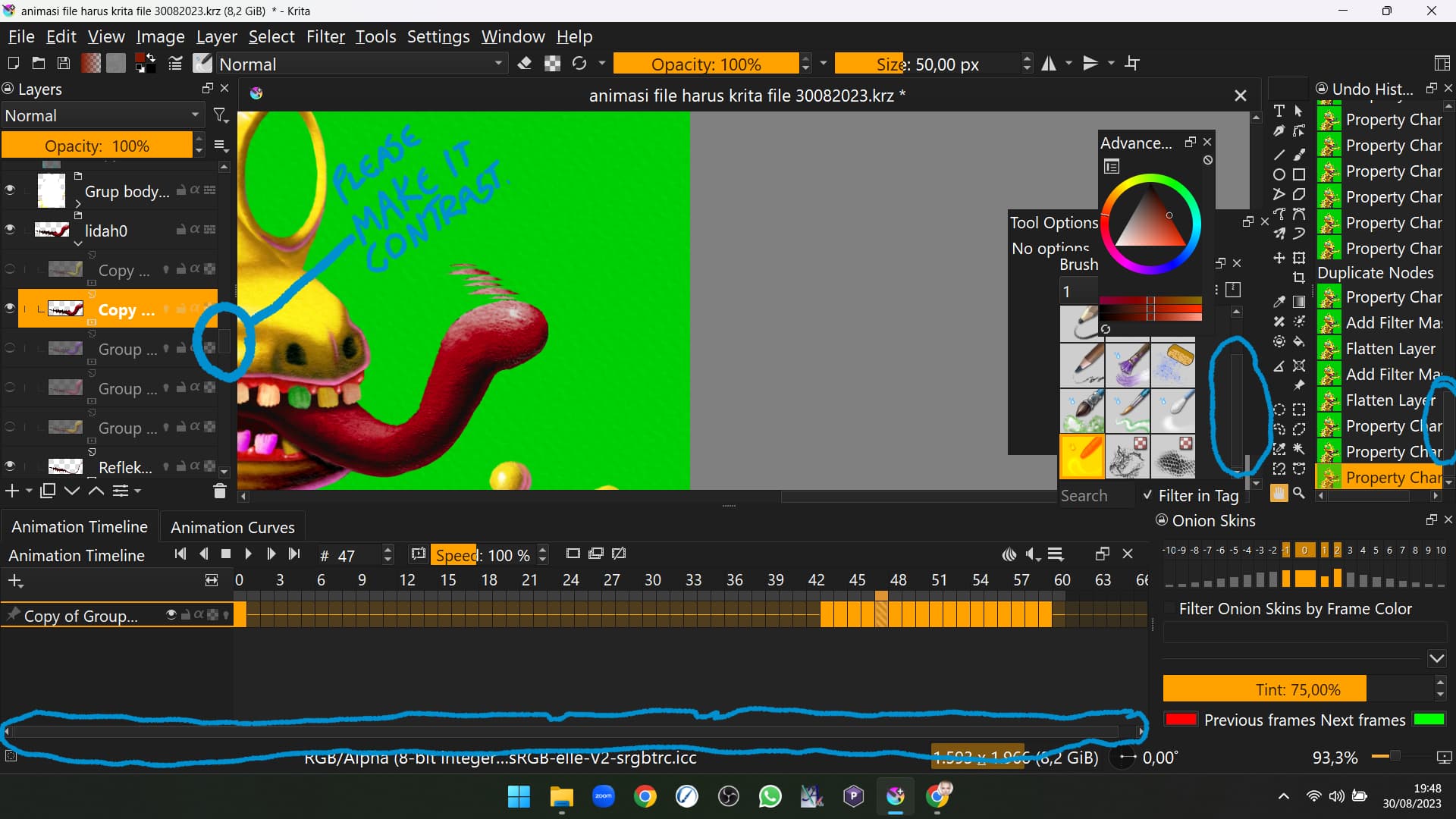
And the name of the group layers please highlight with pink, yellow ochre, or others that make look organized by color. or the font of group layer make it different like light blue or yellow or orange. and the font color looks dark, make it bright a little bit.

thanks, and please make slide bar contrast, i can’t see them when I work night.
my crazy idea is make the slide bar like discotheque light.
I too am struggling with low contrast on the slide bar. I wish I could adjust the parameters in the color theme.
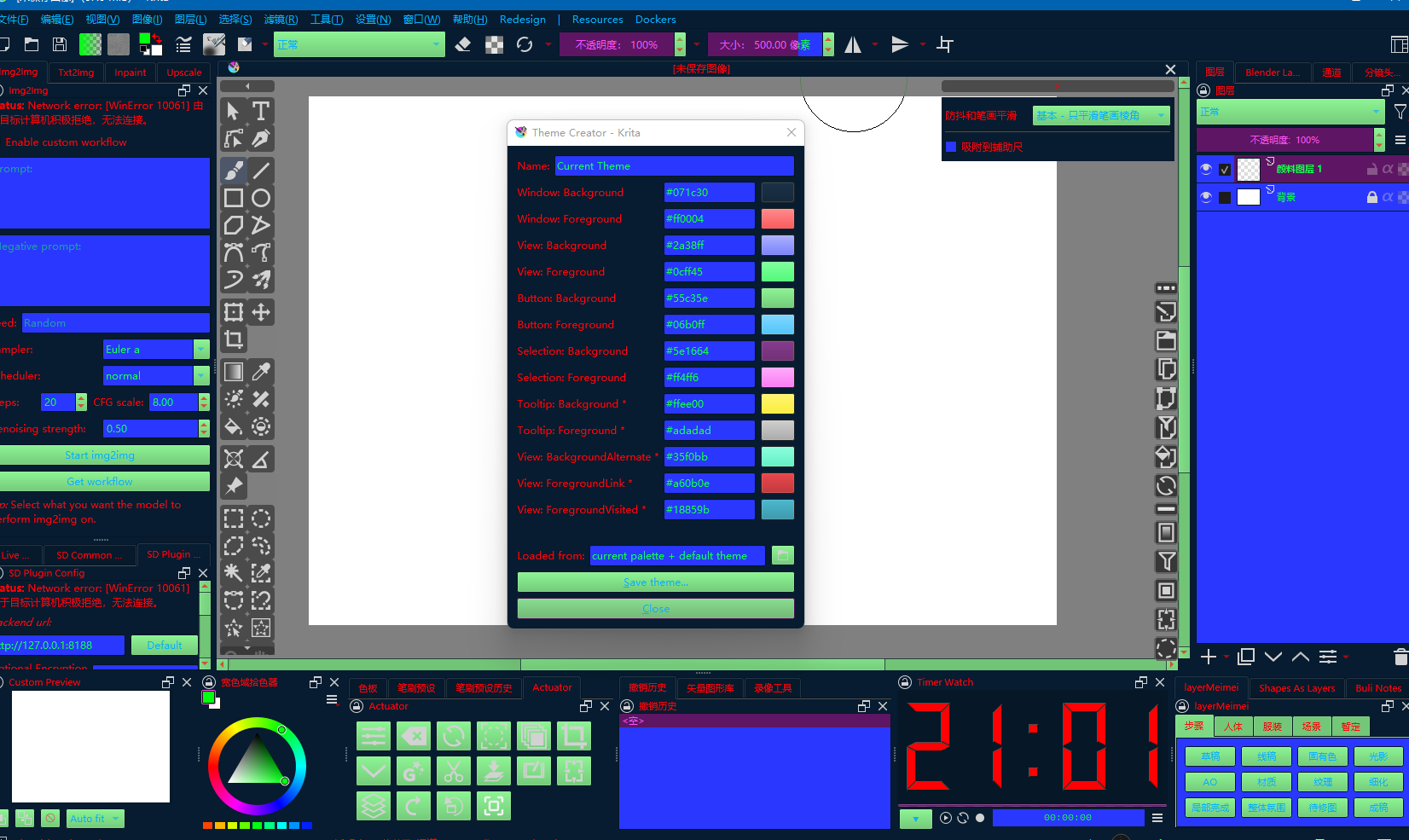
I did not know about the style sheet loader. Thanks for letting me know.
My problem is solved. However, not everyone can manipulate QSS. It would be nice to either enhance the clarity of the scrollbars or make it easier to customize the theme.
Thank you for the information. very helpful. You save my time 40% in UI UX
I already activated the style sheet loader plugin but was confused about connecting theme creator extension plugin. how to do it?
From the top menu
→Tools
→Scripts
→Import Python plugin from file
You can install it by selecting the zip file you downloaded here
Nothing special should be needed… I can’t explain any further.
How to use the style sheet loader, I already installed it, but when I open it I must fill in the path, but I don’t know which path?
If you want to adjust the color of the scrollbars, save the following text, change the extension to “.qss” and load it with the style sheet loader.
QScrollBar:horizontal {
    border: 2px solid black;
    background: #404040;
    height: 18px;
    margin: 0px 0px 0px 0px;
}
QScrollBar::handle:horizontal {
    background: #ff5500;
    min-width: 20px;
}

QScrollBar:vertical {
    border: 2px solid black;
    background: #404040;
    width: 18px;
    margin: 0px 0px 0px 0px;
}
QScrollBar::handle:vertical {
    background: #ff5500;
    min-height: 20px;
}
You can change the design by changing the numbers or words in the text.
Thanks bro. Very helpfull.