Context
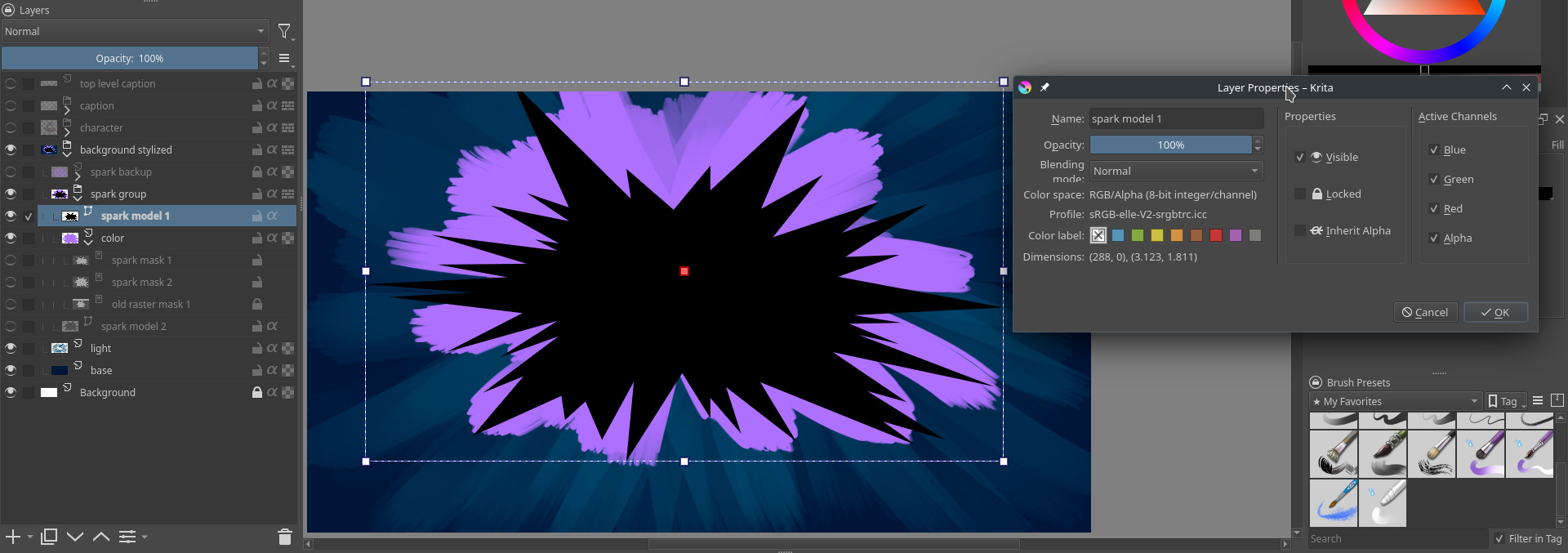
I have this setup:
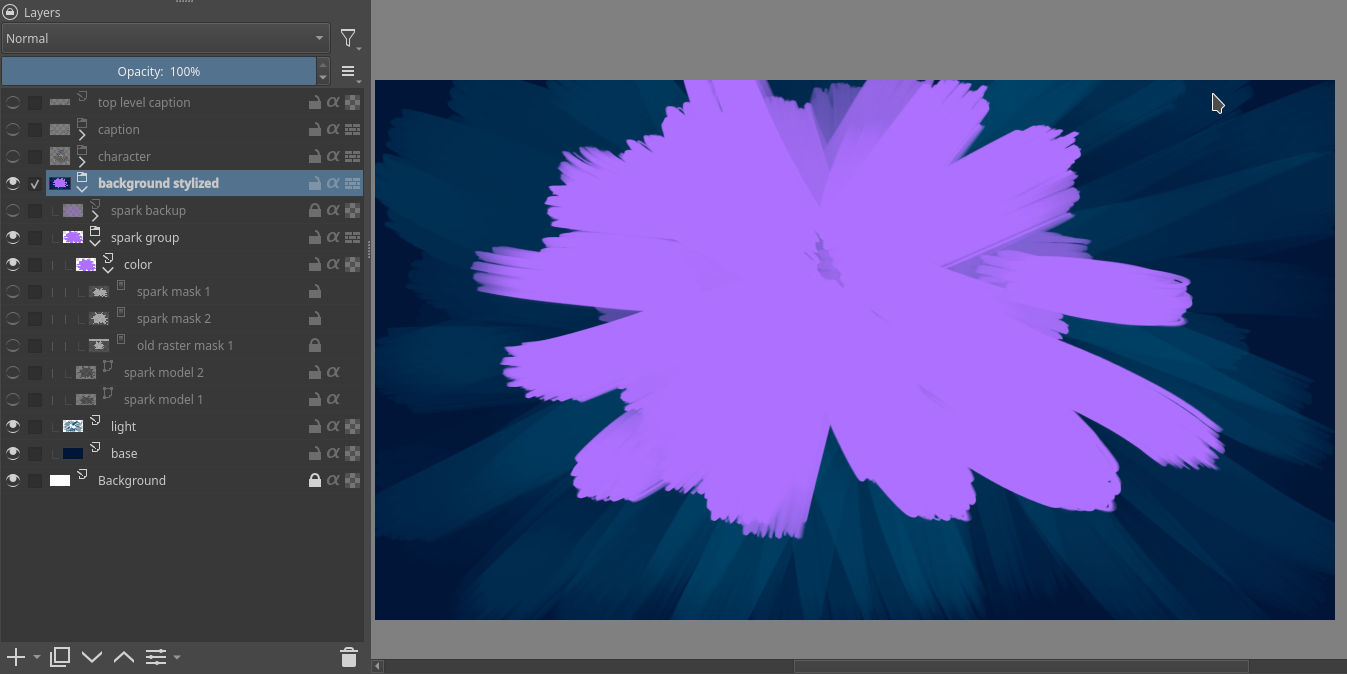
With the mask enabled it looks like this (my wanted final result):
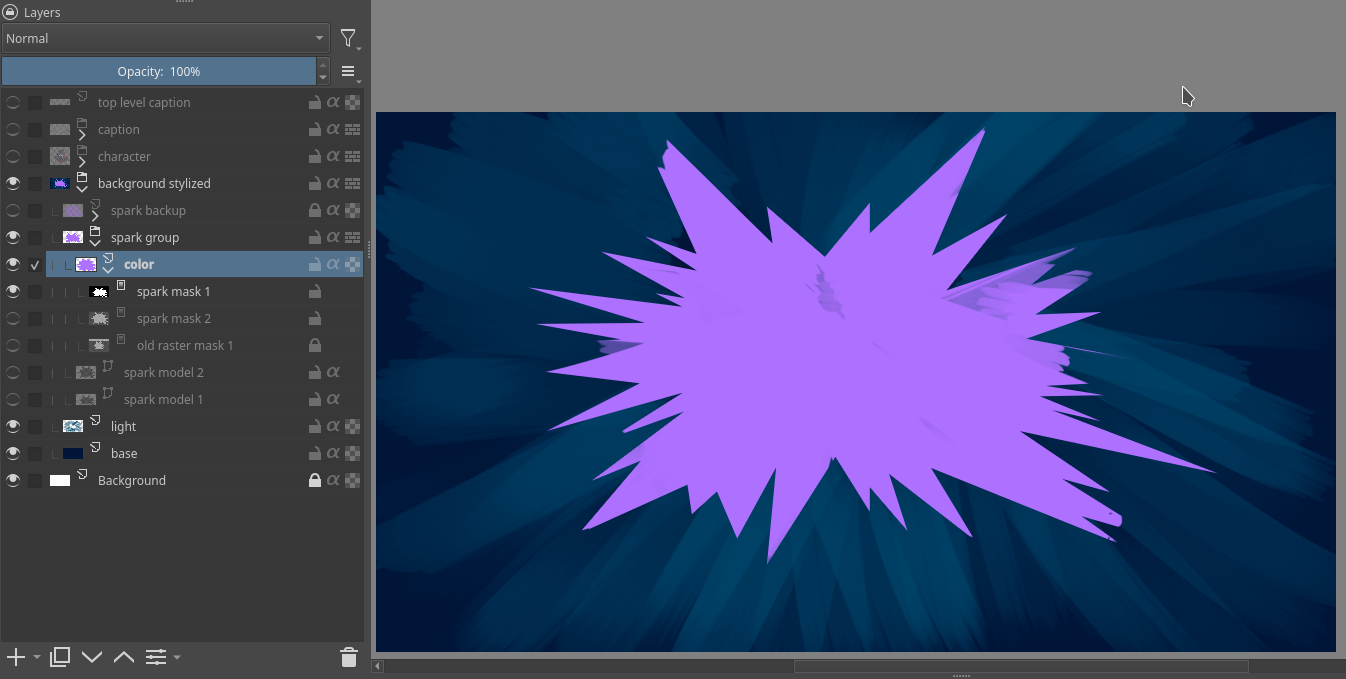
I was trying to find a shape I’m satisfied with for the “spark”.
Initially I drew that in a raster paint layer, then, to be able to adjust it further, I decided to reproduce it in a vector layer instead, so I did that, but I couldn’t use that as a mask.
What I tried
What I did is to duplicate the layer, convert that to a (raster) transparency mask and use that as the actual mask, then, if I want to change it, I go back to the vector and regenerate the copy, but that starts feeling cumbersome really quick.
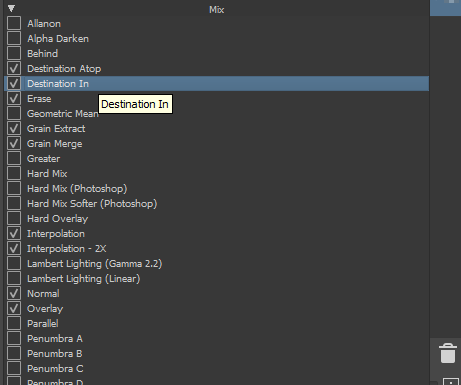
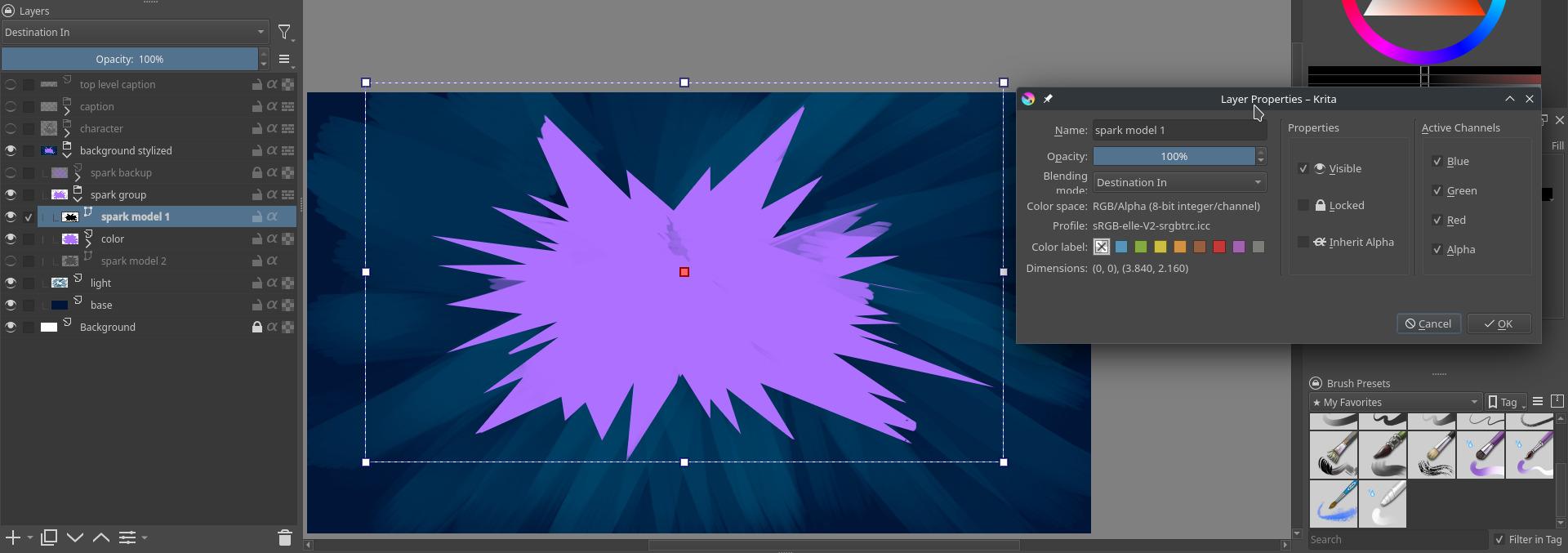
I also noticed this post which was pretty much my same question, but the solution given (alpha inheritance) wasn’t exactly what I wanted, because it gives this result instead, where the shape can be seen where it’s not covered by other objects:
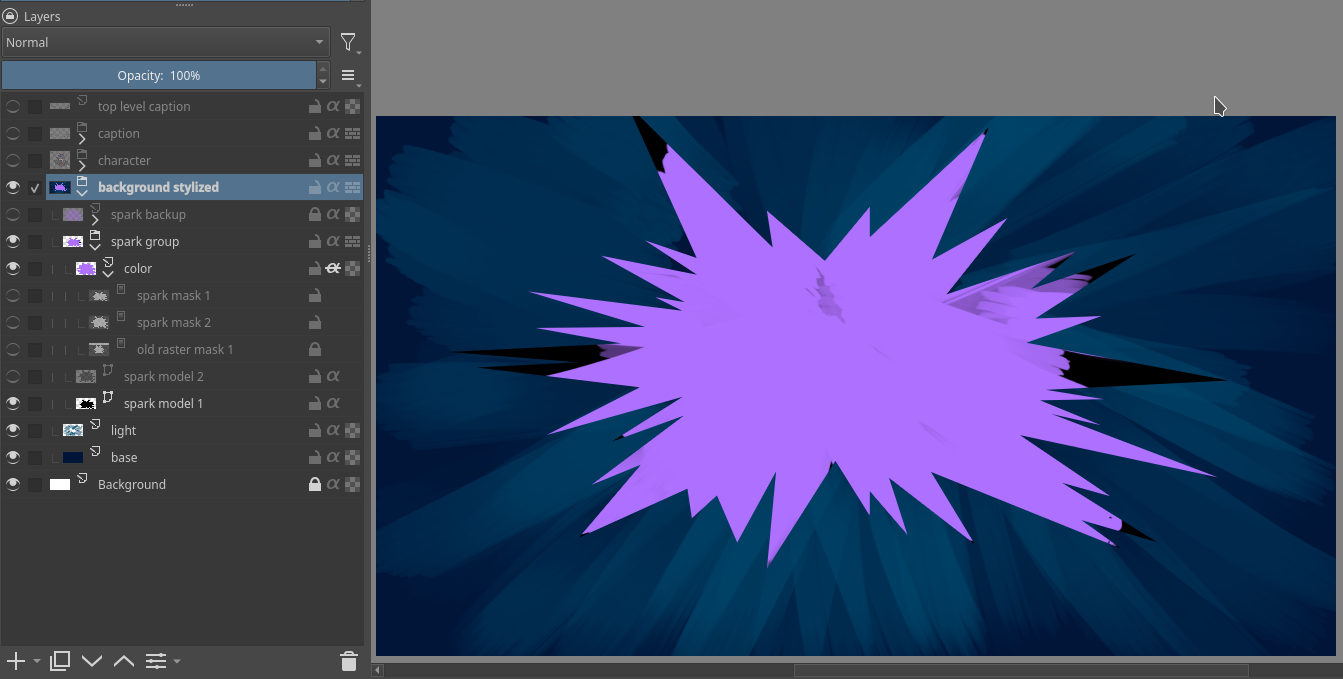
The solution given by the poster instead (make a negative shape) can’t work since the outside of the spark isn’t all a solid color.
I searched quite a bit, but of course there may be another convenient solution which I don’t know of, I’m not an expert in this app.
Otherwise is this a feature worth considering?