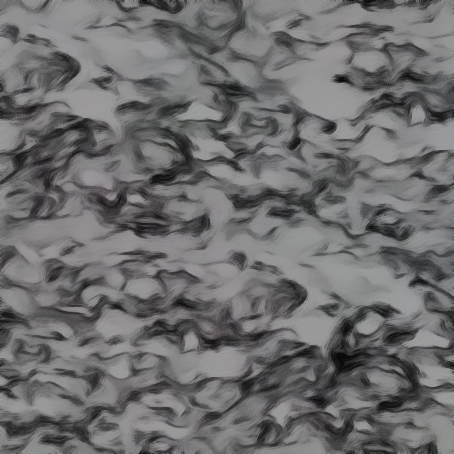
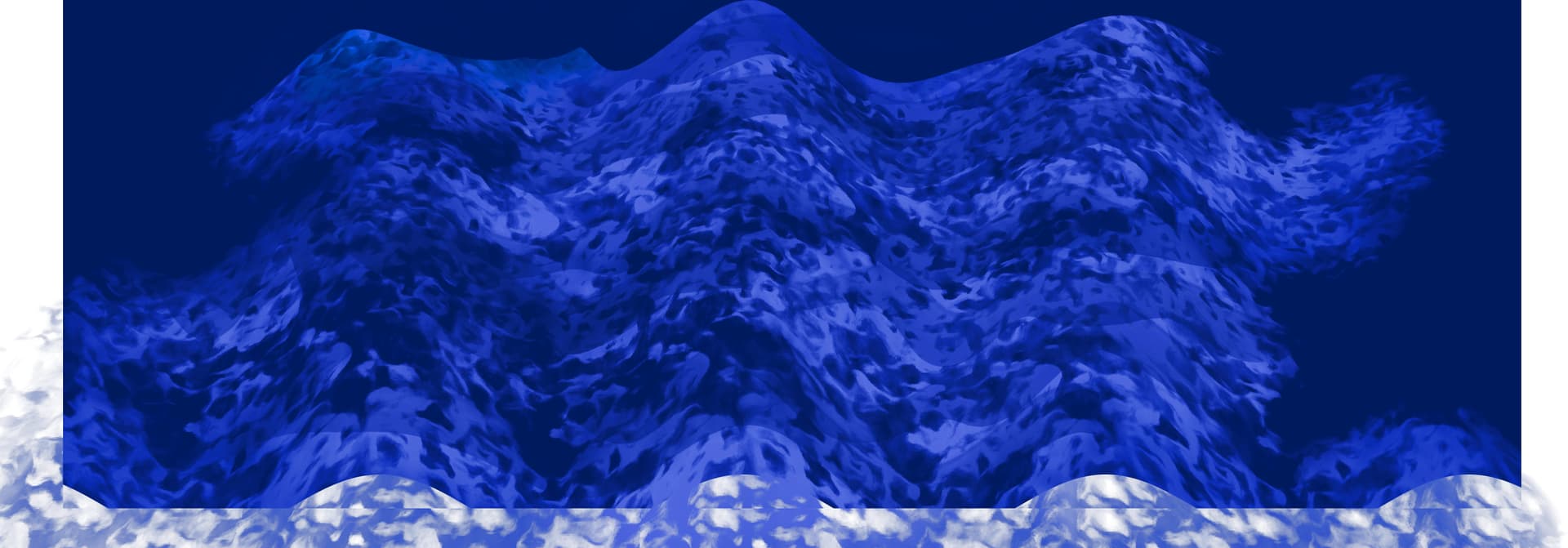
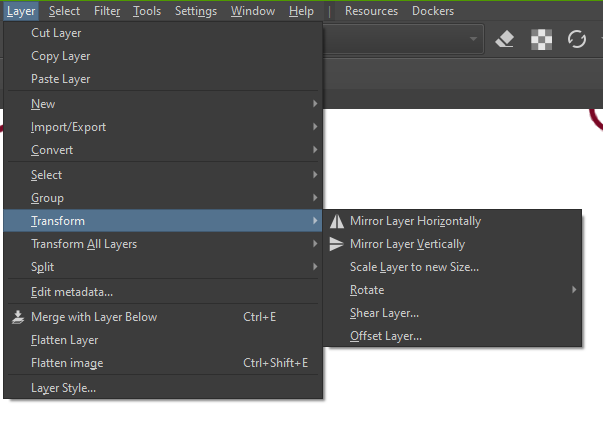
it’s hard to make them seamless, i did find a good tutorial i’ll link it. In photoshop though. Is there an offset feature in Krita?
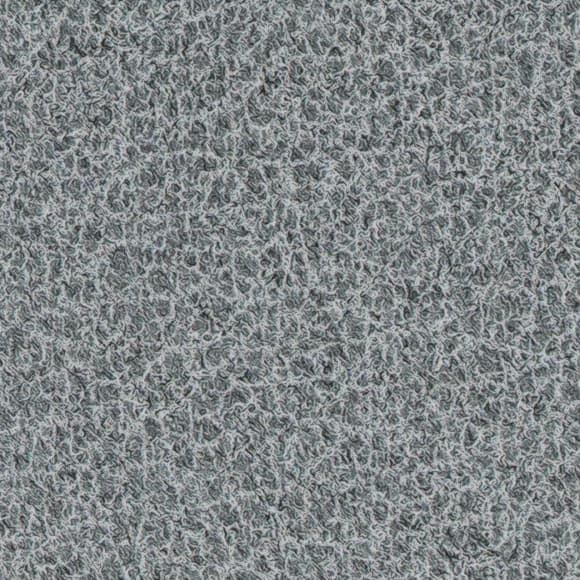
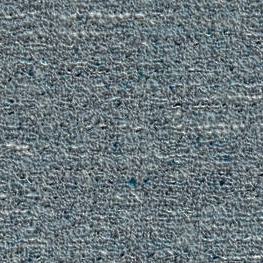
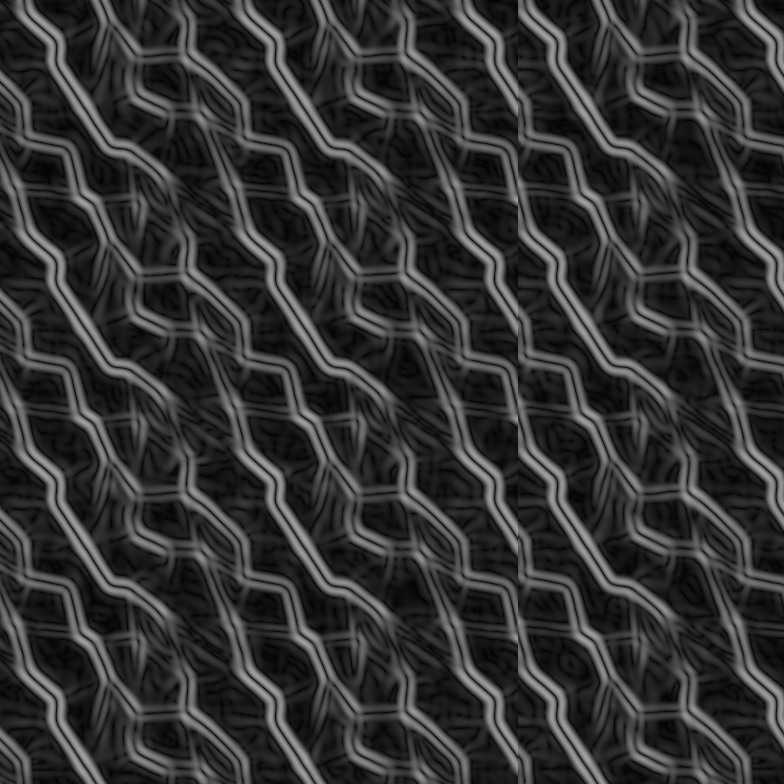
atttemp to make water
it’s hard to make them seamless, i did find a good tutorial i’ll link it. In photoshop though. Is there an offset feature in Krita?
For styled water there is this tutorial:
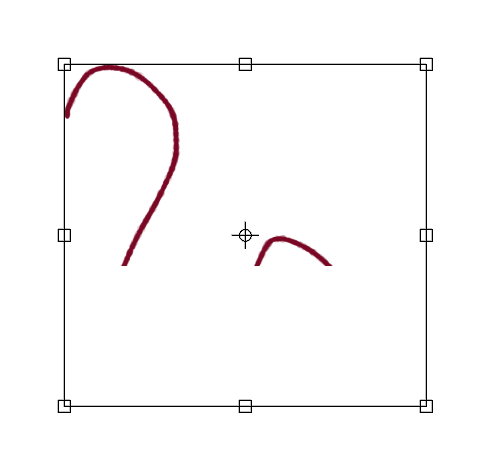
well that’s exactly what happens when you activate wrap-around and then move a layer.
it must be because im on a dev build. for me the wrap center frame outlined moves with the content im moving. when i release the center changes though. takes a bit to get used to
I make seamless patterns the old-fashioned way, using guides. This in Inkscape, Photoshop and Gimp. Inkscape doesn’t exactly have a mirroring feature, but it’s possible to achieve this by ***clone.***
Clone, in Inkscape, is good because you see the result in real time. Personally, I don’t like to use it because, when it comes to joining the vectors, it seems more laborious and, sometimes, it creates redundant nodes…
I really like your work on Mutable stuff, but either you’re misremembering, or I haven’t enabled an option somewhere…
Thanks!!! 
Are we maybe talking about different things?
I don’t think I enabled anything, although that is definitely a possibility.
Here’s a video of how I do it (behold my beautiful mouse-drawing skills!)
What I’ve noticed is that this does not work with the background layer, but seems to work with any new paint layer.
If I understand correctly, it breaks if you use transform tool to move the pattern, I think @MichaelKnubben is using transform tool to move the shapes in wrap around mode.
Are you serious?! I’ve been missing that this is possible for years?
And all because Krita has a million-and-one tools that do similar things? 
You’re exaxtly right @raghukamath, I’ve been using the Transform tool.