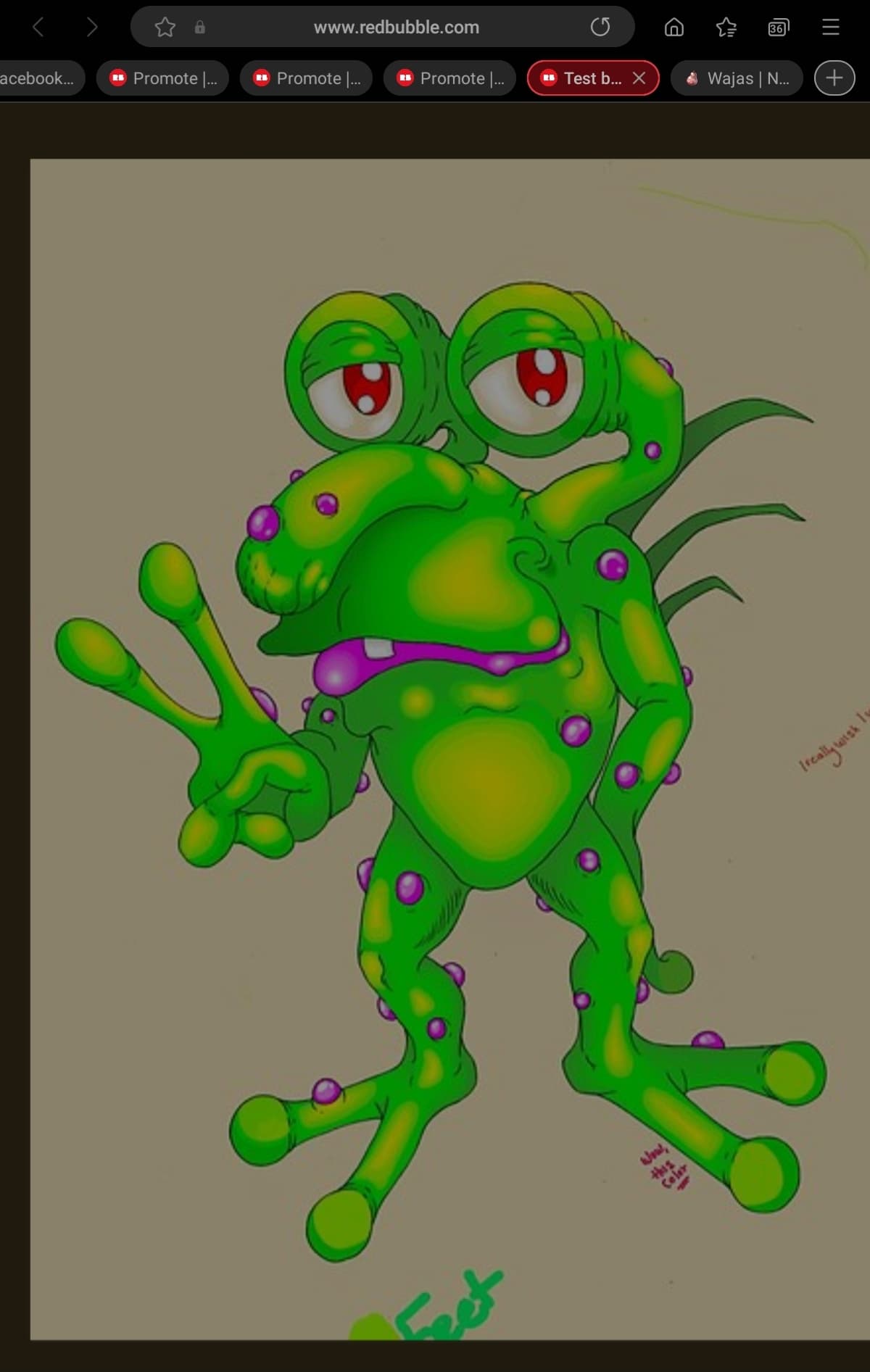
Hi there!
I am so sorry to bother you guys with this, I know it’s been asked before, a lot, but I’m just kind of at my wit’s end here.
-pulled an all-nighter reading about this issue haha-
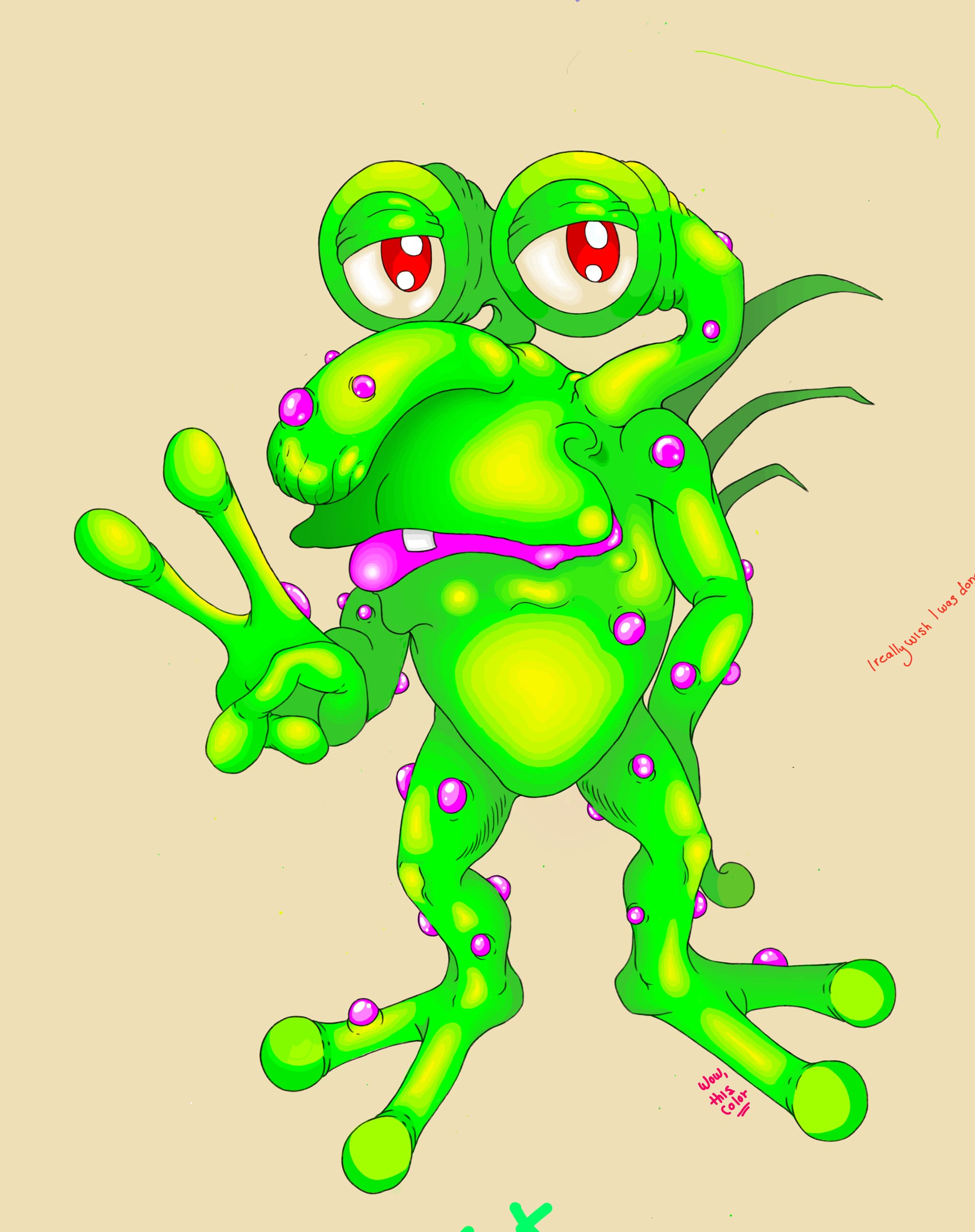
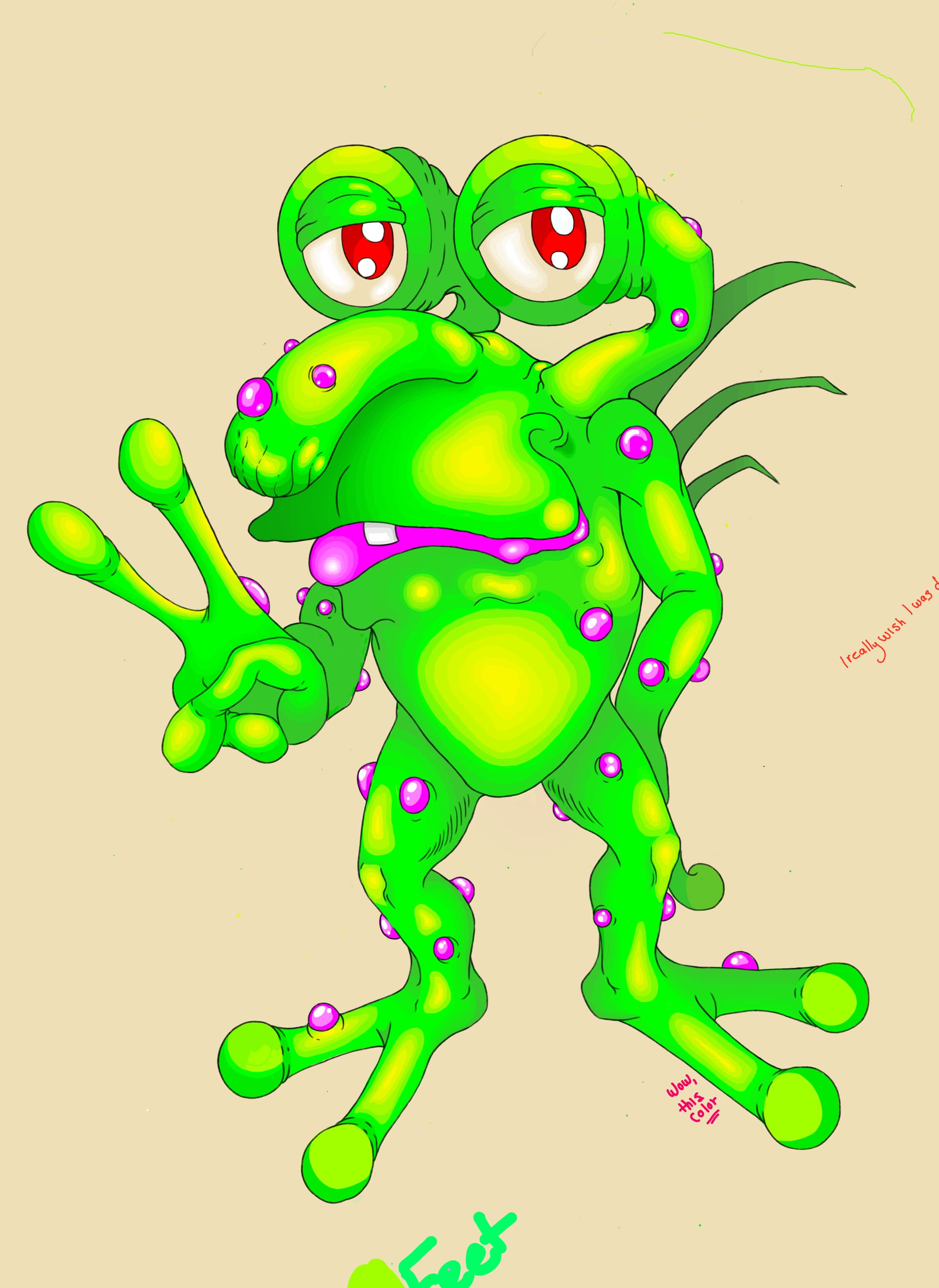
I have this picture I’ve been working on for an embarassingly long time and am just now finally putting the finishing touches on it.
It’s my first time ever working with digital art and I thought I was producing a picture that I was happy with.
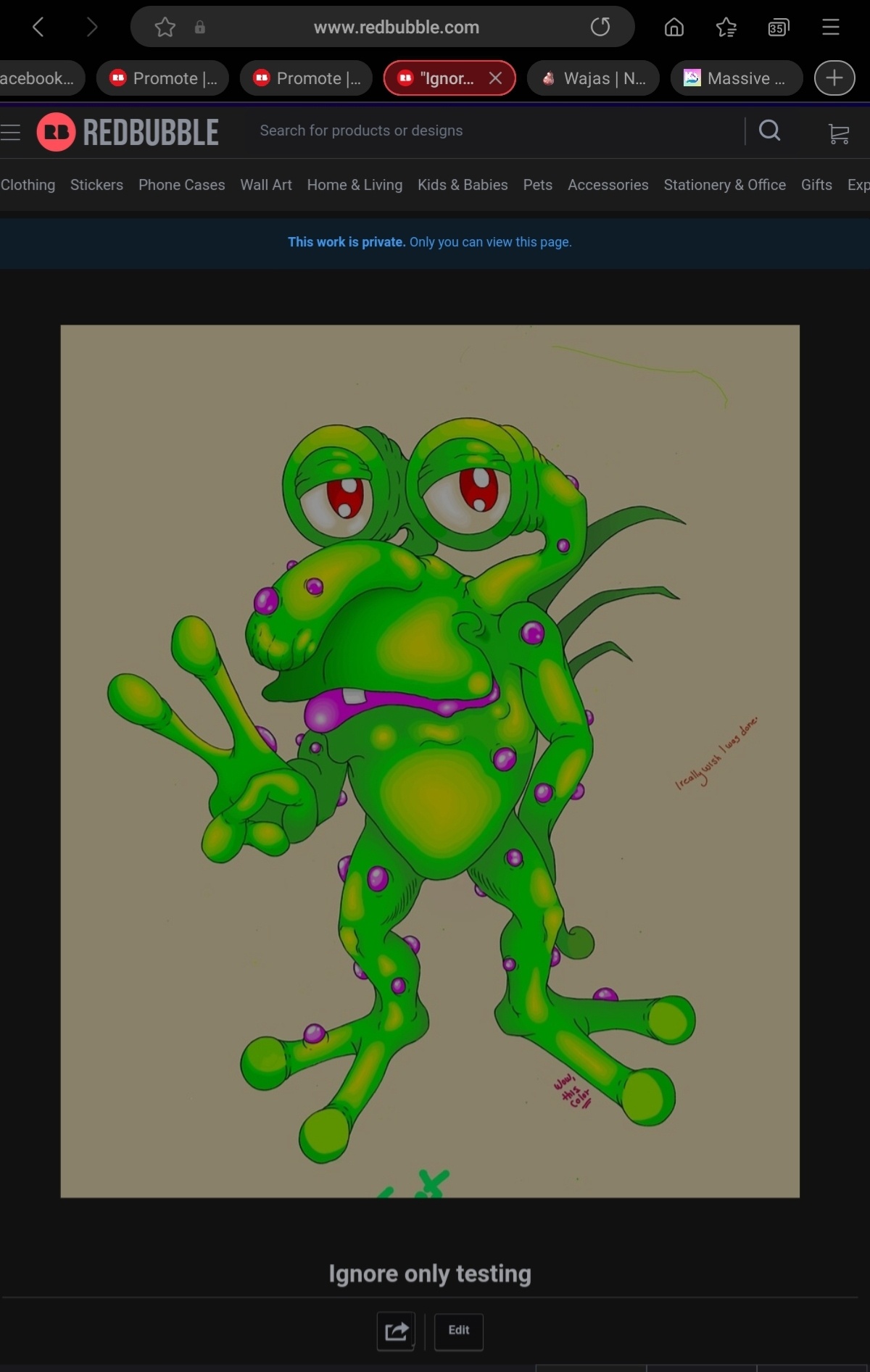
However, yep, when I go to upload it anywhere (Deviantart, Redbubble, Facebook, and Instagram), the image is just awful quality.
I mean, it’s devistating, it doesn’t look anywhere near the original, and I can’t believe anyone would ever want to buy a sticker or a Tshirt with it looking so terrible and grainy (lossy??).
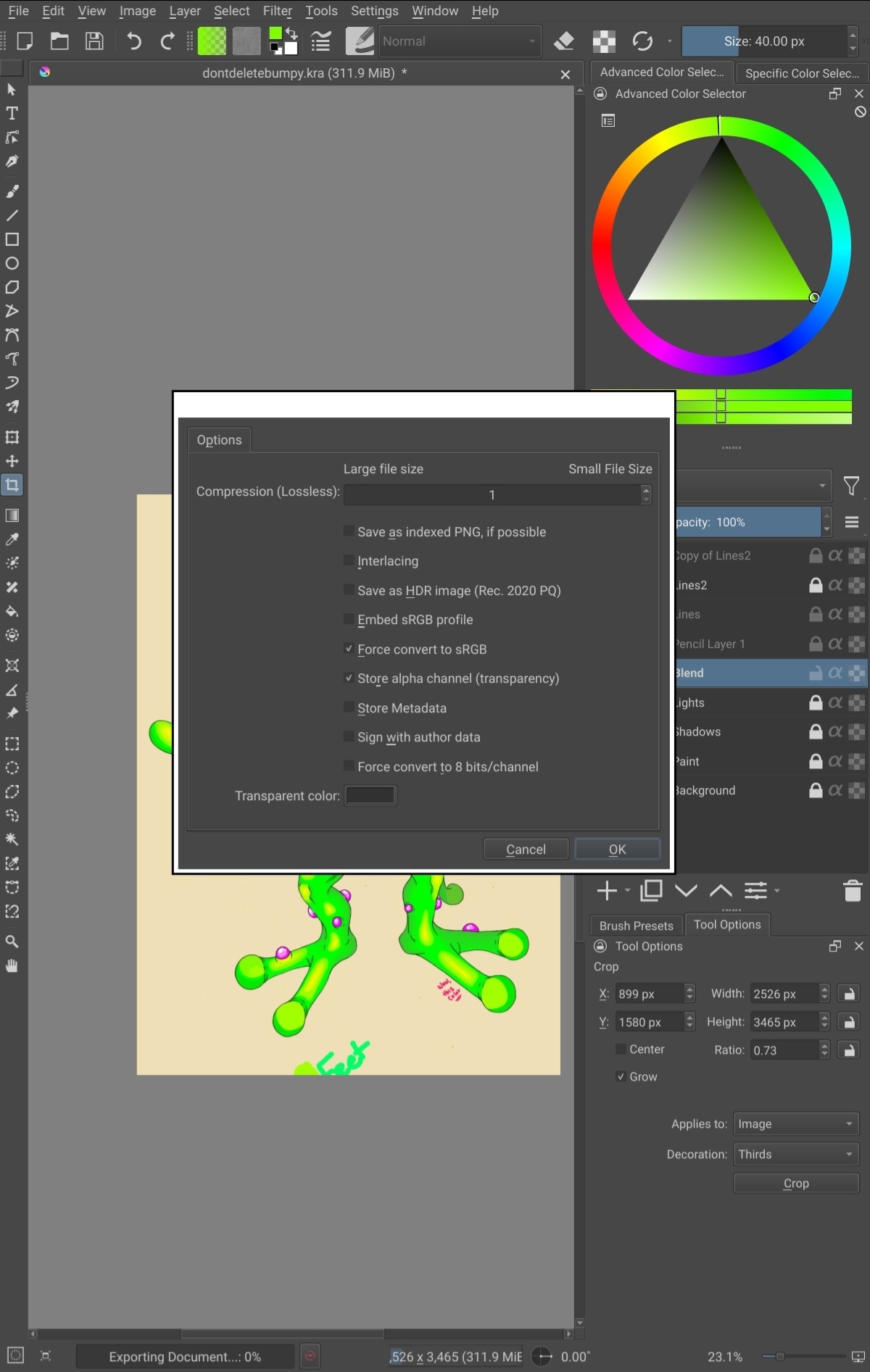
I know that these websites will apply the compression, which leads to that horrible artefacting (sorry if I’ve used the incorrect term), and that exporting it as a PNG (or JPG), and saving it as a certain size will help, but not for me.
I’ve tried everything ranging between 1080 for the widest, to 7,000 pixels, and I’ve changed the DPI from between 72 and like 800 (can you tell I’m desperate haha?).
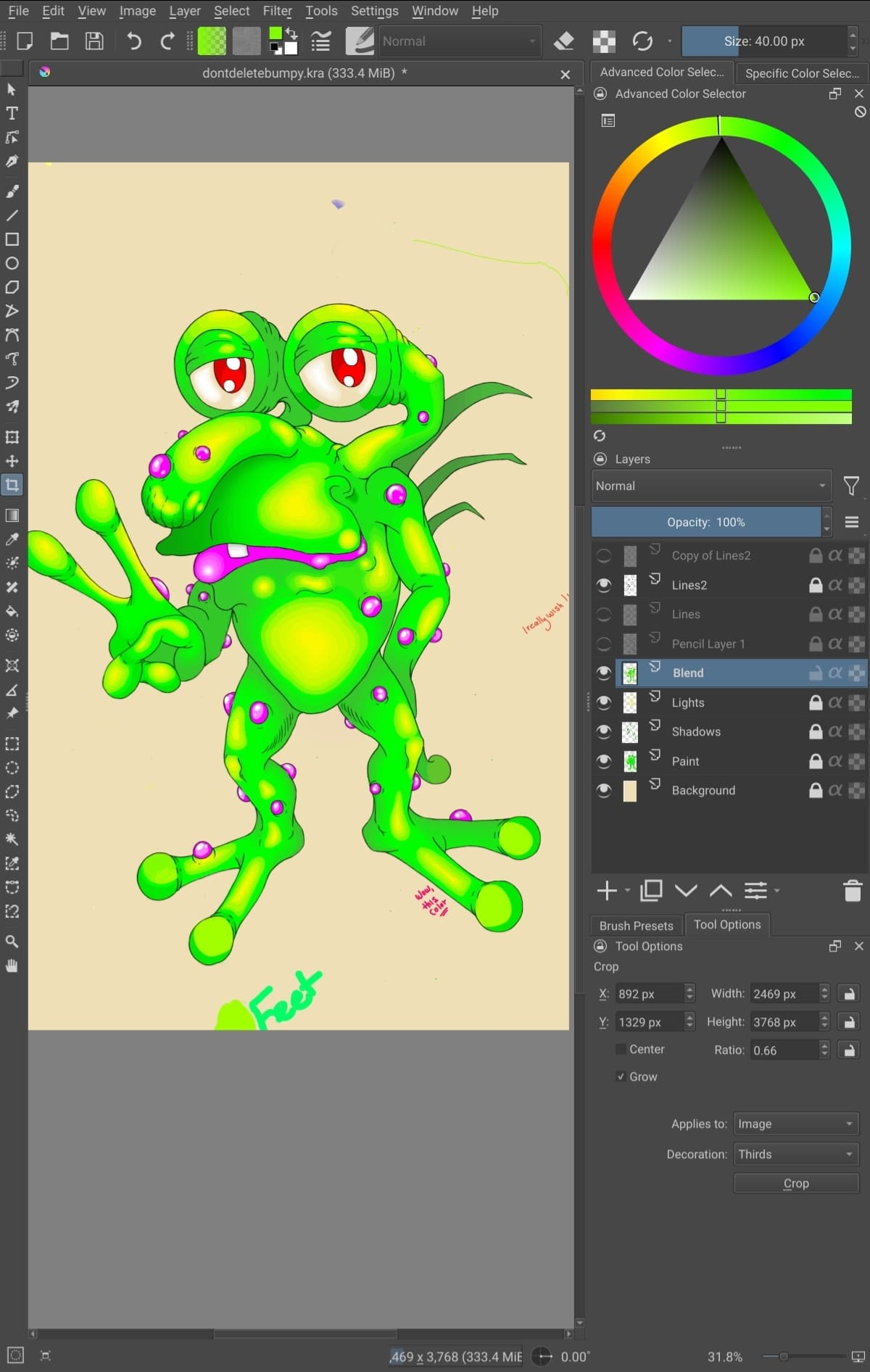
At it’s original size, it’s between 2500x3500 pixels and 300 DPI.
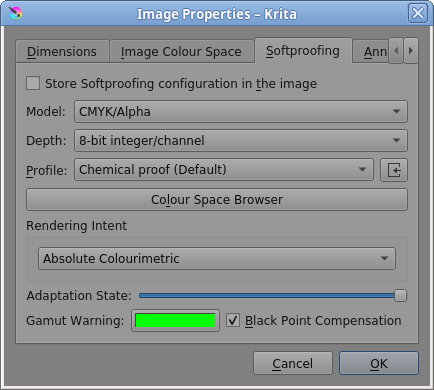
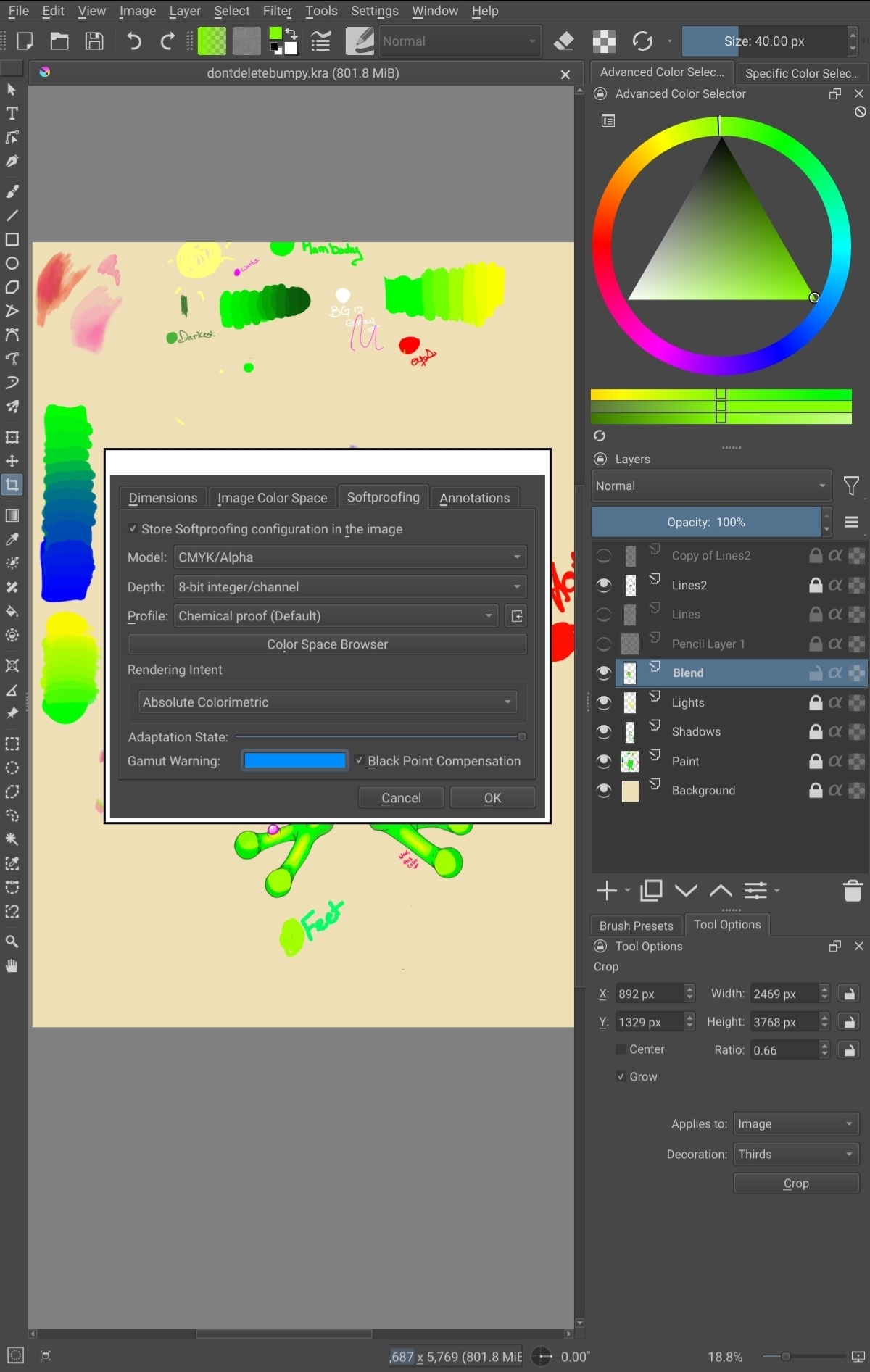
It’s also set to the default sRBG setting.
Oh and I’ve made sure not to keep resaving the file, it gets exported from the main file every time I go to test it online.
Nothing helps at all and I’m really worried that I just won’t be able to ever try a career as an artist.
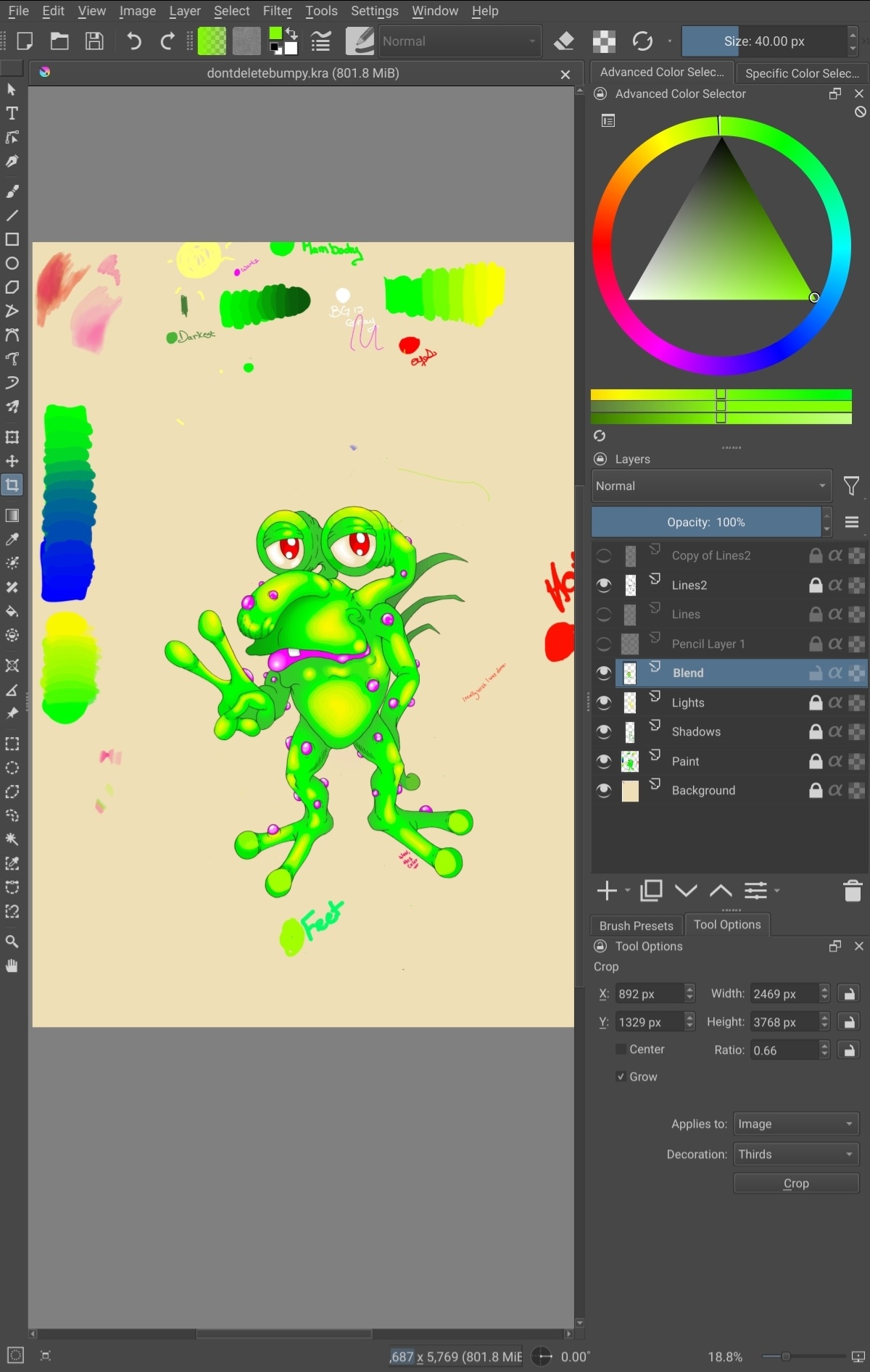
Oh, I’ve also tried creating a new document that’s of the correct size, pasting the image, and then resizing to fit the canvas, and that was an utter disaster.
If it helps, the drawing seems to get better results with higher resolution and larger pictures, but at 900 DPI, Krita had just had enough of me and crashed lol.
Plus, many of the videos I’ve watched in my all-night panic-a-thon stated that not much is needed over 300.
And this is all assuming that the file size and DPI even matter when uploading.
I also tried the sharpen filter, but wow, that was even worse than the quality I’m complaining about.
I have this issue even with my sketches when uploading, too.
I mean, this is possible, right?
I see other artists posting such beautiful and high quality stuff on these sites, but mine just can’t even hold a candle to their quality and I wish I knew what I was doing wrong.
Maybe it’s something I’ve done incorrectly or a setting box that was unclicked?
I’m on a Galaxy S Tab Lite, using Krita, on an Android device.
If there’s any further information I can supply, I’ll reply asap.
Thank you so much for reading this and being willing to help me.
I need this to work so bad, I placed a lot of hope on trying to open a Print on Demand shop this year.
I’m just in tears over this.
(PS: not that I think it’s relevant, but the picture has even been corrupted and deleted twice, saved with the zip trick (thank you!), and it just seems so sad it was brought back and saved only to be stopped by not knowing how to upload correctly lol.)
Thanks again and I’m really sorry if I’ve posted this in an incorrect section of the forum.
Me and technology go together like oil and water lol.