Hello,
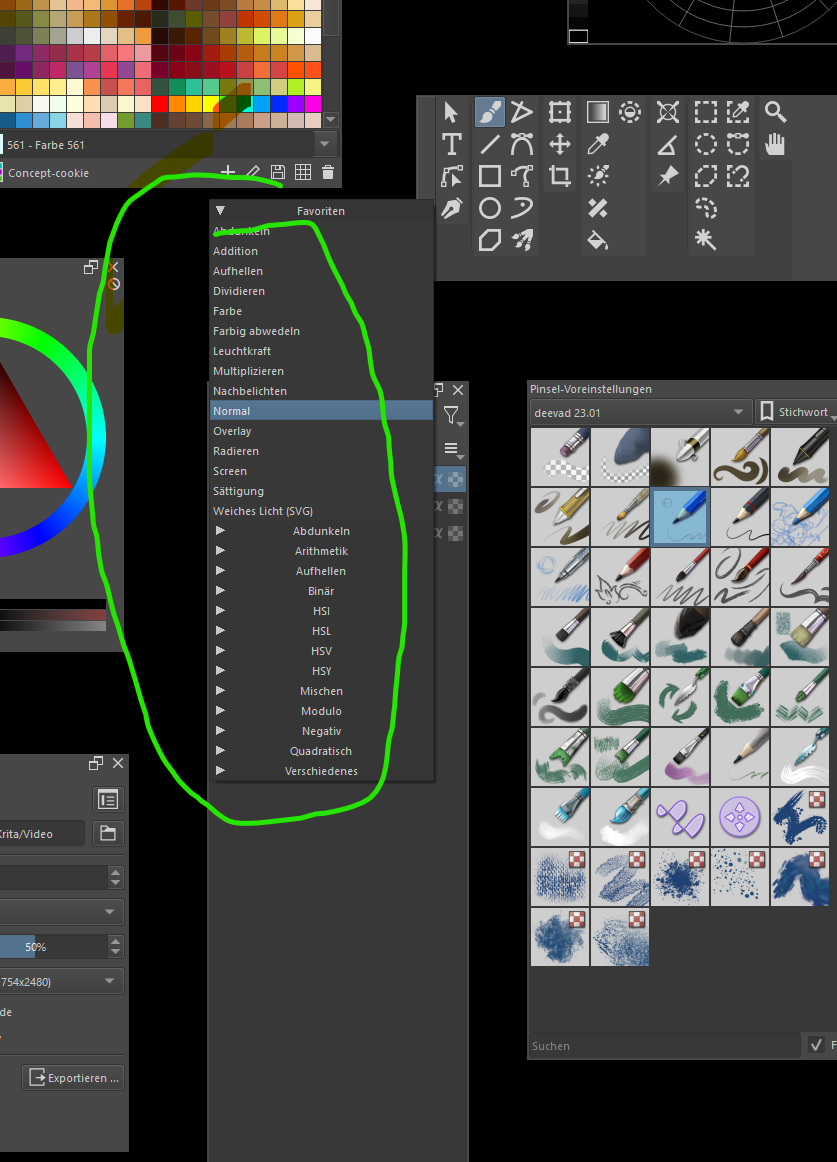
If you add a property to a layer and merge this layer with a layer below it, the property is gone.
How can you ensure that this is preserved?
Greetings
DAB
Hello,
If you add a property to a layer and merge this layer with a layer below it, the property is gone.
How can you ensure that this is preserved?
Greetings
DAB
What kind of properties do you mean?
Can you show somw examples?
You mean blend modes? The problem with keeping the blend mode is you will get a totally different result if it keeps the blend mode setting. It does keep it when the layers have same blend mode, but even that is probably not the best behavior as the merged result can end up changing
One way to tackle this problem is to use the script to perform your operations.
The way I would implement it would be such that:
sorry ^^ I have no idea about that^^…it’s a shame
The scrip such as this should do the trick:
from krita import Krita, Node
from PyQt5.QtCore import QTimer

timer = QTimer()
timer.setInterval(150)
timer.setSingleShot(True)

def set_blend(mode):
    doc = Krita.instance().activeDocument()
    node: Node = doc.activeNode()
    node.setBlendingMode(mode)

def run():
    doc = Krita.instance().activeDocument()
    node: Node = doc.activeNode()
    bm = node.blendingMode()
    node.mergeDown()

    timer.timeout.connect(lambda x=bm: set_blend(x))
    timer.start()

run()
You can use 10 scripts or and Actuator to make it more user-friendly
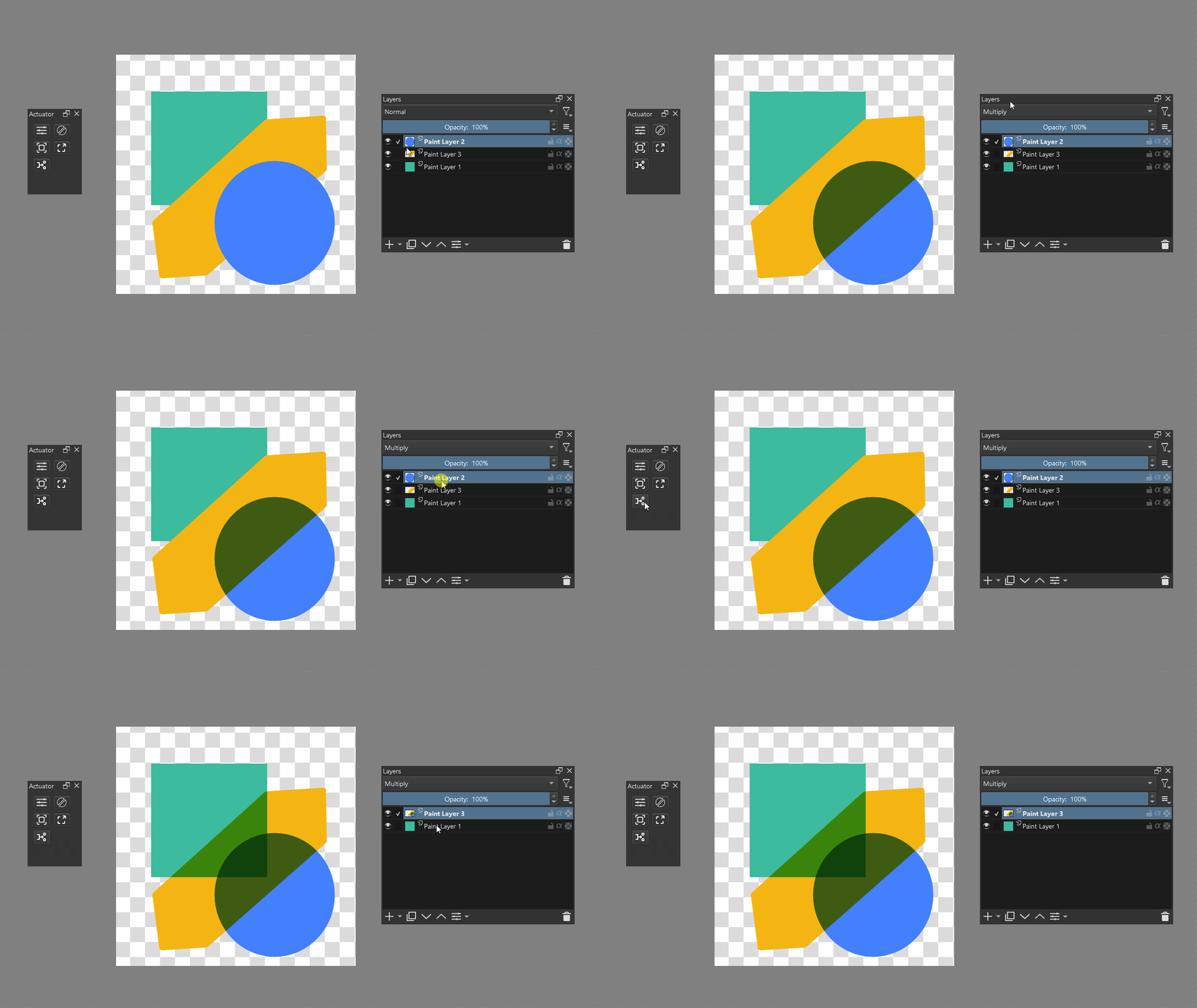
Here, how it will work:
WOW, first of all, thank you for making the script available.
Now I’m coming to something new =)
It works so far except for the black, if you go there in the overlay and then combine the layer (8CTRL+E) then the black becomes dark black again and not so slightly transparent, is that normal?
Greetings
DAB
Ok, I have to correct it, it only works to a limited extent, not every one is adopted 1:1