Edit - I realise its the Lock X and Y lines but they show up as words next to the Mirror tools in the tool bar and not as a drop down button. Any advice as to how to get that done?
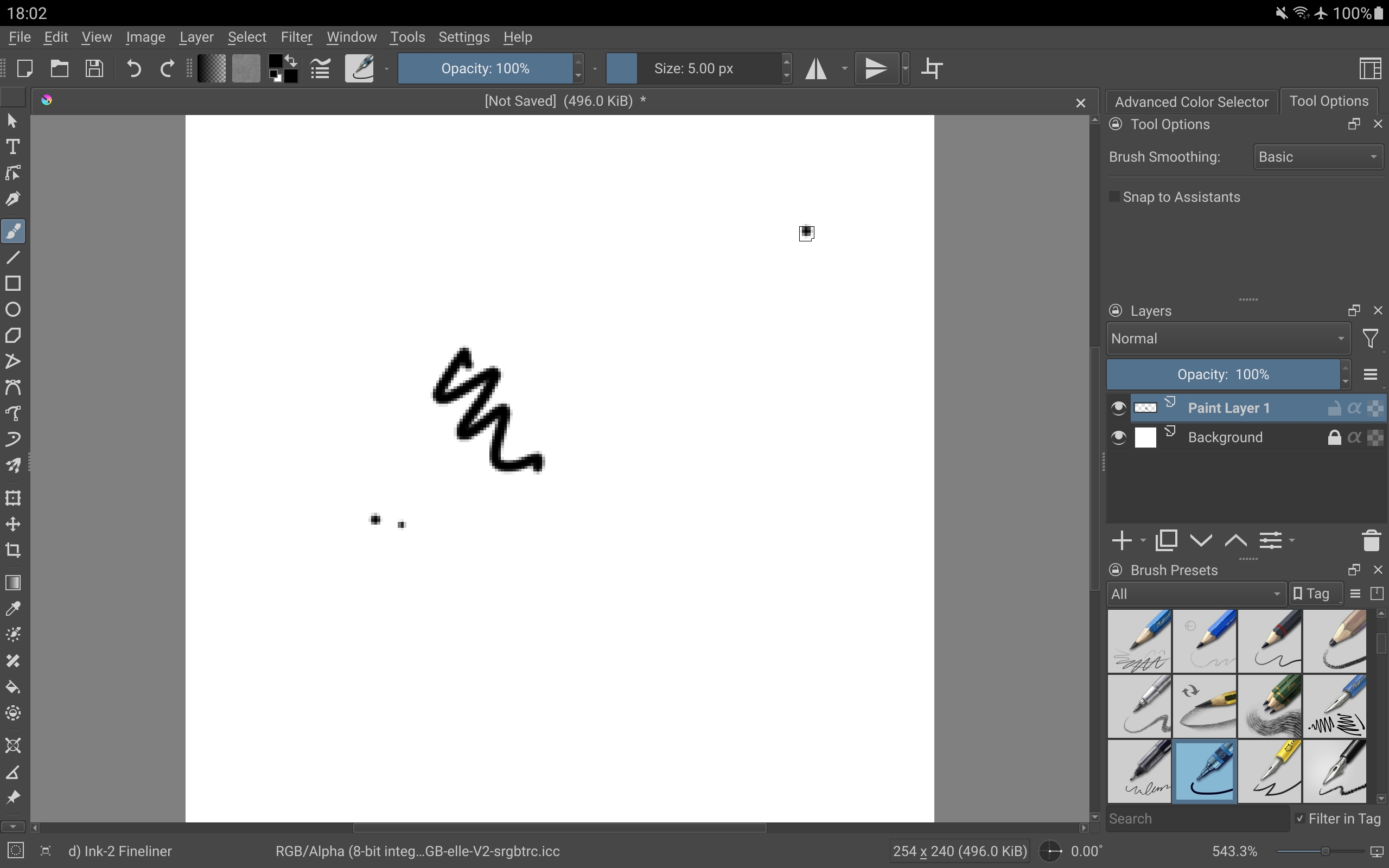
Hiya! I have been setting up my toolbar on my S6 Lite and everything is going super, except when I selected the vertical and horizontal mirror tools to be added to the Brushes and Stuff toolbar, i dont see the drop down button next to the icon so I can lock the mirror tool in place. Wheeeeere is it? and How do I find it
Is it possible for the Horizontal Mirror Tool and Vertical Mirror Tool to have the same dropdown menu that is present in desktop versions?
In Android, in order to get the x and y locks we have to add these as separate toolbar options but they load as words “Lock x line” and “Lock y line” which takes up a lot of space (and I don’t think there’s any way to display overflow of icons when you run out of horizontal space).
Thanks Sooz! right now i have both on there as I need them both right now, but after this project I will remove them. A lock icon right next to the mirror icon on the actual canvas might be even better!
Totally. I don’t know when this will get looked at or considered. They have a lot they’re in the middle of right now. Good detective work on your part to have found the x and y locks.
Apparently, you don’t get it if you add Horizontal/Vertical Mirror Tool, but if you add just “Mirror” you get them both along with the drop down… And the behavior is similar to the desktop version (I’m saying this thinking this wasn’t known before, if you meant that it should be present for Horizontal/Vertical Mirror tools in general, do let me know )
That’s awesome, @sh-zam. I just put “mirror” in the toolbar and you’re right — the dropdown menu is right there and functions like the desktop version. I’m embarassed to say I didn’t even see that listing before. I kept trying the ones with longer names for some reason.


 )
)