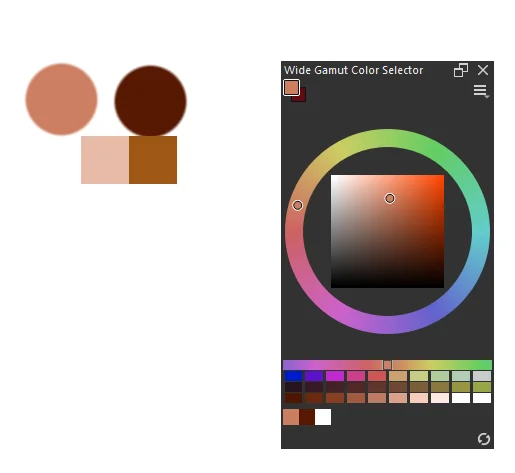
the circles are the colors i am trying to sample using the color sampler (and as you can see on the color selector, they are accurately picked up). however, the color that appears when i use the color sampler tool is completely wrong, as if i’m holding it over a completely different color. you can see those in the square boxes
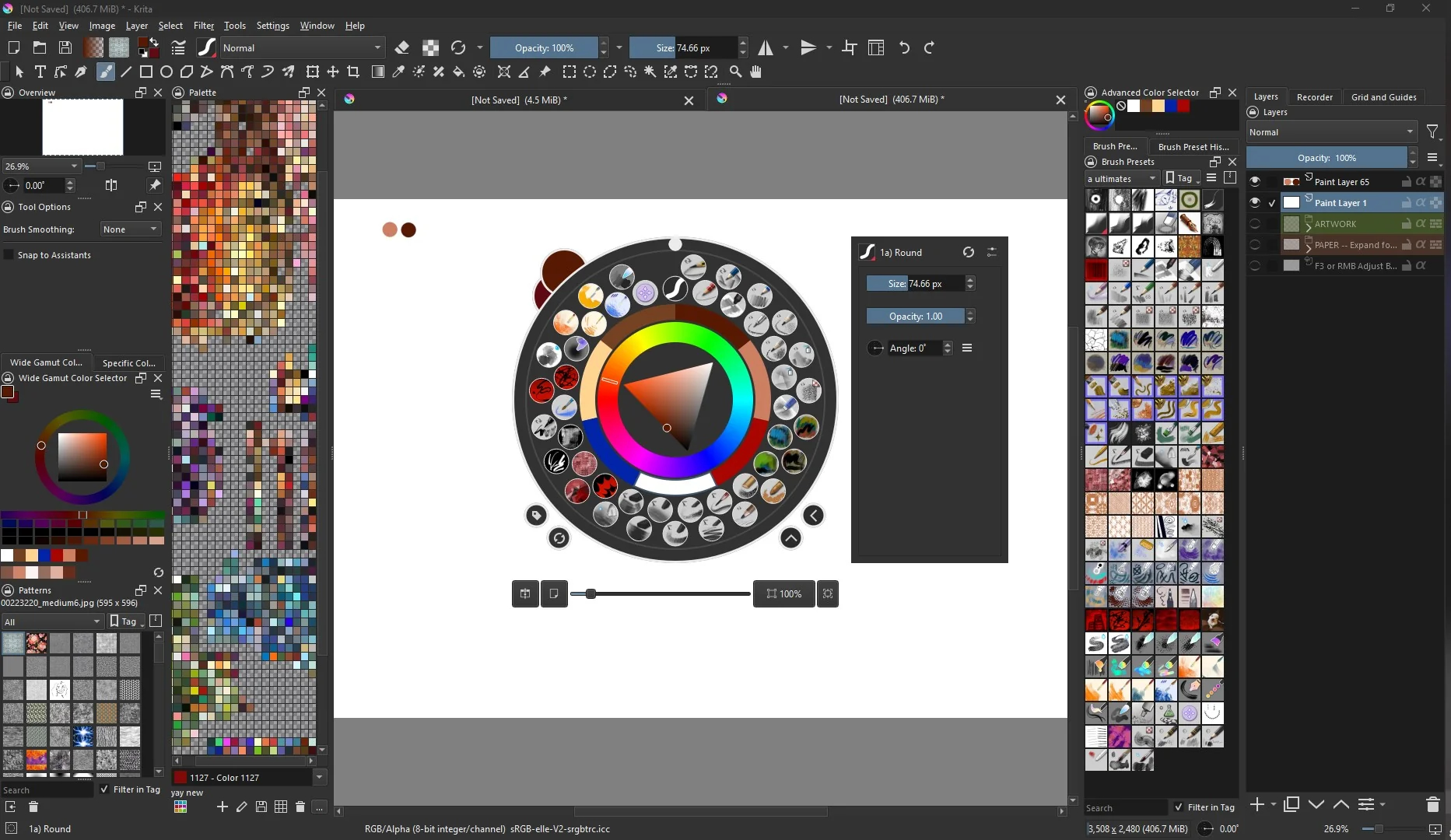
here is my entire window:
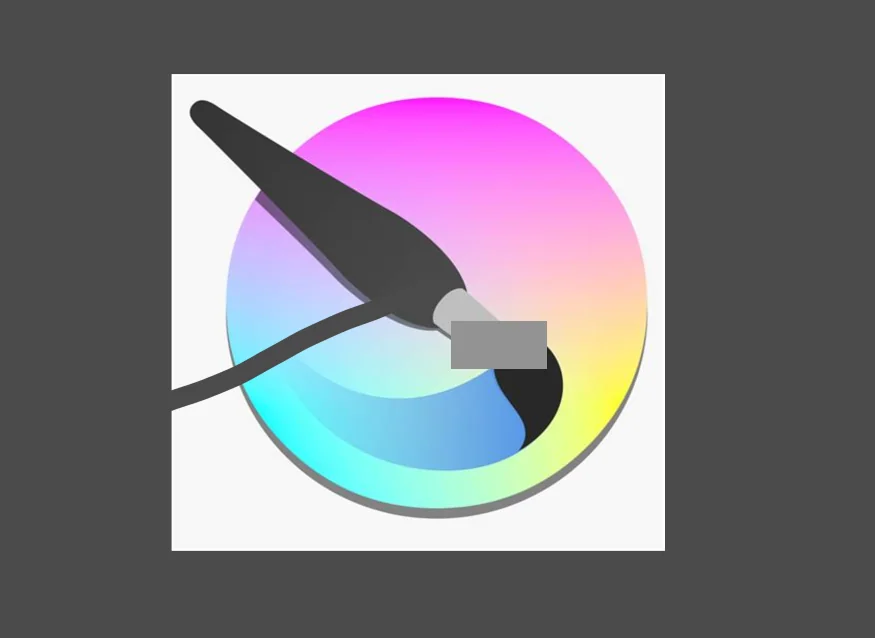
more examples of the color sampler tool being wrong below. again, it does give me the right color, but the tool is inaccurate. usually the sampler example shows the same color as the one i’m holding it over
in this image with krita’s logo, i sampled the brush. the color i got was a dark grey that i filled the background with, but the square shows a completely inaccurate light grey
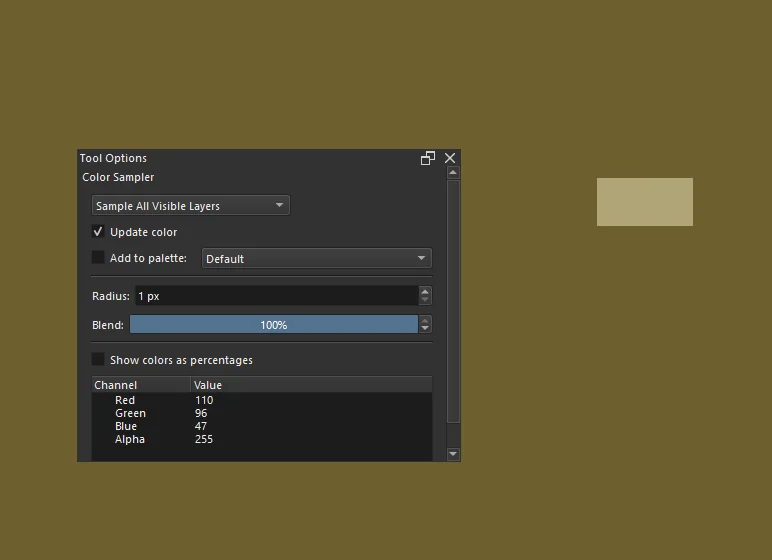
here are my tool options for the color sampler, and another example of a fully opaque background and the completely inaccurate color that i get when hovering the sampler tool over it
i’m really not sure what caused this, it just started happening. i’ve used different brushes, different canvases, had my computer turned off and back on, and the issue still persists no matter what i do. it’s annoying
thank you to anybody willing to help
But after you color pick do you have the same color or is it the display of the color picker that is skewed ?
it’s the display that is inaccurate. it does not show the same color as the color that it’s being held over. however i do collect the right color. it’s just an annoying discrepancy
Are your color selector and document using the same color space? And what about 16bit vs 8 bit? If they both are using different bits, the colors could be off, so check that.
i’m sure they are. everything i check says the same thing. if i’m not looking in the right space though, how do i check what color space the color sampler tool uses?
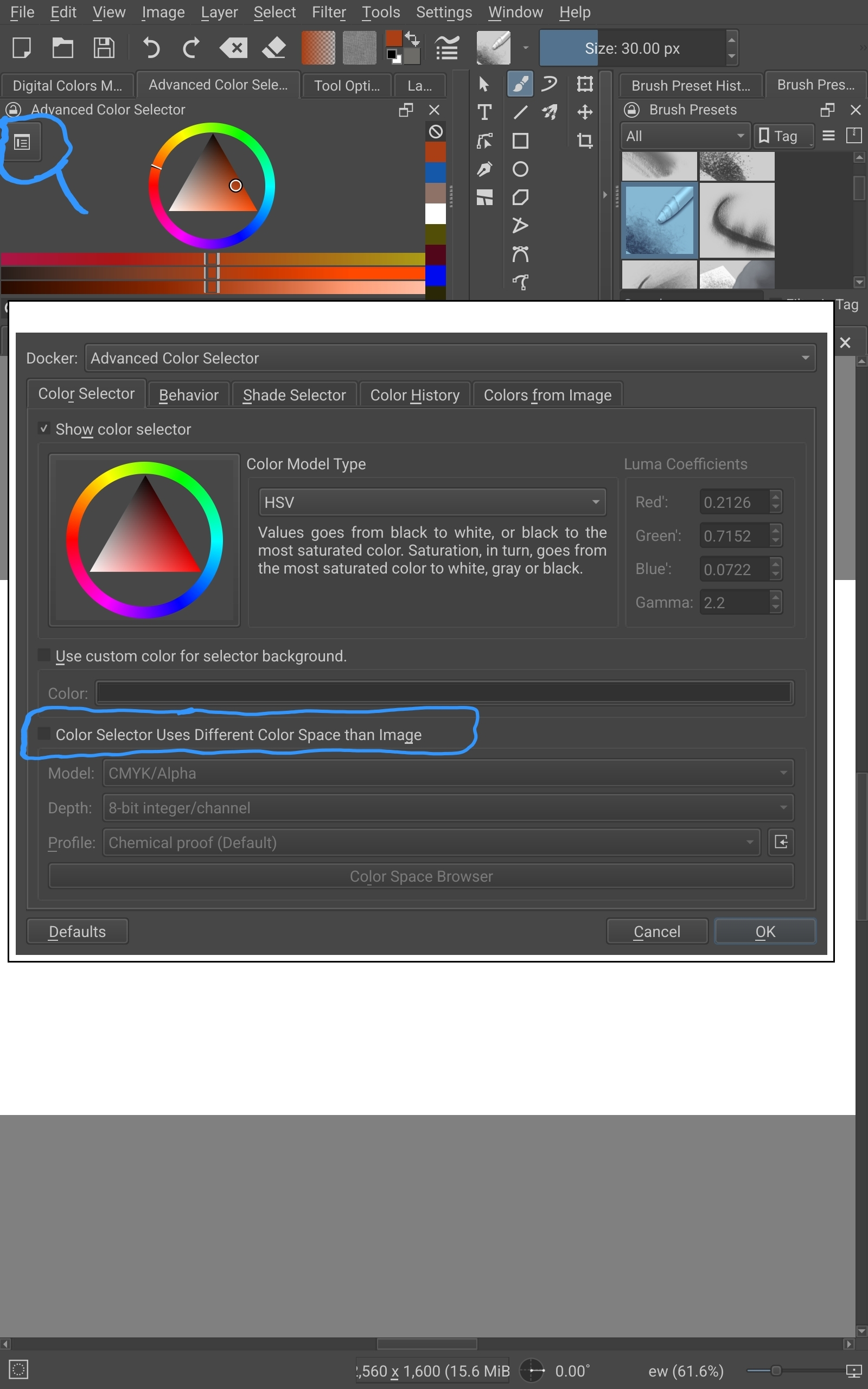
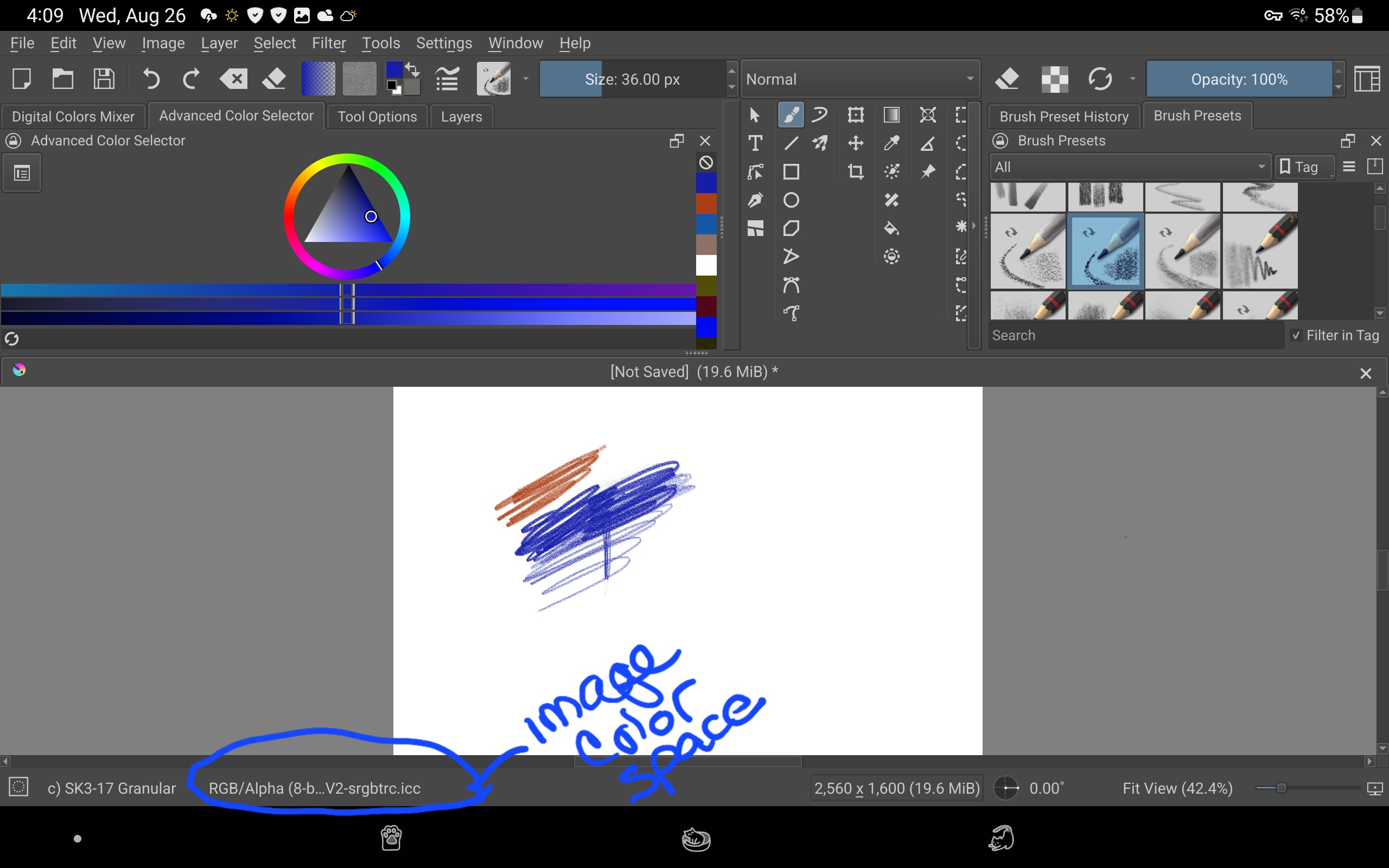
I made some screenshots. I hope they will be helpful.
So for now, see if these match. Make sure “Color Selector uses different Color Space” is unchecked. Then maybe someone more knowledgeable can help from there.
I am on Krita 5.3.3 on windows 10 and seems to be holding up

they match, but even if they didn’t, that box wasn’t checked, so no difference. however this made me realize i am on krita 5.2.6 and there’s updates i’m missing, so maybe that will help!
no, updating didn’t change anything. still the same issue
What does you settings → configure Krita → color management say?
EDIT: I’d also like to see what is in your display settings.
ahh! you got it, thank you!
in the display HDR settings, there was a mismatch between my outputs. i matched them and that fixed the issue. i don’t know how that happened, but thank you for helping me toward the solution!