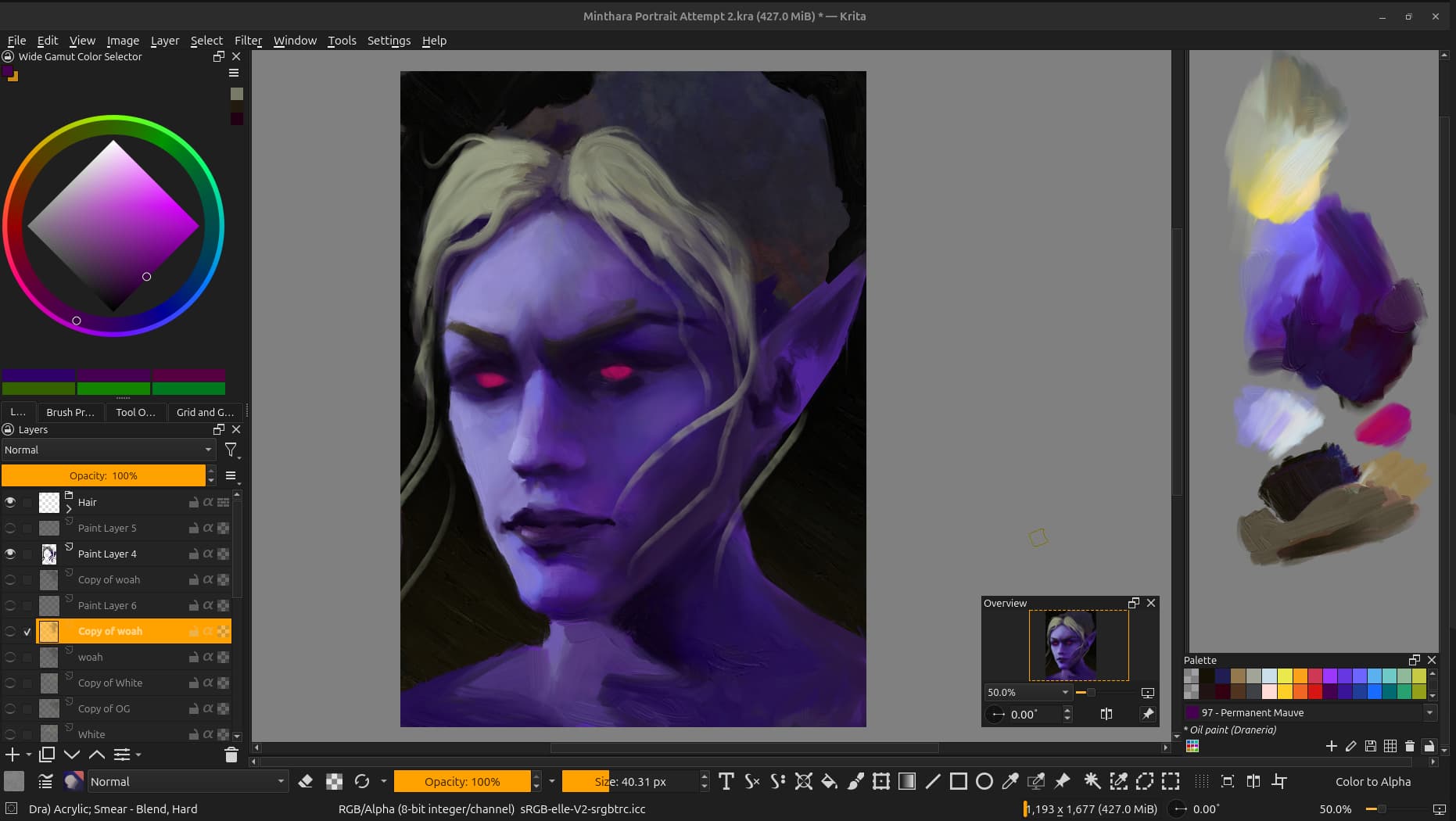
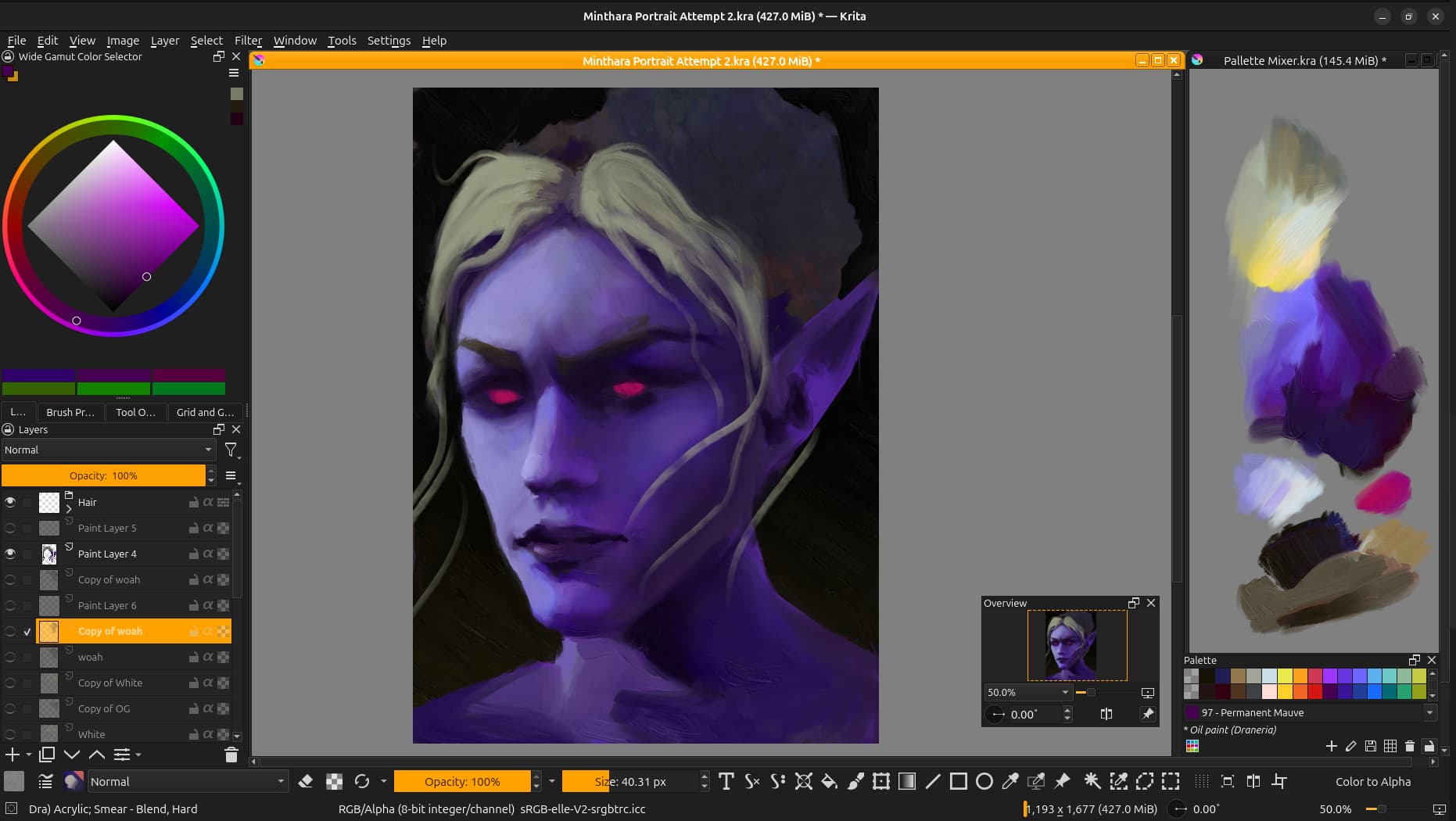
This screenshot is showing my current UI setup. By switching around a few settings and stuff, voila! Palette mixing area that acts like part of the UI.
The setup has a lot of potential, but also drawbacks:
Cool Stuff -
Unlike mixing ontop of your art, you can always access your colours no matter how much you zoom in/out.
Since the palette is in its own document, you have access to layers! This means the ability to tint your palette towards any colour to maintain cohesiveness, add filter layers etc
Zen and fun! It was surprisingly fufilling to paint this way, and it feels nice to see the palette build up with beautiful colours as you create your art
Palette compatibility - It feels especially satisfying when you imagine you have a limited set of pigments to work with.
Drawbacks -
Constrained to paint mixing capabilities of the software! I recently read “spectral blending mode” and I can’t wait for that tech to make it’s way into Krita. Using “parallel” you can mix greens easily, but colours tend to wash out and you can let go of any dreams of mixing red + blue to make a bright purple xD
All the UI padding and unnecessary buttons take up a lot of interface real estate.
Not all brushes blend well, and it is a bit annoying to switch between them when you need to mix - this may make the painter reduce their brush variety, and can cause a reduction in texture/edge variation/dynamism.
You have to do a re-setup each time you open Krita
The UI will try and keep the top of the documents visible, but it is always in a bright colour no matter the theme (I checked all the vanilla ones).
You can get rid of it by just dragging the doc larger then Krita’s canvas area, but then when you zoom to a different level it’ll come back.
Also it’s not really a bad thing, but I’ve found the easiest way to grab your colour is using “sample screen colour” rather then the default “sample colour” that everyone is used to.
⊰-⊱
Knowing my luck after going to all the lengths to make this faux-UI thing, there will be some well-known plugin out there which does all this 10x better (;´∀`)ゞ
Thank you for reading this ramble, I hope you all have a lovely night/day!
Well it’s really promising to hear enthusiasm, I wasn’t expecting any responses so fast \╭◜◝ ᵕ ◜◝╮/ Still not sure if there’s already a plugin/docker that does this tho, so if anyone knows feel free to chime in xD
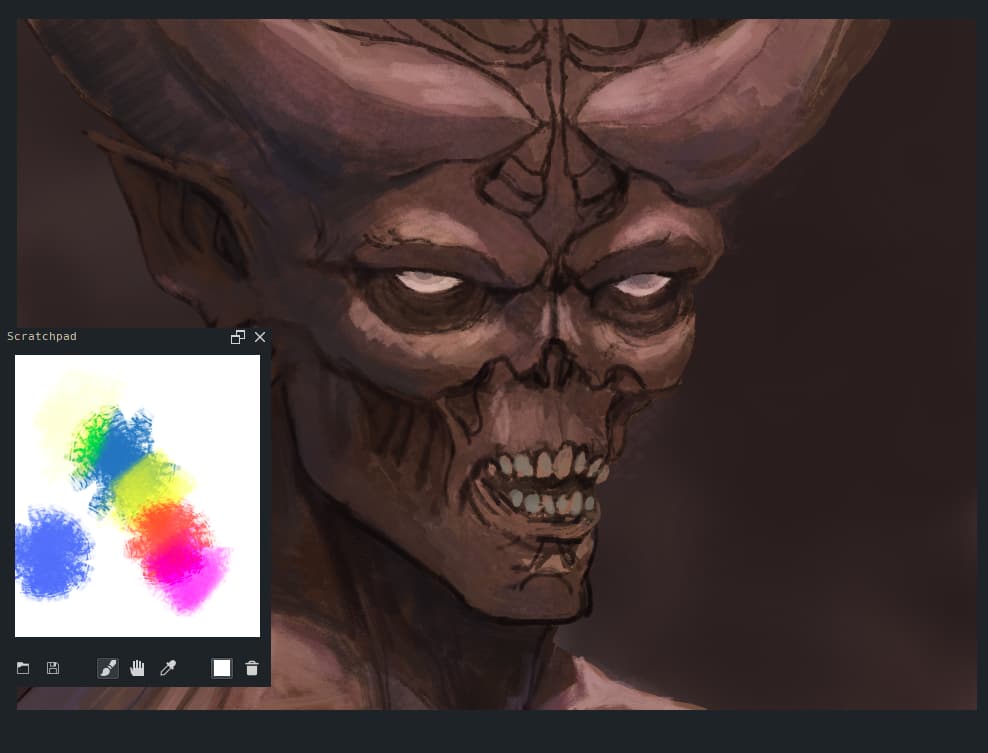
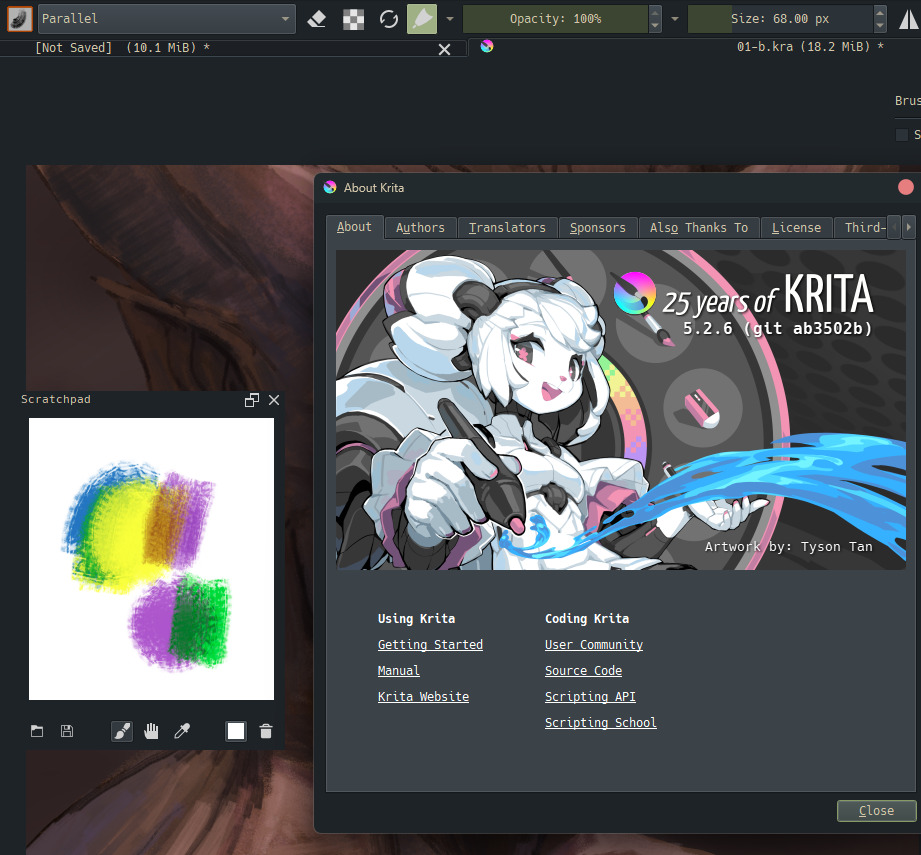
I’m using the latest krita version still kicking without issue. Btw if you want to mix color using this plugin you need to set your brush mode to parallel or lambert lighting (gamma 2.0).
Alright I think thats a plan then (。•̀ᴗ-)✧ I’ll compare the scratchpad plugin and anything else I come across to my dual-document system and see which is better to use!
I’ll have a couple other experiments I want to test out (clone brush? colour-stamp based “tube squeeze” brushes with a set pigment?) that might be fun too, we’ll see what works xD
(slightly unrelated note but its so exciting/frustrating to re-read that spectral blending thread - it’s been merged with Krita, technically you can play with it but its not officially in yet. So far yet so close haha)
I use it frequently and when I want to mix a color that I’ve used in my painting, I just select the color (using the color picker) then tweak it by using the digital color mixer. With that, I can add colors that are not near each other in the traditional style color mixer and therefore get the color that I had in mind. It’s rather fun to play/experiment with.
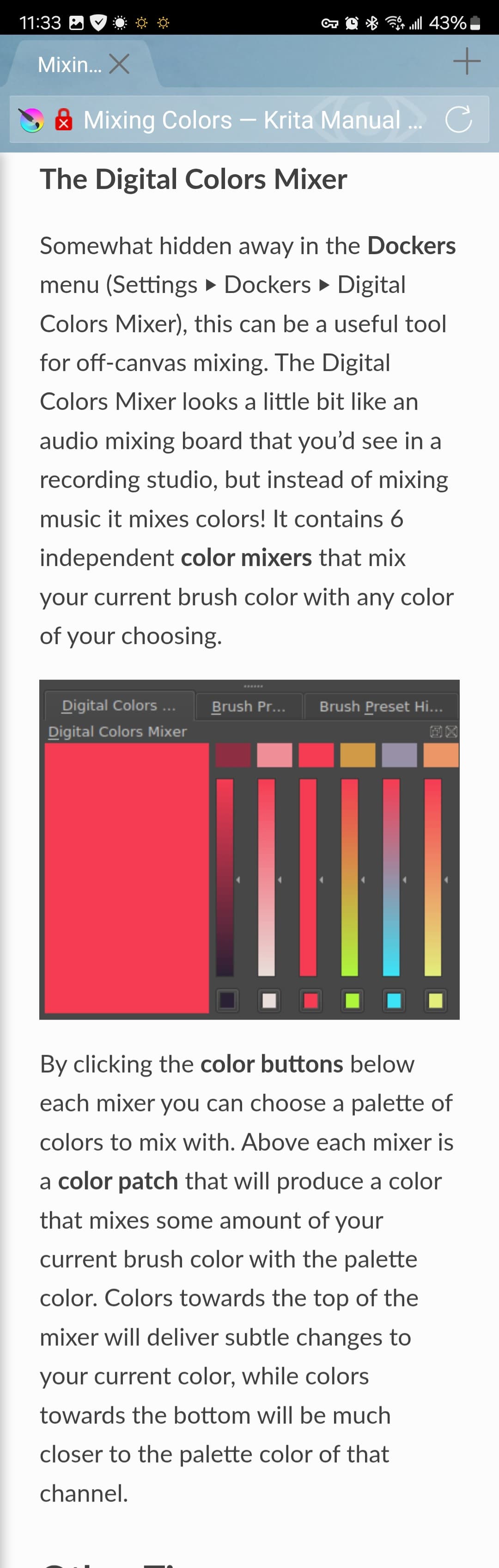
The digital mixer is good, it’s hands down the most efficient (ノ゜▽゜)ノ and you do kinda get that mixing feel like a DJ!
However, there’s a certain (unintelligble french chef gestures) je ne sais quoi about literally mixing the pigments together that I think Krita users deserve to have in their arsenal, and its an itch I haven’t really been able to scratch up till now