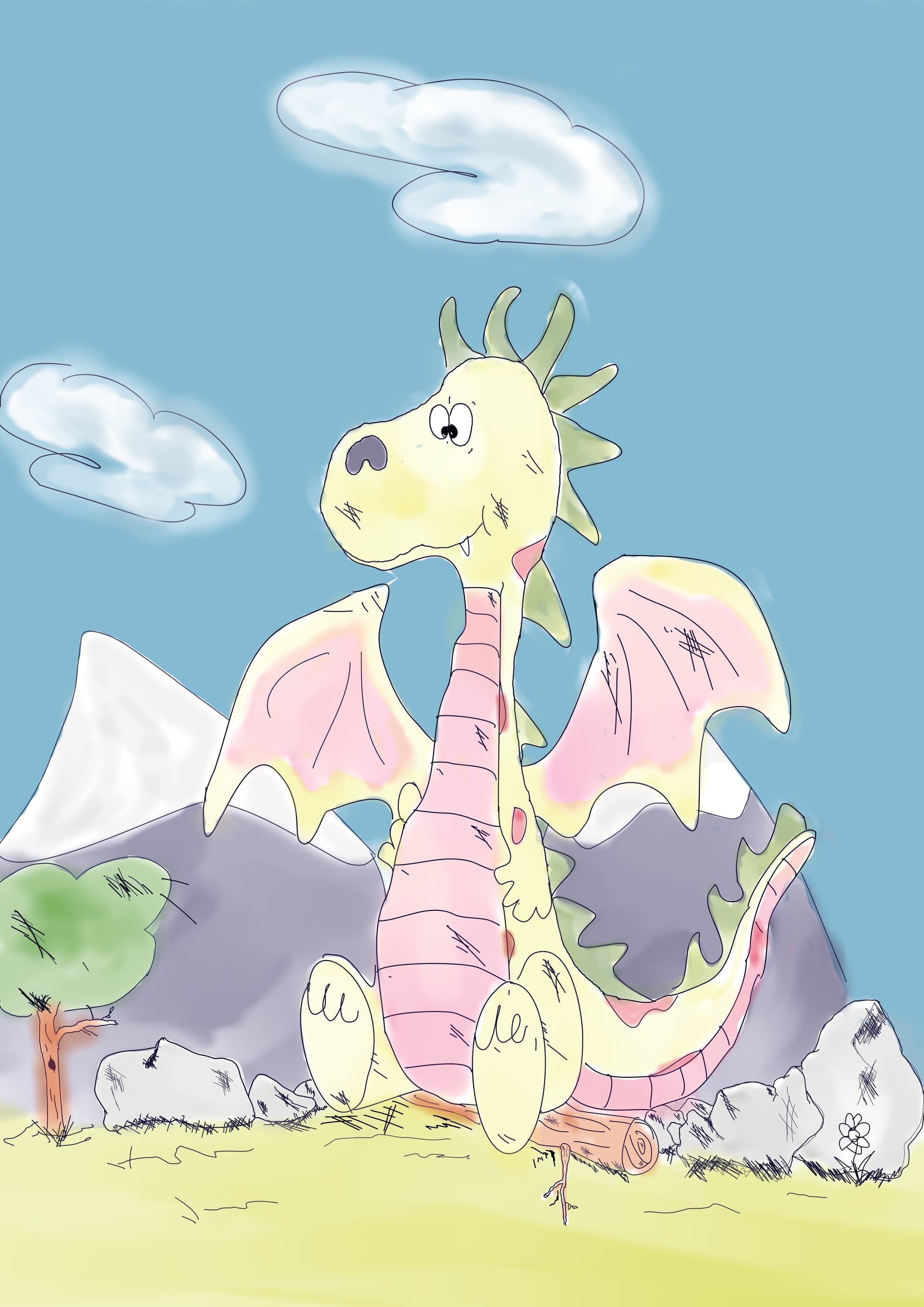
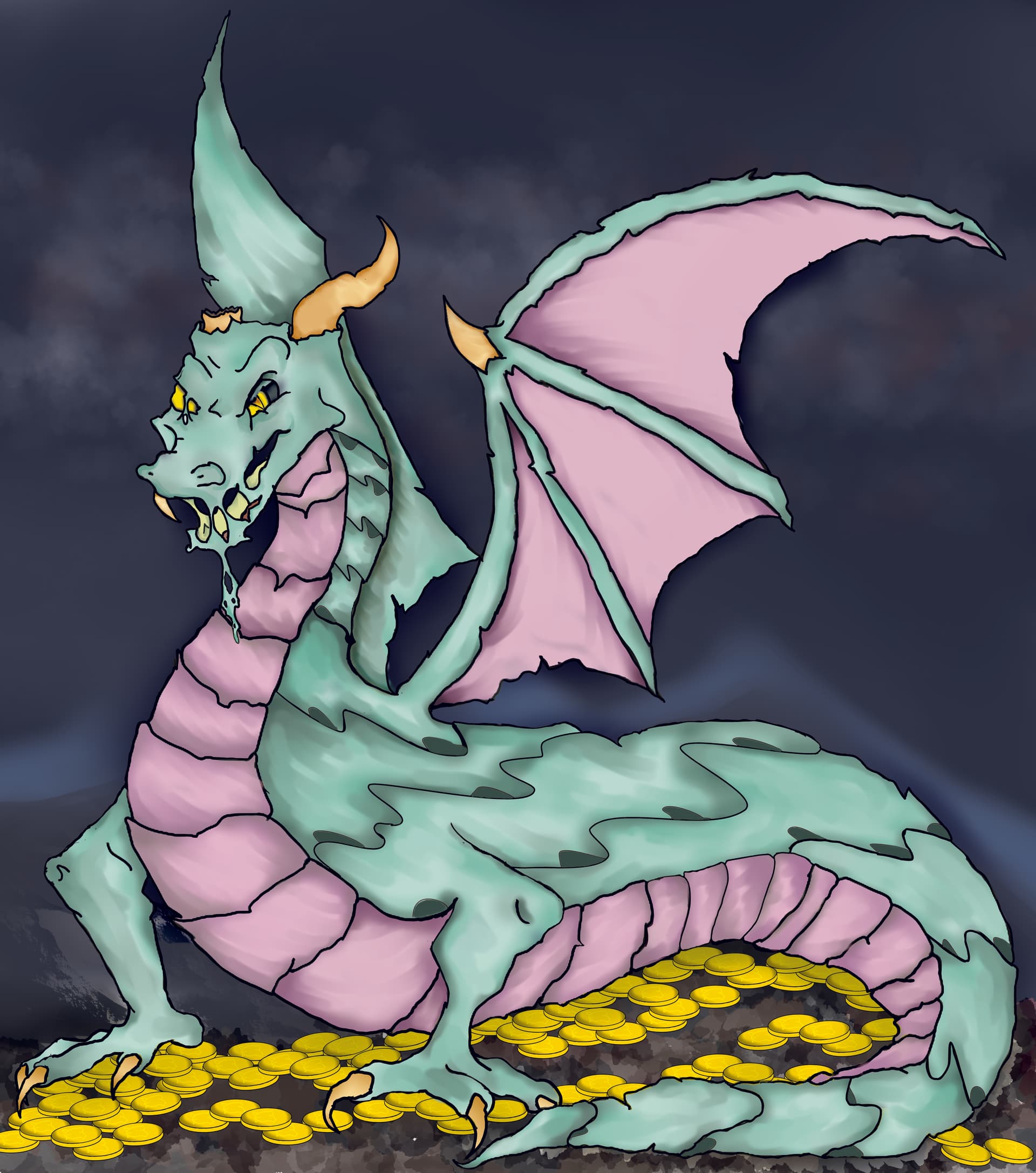
Well after almost 12 hours I present to you Duldrat with his plunder.
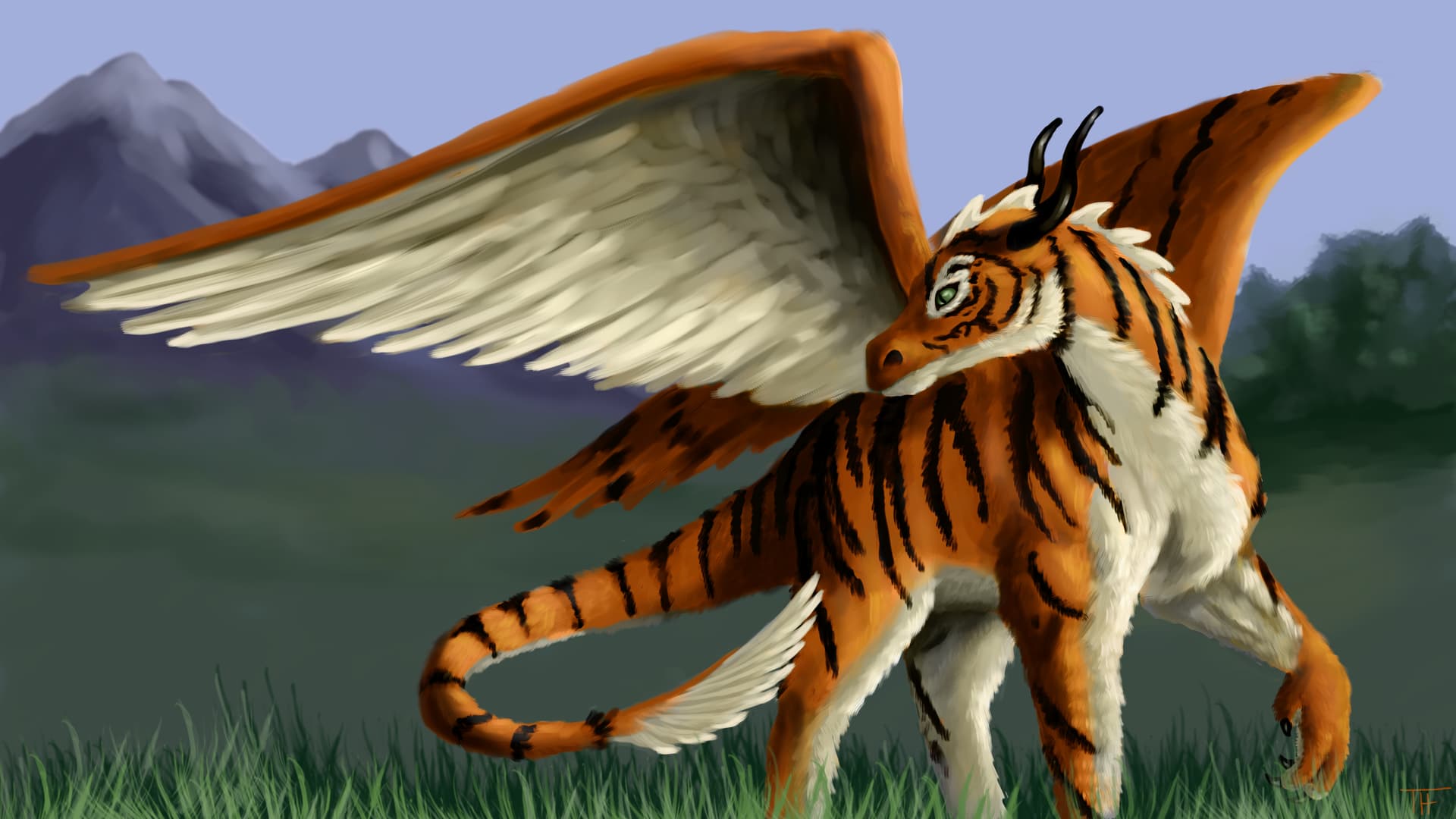
Second Entry is inspired by Charles M. Schulz’s Peanuts comic
I call her Peanuts
Well after almost 12 hours I present to you Duldrat with his plunder.
You mean his pocket money, right?  It’s a young dragon who only started plundering, isn’t it?
 I only used one brush b) Airbrush soft
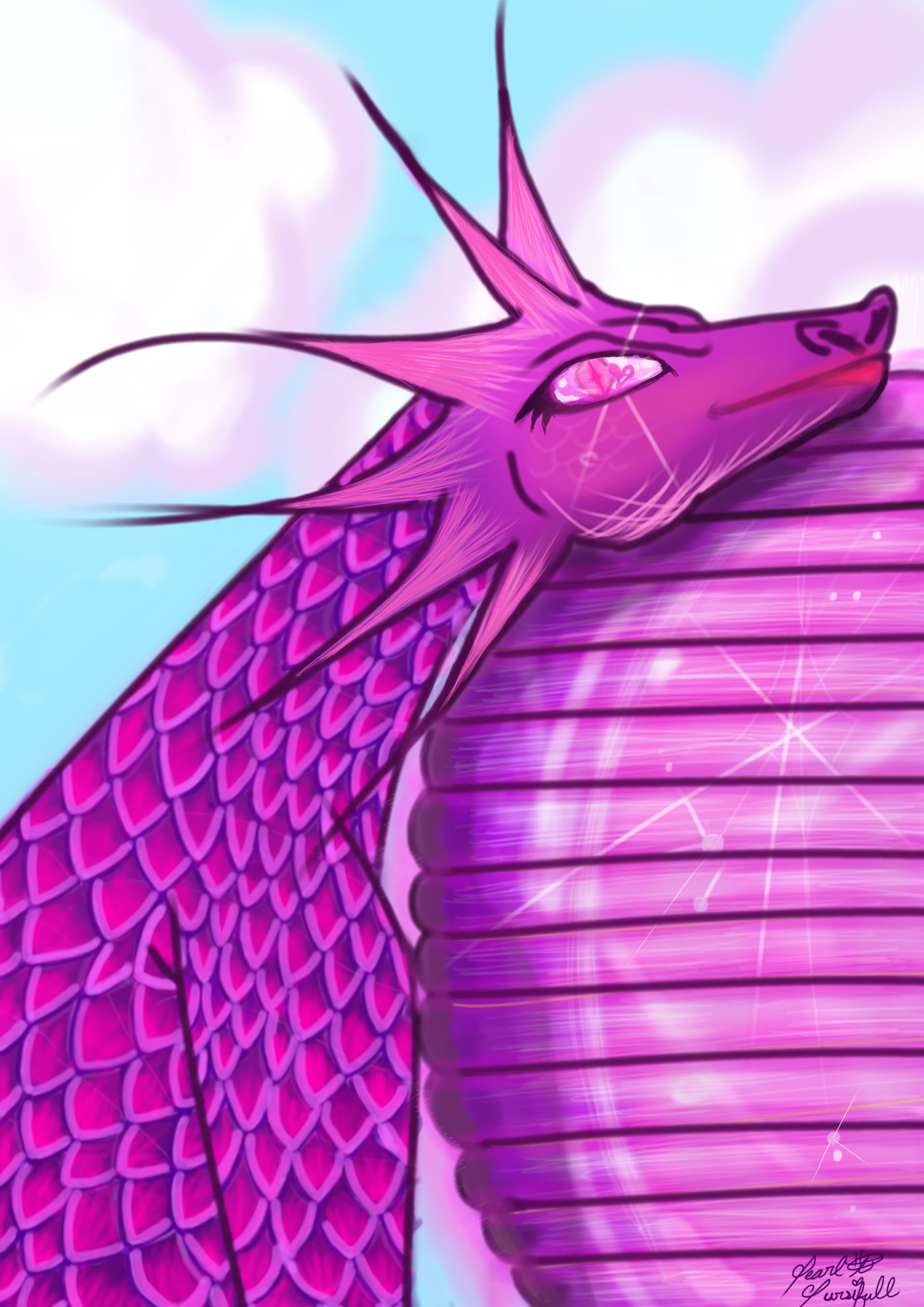
I present to you le pink dragon 🩷 
 and her egg.
I’m seeing all these amazing artworks, and I’m sad that I probably won’t be able to participate since school is keeping me quite busy  .
.
Hello @Pearl_Dunn and welcome to the forum!
Nice first post, and a very good entry for this month challenge. I wish you luck with it!

Michelist
Welcome, @Pearl_Dunn.
amazing 

Watch the skies, traveler!
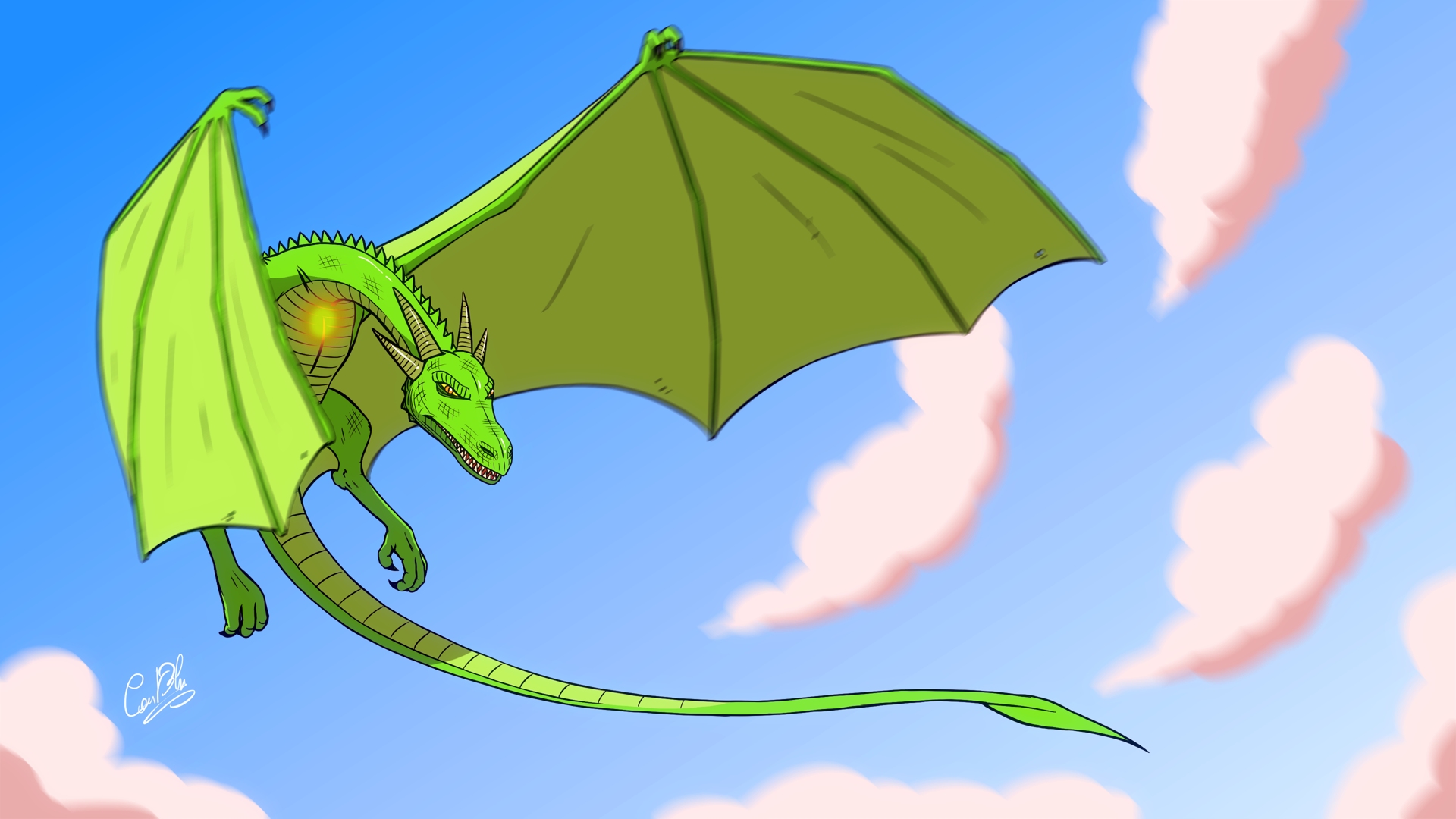
Here’s my entry. Not entirely happy with it (as usual) but I’ll call it good enough, after spending way too much time tweaking those blur effects!
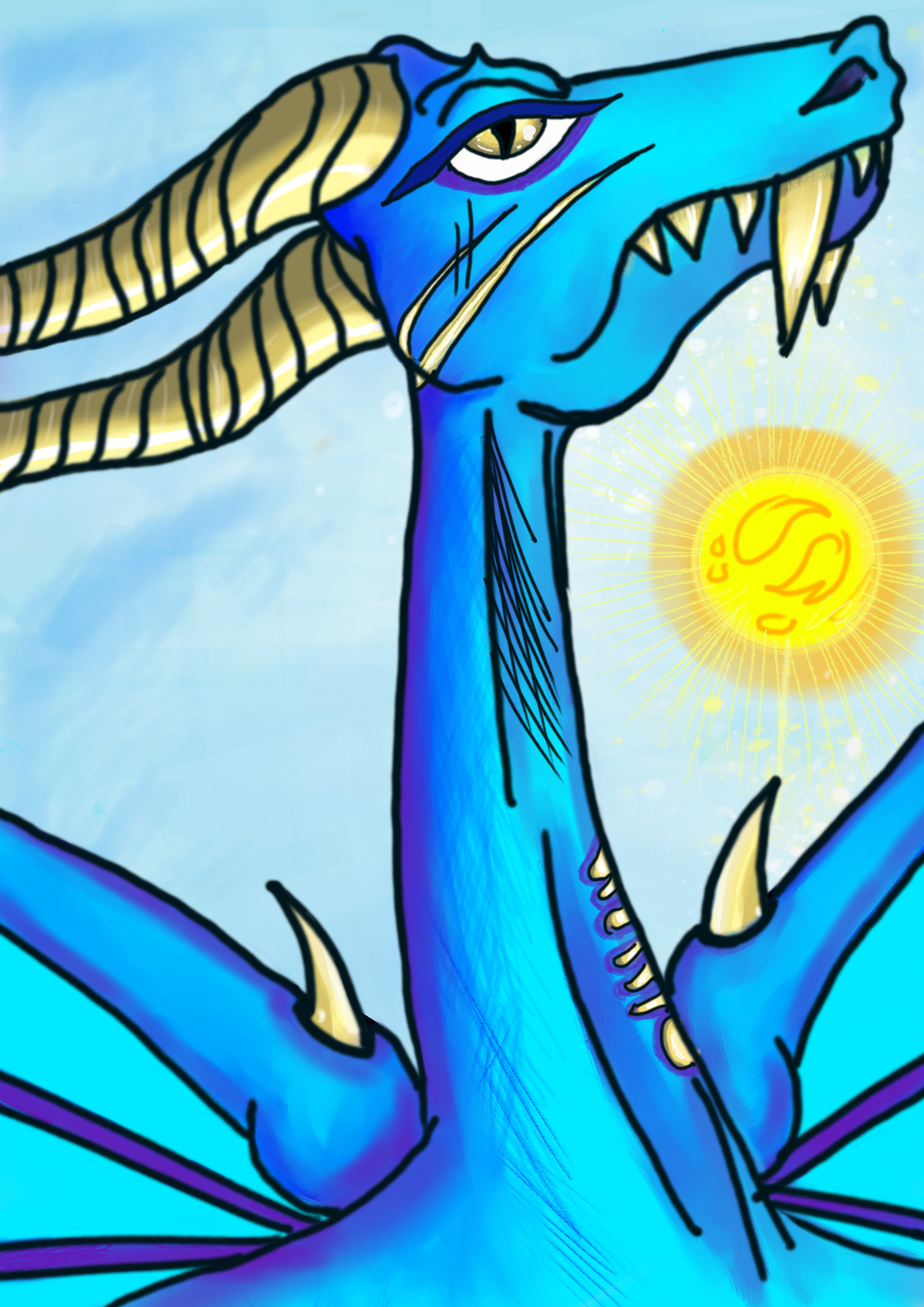
This time I took up the optional challenge, so for the brush I used only the Ink-3 Gpen from the Default Resources bundle. It was interesting to experience how you can still circumvent some limitations of your brush with filters (I guess that was @Elixiah’s goal). For instance here, to make the inner fire effect on the chest of the dragon without access to the soft airbrush, I simply used a blur effect on my hard pen strokes. 

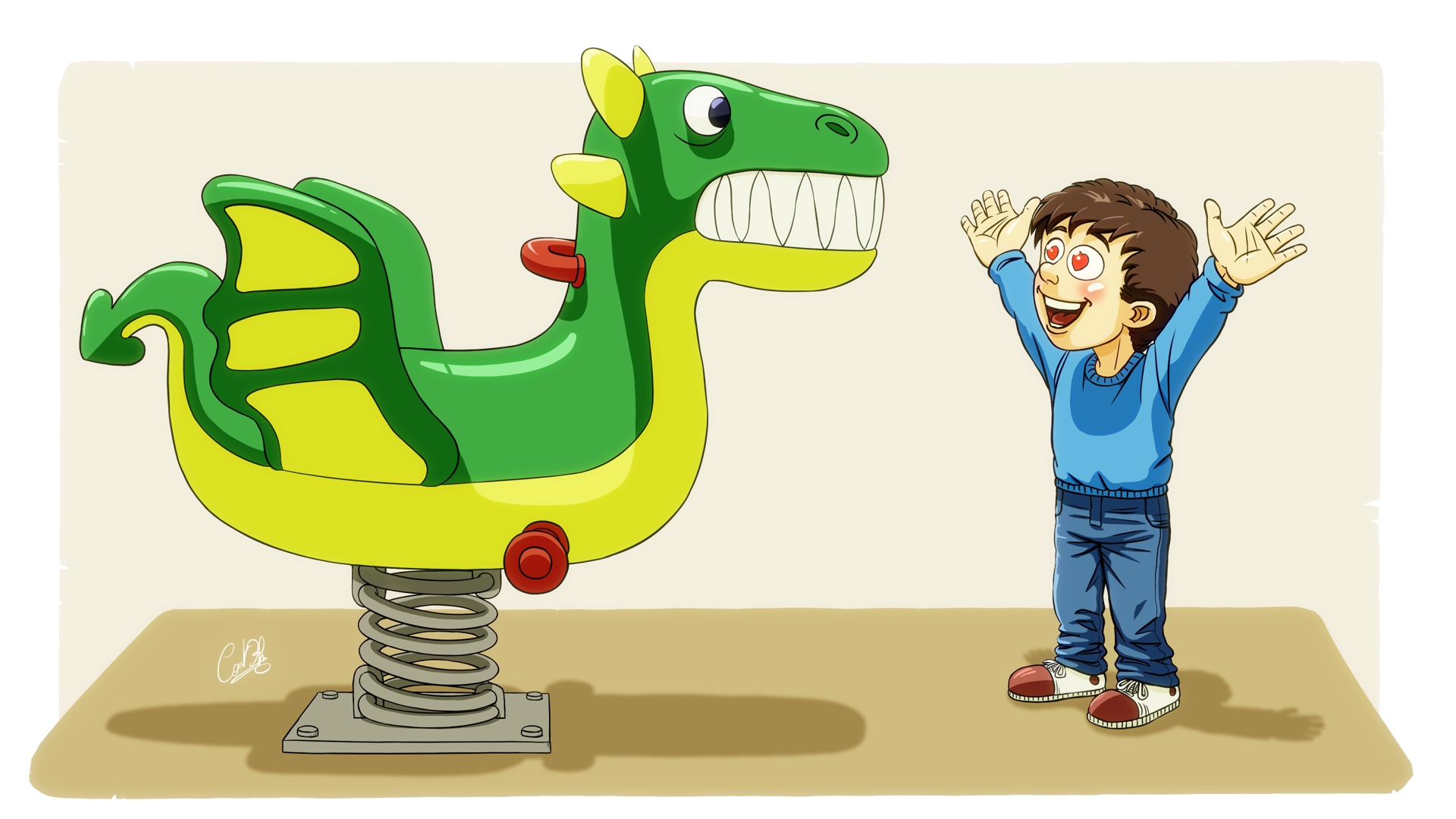
And here’s my second entry! 
The important thing is not if the dragon is real, but if it’s magnificent for someone, isn’t it? 
Here I used exactly the same single brush as before (Ink-3 Gpen), with a blur effect for the red on the cheeks and the shadow on the ground. I also applied some post-processing effect I’ve learned in a Youtube tutorial by LinesSensei (“fry” a copy of the final image by adjusting the color levels, blur it, switch it to Screen mode and lower the opacity, to give a “daylight glow” effect).
PS: I modified the first dragon again (x3)…
i have try the blur effect, the clouds and the dragon look epic using only a single brush 
Thanks!  It’s Gaussian blur for the clouds and the inner fire, and Motion blur for the wings. It was a nice exercise to do but at that point I wished I had made the wings on their own separate layers!
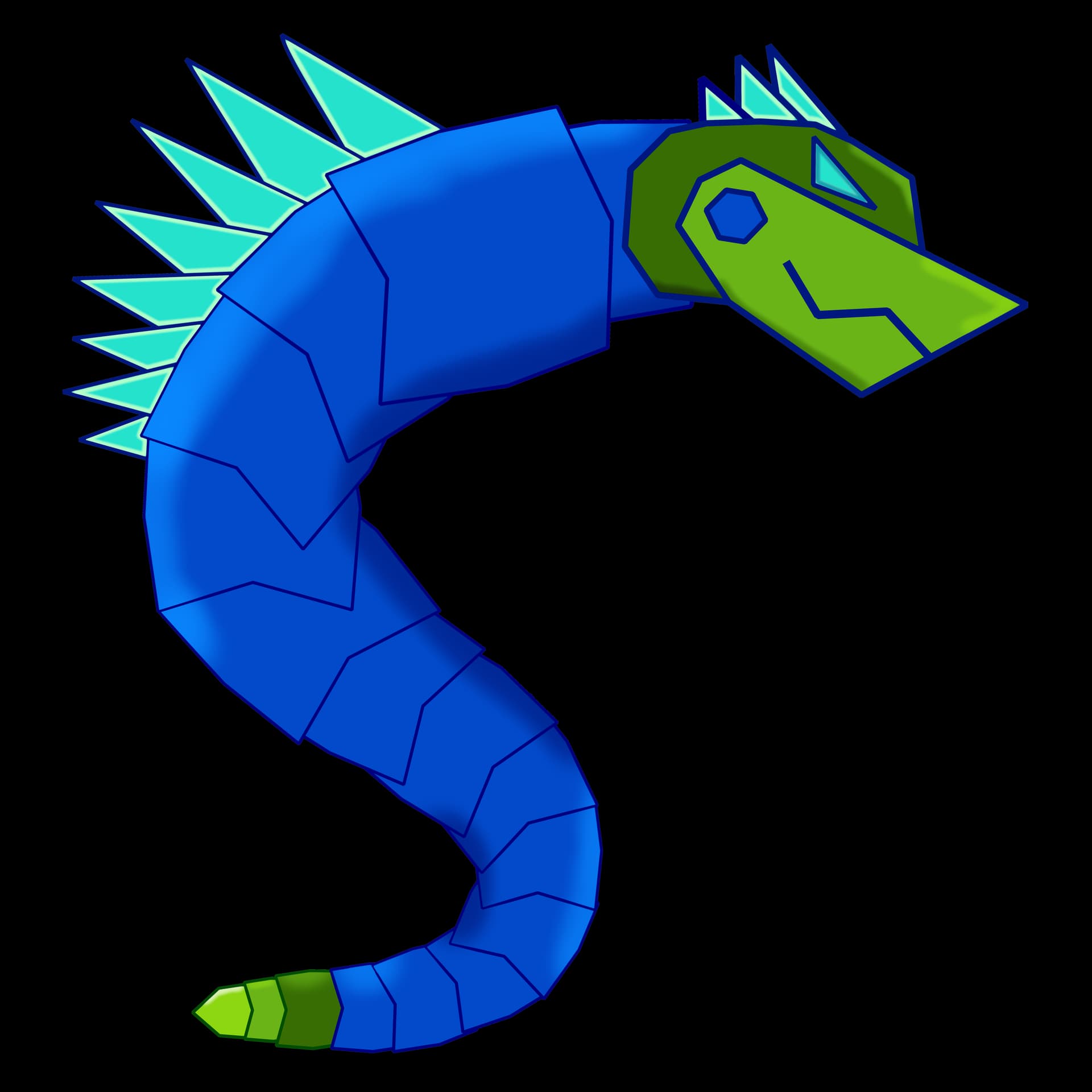
CyberDragon!
Welcome, @P1nky
You have to add your second and maybe a third contribution to your initial one. Can you edit your first entry and delete this one, or do you need help to edit your first entry by of one of the moderators/the admin, because of your user-rights?
If the last, please say so, so they can help.
Michelist
@jimplex Another great piece of work! My favorite entry so far! 
I see you really like face views!
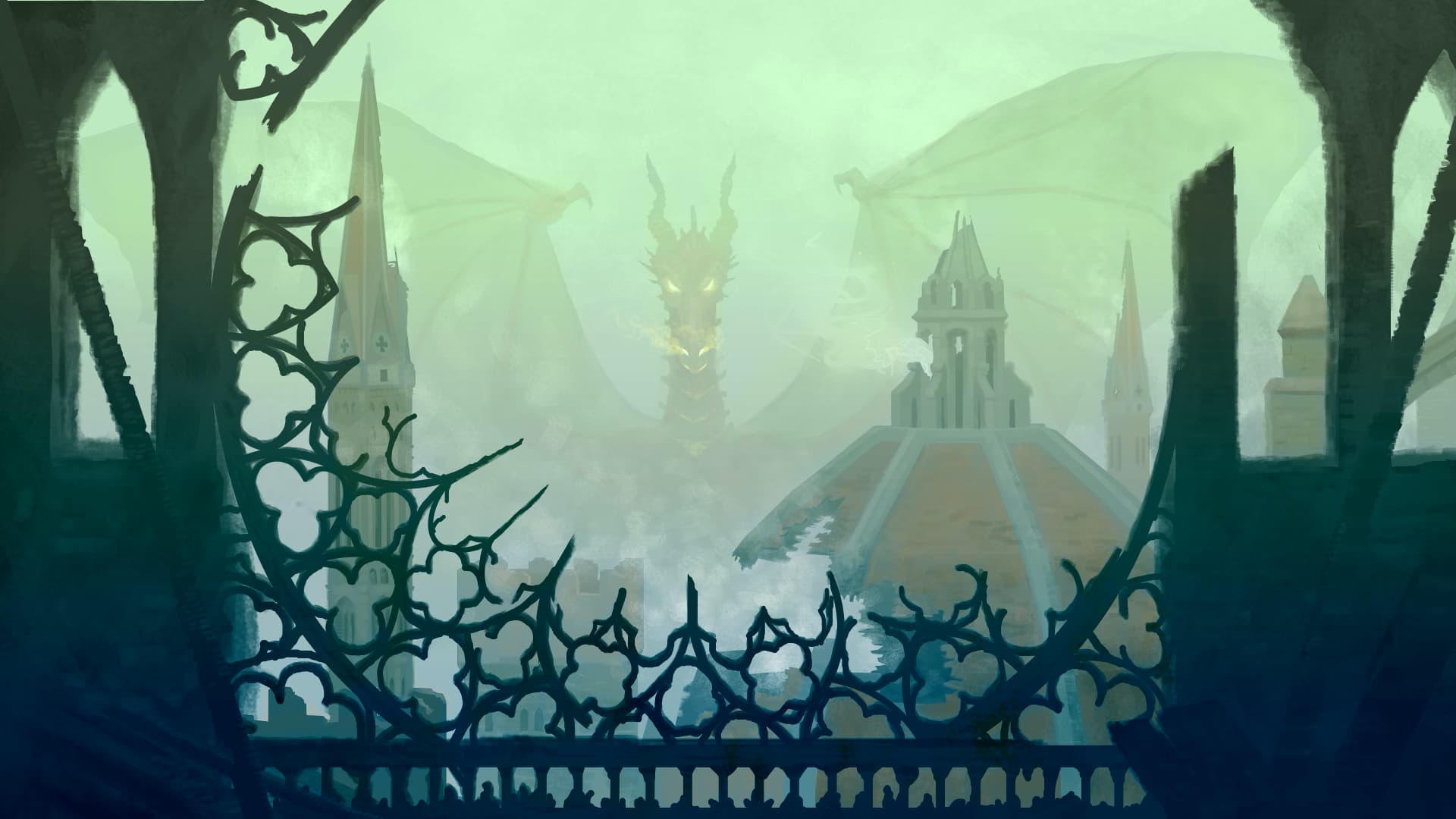
did you use a single brush? epic dragon and the amazing environment