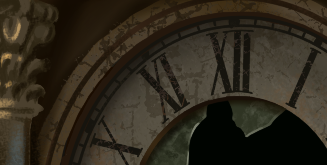
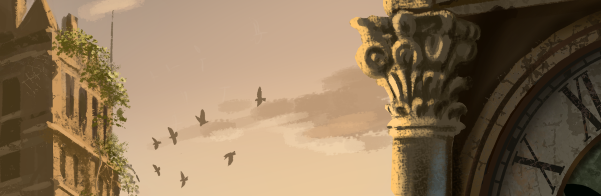
I’m enjoying this one! But I’m getting carried away with playing around with lighting and other cool elements. Y’all know I love contrasts between grunge and beauty. Here’s a couple sneak peaks of the more finished areas. 
12 Likes
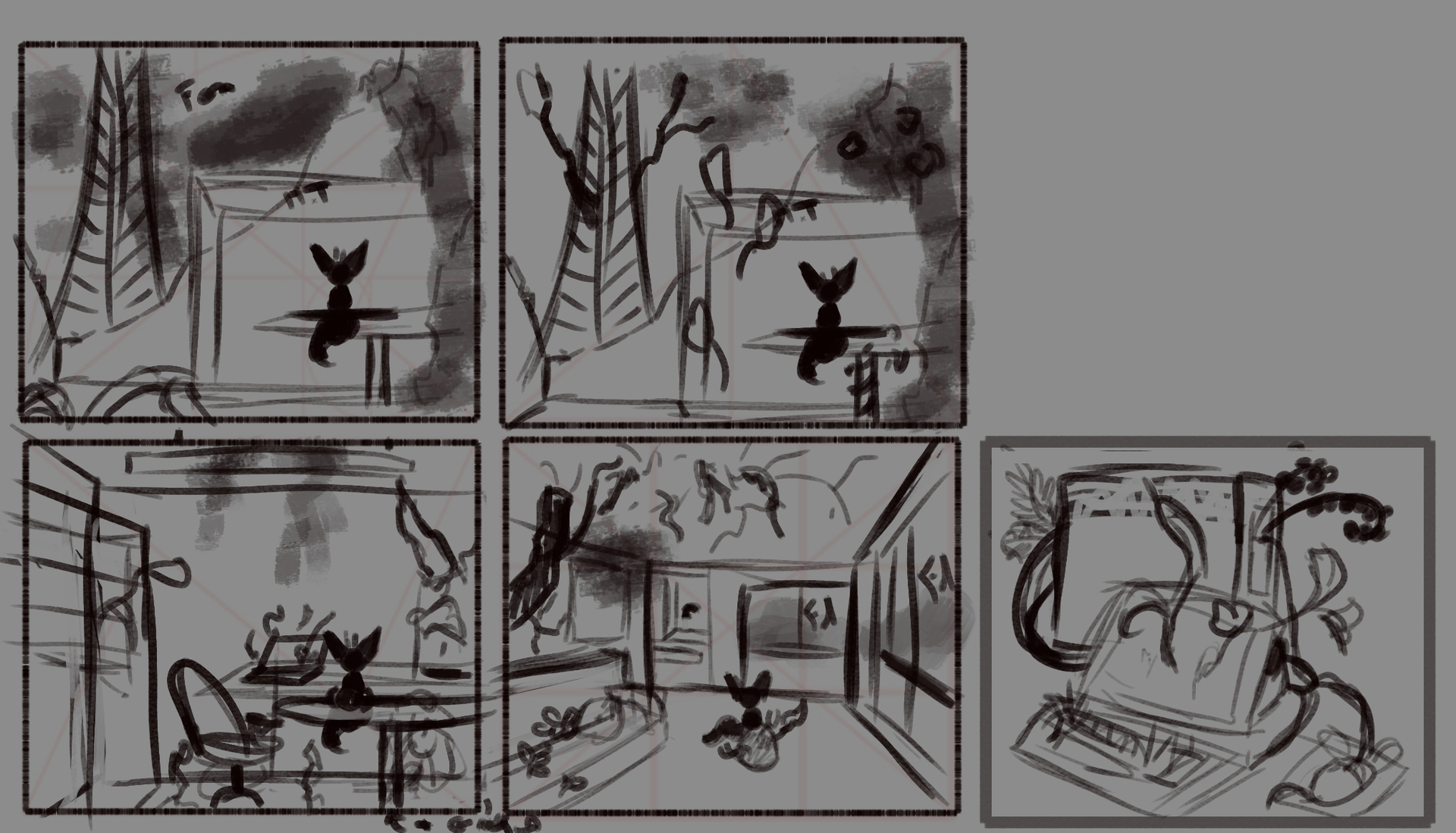
So, just out of curiosity, what does this have to do with the topic of the competition?
Michelist
This is an art challenge topic. Here, the users try to compete together around a given topic, which is even included briefly in the headline. Additionally, the first posting of this topic describes the challenge in more detail. So what direction of artworks we hope to be shown this month from the participants.
And the fact that someone died 5 years ago is showing how life goes, but has not really much, or, to be honest, not even little to do with this topic, in my eyes.
Michelist
1 Like
You can paint up to 3 pictures per challenge, so if you want to participate you can paint something else and post it to be among those the community may choose and will vote about - and you can withdraw this picture from here and post it in an own topic, if you want to.
Michelist
Hi @MOHCIN_LABID - I moved your image and the attached discussion to the Work-in-process thread that we use to hold conversations about the monthly art challenge. This is where you can ask any questions you might have or ask for feedback, etc.
Please do jump in and make something with Krita for the challenge. I’d love to see more of your work.
4 Likes
8 Likes
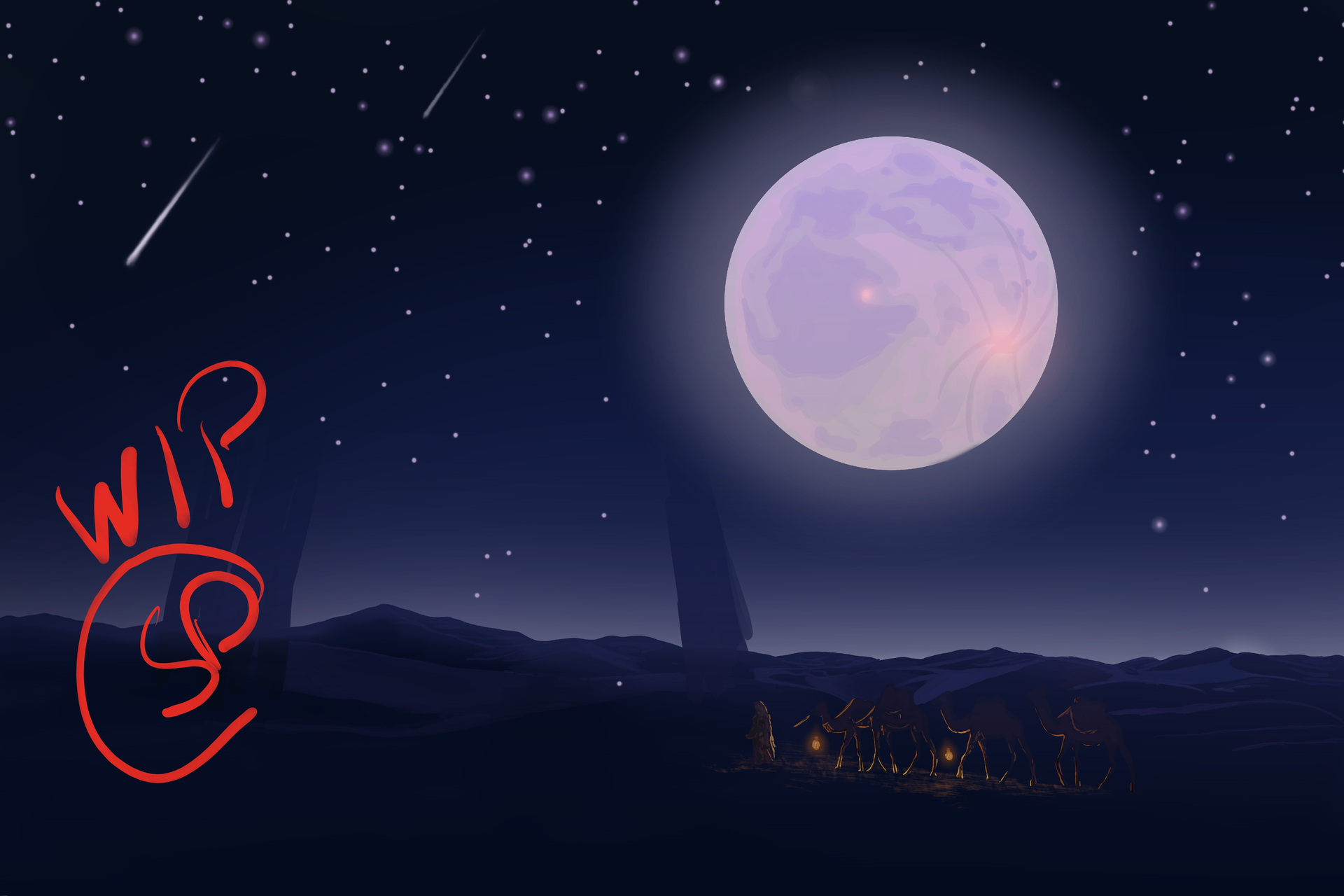
@Corentin I was thinking of an underwater scene, even mocked a few versions of Greek statues and temples with coral and some fish swimming around. Each time it felt more like a fish tank than a Civilization Engulfed! 
I like your idea so much better!
1 Like
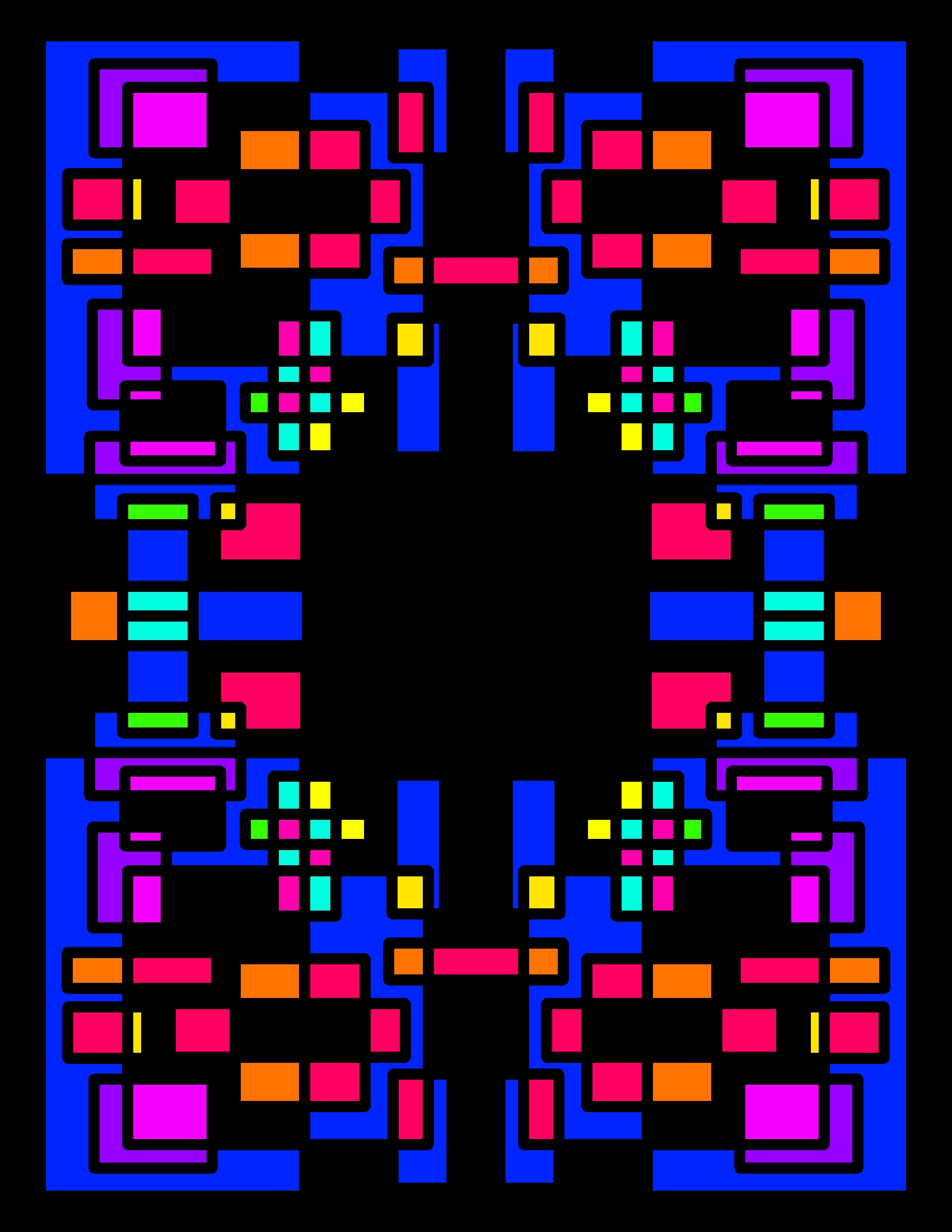

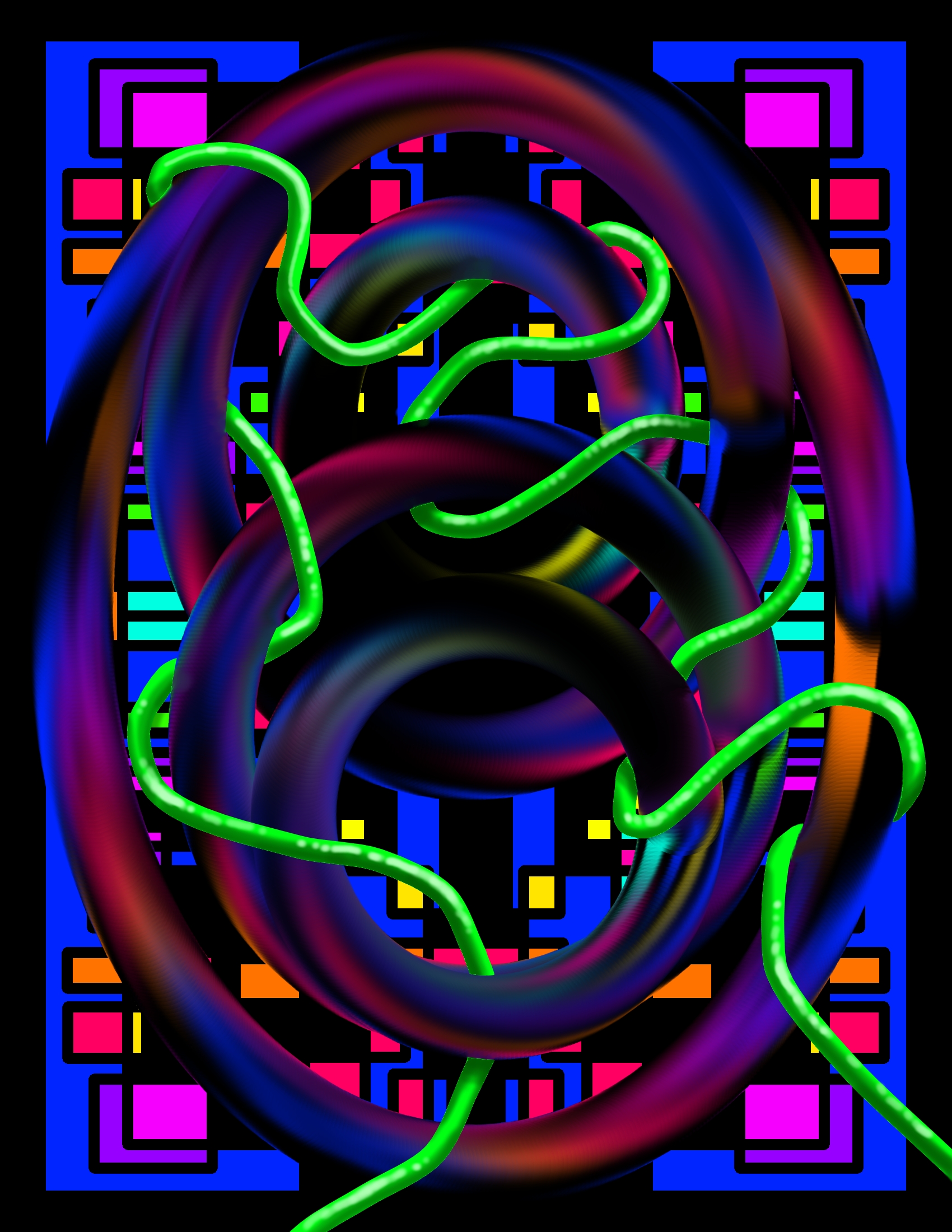
Just showing some stages of development in this piece. The leaves and flowers on the final were all copy and paste from the originals I drew. Still and all, it was quite the process!
6 Likes
I like this…
For anyone still looking, here’s Zombie Waldo:
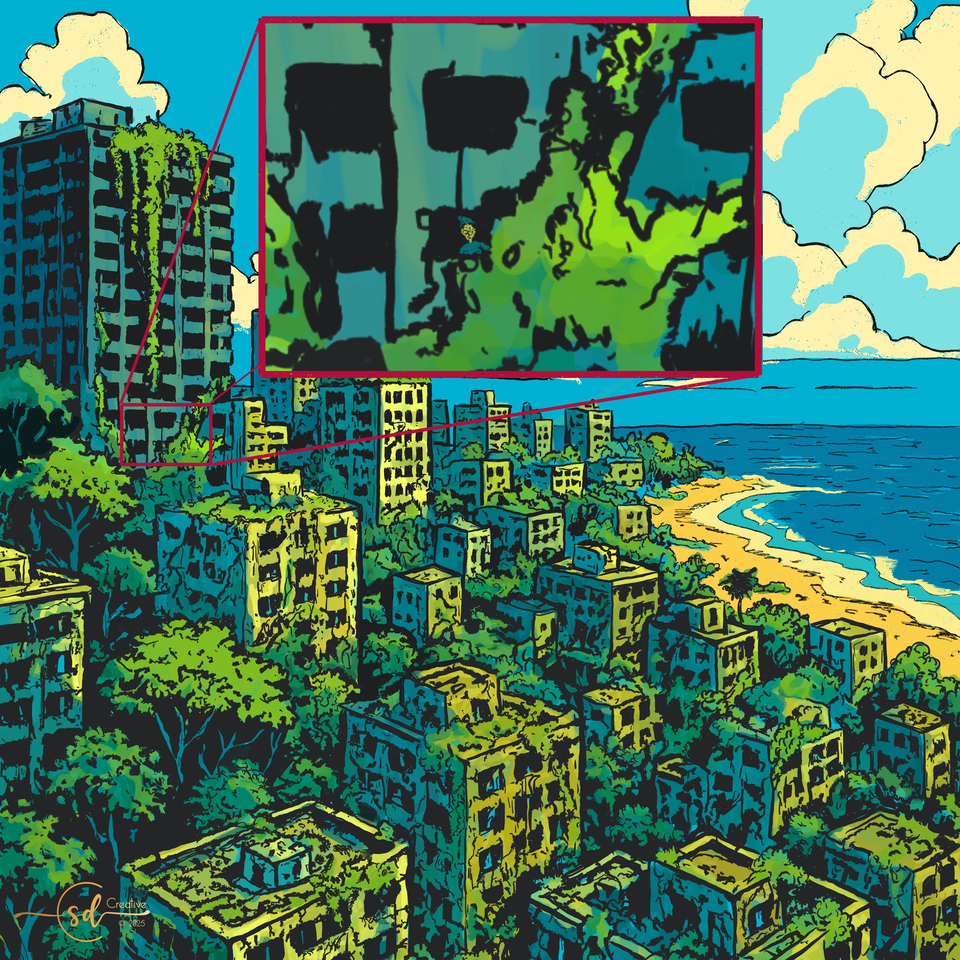
Congrats to everyone who found him, and bonus points to @Michelist who seems to have been the first spotting.
Thanks for playing!
5 Likes
@Valquer I think it’s too bad that you posted only such low definition images because we can’t really zoom in and enjoy your great brush strokes. I hope you’ll post them in bigger size in the “Finished Artworks” after the vote is done…
3 Likes
Thank you for the compliment regarding my brushstrokes. As for the artworks, they were made in FULL HD (1920 x 1080), but when I post them on the forum they are automatically resized to a lower resolution. I tried about three times, but every time the resolution is decreased by the forum.
I don’t create artworks in a higher resolution because Krita becomes so slow that it makes the process impossible.
1 Like
@Valquer I haven’t noticed my images being reduced in resolution when uploading to the forum. Do you have your Krita document settings set at least 300 ppi?
1 Like
This is weird because normally, the image is resized by the forum only for display reasons, but you should still have access to the original image if you posted it in HD, but in your case, even if I click on display original image, it stays small… This is beyond my competence, maybe ask in the appropriate section of the site for technical help?
@Elixiah if I’m not mistaken, the ppi are only relevant for printing purposes, but if his canvas is 1920x1080, those are pixels and the image should take the entire screen, no matter the ppi???
1 Like
Weird indeed! I just tried… again… just now, and it was resized.
If you guys want, I may upload my works in DeviantArt, so you can see them in detail.
And they are done in 400dpi.
2 Likes
Unfortunately, this is a really obscure problem. I draw exclusively in 4K 300 dpi format. And every time you download, the size is reduced to 1080, and oddly enough, the original too. For example, I have reloaded my drawing of the Gagarin Research Institute several times, but there is no result. The original is also compressed to 1080. Let’s ask @Michelist about it. Maybe he’ll tell us what we’re doing wrong.
К сожалению это действительно непонятная проблема. Я рисую исключительно в формате 4К 300 ппи. И каждый раз при загрузке уменьшается размер до 1080 и как не странно оригинал тоже. Например свой рисунок НИИ Гагарин я перезагружал несколько раз, а результата нет. Оригинал также сжимается до 1080. Давайте спросим об этом @Michelist. Возможно он подскажет что мы делаем не так.
2 Likes
You should start with data-reduction, which not necessarily has to mean quality reduction, and offer this “compressed” picture to the forum. When you know that our forum accepts picture dimensions up to ~ 9MP (maybe a little more) and 3MB in size, then you should try to stay in these boundaries and perhaps match, but not exceed them.
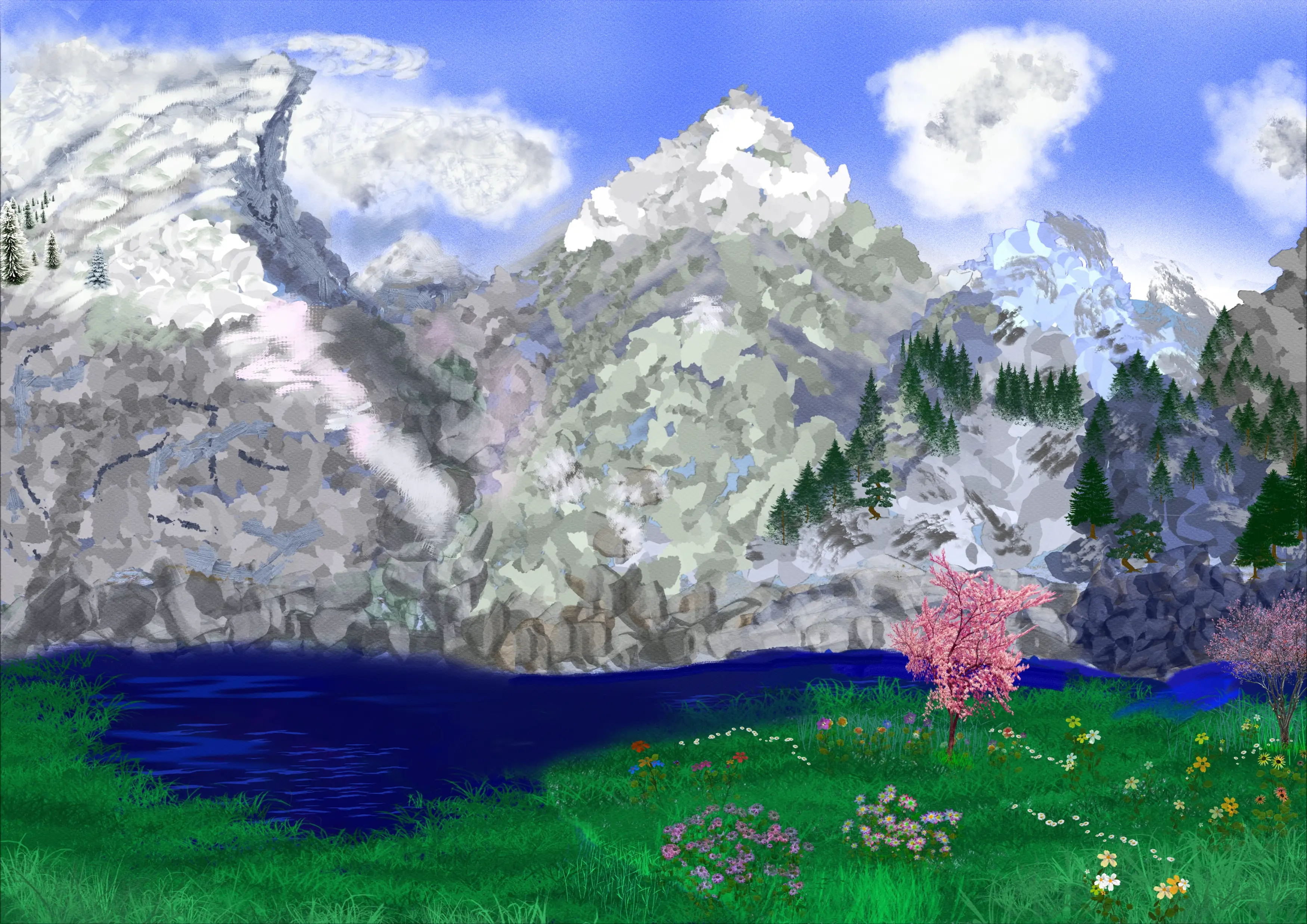
To make this graspable, I took the following picture, that I painted a long time ago to check out some brushes¹, and then I reduced the following picture, its original size is 4960 by 3508 pixels at 300 DPI and I reduced it to 3500 by 2475 pixels because with that I’m short below the allowed 9 MP. The next action was to find a file format which allows reducing the amount of data. The KRA file in the said size of 3500 by 2475 is ~ 80 MB, as TIFF file we have ~52 MB, as lossless WEBP ~ 20 MB, as maximum compressed PNG ~ 15 MB, as JPG ~ 1.5 MB! But I decided to choose another option, I went for a lossy compressed WEBP with ~0.8MB, which even replicates the canvas texture I had chosen and wasn’t reduced in size from the forum, because I redownloaded my picture and it was not touched in any way, it is a 100% digital twin!
Here you can see the lossy compressed WEBP with ~0.8MB:
And here you can download the size reduced KRA file as well as the TIFF, PNG, the lossless WEBP & the JPG:
KRA:
TIFF, can be viewed online in your browser:
PNG, can be viewed online in your browser:
lossless WEBP, can be viewed online in your browser:
JPG, can be viewed online in your browser:
lossy WEBP from above (the one you see above, download it to compare both), can be viewed online in your browser:
As you can see, it’s all a matter of the settings you choose.
Michelist
¹ It was a search for brushes good for painting mountains.
5 Likes
I saved as WEBP and it worked!
I already updated my paintings!
Thank you, Michelist.
5 Likes
@Corentin That’s getting way beyond my level of competence! 
2 Likes