I want to be able to do more with brushes that use the Gradient map, specifically, I want to be able to apply a mask and then somehow apply color filters to the mask to allow for more variation in color and shape, since applying color filters to the gradient brush its self is not possible.
(or if you do read the original post, and can figure out some other way to get what I’m trying to describe, the brush engine is still mostly black magic to me  )
)
[Original posts merged into this Feature Request by moderator - see below]
I’m not sure if this is something that needs to go into feature requests or if i’m just really bad at searching for what I want
I’m really enjoying using the gradient map brush tips - make a gradient with transparent background and map it to your brush tip and set the brush mode to Gradient Map.
i especially like that I can then Mask that gradient brush with another brush tips to get cool effects.
BUT I find that once you set brush mode to gradient map, most of the color options don’t work. so say I wanted a brush tip of …some blades of grass masking over a green gradient brush. cool, I not have a gradient grass brush! but what is the gradient isn’t quite enough, what if I also want the grass’ gradient to occasionally change value or saturation for more visual variety?
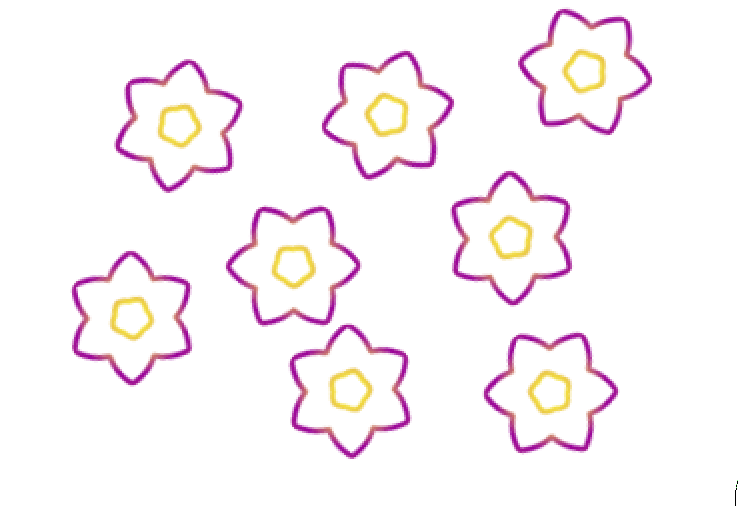
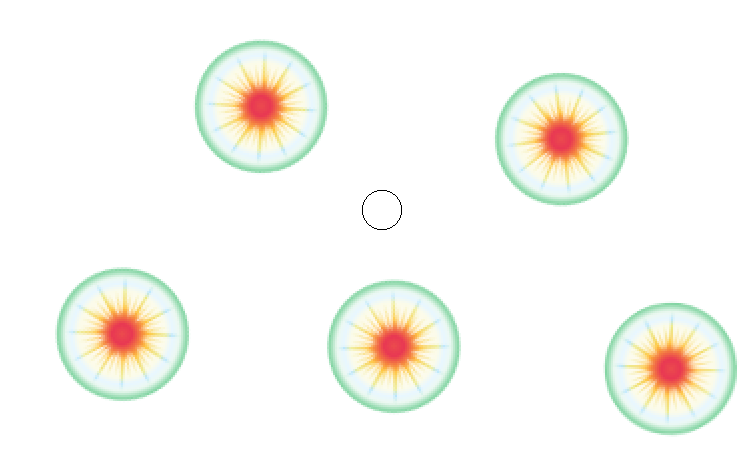
or another example, I’m making a stamp with a brush tip mask of concentric circles, on a circular gradient tip (outside to inside or vise versa) so that each of the circles within the circle of the stamp comes out a different color. but I also want the values and saturation of the stamps to change when i use it so each circle I place is slightly different
I feel like what I want is for me to be able to set a grass or concentric circles brush tip and then Mask THAT with the gradient tip?
or somehow be able to apply the color filters to the mask instead?
I’m not sure, i don’t think I really know enough about the brush engine to be able to ya how what I want should/can work?
what I can get now:
(NB: this is still WICKED cool!)
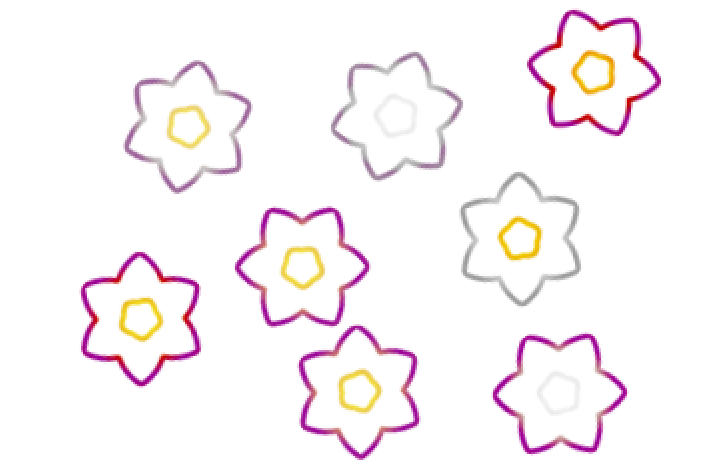
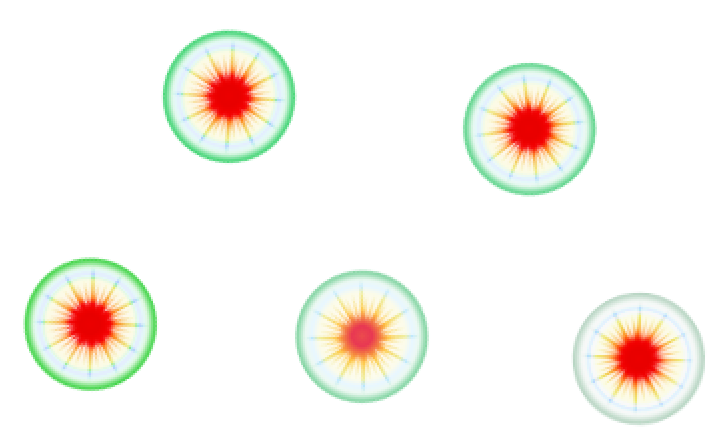
approximately what I want (without having to go in and select each stamp and “fix” it’s color like I did here)
It’s been a long time since I worked on the gradient brush feature, so I couldn’t remember if the color options worked when you used a gradient that had FG/BG colors as part of the gradient, but unfortunately when I just tried it, that didn’t work. For now, you can have the parts of the gradient that you want to vary color on use the FG or BG color, and manually adjust those colors as you draw.
I don’t remember the code well enough to say whether it would be easy or hard to make the color adjustment options affect the FG/BG colors in gradients, but I can say that it would almost certainly cause the brushes to be really slow. Part of how I made the brushes actually perform quickly was to cache the gradient as a fixed array of colors before drawing a stroke, so it’s not having to recalculate the gradient for every single dab draw call.
I think your idea of having color options in the mask could get you what you want more feasibly, and would be a really cool feature. I don’t know that part of the engine well, so I can’t comment on how easy it would be to add, or how performant it would be. I like the idea, though!
2 Likes