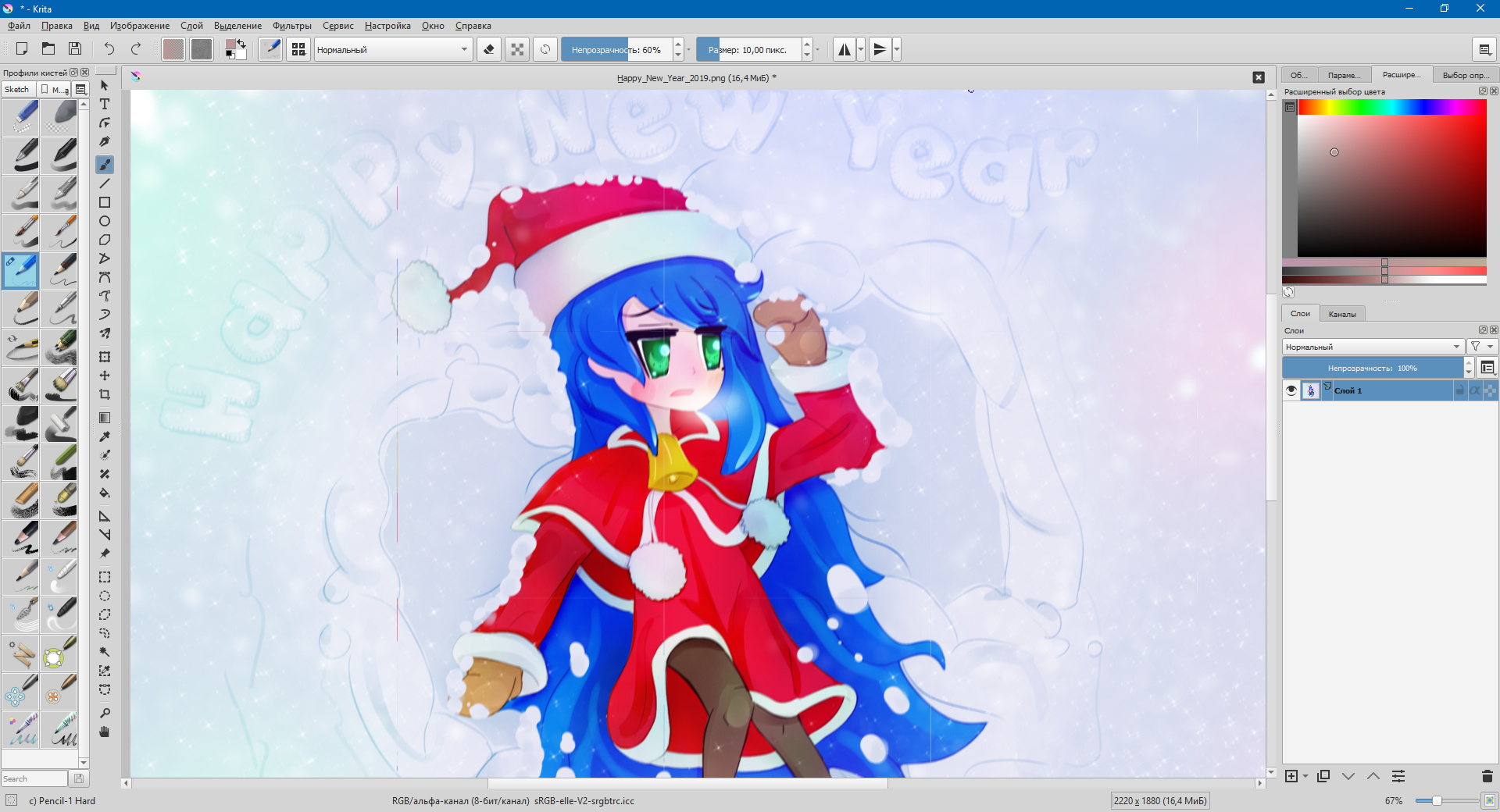
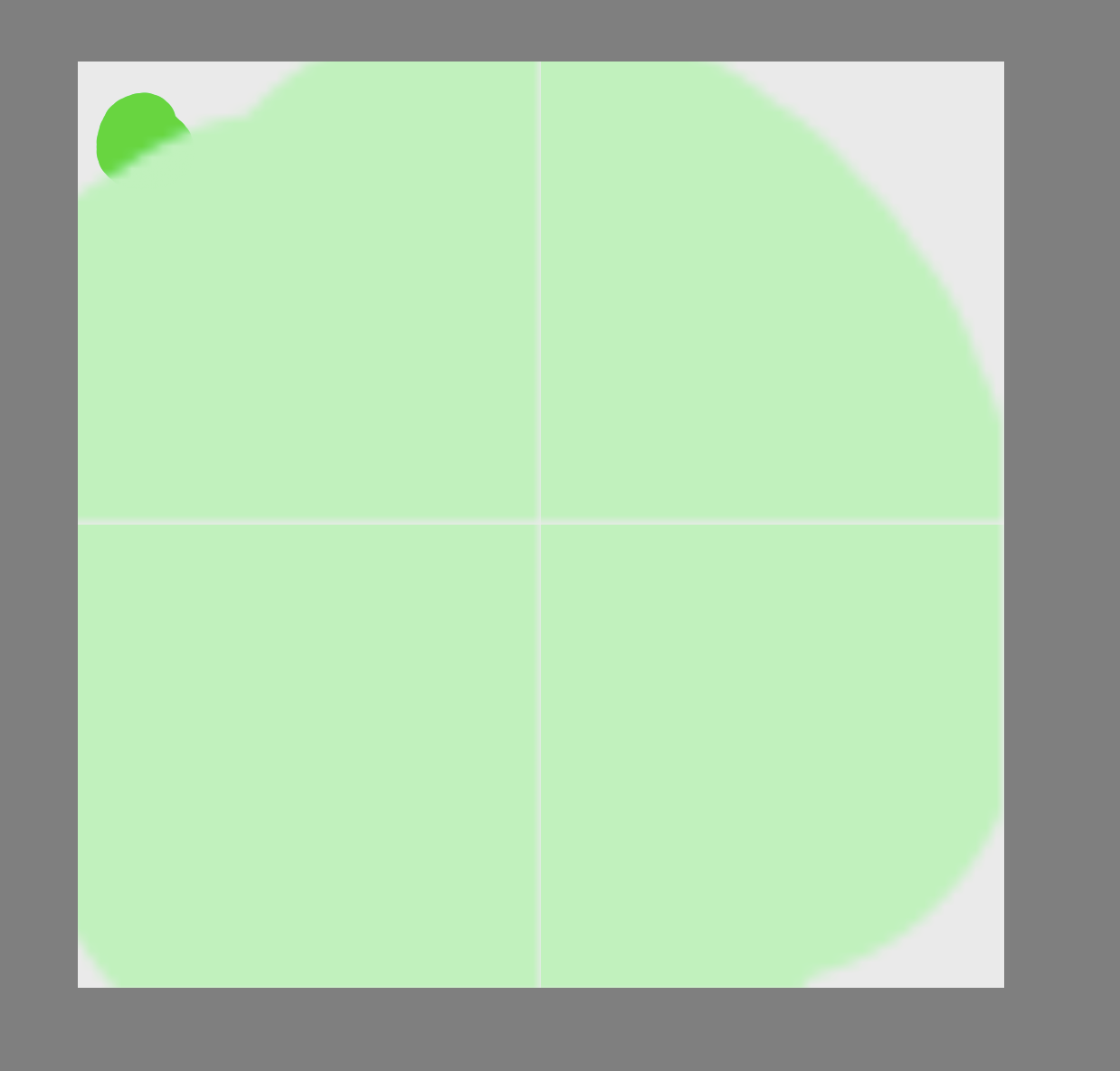
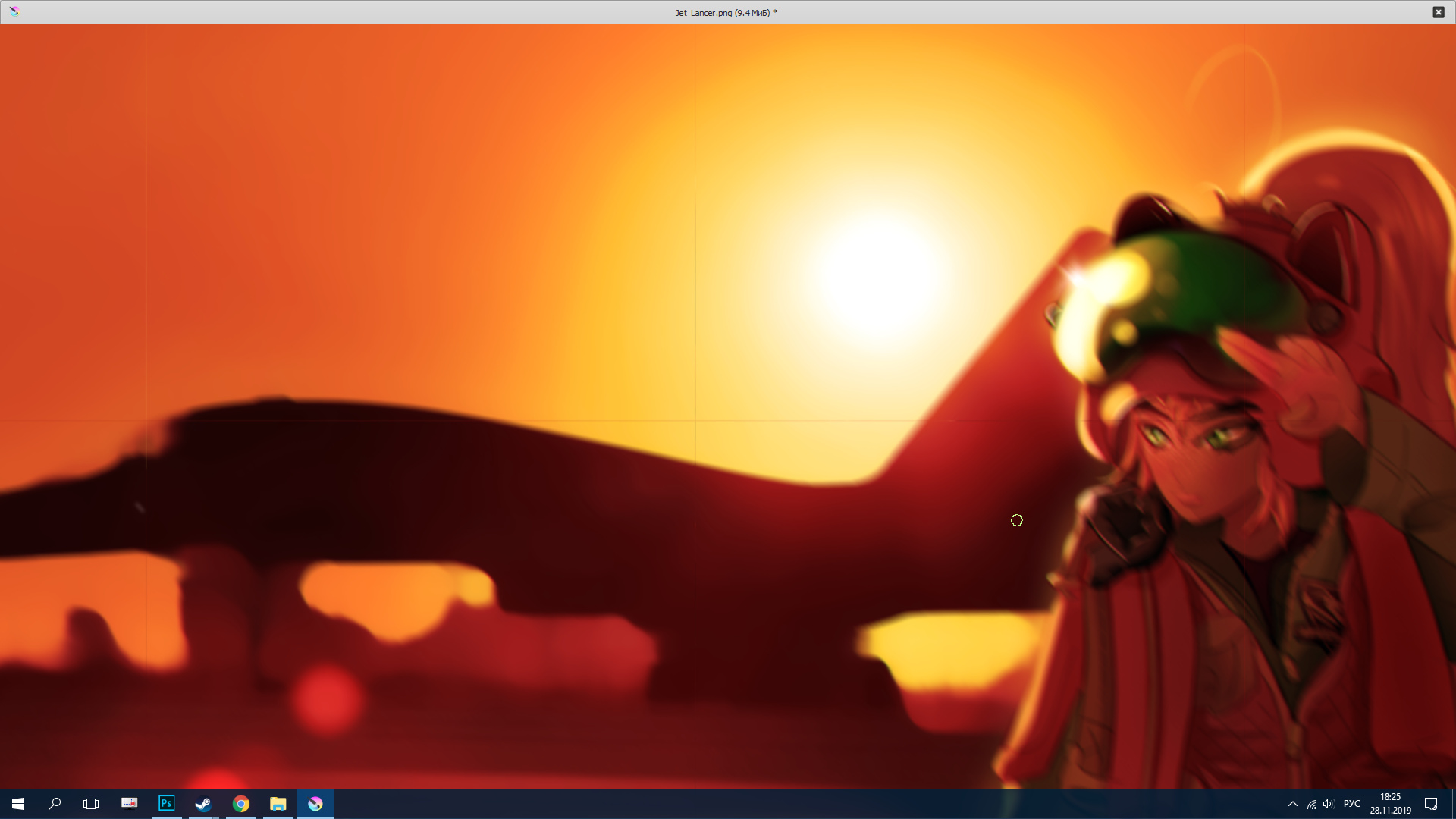
After using the motion blur, stripes appear on the image. 
Windows Version
Windows 10 (64 bit)
CPU Type
AMD A10-7850K Radeon R7, 12 Compute Cores 4C+8G
Graphics Chipset
AMD Radeon R7 200 Series
System Memory
8 GB
Memory Type
DDR3
After using the motion blur, stripes appear on the image.
Windows Version
Windows 10 (64 bit)
CPU Type
AMD A10-7850K Radeon R7, 12 Compute Cores 4C+8G
Graphics Chipset
AMD Radeon R7 200 Series
System Memory
8 GB
Memory Type
DDR3
What is the dimensions of the painting? Can you reproduce it with other images?
I am pretty sure I’ve seen it as a bug report. I cannot find it now though. Maybe it was fixed already? @bess55555 which version of Krita are you using?
no, it is still present in the latest version.
I use the latest version based on Steam - 4.2.8
I can get this every time with motion blur using a filter mask or a manual application of the filter. They are some kind of tiling artifact of 512 x 512 size. This 512 x 512 tiling has often been seen before with some layer styles and filter masks. It doesn’t happen with Gaussian Blur and it doesn’t happen with edge detection. See next paragraph though.
Using a manually applied motion blur filter and rapidly changing one of the parameters by holding the increment value key, I see blocky 512 x 512 updates of the image as different ‘tiles’ are updated.
I also get these blocky updates if I slide the size values of an Edge Detection filter but they do not leave a tiling artifact when I stop sliding the values.
It’s a strange one.
What was the last version that this didn’t happen in? And does anyone reading this can find this bug report on bugs.kde.org, because I can’t  while I’m sure there was one… if not, maybe someone should make one.
I’m making an evidence-illustration file for this. Like most things, it’s more complicated that it first appears so I’ll spend some time on it. If anyone makes a bug report, I’ll add my file and notes to it.
For immediate advice, the artifacts seem to be very sensitive to the Angle value and not very sensitive to the size value. It may be possible to get rid of them by making small adjustments in the angle value.
There’s something fundamental about the 512 x 512 tiling effects and artifacts because it keeps happening in various places.
Definitely agree, I just got it in the Transform/Move Tool bug (not really visible, but it’s there):
I’m really grateful for all of your work, and I believe this sentiment is shared by others who know just how much you do. Fixing bugs you triaged is always so much easier 
I filed a bug report: 414983 – Motion Blur filter gives 512 x 512 tiling edge artifacts
I enjoy investigating technical problems and solving puzzles. There’s no pressure and I can leave it up to the developers to finish the job and fix them