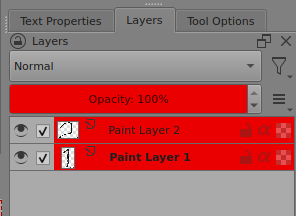
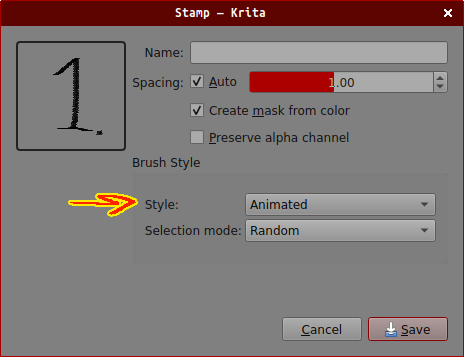
to make it possible create a few layers - each one with a different variation of the stamp. once you’ve made them, select all layers, then open the Stamp window (f5 > Stamp) and choose Style: Animated and Selection mode: Random.
It called “Brushtip With Different Stamps”, and extra one “Flower Frame With Animated Brush”.
It teaches exactly how to have a brush with different stamps.
And it is actually in the free version of the book. Tutorial #1.16