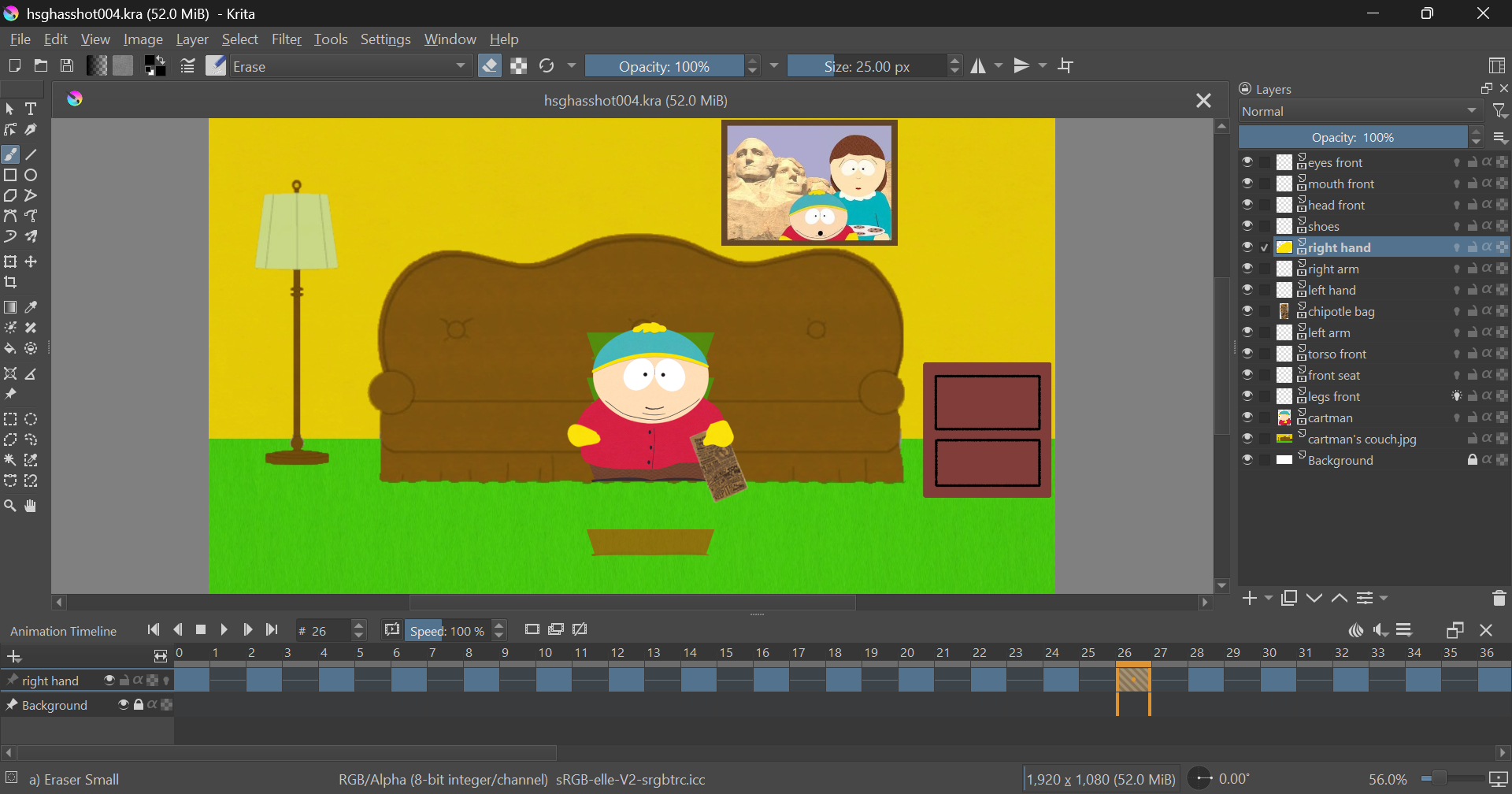
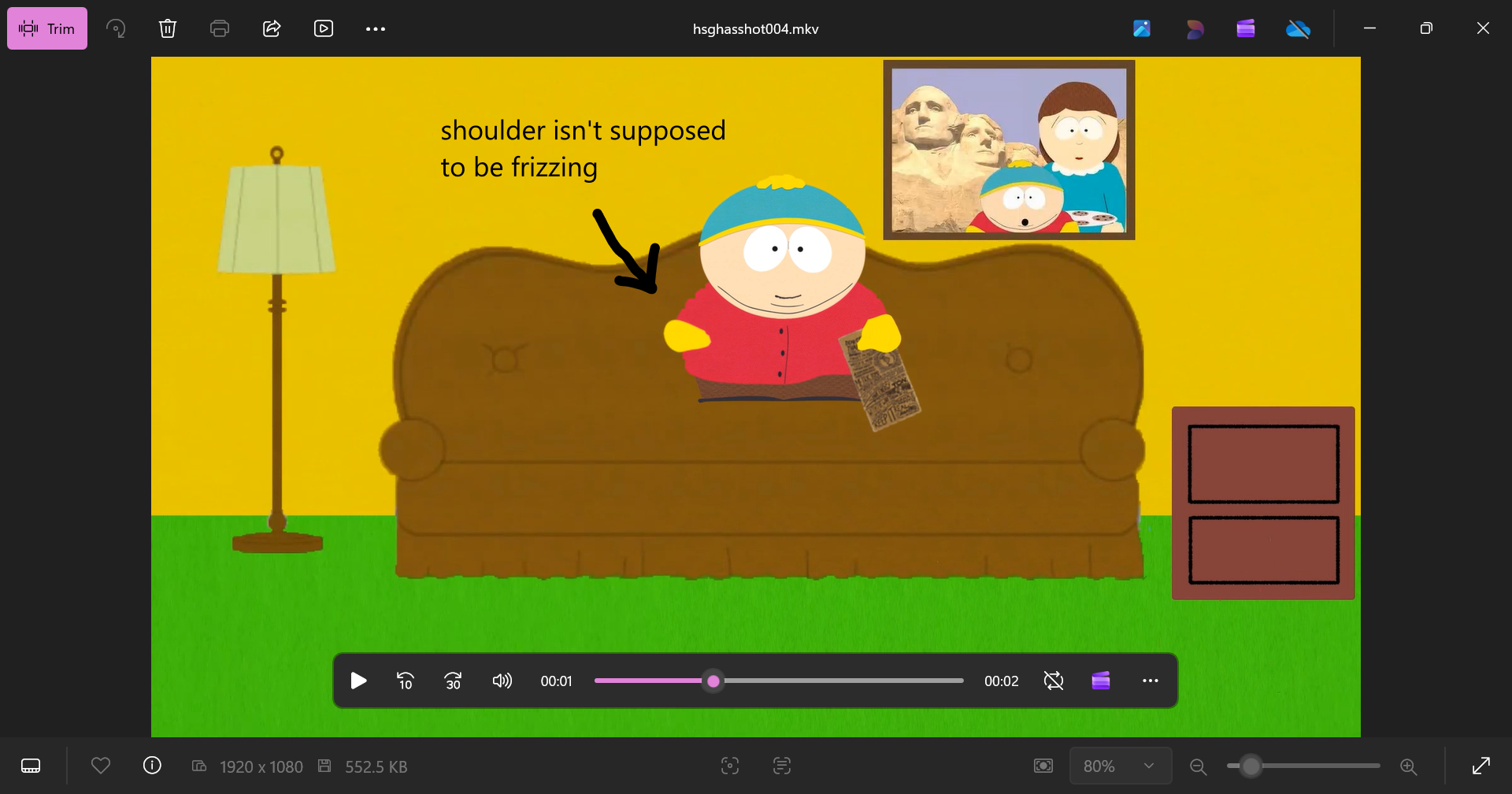
Specifically the problem is that there are pixels where I didn’t intend for them to be. Either they’re left behind from a previous frame, or a structure would appear frizzed.
I’m using Windows 11. Graphics card is Intel(R) Iris(R) Xe Graphics (128 MB).
I am currently using Krita 5.2.16, but for the short time I held onto Krita 5.3 I did do an export to see it’s still happening. I have also tested doing this as .mkv and .mp4 files with all available video filters, and I’m still getting the same issue.
Not only violates the video our forum rules, it doesn’t even show the issue and it also doesn’t seem to be made by you in Krita but a scene from South Park instead. Did you simply paste the wrong link? If yes please change it.
Hi, sorry. I edited the post changing out the video with something not icky, and I added more detail. I just hope this gets documented and fixed in a future build.
I don’t know much about animating with Krita but I think it would be useful to know the export animation export settings and the version of FFMPEG used.
When you render an animation you can also export the frames as an image sequence. Can you check the corresponding single animation frame in that sequence and look if the issue is visible there too? That way it’s easier it’s easier to tell if the culprit is Krita already or if it’s FFMPEG’s doing.