Hello @Izanami, and welcome to the forum!
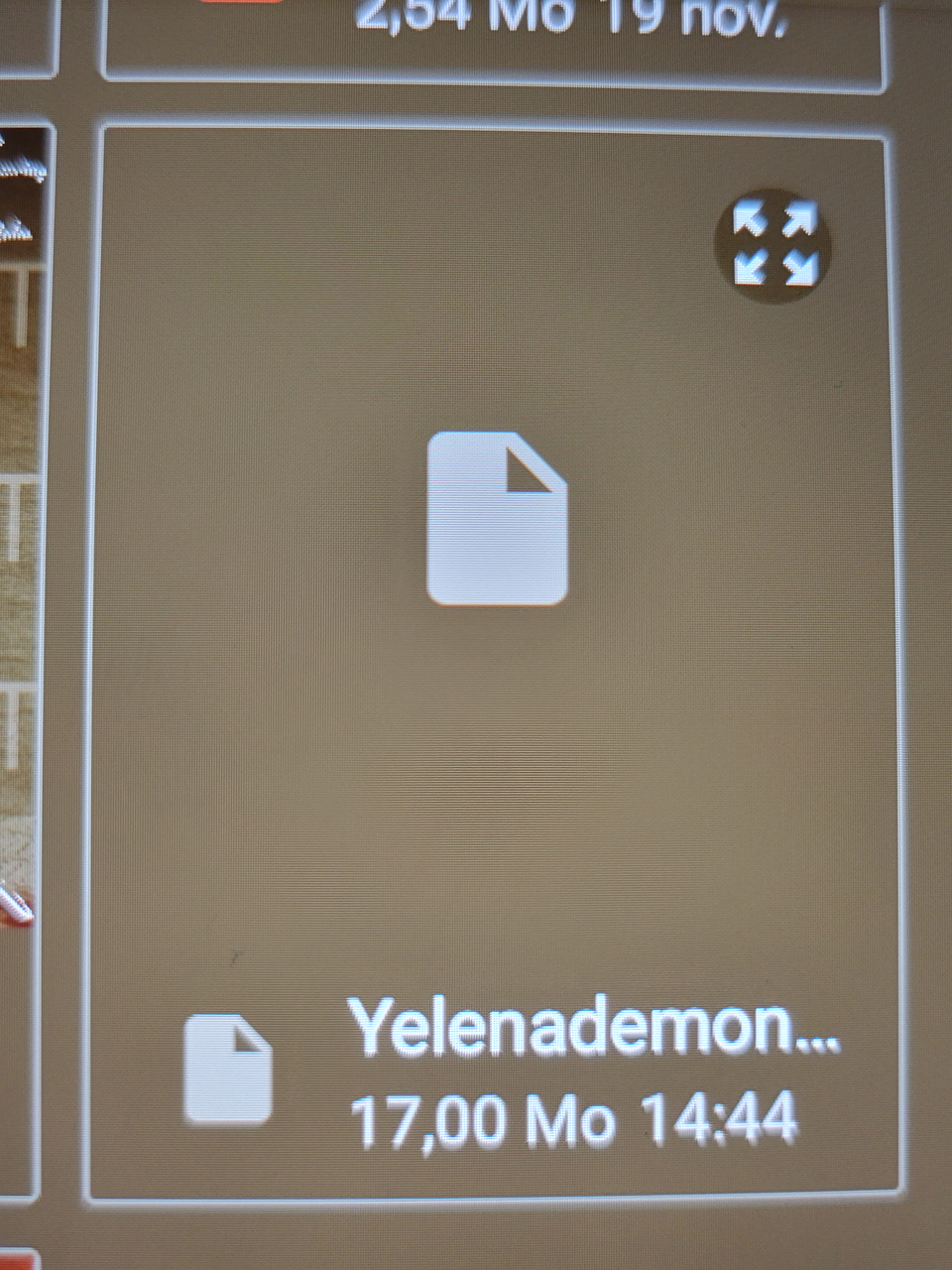
That doesn’t sound good. But if I interpret the second screenshot correctly, the file is ~17 MB in size, which, if true, at least gives us hope that the file can be recovered. There are two ways to go about this. If you are familiar with archive recovery programs, you can rename the file to Yelenademon.zip, because Krita files are specially structured ZIP archives, and then try to recover the file with that. The second way is to send me the file and I will try to recover it. I have become quite experienced in this area, as I have done this for several users, and I have many programs that can repair archives, because sometimes program A does not work, but program B, C, or D suddenly does.
My success rate is good, but not every file can be recovered, because I’m not a magician or even a god, I’m just relatively good at it.
To do this, you would need to upload the file to a service such as Dropbox, Google Drive, or OneDrive and send me the download link via PM. Please make sure that you set up the file sharing so that I have free access to the download. I will not give you or the aforementioned services my email address in order to help you.
If you don’t know how to create such a file share on the above services, or don’t use any cloud space at all, I recommend using the gratis and registration-free services https://www.swisstransfer.com and https://transfer.it/ instead of the ones mentioned above. Alternatively, you could try https://ufile.io/. This service used to be top-notch, but nowadays, it can sometimes be a bit “glitchy.”
Since some new users of the forum software are not allowed to send PMs, I will first send you a PM, because you can definitely reply to it. You can recognize the receipt of PMs by the green message icon in the upper right corner of the forum pages.
Here is some theory and advice on the topic of data security using Krita:
Have you saved your file at least once in the previous days? → This is standard practice to prevent major data loss, because even now, a good 100 years after the first computers were built, accidents can still happen. Krita offers the functions File > Save Incremental Backup F4 and File > Save Incremental Version CTRL ALT S, which you can use via shortcut or menu to make incremental backups of your work. Depending on your work pace and security needs, you should use this at least once an hour (I try to back up 4 times an hour, and one user once reported using this shortcut every 5 minutes. )
Alternatively, you can also create a “safety” stack via File > Export or, if necessary, via File > Save as Ctrl+Shift+S and consecutive numbering. And since these multiple backups can take up a lot of space, on systems with limited HDD capacity, you can adjust your strategy so that you keep the backups from the last 2 days in full and only the last one from each day for older backups. True to the rule: “You can never have too many backups!” and “Every missing backup is like a stab in the heart when you need it!”
And have you set the “Number of Backup Files Kept” setting to a value greater than 1 in Krita’s settings under “Settings” > “Configure Krita” > ‘General’ in the “File Handling” tab? Then you would at least have the chance to revert to a previous edit and thus only lose part of your work.
It is possible that I will not answer before tomorrow, because here it is already late, and I’m tired, so I may be in bed already when you answer. But in about 13 hours from now, I’ll have free time again.
Michelist