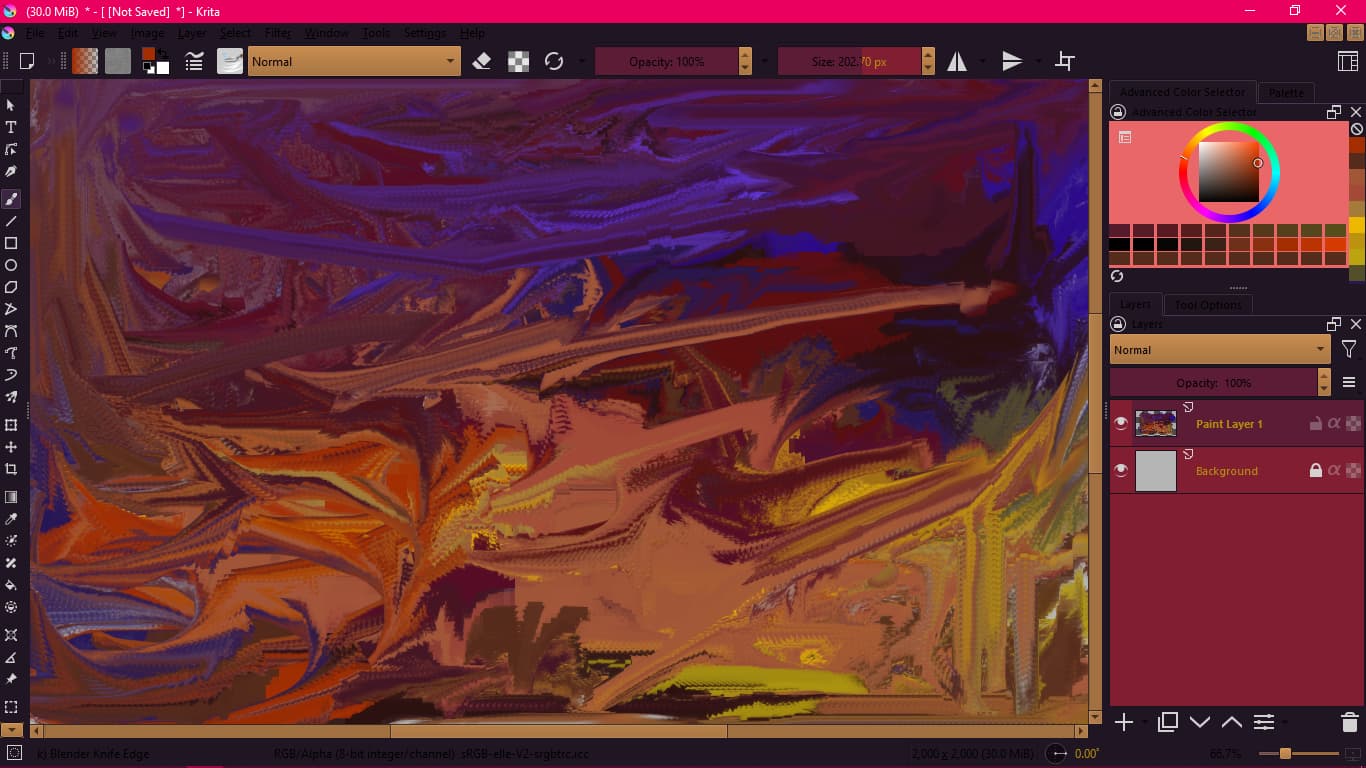
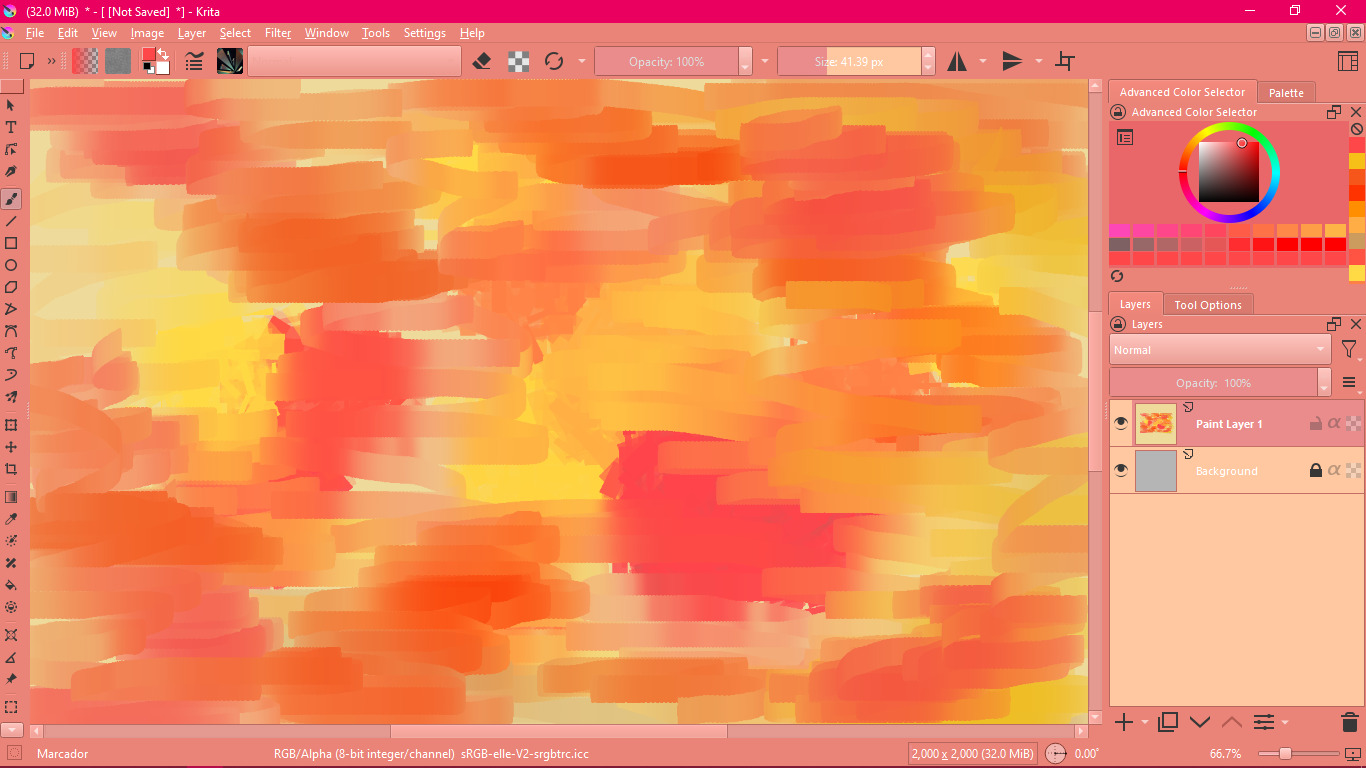
How are you guys! Well, I made some pink themes there:
14 Likes
Hello @MrUwhite and welcome to the forum
I think the time is right for Barbie Pink
Barbie Pink (Pantone) / #e0218a Hex Color Code, RGB and Paints
3 Likes
sooz
July 21, 2023, 8:42pm
3
Very cool. Welcome to the forum.
1 Like
So first of all, welcome to the forum Sam, and thanks for sharing your color scheme for Krita!
Regarding your planned video about “ways to visually tune Krita’s user interface”, I have a few suggestions that you might want to include there for completeness. This way, you could probably make Krita palatable to even more viewers of your video. But this is just a suggestion, design your video as you like!
I’m thinking into the two plugins from @freyalupen , Theme Creator Extension and Style Sheet Loader Extension, as well as the small but good “tutorial graphic” from @mugwah , for easier creation of color schemes.
Theme Creator Extension:
Theme Creator: This plugin allows to create a basic version of a color Theme file,
with (not completely accurate) previewing of it while choosing colors.
Creating the theme by picking colors, and previewing their effect:
[theme-creator-preview]
The preview is inaccurate because it won’t update all widgets or properly reflect the colors for selected/disabled states, and it doesn’t account for special blending effects.
The resulting exported theme’s actual appearance (after restarting Krita,…
Style Sheet Loader Extension:
Style Sheet Loader: This plugin allows to load a Qt Style Sheet and apply it to Krita’s UI. The style sheet’s filepath can be remembered and automatically loaded on startup.
Loading an example stylesheet, before (regular UI):
[style-sheet-loader-before]
After, with custom styling. (I didn’t have or make a proper stylesheet to test with, so this is just randomly-pasted-together example code. Sorry it looks so ugly!):
[style-sheet-loader-after]
This shows off various things stylesheets can …
@mugwah ’s tutorial graphic:
Just in case anyone wishes to tweak a theme.colors file by hand I created a little reference image to show where the RGBA values apply. Hope it helps someone!
[KritaTheme]
… and you don’t have to stop and restart Krita for the changes (to an existing .colors file) to take effect - just switch to another theme then back again. However, newly installed themes need a restart.
Michelist
3 Likes
Wow this is insane I’ll check it out here
1 Like
3 posts were merged into an existing topic: How do I install themes