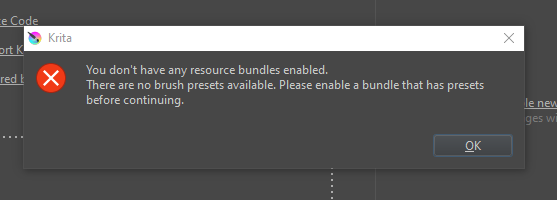
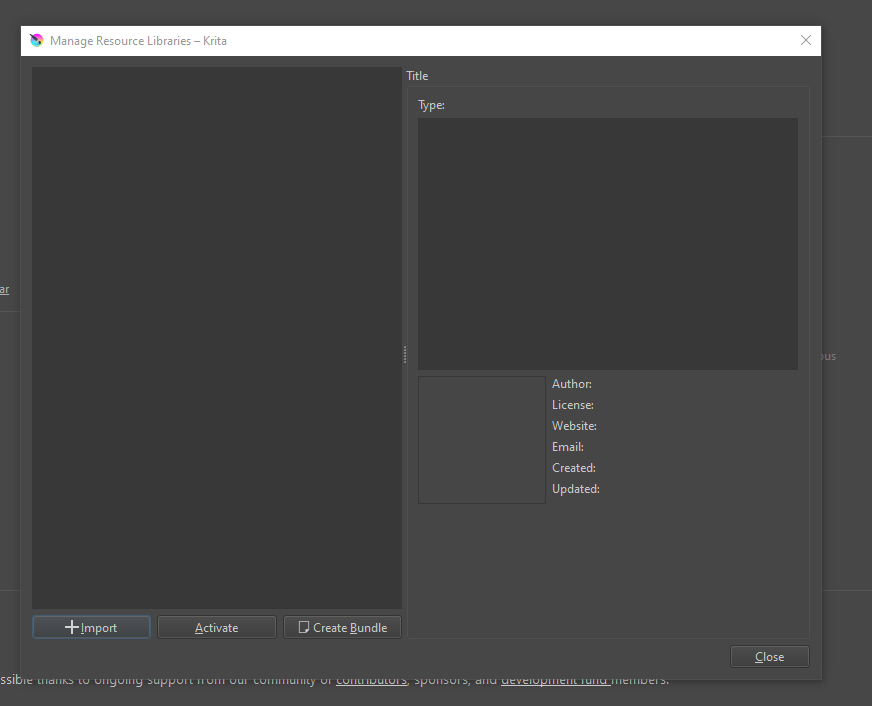
Opened up Krita to this error message. Couldn’t locate the files, and uninstall/reinstall did nothing. When I enter the program, all my standard brushes are gone.
Windows 10 OS, I believe this is the latest version 5.0.2
Hello and welcome to the forum 
What do you see if you do Settings → Manage Resources Libraries?
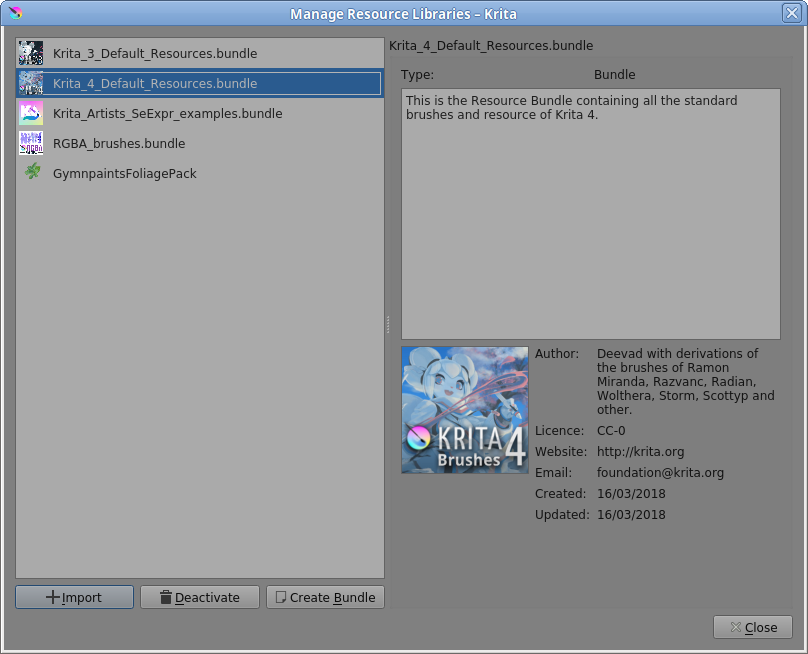
I have this:
So, I have all the Krita_4 _Default resources available.
Note: Uninstall/Reinstall will have no effect. All configuration files and resources are stored in your AppData folder and are persistent so they are kept after a version change.
That is … unusual 
How long have you been using krita and was it ok before? (Or have you just installed it?)
If it was ok before, had you made many personal resources or imported resources or bundles?
Have you altered any configuration settings?
I’ve been using it for about a year? And it was fine before. I deleted some Live2D stuff earlier, but I don’t see why that would have affected Krita.
If I’m wrong, oops XD
Neither do I.
So, in your AppData\Local folder, do you have a ‘kritarc’ file that was created some time ago?
In -\AppData\Roaming, do you have a folder called ‘krita’ that was created some time ago with lots of stuff in it, including Default_Resources bundle files?
Do you have a ‘normal and ordinary’ installation where everything is on the C:drive?
Yes to the kritarc, and yes to the default resources. Is that what I need to remap my resource bundles to?
And yes to normal installation on c:drive
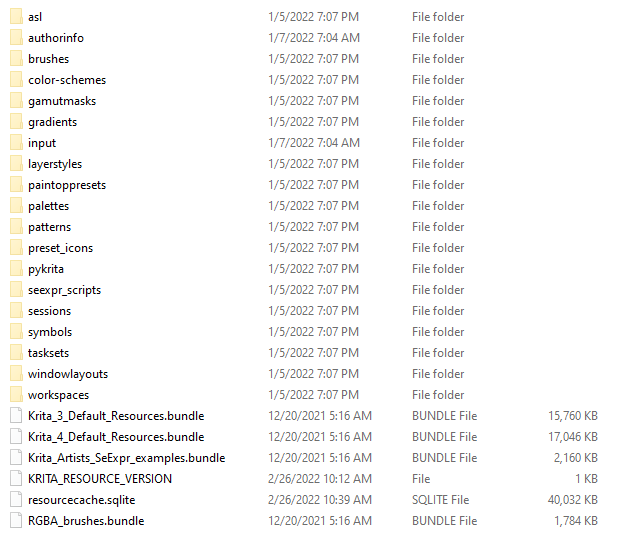
Can you take a screenshot of the contents of the ‘krita’ resources folder and upload it here (using the ‘Upload’ icon just above the text entry box)?
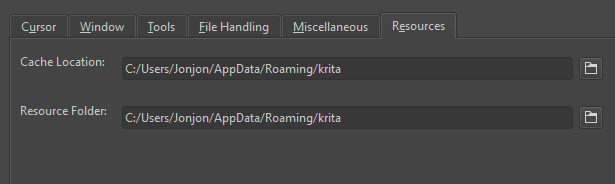
Also, what do you have in Settings → Configure Krita → General → Resources: Resources Folder?
(This will reveal your username that you may wish to conceal for whatever reason.)
This is becoming more strange.
Quit krita.
In -\AppData\Local, rename the ‘kritarc’ file to ‘kritarc-previous’.
In -AppData\Roaming, rename the ‘krita’ folder to ‘krita-previous’
This will make them unavailable to the application which will then create new fresh ones.
Start krita and see what happens.
(Hello @Michelist )
Now, you have what is a ‘brand new, shiny, default’ installation.
Any config/setup changes you may have made in the past, any resources you may have made or imported in the past, are not available.
They will be in the ‘krita-previous’ folder and can be recovered with some messing around.
However, I can’t see or understand why you had the situation in the first place.
Everything looked fine from your screenshots.
Why did you upload the screenshot of the Toolbar?
If you’re happy to carry on then do carry on
Oh, that was just in case there was something missing I didn’t notice.
Thanks for the help!