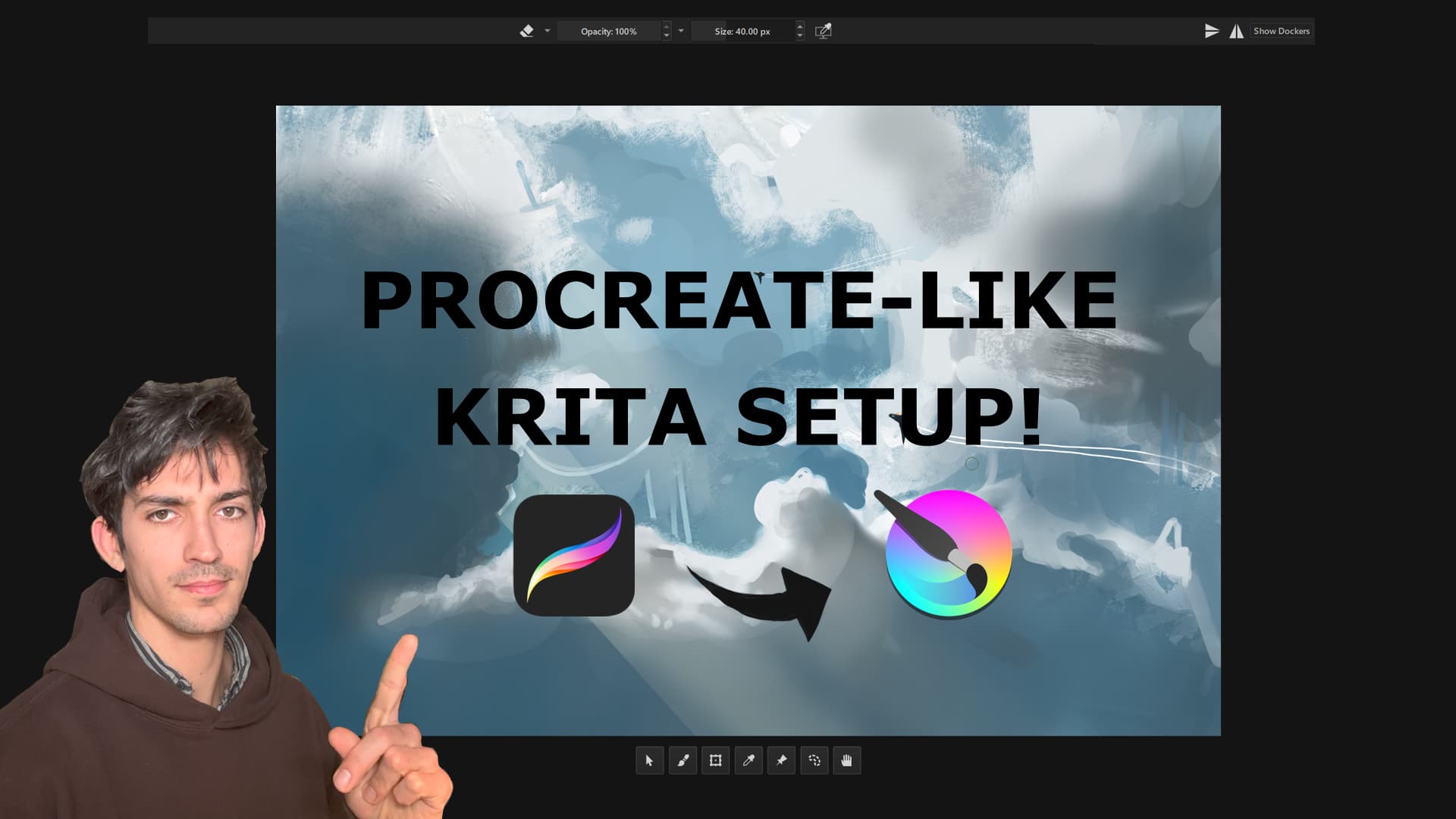
Just finished making a video about my Krita setup. I spent WAYYYY too long refining this, and have people asking me about it all the time on livestreams. Figured I would share it on here as well!
You can watch the video here: https://youtu.be/_8iTs_2mu0w?si=g8NoQtxmIeF8Q3iQ
(Also no hate to the default setup designers, I genuinely just have a different setup philosophy, and don’t think the default setup is bad based off of their design philosophy).
Holy moly that’s awesome!
Just, one question: would sharing the .kwl (workspace file) be viable?
It could help with most tweaks and avoiding breaking something
Maybe? Does the workspace file only have the dockers? I just checked and it seems to only update the dockers and what toolbars are shown (not the toolbar itself).
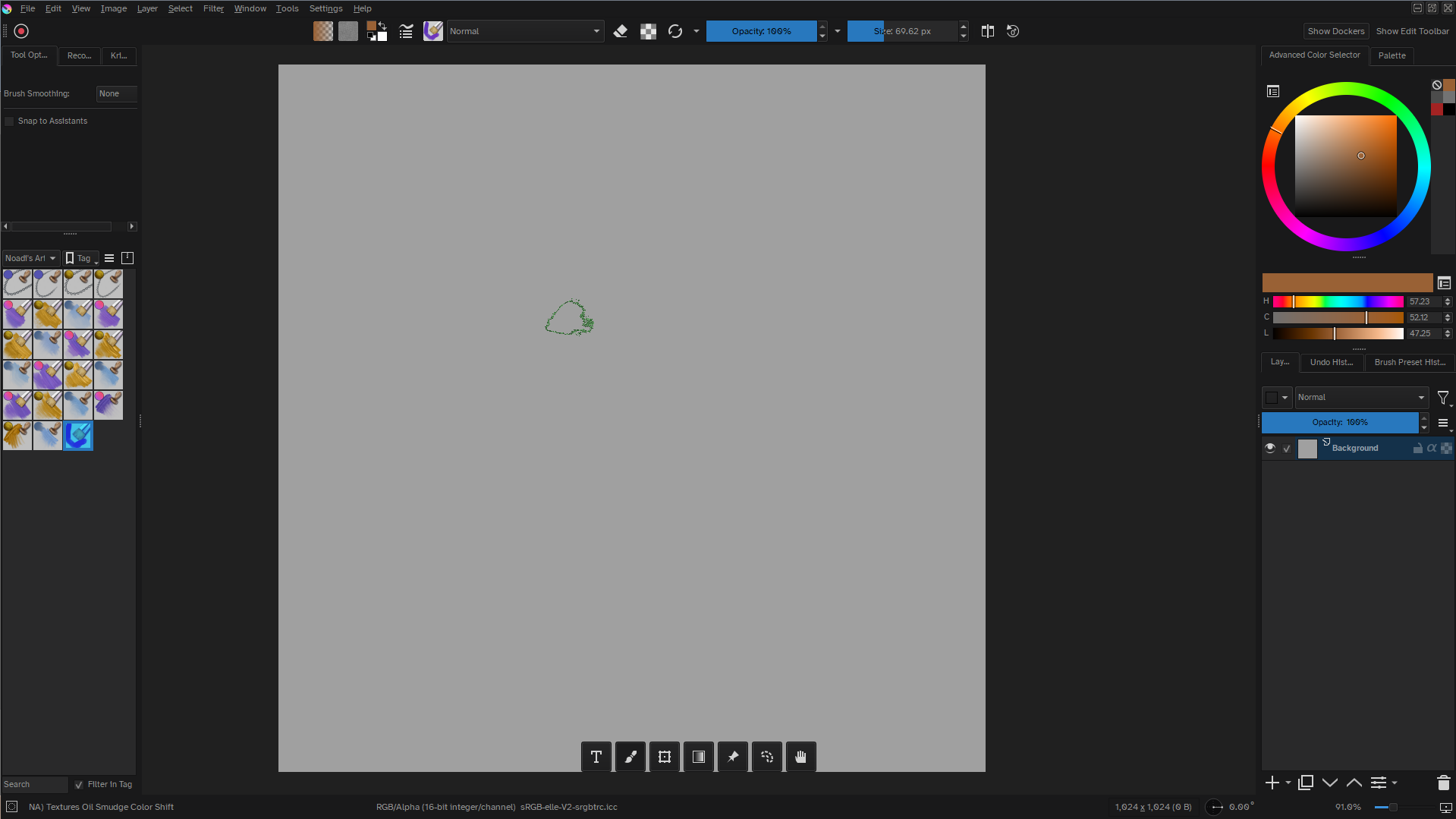
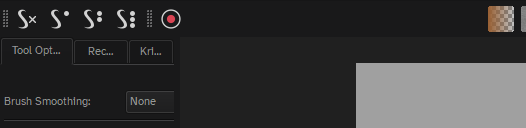
This inspired me to rework my Krita layout, I have more tools immediately visible than you do for my own workflow but it’s much more streamlined now and I hadn’t though to adjust my toolbars to center them. Also instead of the brush options in a separate toolbar that I can hide (because I use them way too often) that’s where I tucked the smoothing option buttons. Also love the Tela plugin, I somehow hadn’t come across it before and since 90% of the time I only use a handful of tools having the entire toolbox just takes up too much space.
I know this post is a bit old, but it really helped me out—thank you! I just switched from Windows to Linux Mint and lost access to Clip Studio, so I needed to learn Krita. Your advice has been super helpful. Thanks again!

 )
)