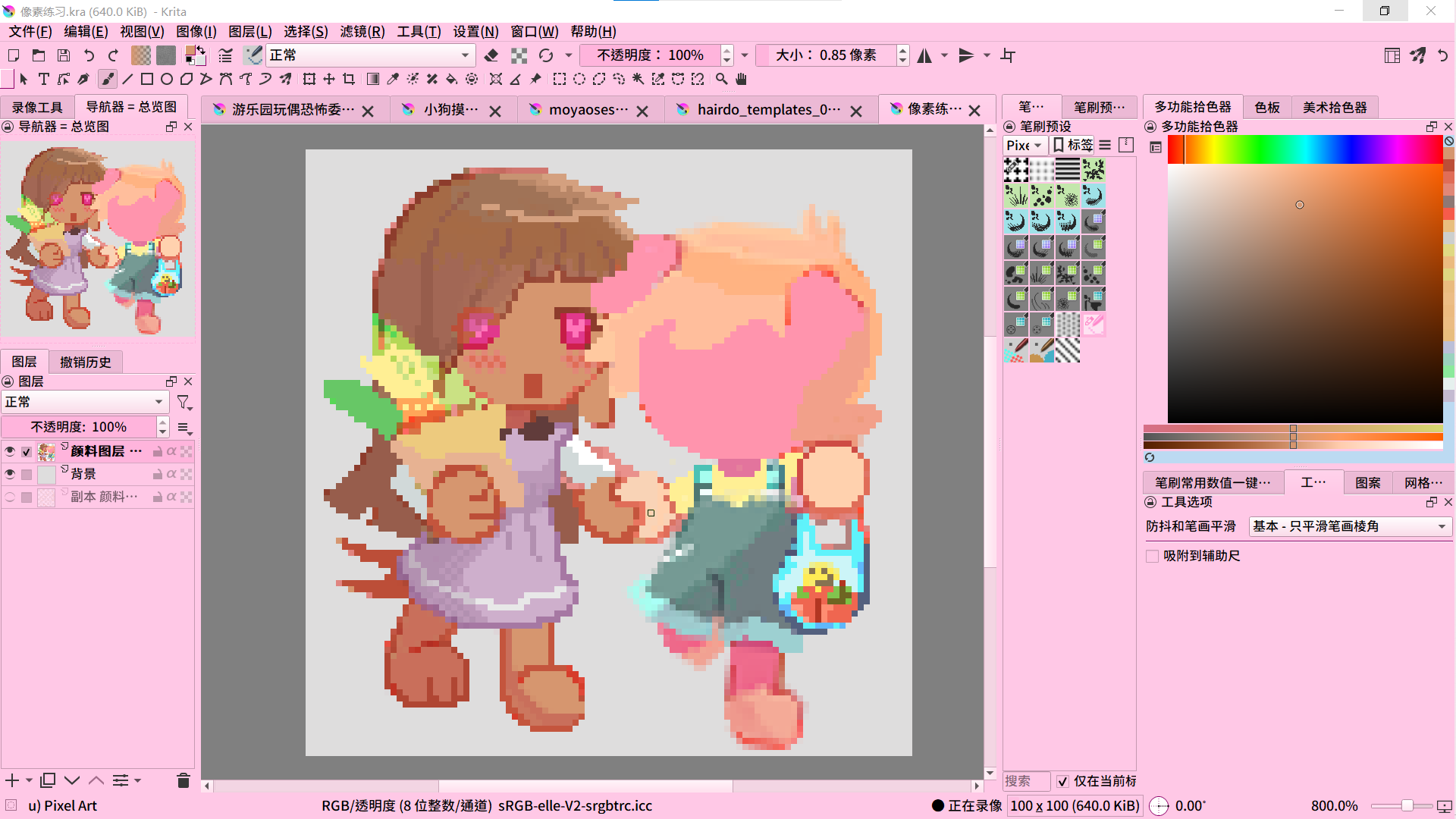
Hello! This is my first time posting on the Krita forum. I’ve used machine translation for my English, so apologies if anything sounds off.
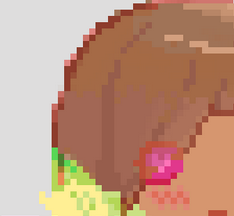
This is a pixel art piece I started painting last year but never finished. Recently, I wanted to complete it, but I’ve forgotten the workflow I used for pixel art back then. I tried making changes, but it turned out terribly, and I wanted to revert to how it looked last year when I left it. Unfortunately, I messed up, so now it looks like the second version 
So I wanted to ask: Are there any settings or techniques to make drawing pixel art more convenient in Krita?
Usually, when searching for pixel art-related advice, people tell you to use dedicated pixel art software. But I just want to dabble occasionally and don’t want to buy loads of software that’ll just sit in my library like my Steam games! I’ve been using Krita for several years and am very accustomed to creating in it! (By the way, I really hope Krita updates with a better, more user-friendly text tool soon!)
I noticed someone in the community released a pixel art bundle (the paid one), and I’m quite tempted. If anyone has tried it, please let me know your thoughts!
Thanks for reading this far!
————————————————————
你好!这是我第一次在Krita论坛发帖,英语使用了机器翻译,如果有什么不对的地方不好意思。
这是我在去年绘画的像素画,没有完成。最近我想把它完成,但是忘记了去年是怎么绘制像素画的流程。我修改过后感觉很糟糕,想回到去年完成的样子,但是搞错了所以现在它是第二张的样子😅
所以我想询问:有没有什么设置或者技巧能更方便在Krita中绘制像素画?
通常搜索像素画相关,都会有人告诉你用专门的像素软件去绘画去创作,但我只是想偶尔体验一下,并不想多购入很多软件让它像我的steam游戏库一样只是放置。我使用了Krita好几年,已经习惯了在Krita中作画!(顺带一提,希望Krita能尽快更新好用便捷的文字工具)
我注意到社区里有人发布了像素画套装(付费的那个),我很心动,如果有人体验过麻烦请告诉我你的体验?
感谢你阅读到此!
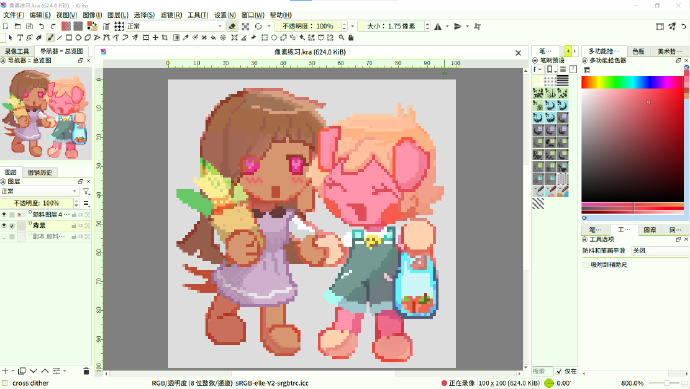
 Hello
Hello  Nice pixel art btw!

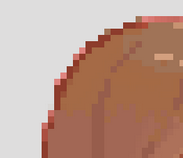
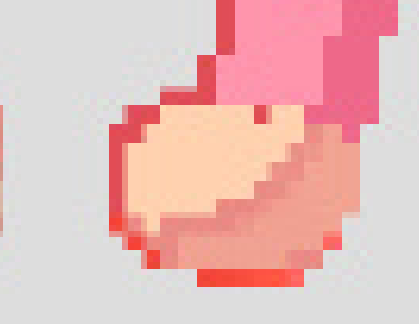



 . And keep it up with your pixel art, because it already looks awesome! Hope to see more art from you