
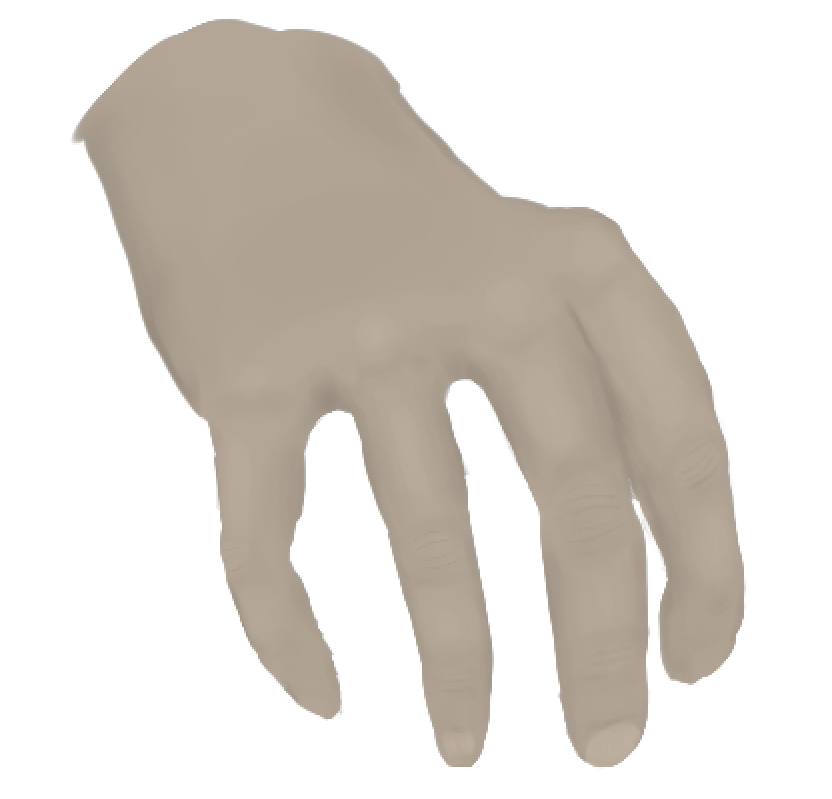
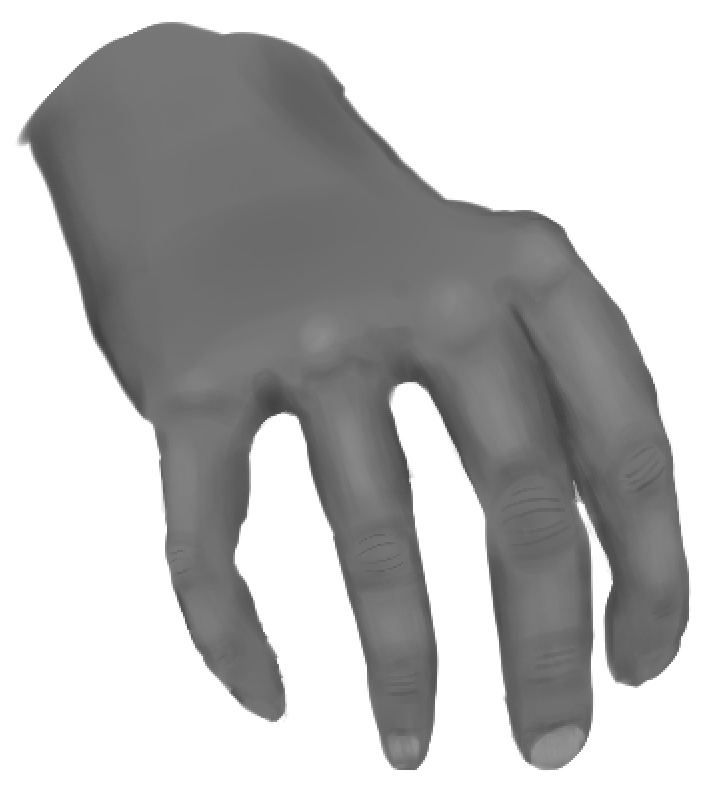
I am attempting to do the greyscale to color method, as I don’t have a very strong grasp on values and hue, I’ve applied a layer on top with multiply blending mode which got the first result. Then I added a Filter mask to the greyscale to shift the greys to be brighter, (moved the middle arrow to the left), which got the second color result. I also tried used a gradient map with the original skin color, and a dark brown on the other side for shadows, which didn’t seem to have much effect either. What am I messing up in this process?
You can go the lazy way and just do color adjustment or color balance filter mask.
1 Like
One great how-to video on colorizing grayscale is on Youtube
Davies Media Design,
How to Colorize Black and White Photos with GIMP
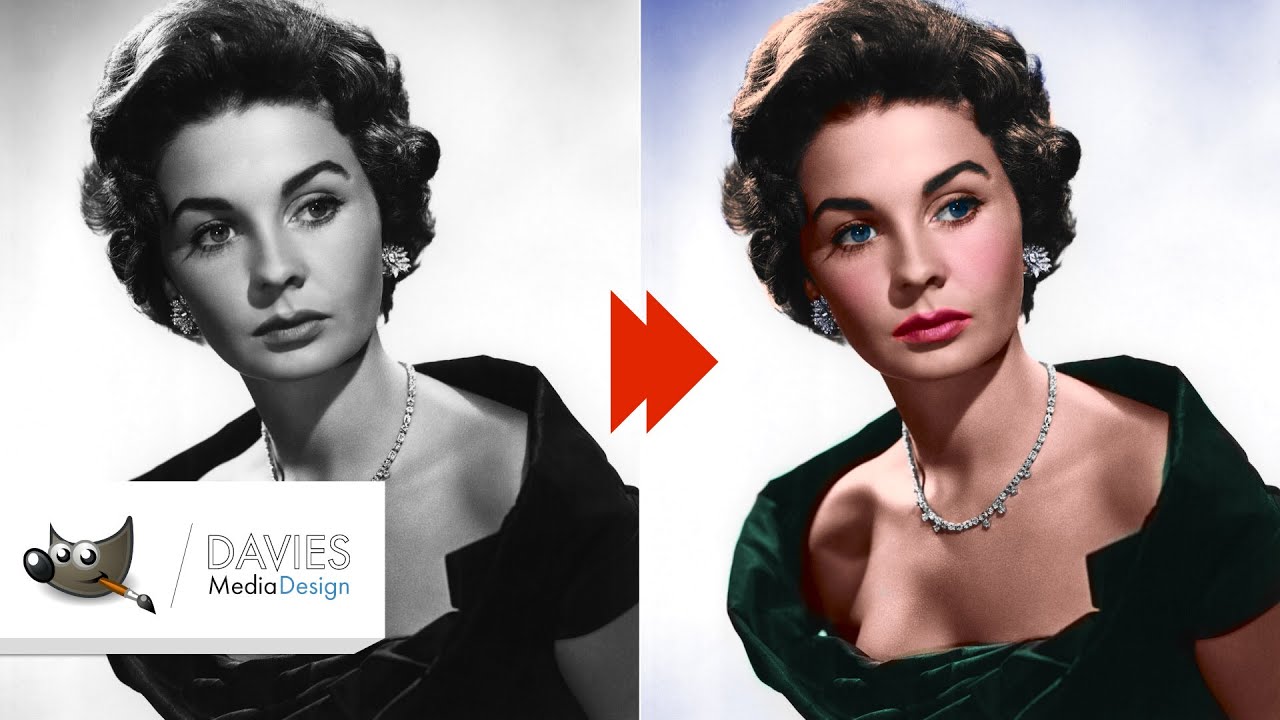
It had techniques I would never have thought of. But it’s GIMP not Krita, though Krita has so many features I would just try it instead of GIMP. But then, one could just use GIMP for the job (don’t tell Krita!)
2 Likes
For this I would actually recommend pigmento to analyze a skin tones black of a image paint with those grayscales and then considering the colour space push in the right hue blend mode with the right saturation or chroma. With either range you can make a palette to work with.
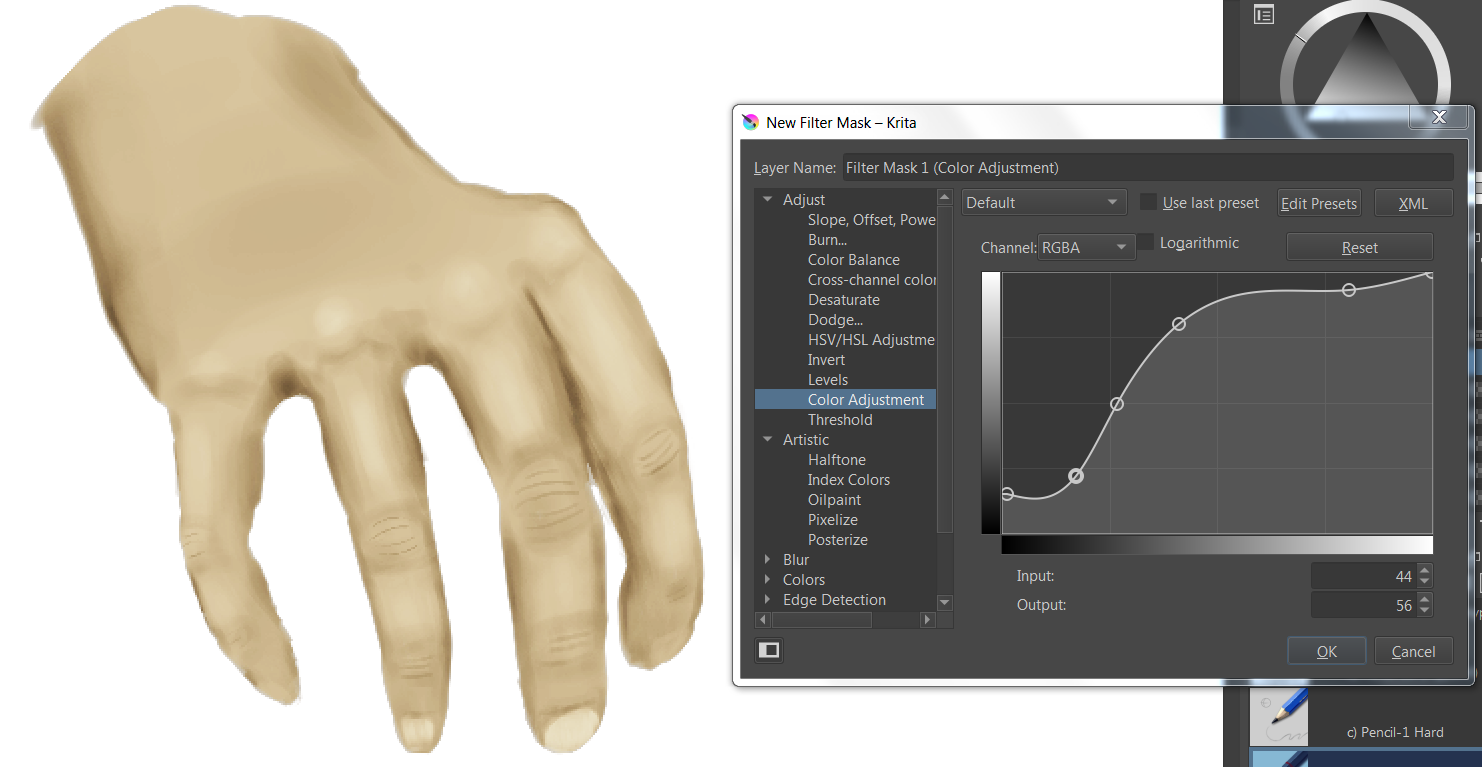
The greyscale image is one I drew myself, would pigmento be the thing to use for a drawn grayscale image, instead of a grayscale photograph? Reading up on it has been a bit difficult because there seems to be multiple things that all use “Pigmento” as the name. I did find a Youtube tutorial that seemed to be the right Pigmento and that video gave me the impression that its intended use is for photographs. I’m not saying that it wouldn’t work, I am just trying to figure out this greyscale to color workflow that I’ve seen brought on various tutorials.
Pigment.O is THE color tool, especially in combination with and only for Krita, it is the Swiss Army Knife of color!
Michelist
1 Like
there is a pigmento tutorial on youtube?  omg I gotta see that.
but it works with any image, you just drop it in and you can analyze it directly, photograph or drawn. you can even place the display of the image in grayscale to select only the blacks with no middle steps. Shifting it after is easier.
On my research everyone says to apply color directly though.
Personally I like setting the colouring layer to “overlay” better than to “multiply”. But either way, you should not use only one colour, since that just makes skin look waxen/dead (ask your friend Victor ;). There’s reds, blues, even greens in skin colour, and of course the colours of the light source and ambient light (for example yellow light from the sun + blue ambient light from the sky). There are a lot of videos on YT for painting skin tones & understanding shadow colours and colour theory in general that helped me a great deal.
1 Like
I’ve been trying Gradient Mapping. It’s in the Filter menu, Maps sub-menu. I like it, even though it’s confusing. There’s no dirty color afterward.
This topic was automatically closed 15 days after the last reply. New replies are no longer allowed.