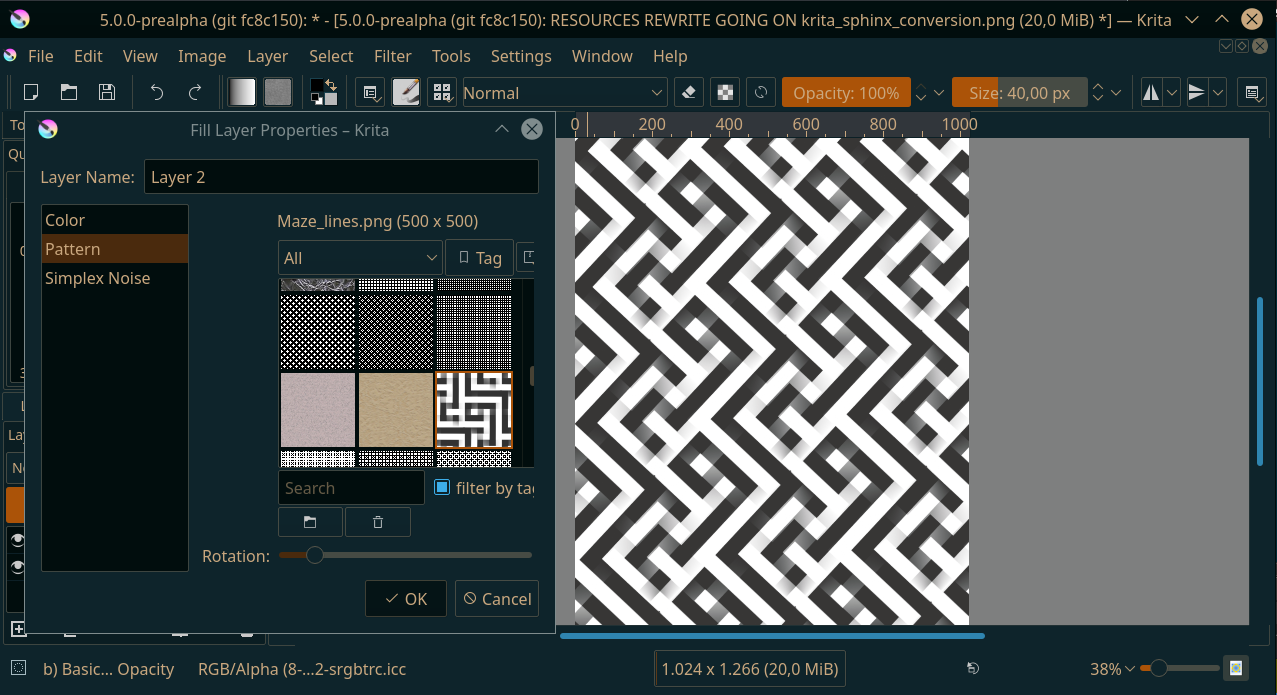
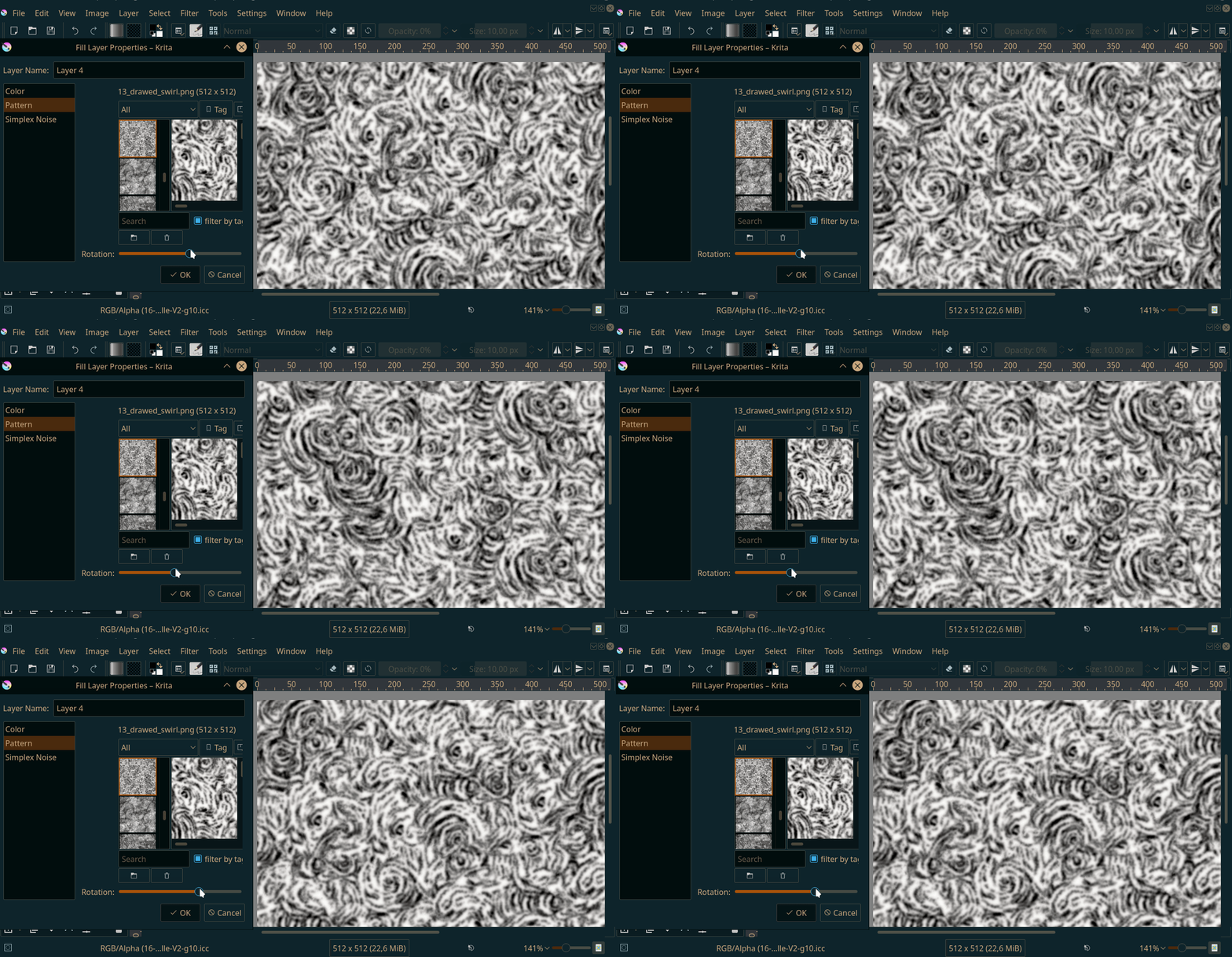
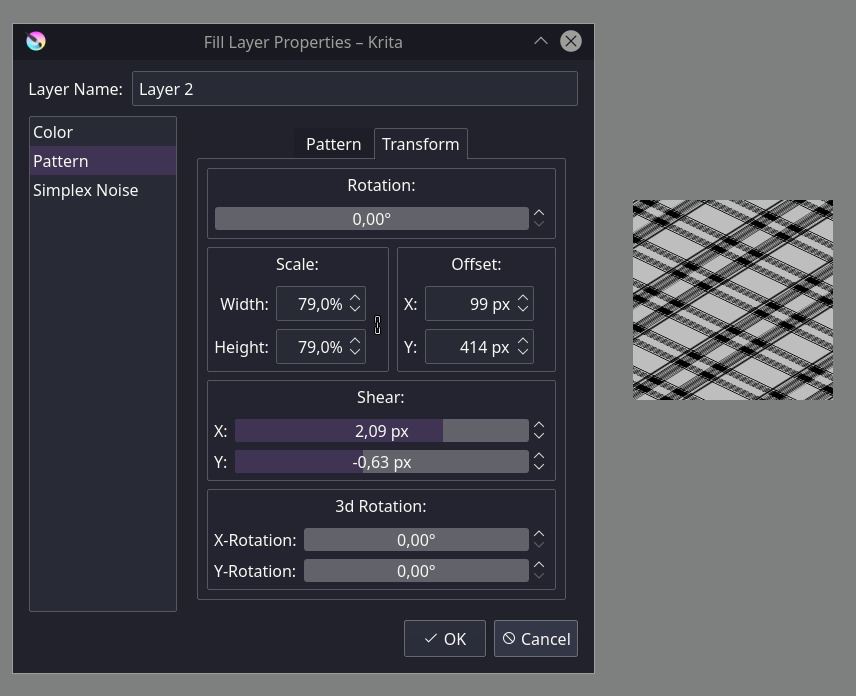
Thing is, due the way it’s implemented, everything from the free-transform can be implemented here as well, so, scale, offset, shear, other rotations. My question is rather, which of these would be useful, and how would you organize the sliders and toggles? Note that I cannot do an on-canvas widget for this, so it needs to be sliders and toggles.
I’d say rotation and scale are the most desireable ones, maybe x/y scale (or an aspect ratio).
I guess you’ll want to use the KisDoubleSliderSpinBox instead of plain sliders…
If you want to have all the possibilities, a separate tab seems necessary to me, the pattern selection itself is already needs all the space basically.
There are some amazing news! Thank you
I guess scale slider was the main reason I didn’t use the fill layers. So scale and rotation sliders would be the most important for me at the very top. Not sure if distinguishing between x and y scale axis is needed, but it would make some sense to have a link toggle between them like in scale or resize canvas (if people decided this distinguishing is needed).
About other transformations: perspective transformation (like this when you press ctrl and draw outside the object) would be great, as it would be a first way to get non-destructive perspective transformation. So this would involve two more sliders I guess.
But those, and other transformations you mentioned are not that essential as scale and rotation, so it would make sense for me to place them all in a collapsing block under scale and rotation (collapsed by default, to simplify it a bit, as those wouldn’t be used as often)
Oh, and I nearly forgot: as I see in further plans you have allowing those transformations to brush engine too. In this case a toggle “link texture scale with brush size” would be amazing, as it was already requested here some time ago.
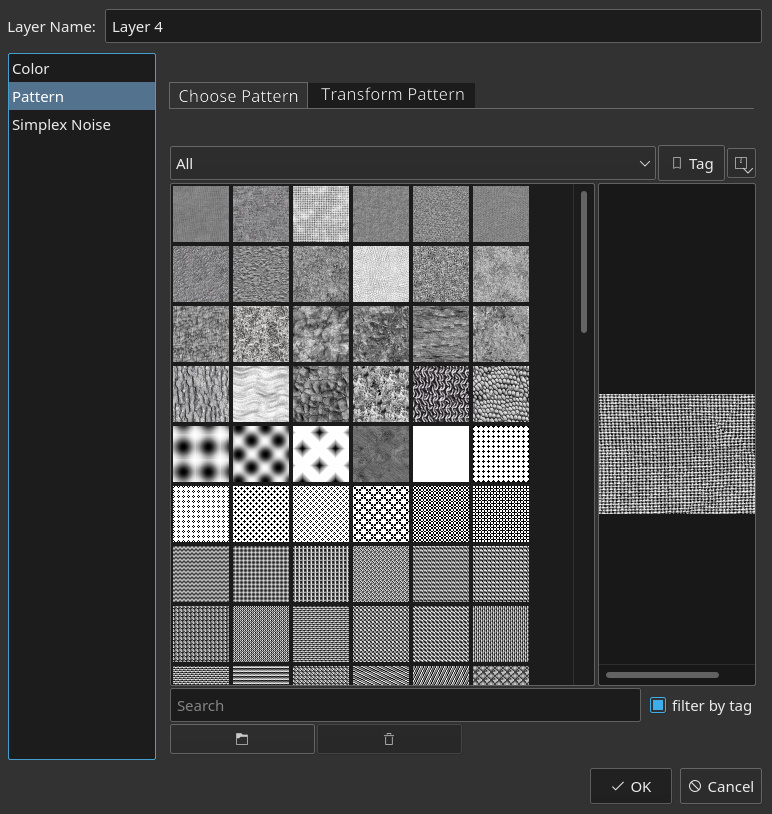
My suggestion is to have a tab for the transform option like shown in the mocks below. I just pasted the transform tool options here it can be different in implementation.
On your mockup, concerning the ‘Transform pattern’ tab, a preview of applied transformation would be very useful
You have a big squared space on right side, it can be used for this
Yeah, basically. Because it is per pixel and the related features are already used elsewhere, it is pretty convenient from an optimization point of view. The main issue is the UI.
Ok, are you guys sure you want a set of spinboxes/number inputs?
BTW, the fill layers already kinda preview what’s up. Not spectacularly fast (as the fill layers aren’t multithreaded, so the speed is really tied to size), but usable, I think?
I did some testing today with the brush textures. It is usable at 40px, at 200px diameter it just becomes really really slow. On the good side, when not using a rotation the new function uses a fast copy function, which is faster than the old function, so we might be able to speed up brushes as they are now a lot. But getting transformed patterns inside the brush texture might need a lot of rewrite of code which I am uncertain I am able to do…
Another thing to keep in mind is the order of transformations. For example, the result is different if you scale first and then rotate than if you rotate first and then scale (if the x and y scale factors are different).
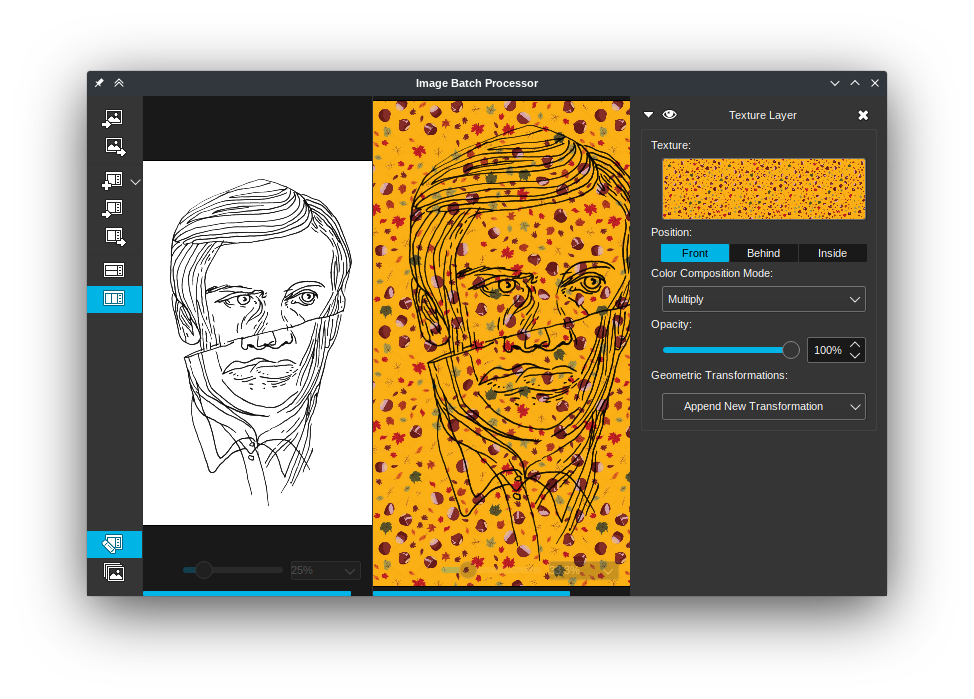
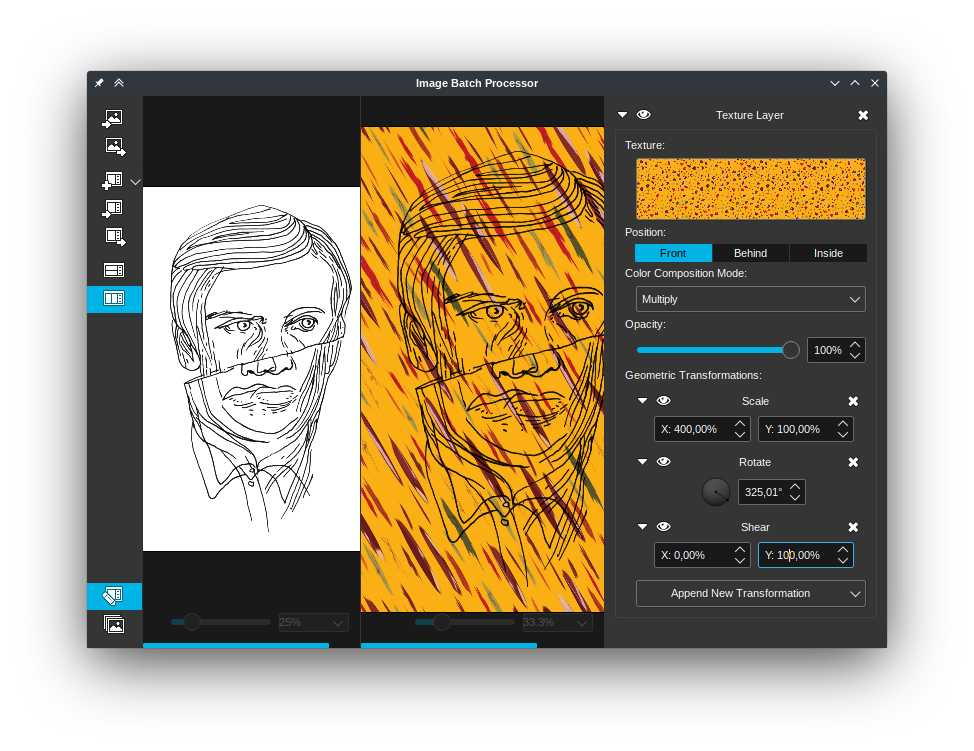
I’ve done some app before that applies a texture with transformations to another image and what I did was putting a stack of transformations directly in the UI to let the user control the order of the transformations and even apply the same type of transformation more than once:
Thinking some more about it, I would’ve been glad to have the full control on my last project.
I wanted to add a slight texture effect to parts of the background and was a bit disappointed that adding a transform mask keeps the fill layer from filling the entire canvas, it gets restricted to the transformed bounds.
I needed to add a slight perspective too, but that it already didn’t fill the entire canvas with rotation and scale applied made it more tricky then necessary.
So, I think @raghukamath’s mockup will have it uses, even though it’ll be one of the rarer needed features.
But having the links for offset and shear seems not very useful to me.
And I agree there doesn’t need to be a preview if the canvas updates interactively.
What’s the 3D Rotation is used for? That’s be a nice feature request for dealing with perspective floor, and there’s another topic where there should be a option to have periodic or alternating images as a boundary option for perspective transform for doing this thing.
UI seems to be good
Question: shear spin box provides a “progress bar” that scale and offset don’t have.
To be consistent in UI, the 3 should have the progress bar (or not)
Another question: through PyKrita API, all properties can be set to create a fill layer with pattern from a python script?
No, the thing about the ‘progress bars’, or rather the spinbox slider is that they shouldn’t have too high upper limits, so we only use them in places where there’s a relatively small range. The offset and scale have a too high range for a slider.
And yes, all properties can be set via an info-object.
The x and y rotation are the same ones as used in the free transform. They’re mostly there as a ‘well, we get this for free, might as well’.