Here are some images showing current issues:
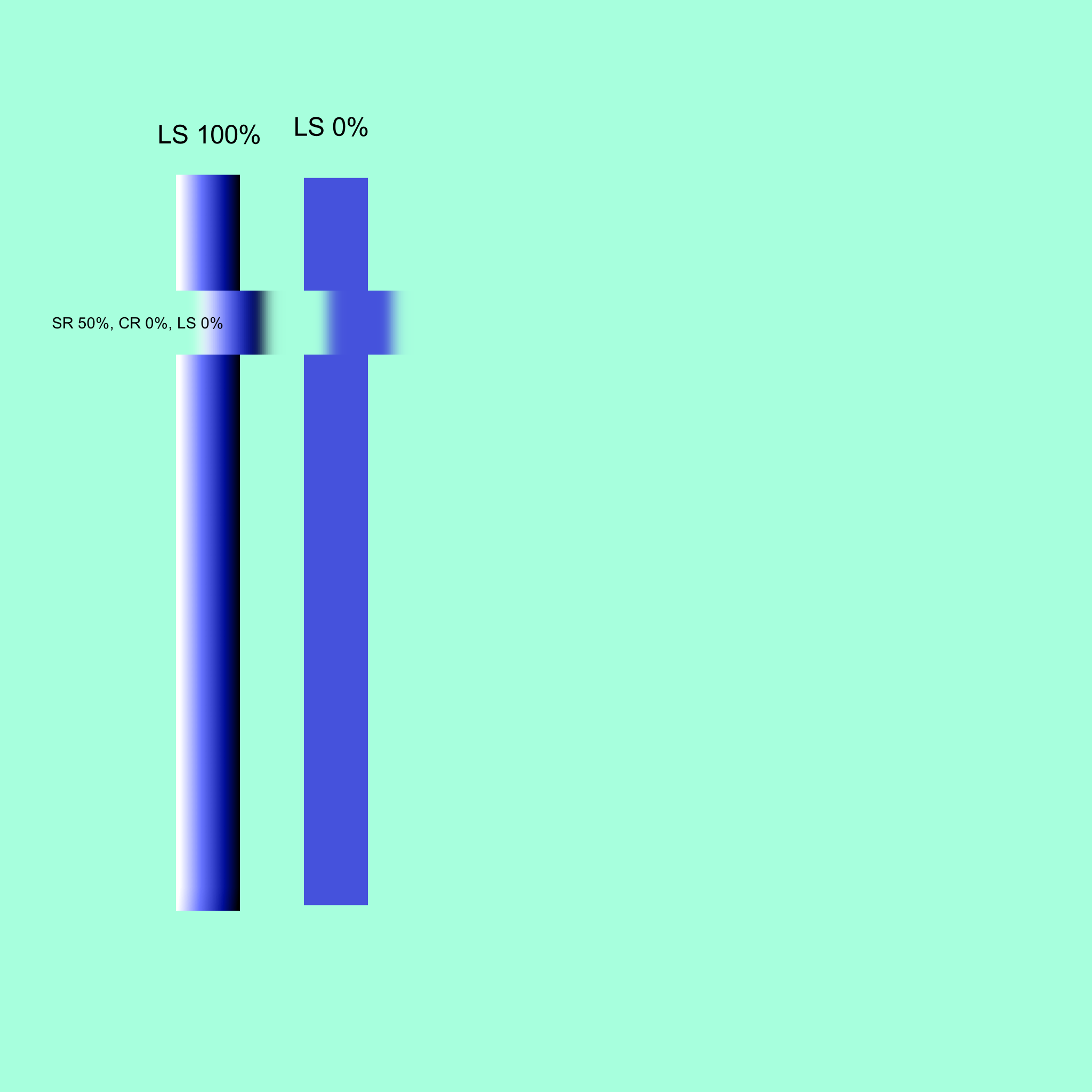
DK9: Lightness Strength at 0% still presents as if it was 100%:
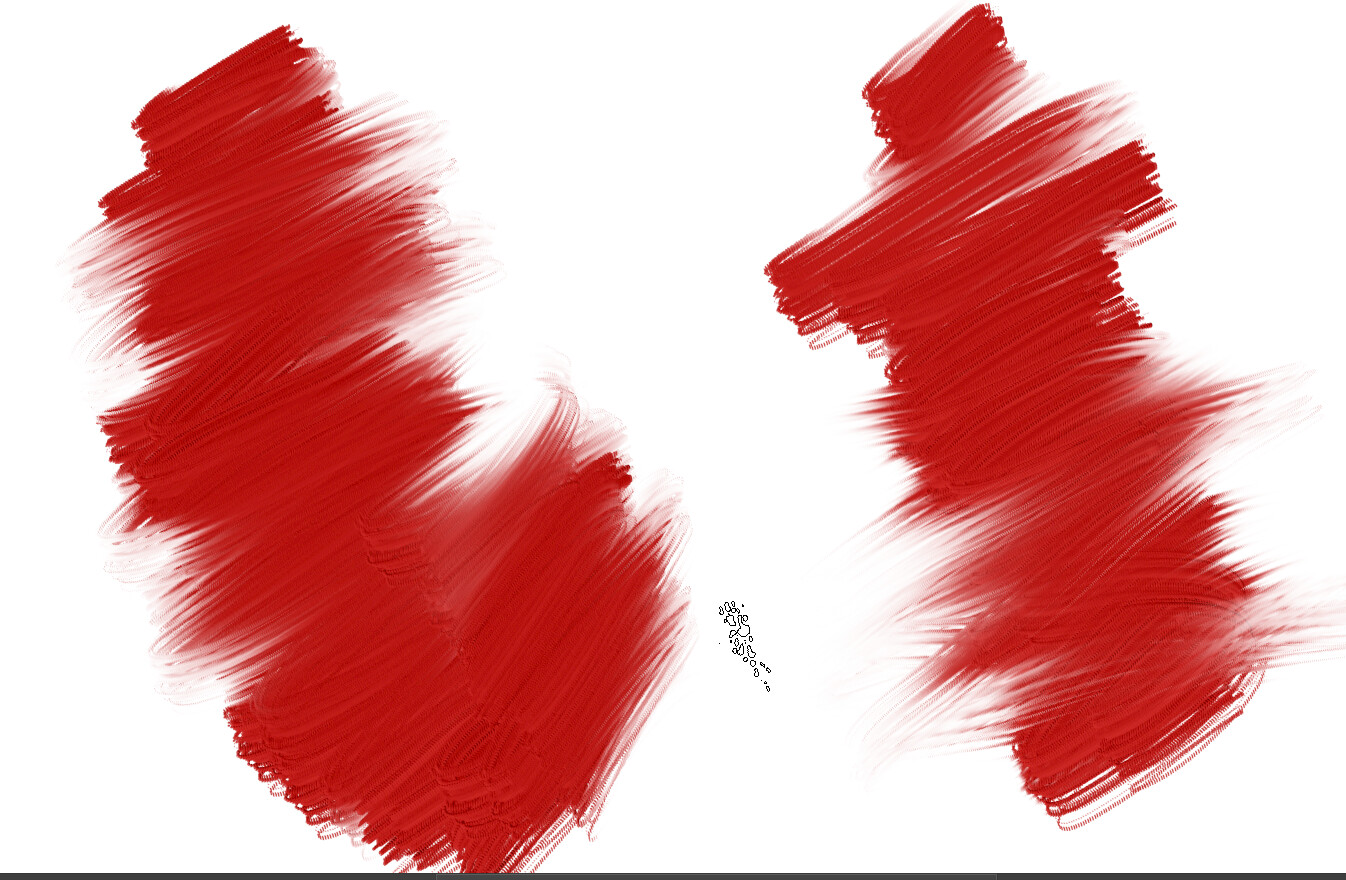
If you look closely at the beginning and ending of the 0% stroke, you can see that it looks like lightness is at 0%, but from the code I looked at earlier, I know that it was forced to be at 20% minimum, and it just built up from there. Both strokes were at ColorRate = 100%, so smudging doesn’t even factor into it. This is why forcing a minimum Lightness Strength value doesn’t work.
Smeared Heightmap DK1: Heightmap does not appear to actually be smeared:
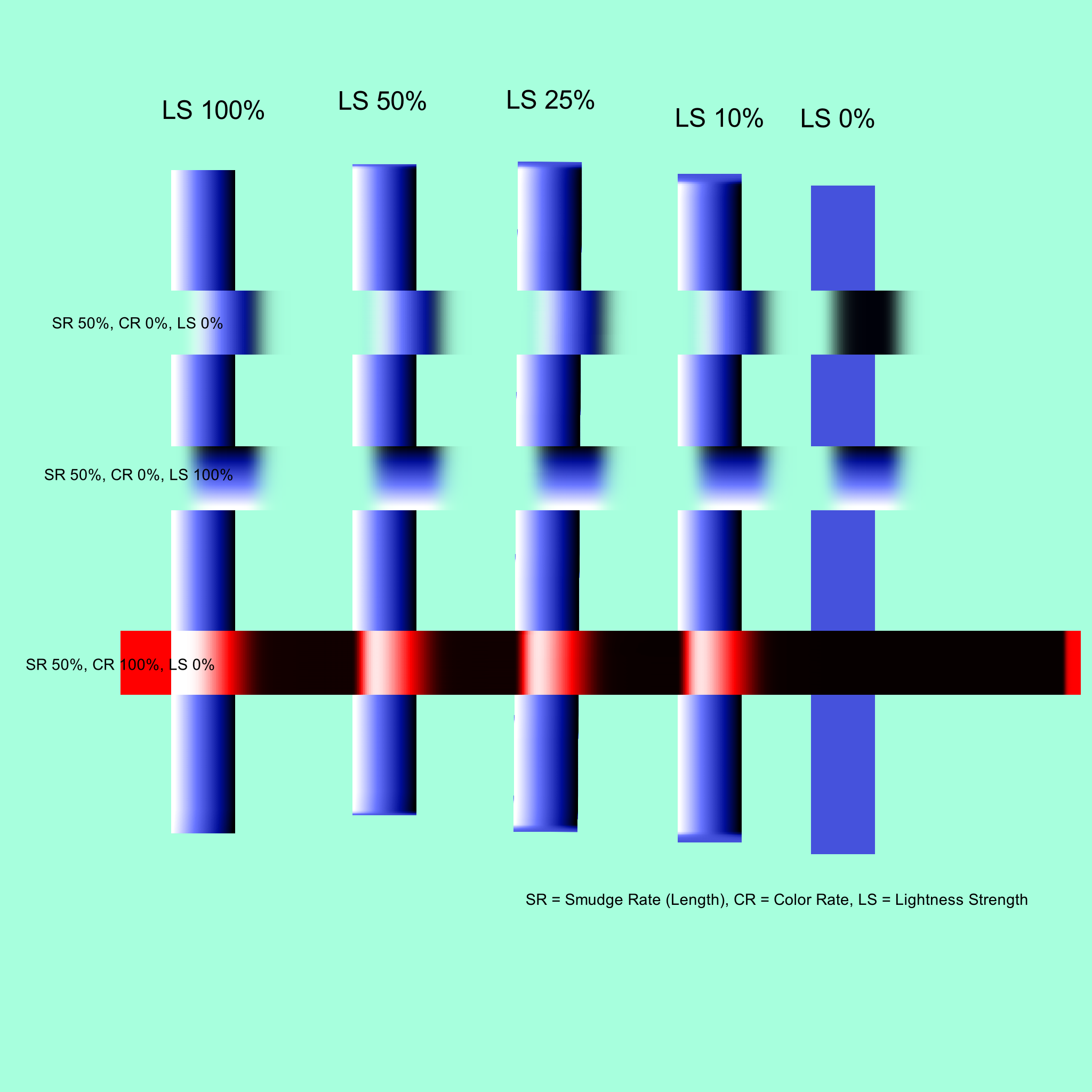
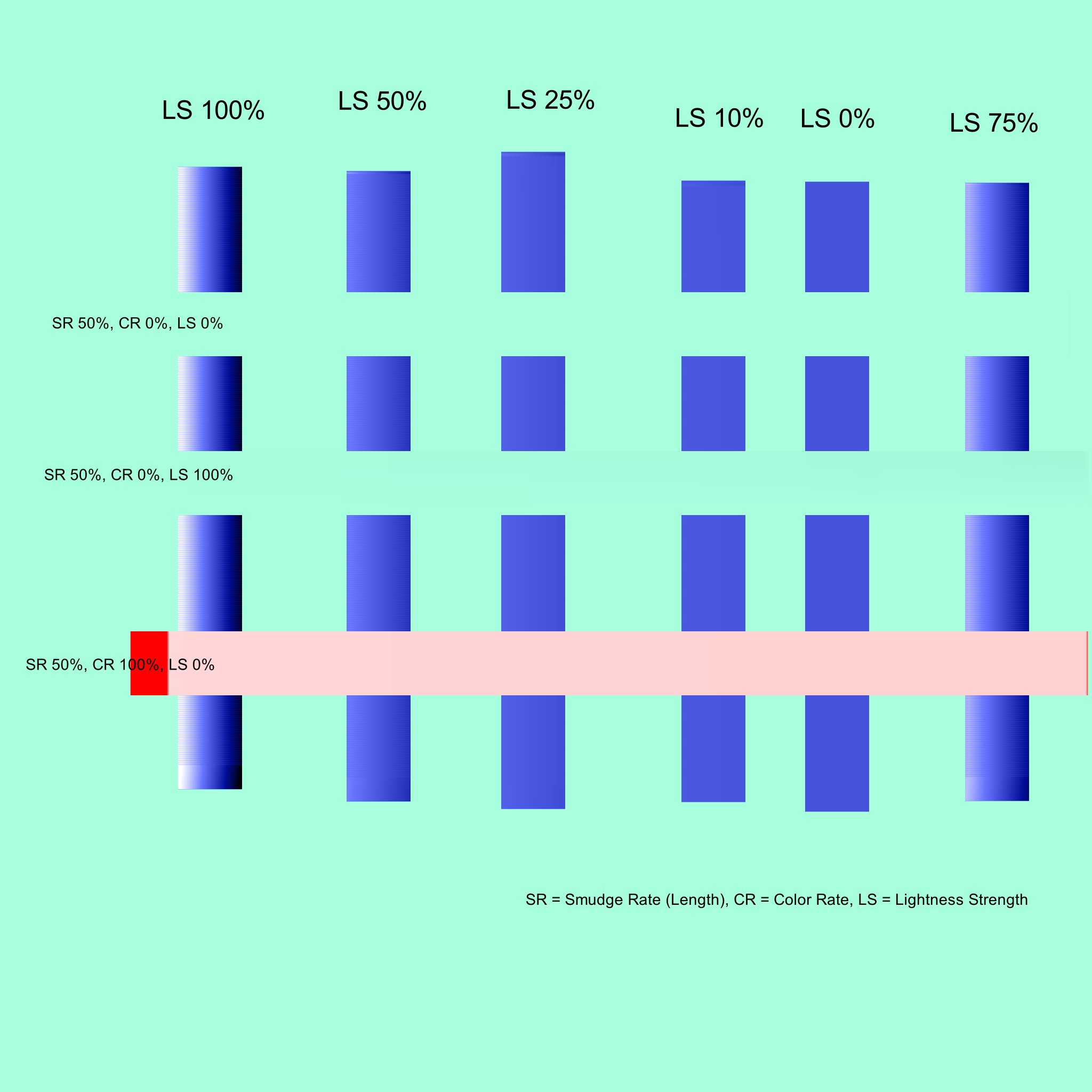
This is using the package above that supposedly smears the Heightmap just like it does color. I haven’t looked at the code yet to see how it’s implemented, but you can see from this that the heightmap is not getting moved at all, when it is supposed to be. The second horizontal line (SR 50, CR 0 , LS 0) should show the dark and light parts of the vertical line shifted to the right, as if it were smeared over. As far as I can tell, only the color moved.
The third line shows what happens when Lightness Strength is at 100%, meaning that the lightness values of the brush should override the smeared values, and that appears to work correctly.
The fourth line is something that I wanted to test, because it’s the one case I’m not sure how it should work, as I see both options being something an artist might want. In this case, because smearing the heightmap doesn’t appear to be working correctly, it doesn’t show either option. What it should have shown (as I described the algorithm) is the lightness values of the underlying stroke shifted over, but still appearing. The other option is to have the Color Rate override the LS value, and paint the solid stroke across both lines. I think that’s the more correct option as ColorRate is understood. I believe to achieve this, the Smudge Length value would have to be multiplied by (1.0 - ColorRate) when applying the smudge copy to the heightmap. If we insist on not creating too many options to confuse artists, this is probably the one I would go with, but I’d love to see both as an option.
Maybe instead of having a checkbox for “Smear Height/Lightness”, have a radio box or dropdown with the choices “Don’t smear height” , “Smear Height, Color Rate preferred” , and “Smear Height, Lightness Strength preferred”. Or something like that. I’m not sure what the best wording for it would be, but I think it would be good to have those choices, as I could see both effects being desired. Even better would be to instead have a separate Curve Widget for how much the Color Rate affects the smudging of the heightmap versus how much the Lightness Strength affects it. Or I guess there could be a separate “Height Smudge Length” curve widget that would allow the same kind of control.
Maybe a separate topic, but since the Lightness values for the smudge engine seem to be only for impasto effect (aka paint height), I could see changing the “Lightness Strength” label to “Brush Height” or something like that instead. It still makes sense to keep it “Lightness Strength” for the pixel engine, since a primary use for it there is stamp brushes, where the concept of the light/dark values is used as shading for the stamps, rather than as any concept of height. But I don’t think people are making stamp brushes with the smudge engine, so it seems here it’s almost exclusively used for impasto effects.
Anyway, I’ll do more testing of the packages if the height smearing gets fixed. Thanks!