Hi, and thank you for sharing your work.
But your link would need every user to give you their email-address, a thing many will refuse to do, could you please create and share a link with open access for everyone?
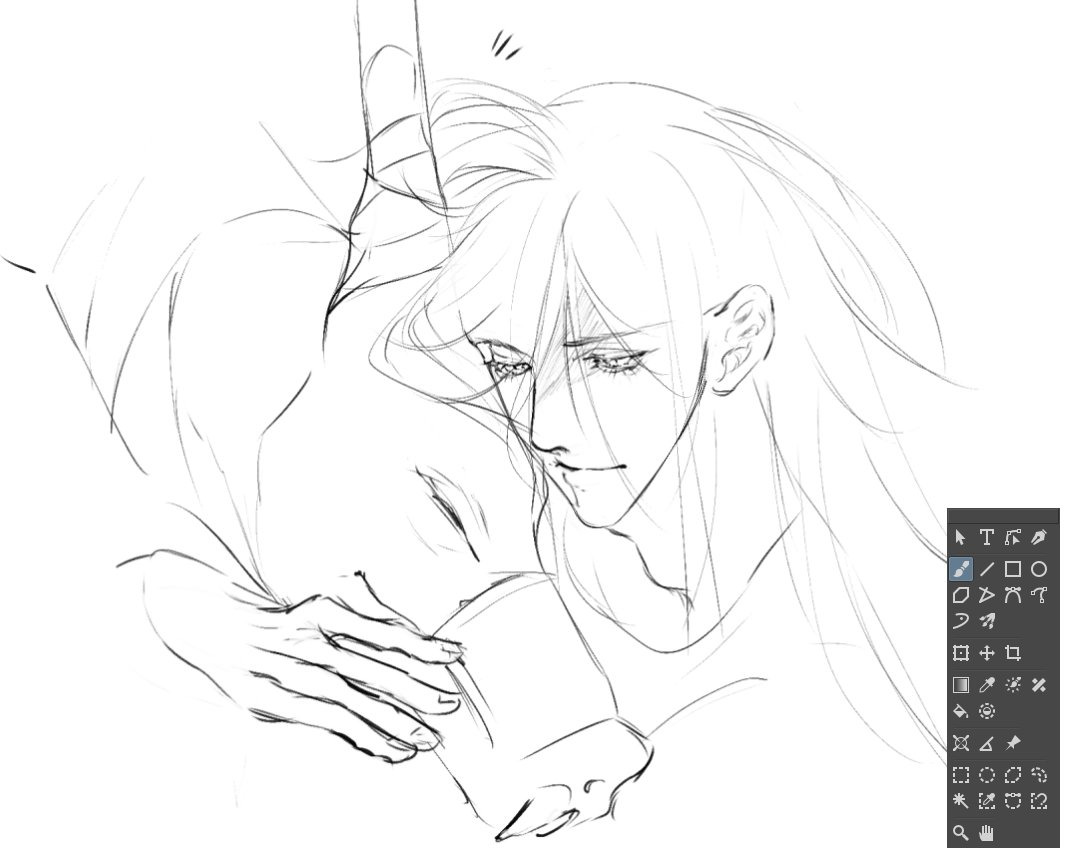
I’ve been using your bundle for a while now, and I am absolutely in love with them! They are so smooth to work with, and I love how it adds a pen-and-ink style to my illustrations, which is exactly what I wanted in my art! Thank you so much for creating them and making them available, absolutely my number one favorite brushes!
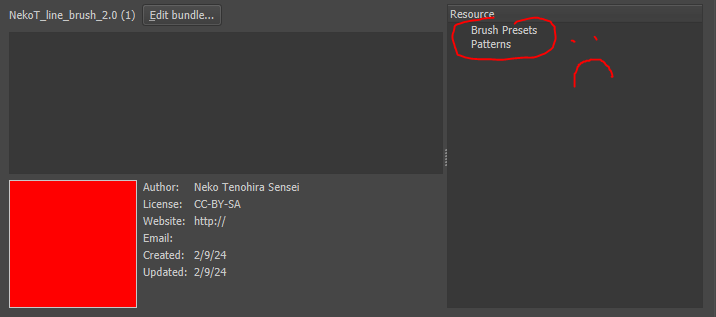
Hi!! The brushes seem very cool but I can’t see them in krita… I mean, It downloaded the bundle and insertedi like any other but the brushes don’t show up for me and the resources also seem to be empty… I redownloaded it and it’s still the same so maybe I’m doing something wrong but any help would be appreciated!!
Which version of Krita are you using?
From where did you download your copy of Krita?
What operating system are you using?
Do you have this bundle activated? You can see if a bundle is activated in Krita via ‘‘Settings’’ >> ‘‘Manage Resource Libraries…’’ at the bottom of the opening dialog…
Okay, don’t search for it, you can’t see it, your version of Krita doesn’t have that menu.
That is, because your version of Krita is completely outdated and can’t use these brushes. You need to update to a version 5 of Krita, and I would go for the latest version 5.2.2 if I were to update my Krita.
You can download the new version of Krita from here, it is free:



 Hello
Hello 