Hello,
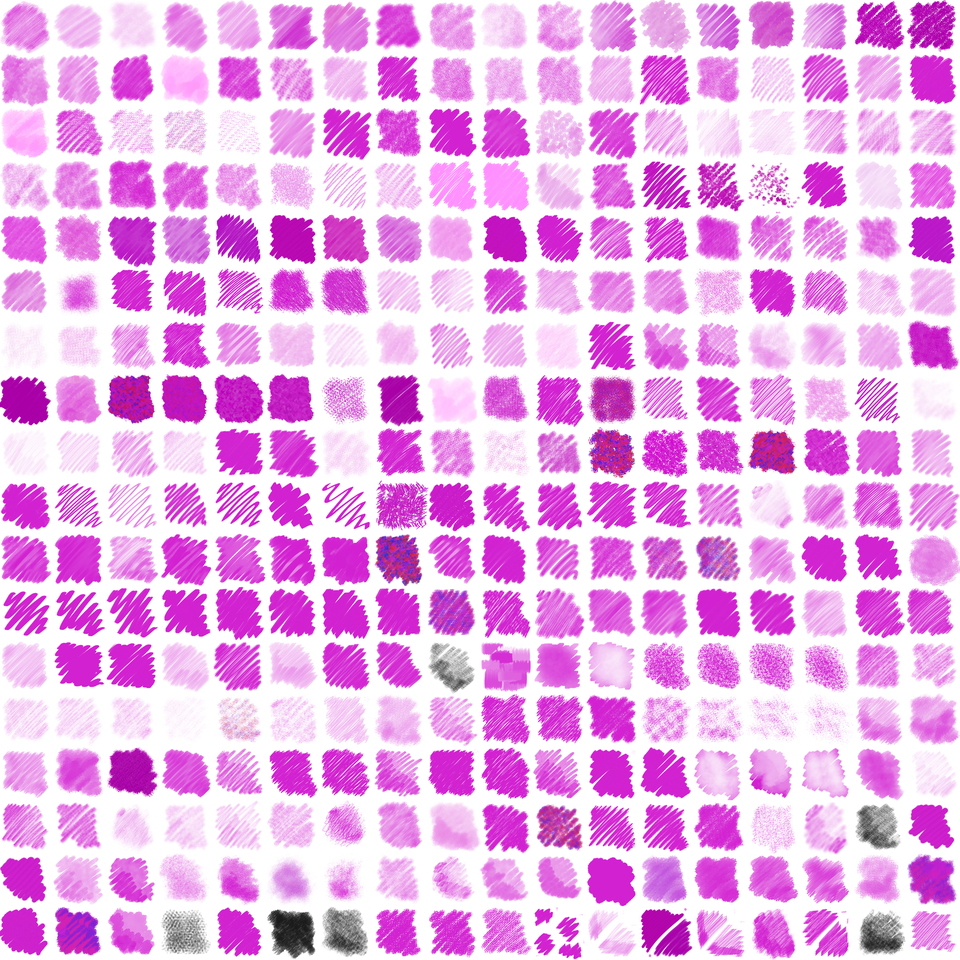
10 Likes
Thank you for sharing your work with the community!

By the way, I moved your topic into the correct subcategory of our Resources category, not that you wonder about the different category.
Michelist
By the way II: For all users who may wonder about this “Bundle” not working, it is not a bundle in the common Krita sense! This is a collection of resources delivered in different subfolders of the ZIP file containing them. You have to import them via Krita’s Resource Manager!
Brushes and all other unbundled resources are installed this way:
A brush or any other loose unbundled resource can be imported into Krita via the menu
Settings>Manage Resources...where you have to click on the button Import Resources, in the opening file manager dialog window browse to the downloaded resource/s, select it/them and confirm the selection with a click on the OK-Button. Krita will then import all the selected resources at once. Done!But it has to be done separated by resource types, so you usually import at first the brush tips and then the patterns before you import the brush presets (that are the files with the file name extension KPP) because if you import the presets first and a preset depends on a pattern or brush tip not available while importing, you have to manually reassign these resources to the preset. That is what you suppress using this sequence and save yourself tedious afterwork.
Michelist
6 Likes