I’m stuck. I’ve never created a bundle. I’m going to ask for help for us.
@AhabGreybeard I shared the link to the Digital Atelier brushes from the Krita YouTube channel but it’s not in bundle form. Installing brushes that are not in a bundle is just before my time. Can you help us?
@MintyDog is brand new and has the DA files but I’m not sure how to help them install the kpp files.
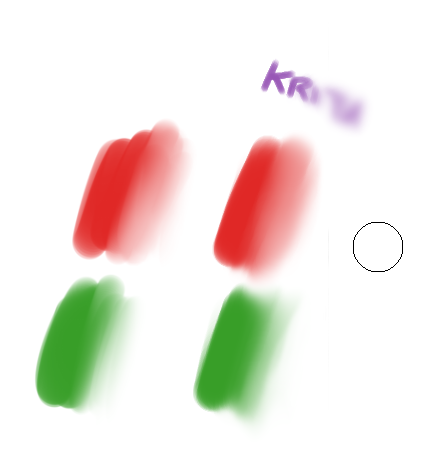
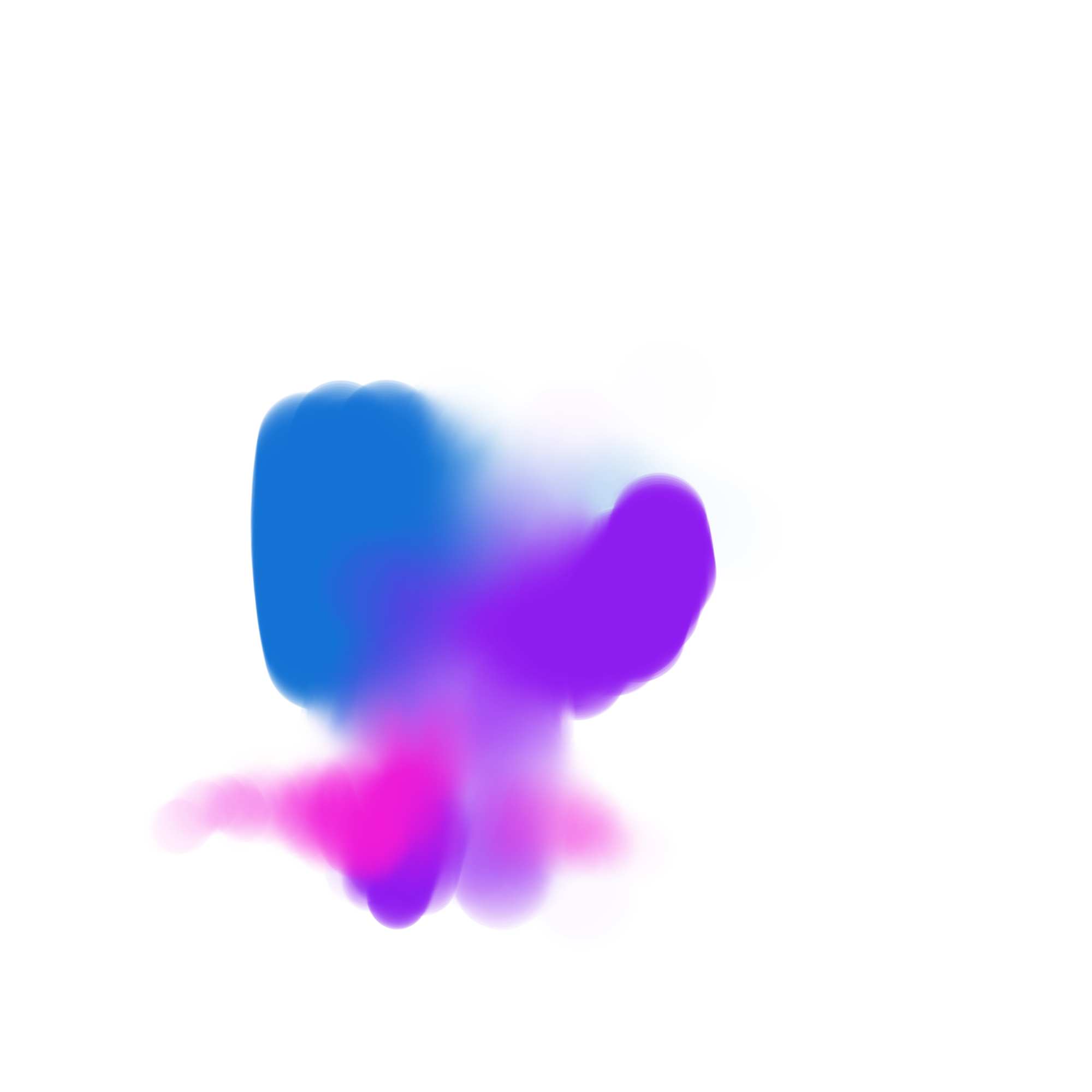
I made some small adjustments, so the dispersion only affects when the pressure is low, besides that now it needs more pressure to add color, I hope it helps you.
I went through all the default smudge brushes and they didn’t perform this way. See this was my one and basically only brush I used for many years with Clip Studio, for me to move to Krita I need to have that brush and this seems to be the closest thing too it. If I wasn’t able to create it I was probably going to have to go back but it seems to be just good enough.
With this brush, it enables you to paint hard lines but then just gently pass back over them with light pressure to soften lines where you need them too and blend transitions together without having to go and select a blender brush. It speeds up painting tremendously if you do things like light and shadow on fabrics or muscle definition because these are things that transition between sharp terminator lines and soft transitions.
As much functionality as you can fit without leaving one brush is what I’m looking for. I left behind the painting style of constant back and forth color sampling while painting in low opacity to blend two sides of an edge together, with photoshop. This is far more natural.
Still trying to get used to Krita, its actually been proving difficult, for many reasons I need to leave Clip Studio and for many reasons Krita has it beat, but there are plenty of things with Clip that are just an intrinsic and natural part of my painting.
I know it’s really hard to change apps. I made 2 unsuccessful attempts to switch to Krita. On my 3rd attempt I made myself come to this forum and read a few threads every day until I finally started to get a feel for how Krita works.
Now, I would never go back but I do still remember how challenging the switch was.
Thanks. I made the switch out of Photoshop pretty well except for having huge amounts of technical performance issues with Clip.
If theres anything I need Krita to do as a barrier to me right now, its to fix the liquify tool and make it a function of the brush via a mode just like the eraser mode, because its completely unusable in its current state and its a very important part of painting to be able to push and grow and shrink and essentially sculpt little adjustments with it.
Next would be allowing any tool or sub tool to be switched to temporarily when a combination of keys and modifier keys are held. For example, hold CTRL + T and your airbrush or your blender brush will instantly be active and when you let go it goes right back to the previous brush or tool.
I think my main issues are what I’m capable of customizing via shortcuts, hotkeys and modifier keys.
The main draw for me to move to Krita was its perspective ruler BLOWING CLIP STUDIO OUT OF THE WATER and the fact that Clip is going subscription. Also and I haven’t tried it yet, the animation functionality looked more intuitive but I can’t verify that until I do another animation. I guess the best way to get used to the program is trial by fire, so I got two commissions and I’m learning as I do it. Thanks for all the help guys!
Have you seen the liquify brush? You might like it. Open the brush presets docker and type the word liquify in the search box at bottom. I like it better than the liquify mode on the transform tool.
Customizations and hotkeys are plentiful via two places: Keyboard shortcuts and Canvas Inputs.
@MintyDog@CrazyCatBird
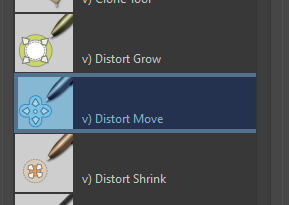
My apologies. I misnamed it (them). My favourite is the v) Distort Move brush. But there is also Distort Grow and Distort Shrink.
All 3 are in the Krita_4_default group.
To ensure that resource is active, to go Manage Resource Libraries and look for Krita_4_Default_Resources. If it’s not active, highlight it and click the activate button at the bottom.
I thought you might have meant those, I’ve tried them out and the reason I can’t use them is because they introduce significant blur almost immediately, unfortunately.
Some times back in a thread @SchrodingerCat mentioned that reducing the spacing in the transform tool options of the liquify mode improves the speed. Can you try that?
I just tried that, it helps a lot. Now if I can get that function on a brush or something, then it would really speed things up. For me its all about how quickly I can color sample, liquify adjust, erase, blend and transform without having to do any tedious steps in between or leaving my main work tool. Is Krita quick to update and improve quality of life issues?
Is Krita quick to update and improve quality of life issues?
Hi @MintyDog - Glad you’ve gotten some good tips here.
The dev team at Krita is very small. Every week we publish an update of the projects they’re working on and the code that has changed. You can see the latest report here:
If there is a feature you’d like to request, you can do that here in this forum. When the dev team has time, the feature requests help them see what the community is interested in.
Here’s where you can see the current feature requests. It’s good to first see if your request has already been listed before creating a new request.