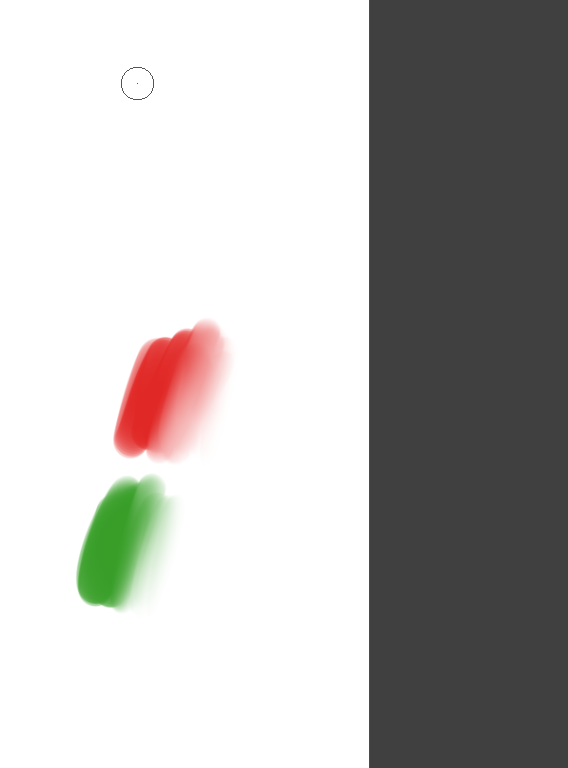
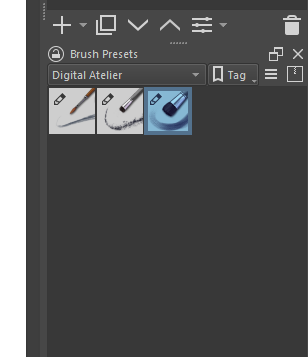
In Clip Studio I had a brush called Smooth Watercolor that would blur smoothly with light pressure and apply paint with medium to heavy pressure. Krita has brushes that sort of do this but they always sample too far from the middle of the brush and instead of blurring smoothly, it appears more like its applying light paint thats the sum of the colors being blended, rather than actually blending. The cotton swab blending brush is what works but its its own brush, how in the world do I get that cotton swab blending brush properties onto another brush with light pressure?
I’ve adjusted the settings, nothing I do seems to have the effect.
I’m unsure if this is similar to what you’re asking, but @SchrodingerCat created the Water Color Brush SAI that might work. You can also tweak it for it to be to your liking, such as copying the settings from the cotton brush, namely the Scatter and Smudge Length, to this one for a similar blending, and Color Rate for a more opaque color, less sensitive to light pressure and a steep curve on the medium/hard pressure.
I think I’ve actually figured it out, by taking the blender brush and turning on color rate, then changing the pen pressure of scatter to scatter only at low pressure and stop scattering at high pressure, it has the effect of a soft blend on light pressure and a hard edge paint application on medium to hard pressure.
The issue is with Kritas blending engine, its more of a smudge effect OR its more like it samples the two colors you’re trying to blend and averages them together and applies it on top which results in a hard edged delineation of colors rather than a soft blurring together.
I am glad you found a solution. If you don’t mind, would you like to share the brush, or the brush setting? I have never used CSP brushes but the way you described it sounds cool.
Sure I will try to do that, I’ve actually never used Krita before so how to download, share or install brushes I have no idea. If you know how let me know and I’ll keep fiddling with the brush some more and then share it here.
To be honest I’m very lost, I came from Clip Studio and used basically one and only one brush for everything because it was so versatile. From what I understand I see that brushes come with engines like “pixel engine” or “smudge engine” or “my paint engine” (I’ve only seen those ones) but I’ve tried all the ones Krita comes with.
Smudge engine was the only one that let me push paint around at light pressure, so like a dual ability brush, but it didn’t blend together like a blur. Let me show you the difference I mean…
krita
Smooth Watercolor in Clip applies no paint at low pressure and seems to gaussian blur the surrounding pixels. Whereas Krita seems to sample the colors around the cursor, mix them together and then apply it over top with light opacity.
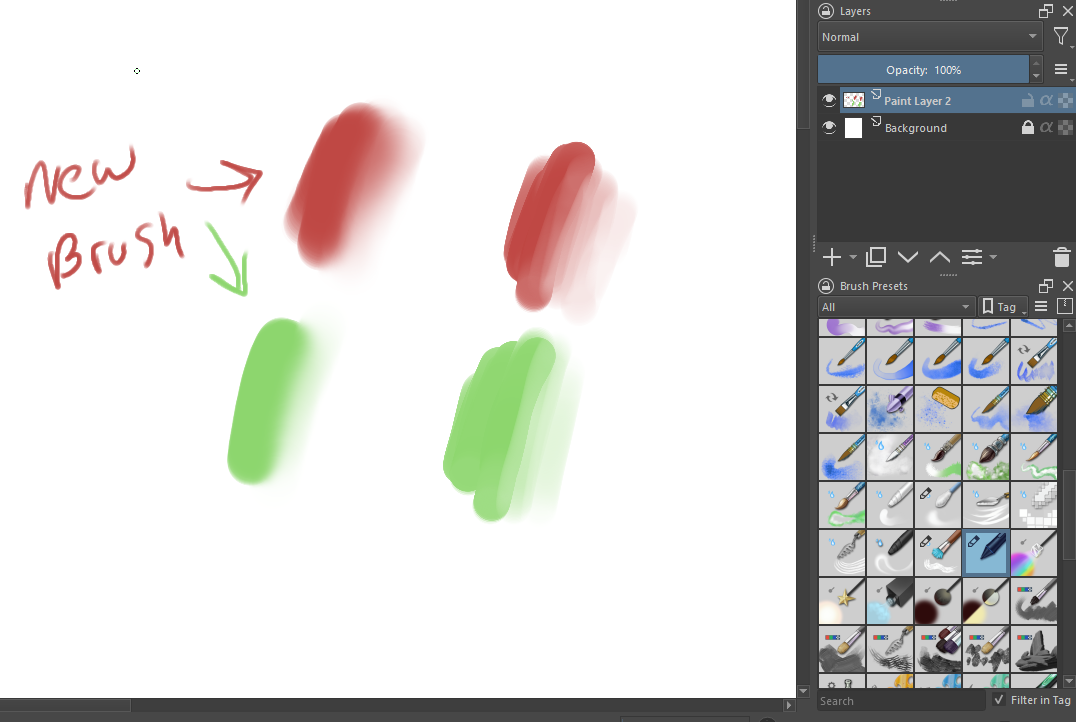
Here is the new brush from the modified Blender Brush. Currently it softens the edges very smoothly BUT the issue I have with it currently is that it still applies paint at very light pressure. I need to fix that.
I usually hesitate to tell new users to download more brushes (because it’s so important to figure out what’s already in Krita) but you might really love the watercolour brushes Ramon made for Krita.
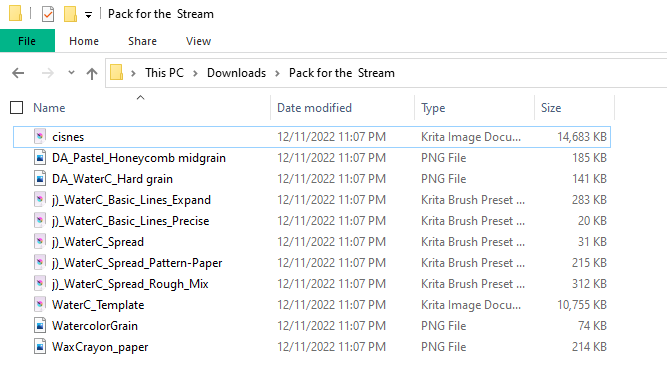
Hmm, not sure how to install this, the guide I looked up needed a .bundle file and these files are PNG’s and some presets. I don’t import them as a resource in the resource manager? edit - I think I got them in by importing the preset files.