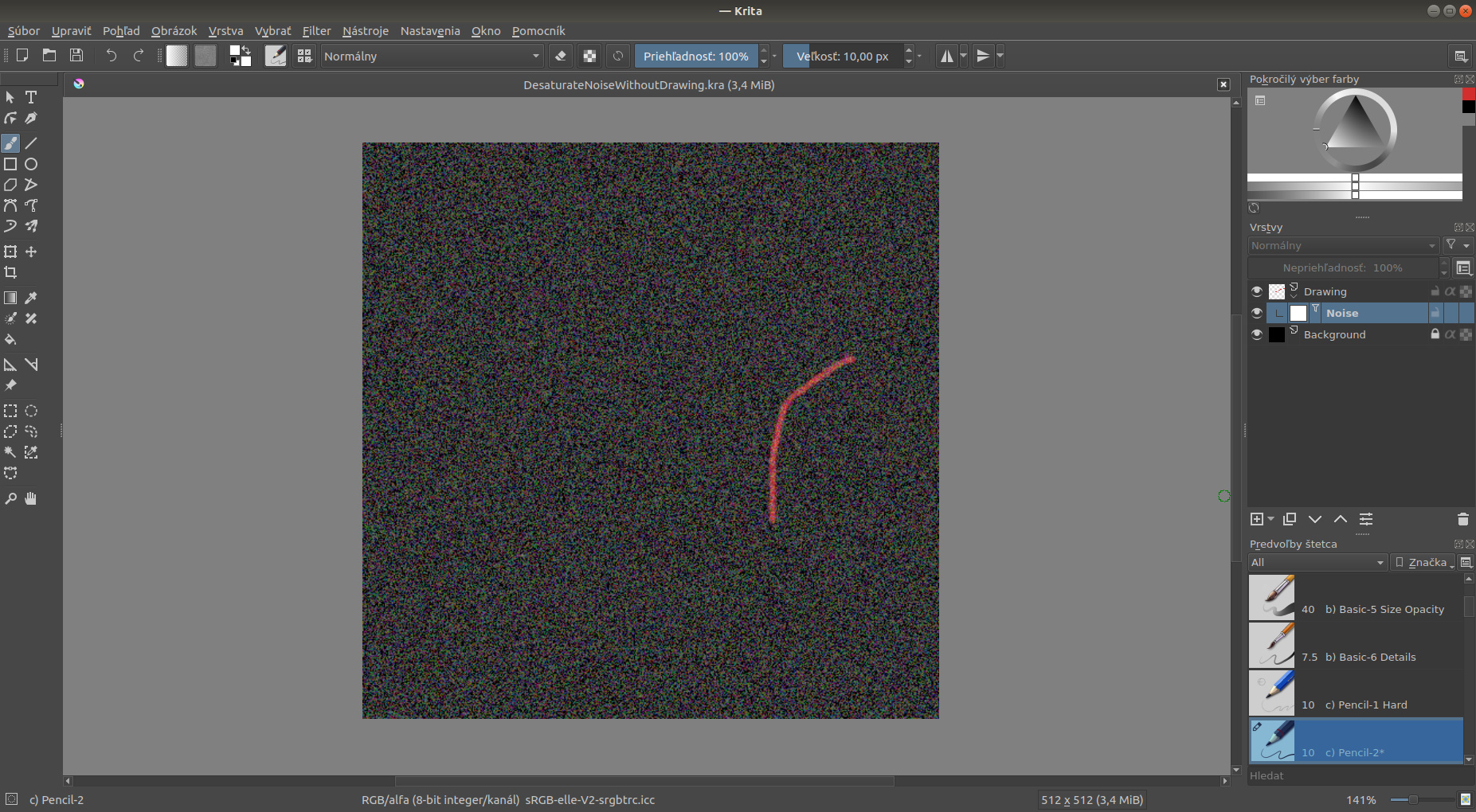
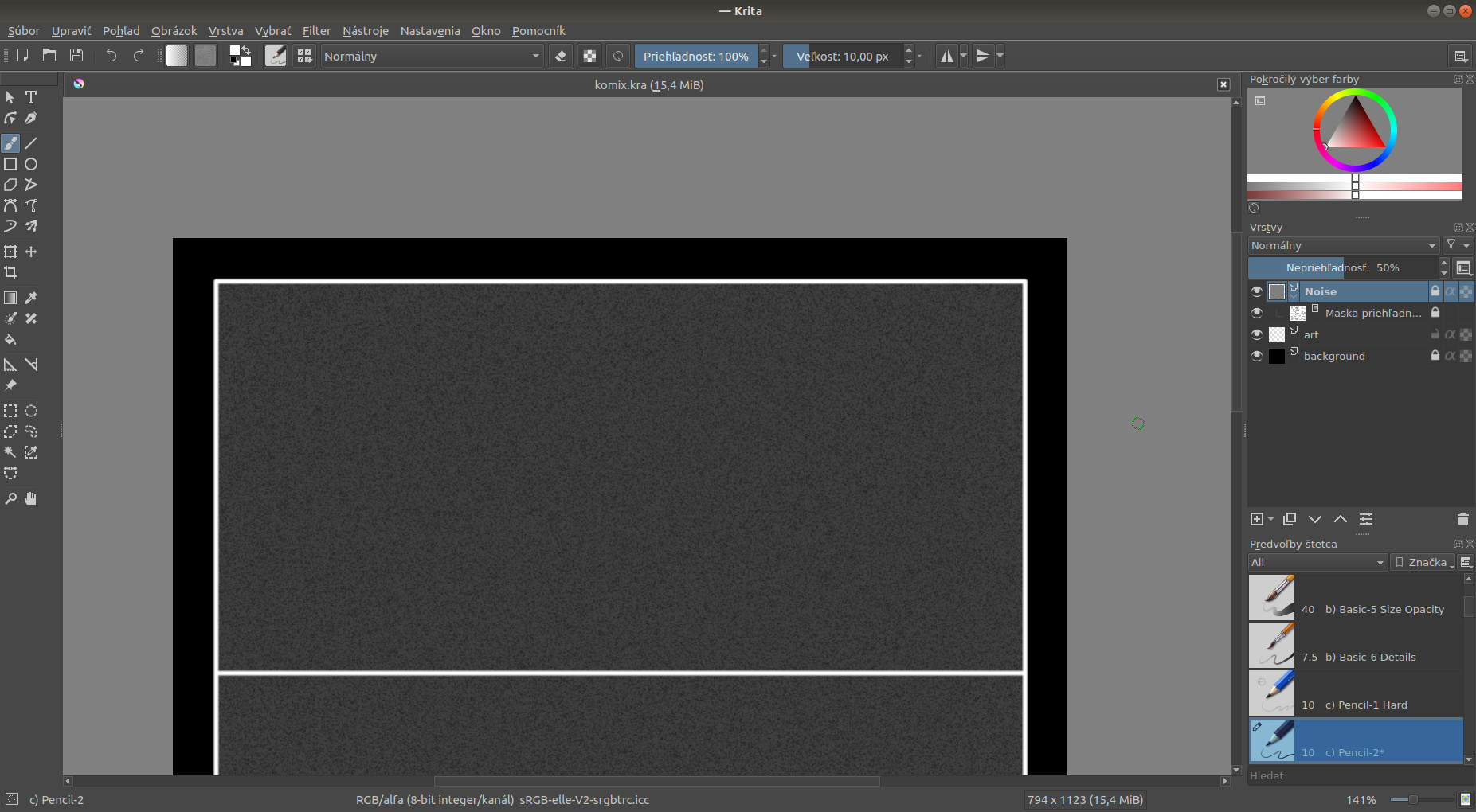
I have a mask for the noise filter, and I need to desaturate that noise, but I can’t add a second mask because it affect the picture as well. So how can I desaturate noise filter? I can add noise filter as proper layer, but then I loss ability to change properties of that noise filter, so I would rather use it as maks. Is there a way how to use desaturate filter only on mask, without affecting layer?
Hmm, if this does not break your workflow, I suggest using a layer above where you paint with a greyscale colour (like grey, white or black), and then set that layers Blending Mode to Saturation, like this
That way you can paint where you want it to be greyscale. A soft brush will give you a smooth falloff between coloured and greyscale, and a hard brush will give you a hard transition.
You can also set the opacity for the whole effect
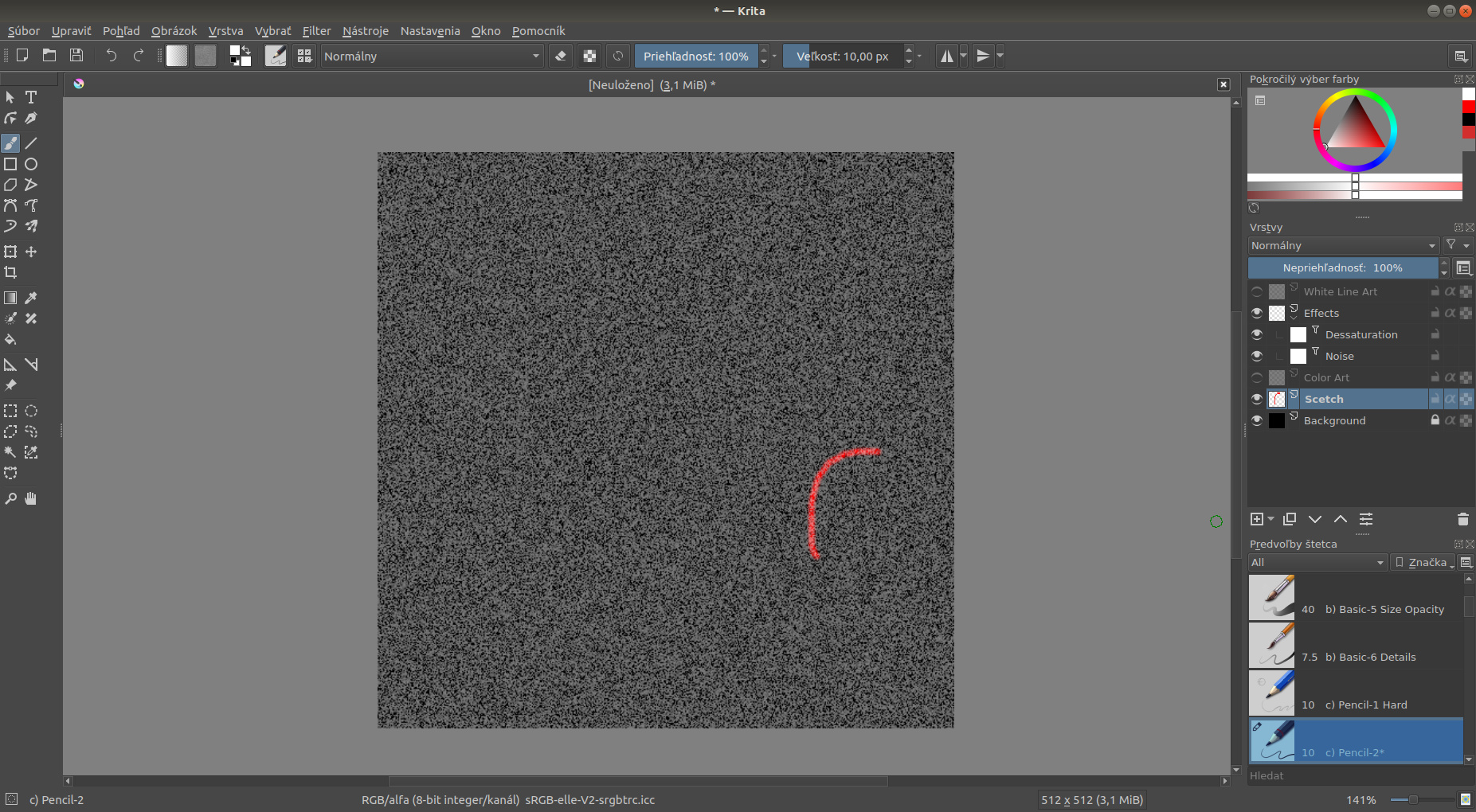
oh, thanks,… so I should create empty layer, and use noise and desaturation masks on it. And for paint have another layer… I tried it and it work really well…
so Effects layer is empty, and I draw to Color Art (where I have red, green, blue and other colors), and to White Line Art (where I have only White color, that is not affected by Noise filter). And this is working really well. But I’m not sure if it’s simplest way.
I guess it depends. I like to use layers and blending modes for things that has to do with colours and such (since the performance is fast and it is a simple solution), but I like to use filters, masks and such for effects like blur and similar.
A great thing about Krita is that there are many ways to do things, and you should do what feels right for you!