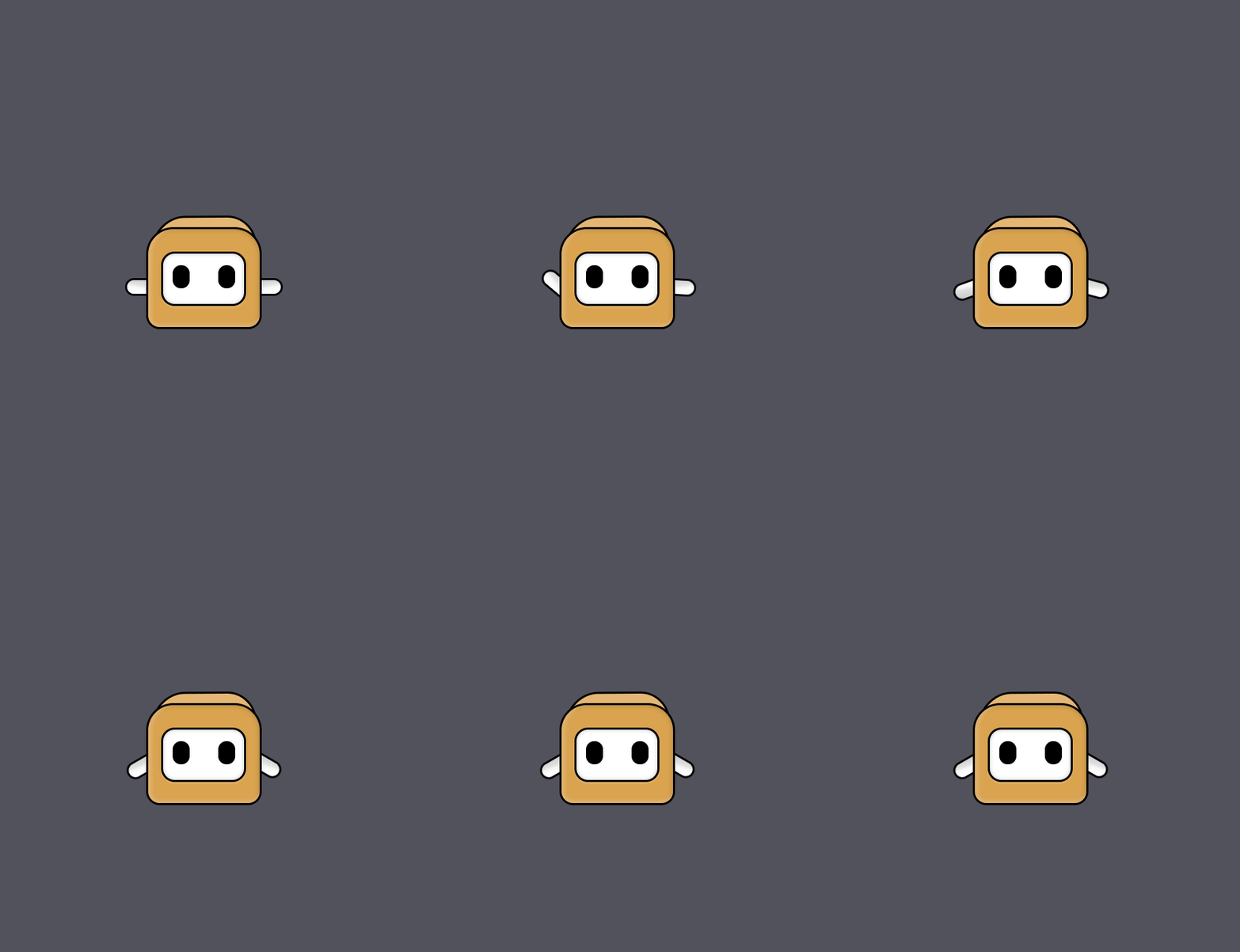
In Photoshop, OpenToonz, Blender and many other tools, the rotation is saved for each layer.
In Krita there is only the option to apply a rotation.
This makes it impossible to remove the rotation later, give the same rotation to another layer, etc. if you don’t remember the value. This is a particularly big problem for animations. Also there are no real negative values, if I want to rotate -40° in a tween animation, it rotates in the other direction to 320°.
It would also make sense for Scale and Shear, so that it can be edited later.
What you would like is, as far as I know, already done by a Transform Mask, for Rotation (about 3 axes), Scale, Shear and X/Y Position.
You can enable/disable it and you can copy it then drag the copy onto another layer.
Transform Masks can be static or animated so it would be a good idea if you tried them to see if they can do what you need to do.
You can rotate by -40° but if you couldn’t then rotating by 320° gives the same result as far as I’m aware. Unless you meant some other aspect of rotation?
Maybe that works somehow in some cases, but it would be so much nicer if it were easy, quick and intuitive.
It was only possible to rotate it to the left with the mouse. When typing -40, the tween animation rotates to the right. If every positive and negative value was saved permanently, this and some other cases would be solved.
(if I crop the canvas, the gif export is broken)
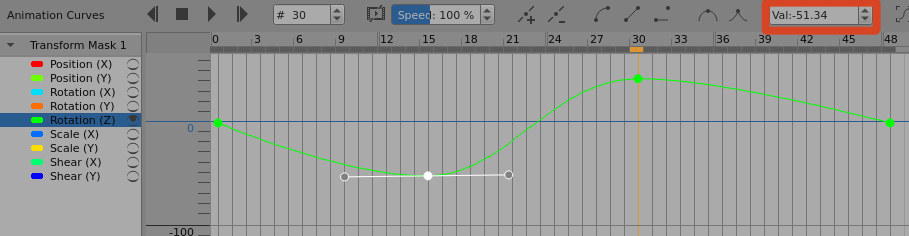
Interpolation between keyframe values in an animated transform mask is linear or Bezier curves and I’ve never had problems with it. (Frustration, yes, problems, no.)
Here is both positive and negative rotation:
The only way to understand why things are going wrong for you would be in a Support and Advice topic where you present detailed information and screenshots.