Type of device* : Android tablet
Brand and version of the device: Samsung, galaxy tab S9 FE
System** : Android 16.0
Krita version : 5.3.1.1
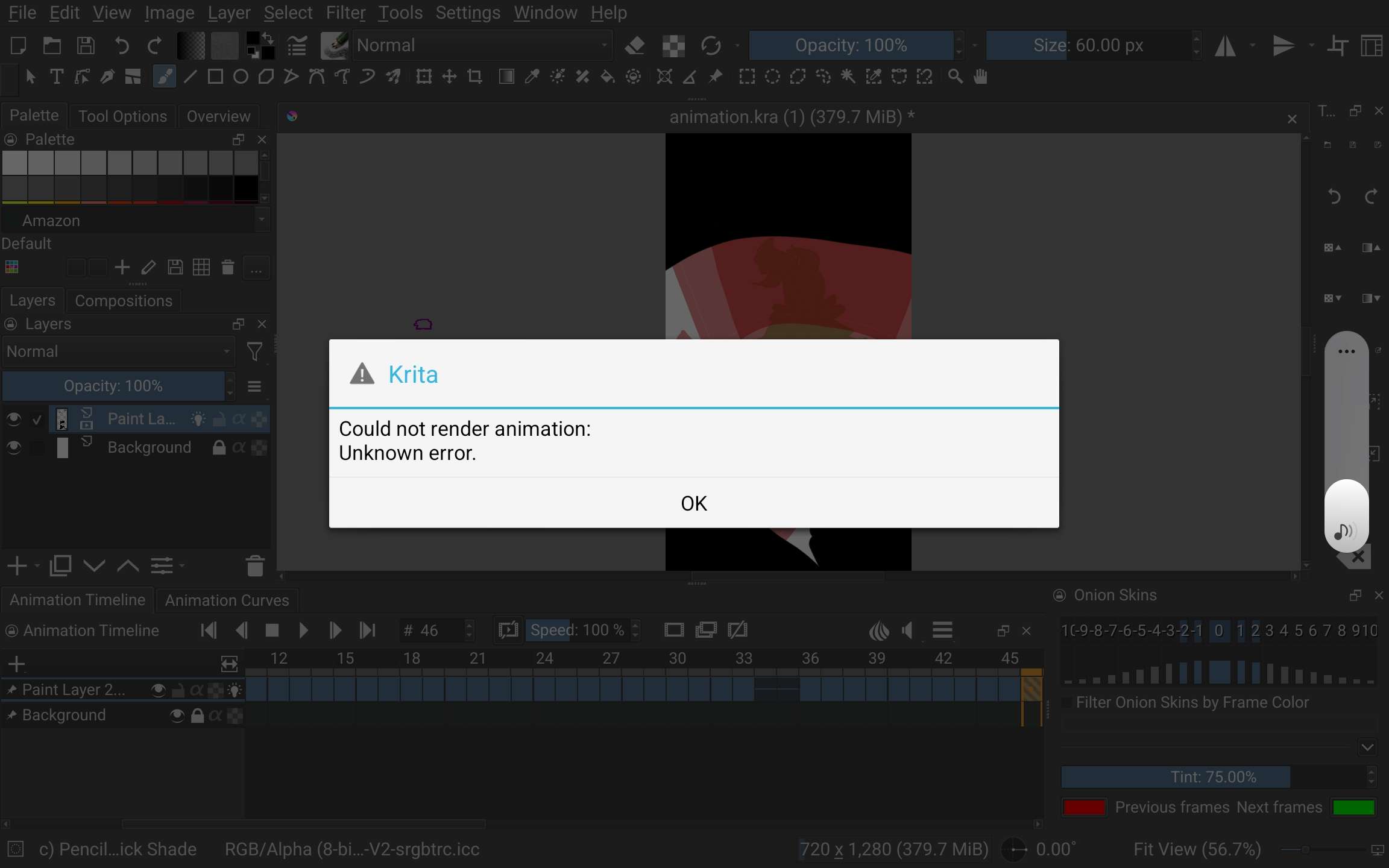
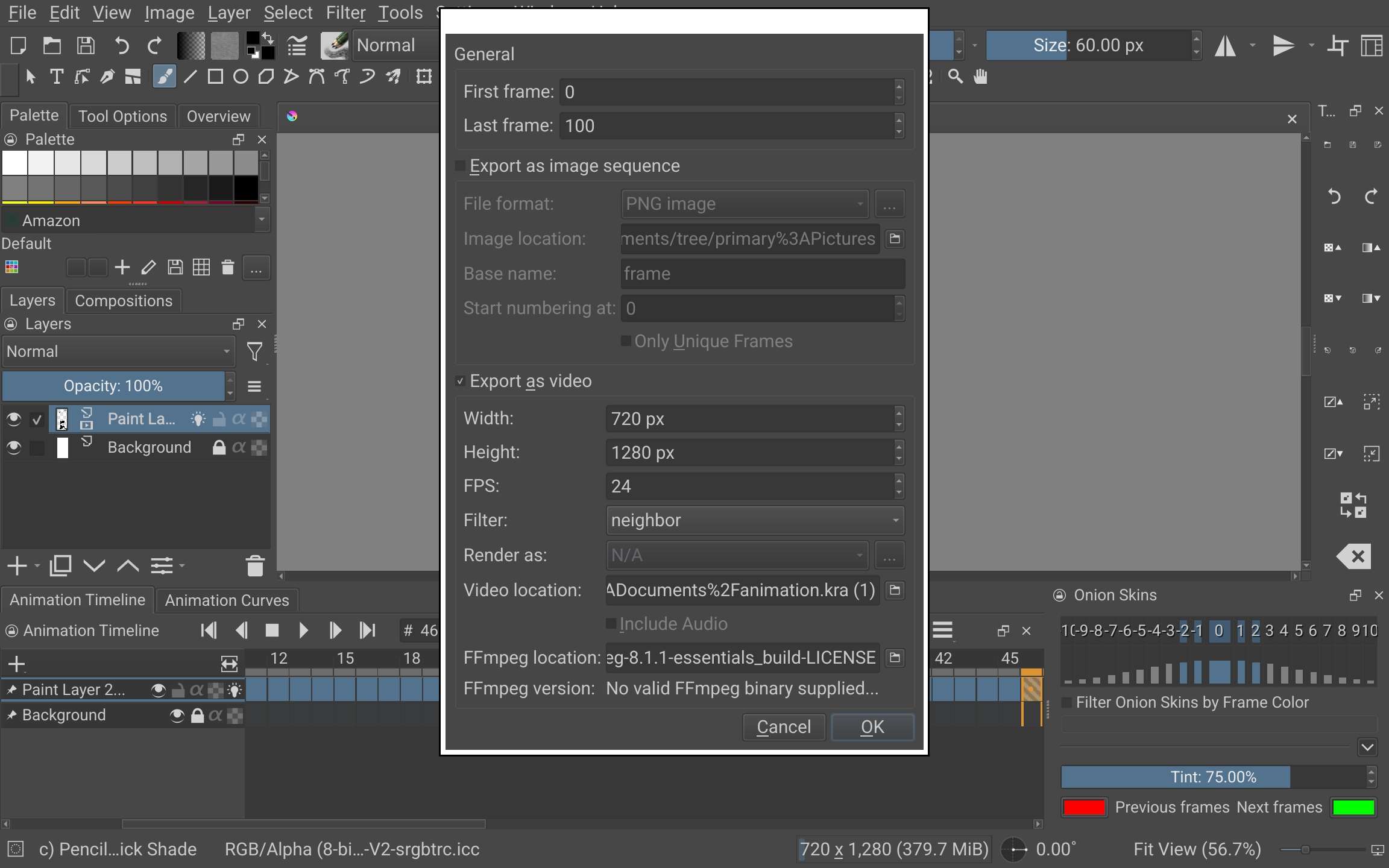
When I render my animation on my tablet, I cannot select anything for “render as”. (see screenshot 1) When I click “ok” anyway, I have an error message. (see screenshot 2) Though when I send the file to my computer (windows 11) and try to render it on krita there, it works. I would like to not have to send the files to my computer to render my animation.
Things I have done to resolve the issue:
- uninstalled krita and deleted appdata (while having a back up of them)
- downloaded and linked ffmpeg to see if it would help, it did not
- changed the size of the canva (passed from the predefined “film 16:9 4k” to 1280x720)
- changed in settings>configure krita>performance>general>RAM : memory limit to 100% (5706MiB) and in performance>general>swap file: size limit to 64GiB ( based on the first comment on this reddit post https://www.reddit.com/r/krita/comments/mk4bux/why_can_i_not_render_the_animation/)
- Tried with another new file with 34 frames of a simple line moving to see if it was the file the problem. still not letting me select a “render as” option
Screenshot 1:
Screenshot 2: