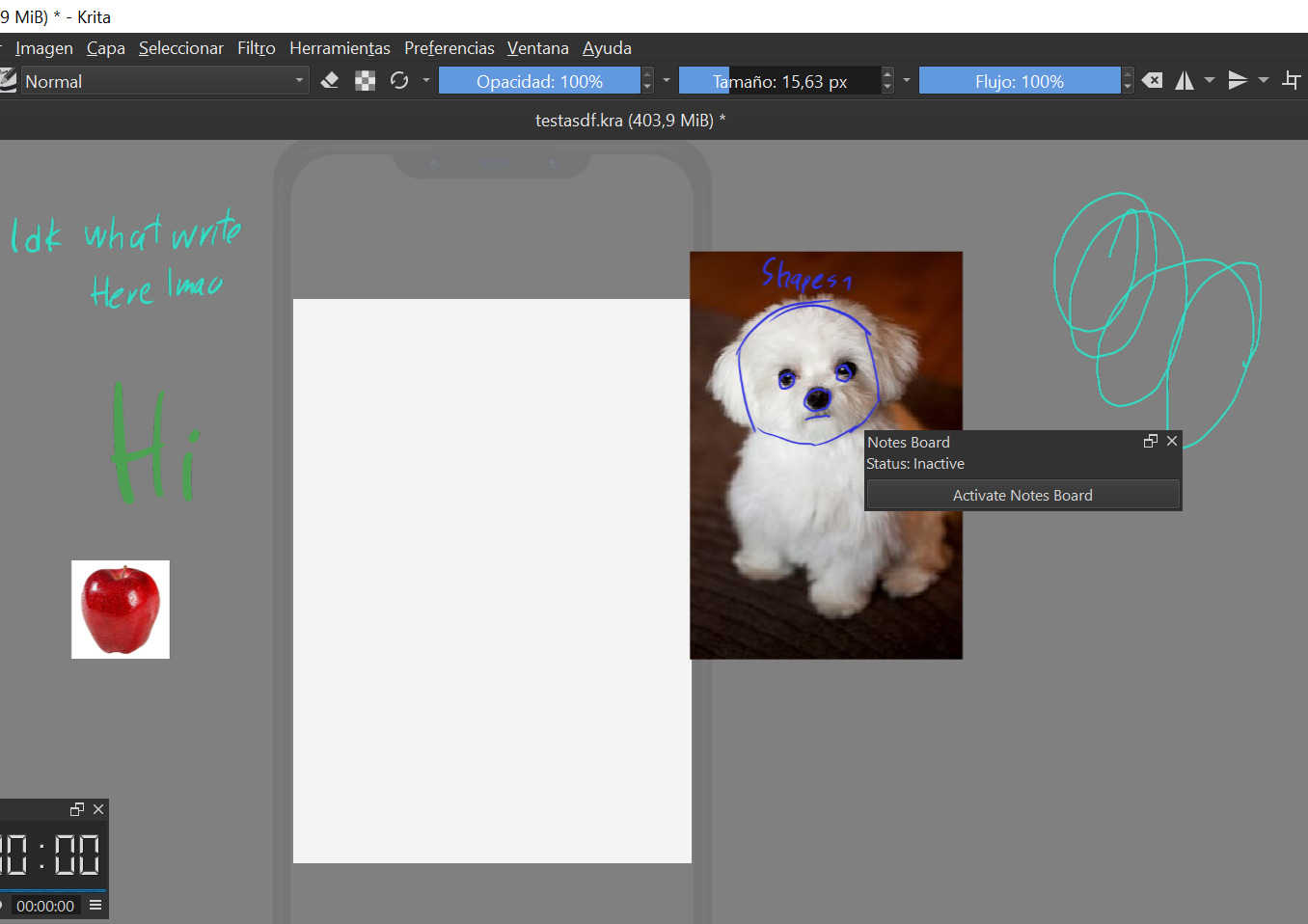
I’ve made a plugin that I’m sure will be useful to many, an implementation to take notes outside of the canvas in Krita.
How it works:
-When you press Activate notes board, a new layer called notes is created on top of everything.
-On this layer you can paint like a normal paint layer, and then when you click Deactivate notes board, the created notes layer is deleted and the notes layer is added as a reference.
Mini tutorial:
Edit:
Update: added a check box to toggle between ask or don’t ask before create a note (the pop up yes and no)
This is a really good plugin !
Would it be possible to not have to confirm every time that we want to deactivate note board ? Maybe with an option we can uncheck if we need this confirmation ?
Because it slows down a lot the process.Thank you very much for your idea. It’s very good !!
I guess this describes it well, but in case you are even more curious, take a look at the (source) code, Python is very well human readable, just open the files with the editor of your choice.
Just installed it, and for me, it works as described. When activated, it creates the said layer, I can scribble on it like I want everywhere on or beside my canvas, and after deactivation it is immediately converted into a reference picture and the reference tool gets automatically activated with this reference selected.
Or is your issue that it takes perhaps more than a blink of an eye to be converted, something I could imagine for bigger scribblings, and especially on weak machines.


 Hello
Hello 