Normally it is sufficient to move the files contained in the subfolder “essential” in the folder “brushes” directly into the folder “brushes” to be able to use this brushpack again. So just move these files with your file manager (Explorer, Dolphin, MidnightCommander et cetera) one level up and then start Krita.
Thank you! The brush presents can have trouble reading brush tips that are in subfolders within the /brushes/ folder.
you can try the bundle @daypaintstudio created of my brushes for Krita 5 as a temporarily solution right now.
But look forward to the Krita 5 version! The new version will be a bundle (or bundles) with over 400 brushes and will be properly tagged. I think I will be finished with it by the final release of Krita 5.0
I’m going to try to finish this really soon. In the meantime I will try to disable the links because I don’t want people continuing to download this version. I think when I’m done I will just create a new thread
What I plan to do is create one option that will be one bundle that contains all the brush presents, brushtips, patterns and tags.
The second option will be multiple bundles. There will be one required bundle that contains the brush tips and patterns and multiple bundles that contain brush presents and tags. For artists that only need to use specific brushes.
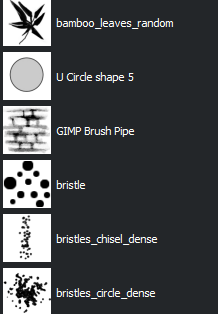
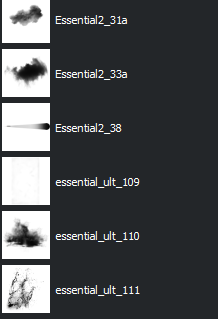
no matter how hard I try or what I do as far as moving the folders, these brushes won’t work for me and only show up as big black blobs, can someone please help me
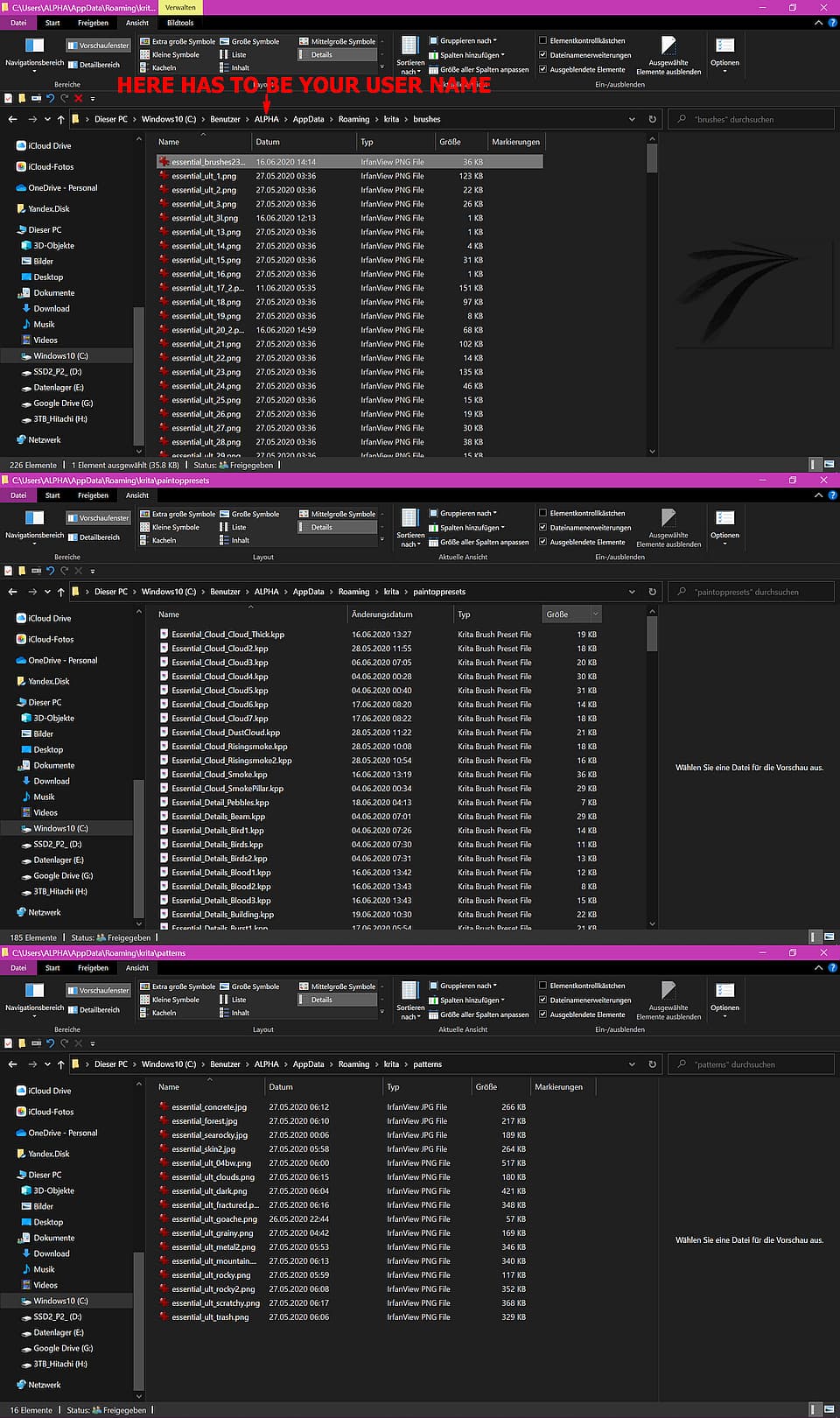
You don’t have to move the folders around, you have to copy or move the contents of the folder brushes/essential into Kritas brushes folder inside the resource folder.
Am I right, you are on Windows?
In the following screenshots, you can see where which files have to be. These files have to be there without being contained in other folders than that shown in the screenshots. Does it look like that on your side?
I have a problem with all brush set. Essential 2B, 2C, fib, ult don’t open in Krita (4.4.5) bc they’re in PNG instead of GBR in folders
They do show in Available brushes but can’t go into Selected
For Krita 4.4.5 you would need the first version (the one with 180+ brushes) of @fizzyflower’s brushset, which of the brush sets did you download? The “New and Improved” or the set from the small “GumRoad”-Link below?
For me, the brush set from the small link worked without issues in Krita 4.x, and there is no issue with the brush tips in PNG-Format, they work fine.
If you copy/have copied the contents of the folders contained in the zip-archive “Fizzyflower_essential_brushset_FIXED.zip” into the corresponding folders of your Krita resources folder, e.g., brushes, paintoppresets, patterns, and then restart/ed Krita, the presets should be shown and selectable in Krita’s brush preset docker, and the brush tips are shown in the brush editor which is reachable via F5.
But maybe I have misunderstood you, or you have another issue I can’t think of at the moment, if so then please describe it to us.
Additionally, it would be a fine gesture not to write in telegram manner with so many abbreviations, not everyone here is a native English-speaking person, like me, and this makes communication a bit easier.
 The brush presents can have trouble reading brush tips that are in subfolders within the /brushes/ folder.
 Hello
Hello