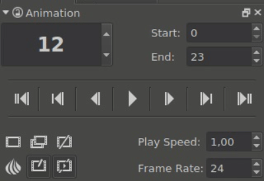
I’m looking for some help with opacity keyframes. In this new version of Krita I can’t find any of the settings to add an opacity keyframe. I’ve googled how to add an opacity keyframe but everything i find i don’t seem to have the option for (right click > tweening for example, I don’t have a tweening option)
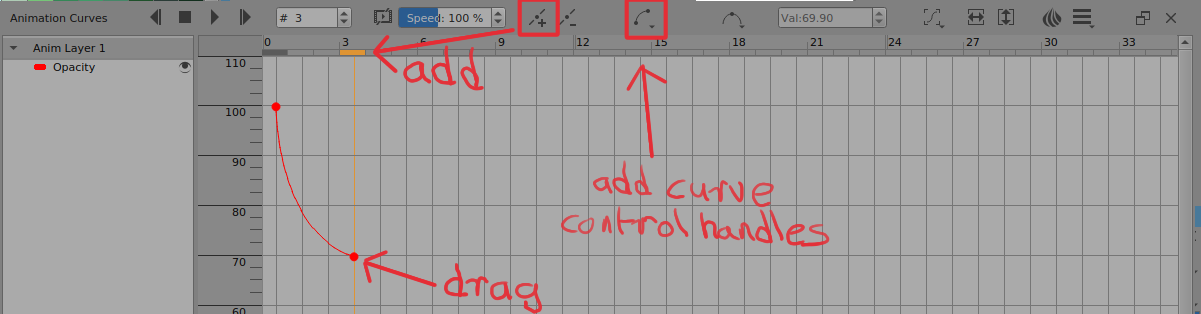
The screenshot is what it used to look like but I can’t find these settings anymore
I moved your question into a new topic. Please feel free to create a new topic for each question you have. You’ll get help faster and existing topics will stay true to their original intention.