Greetings Krita community.
So I’ve been trying to replicate a few brushes in Krita from CSP once again.
And I noticed something very very odd.
With one particular brush texture the lag is crazily frustrating, litterally occuring to
the point that you’re unable to see your brush move while painting.
Even when you’re not painting, the fps in wrongly low. Stutters at all time.
Here are some brush textures causing this :
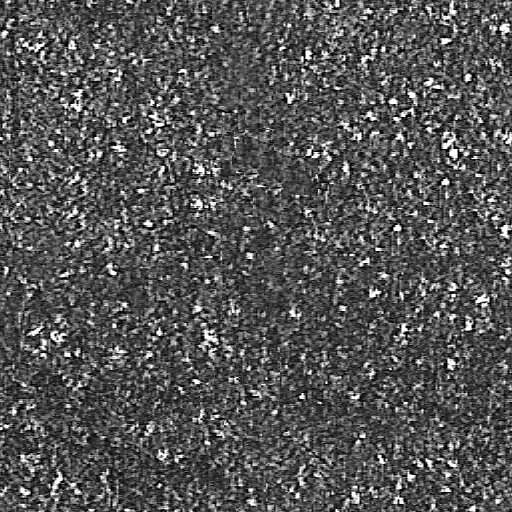
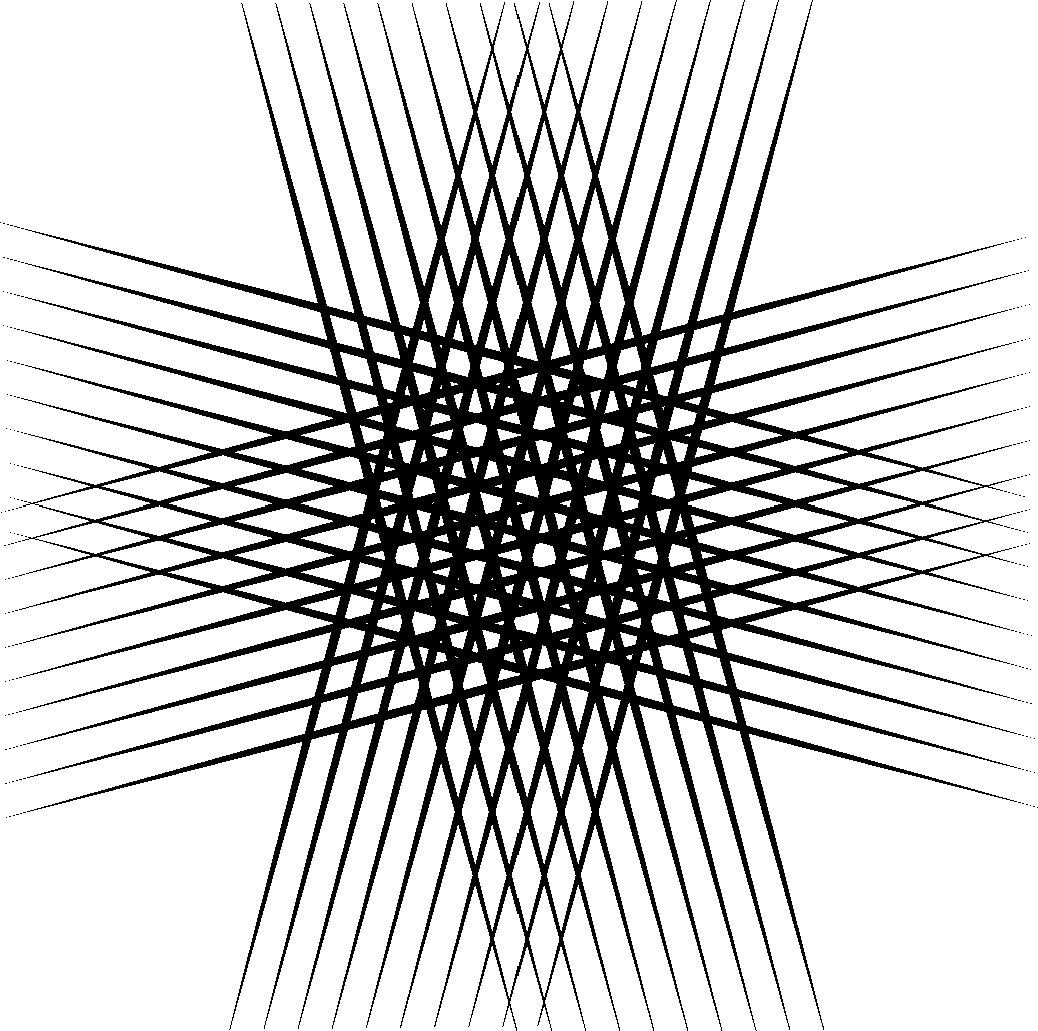
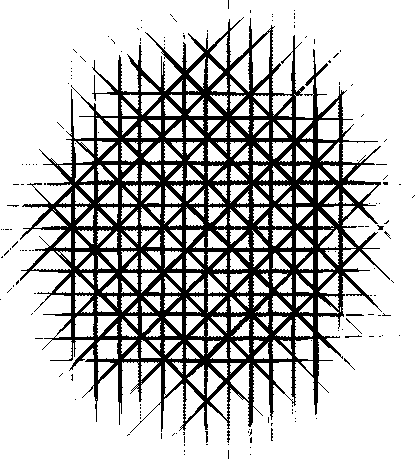
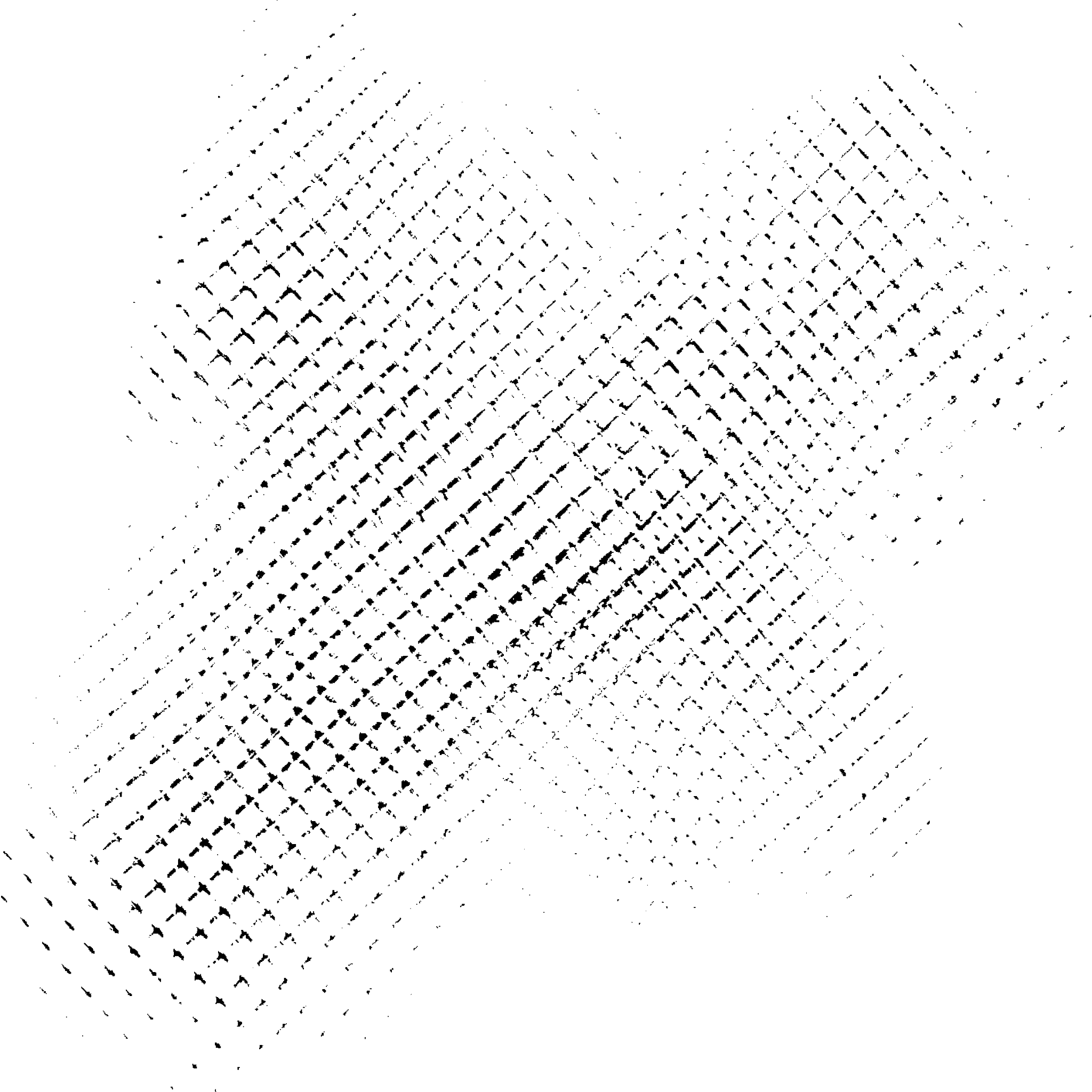
All of those brush textures are big, 1024x1024 or 2048x2048, right?
This is this issue: 437950 – Huge pattern size slows down the whole brush editor
Or this: 436731 – Huge brush tip images unnecessarily slow down Krita on every start of the stroke
1 Like
Even 512x512 causes the issue.
For instance, I tried to stamp the downmost texture within 512 x 512 resolution.
Still slows with that.
I downloaded your last texture and do not experience any lag at 512x512. Even at 1024x1024 it’s fine. At full resolution of 2048x2048 there’s a short lag of maybe 0.3 second, and only at the start of every stroke. Krita 4.4.5 on Win7.
Edit: I just realised, I had “show outline while painting” off. With it active, the lag gets bigger: pretty much unusable at 2048 but still workable at 1024. At 512 I still don’t see a lag.
2 Likes
Do you have a bugzilla account? That’s a really good information to have there…
No, I don’t. Could you perhaps post a link to this thread there?
Another thing: the lag, when it happens, seems to be independent from brush size. And it appears also with circle- and tilt-outline selected. Also, when making very fast successive strokes, the outline gets stuck and in the undo history only text entries (without thumbnail) are being written.
Yes this is sort of known. It gets laggy when you have complex brush tip and Krita has to show it on canvas and if you have rotation etc enabled it will add to the lag. I don’t know if there is a bug report out there for this.
As far as I can tell, it’s exactly the same lag with just a circle outline. So might have nothing to do with tip complexity then.
Yeah, I guess that’s to be expected. Don’t think that’s a bug but simply a performance problem and maybe not related to the “show outline while painting”-lag.
Bruh, it is actually related to “show outline while painting”.
@dreamkeeper @raghukamath the bug in question is that a 200px brush with a huge either brush tip or pattern (both cause issues, though the issues are different) have Much more lag than 200px brush with similar but much smaller brush tip or pattern. So it’s not related to the amount of pixels painted on the canvas, but to what the brush was made of.
But I might’ve misunderstood @novames00 here. @novames00 am I correct? Or was the performance issue because once you used 200px and once you used, for example 1000px brush? (Which would understandable have more lag, of course).
Also can you please elaborate on “it’s actually related”, do you mean that you confirm @dreamkeeper 's observation that if the “show outline while painting” is off, then the lag is smaller? If so, can you please check disabling the brush outline altogether and using just the cursor (there are two different settings for that in Configure Krita)?
So like I said it’s related to “show outline while painting” option, especially with a complex/big brush tip/texture.
Just for confirmation, I tested again. When ticked off, there’s still some lag randomly repeating between strokes but very obvious at the beginning of each stroke. The lag also occurs while moving the brush outline on the canvas, without painting yet. I just used a 500 px brush for the test.
This lag is lesser compared to when you tick “show outline while painting” on though.
Then I ticked the option on.
After I tried again to paint, the outline won’t even move and even caused a GPU crash resulting in Krita closing itself afterwards.
If I didn’t know about the Win+CTRL+SHIFT+B shortcut, my screen would stay and remain black with nothing displayed.
I guess it’s really really bad at this point.
I’m not seeing that at all - even with the biggest of your tips and a 1000px brush. No difference with the “show outline…” off or on.
That’s just on your side.
On mine it’s different story.
But, shall we provide our CPU and GPU specs ?
I have a core i7 3610QM CPU and a GT 640M GPU.
What about you ?
I’m not saying, that you don’t have problems. Just providing my own experience.
Not sure if the specs make much of a difference - my PC isn’t the newest and fastest either:
Xeon E3-1231V3 and a GT 730.