Photoshop Mixer Brush in Krita

ezgif-4-b8e723f4c2
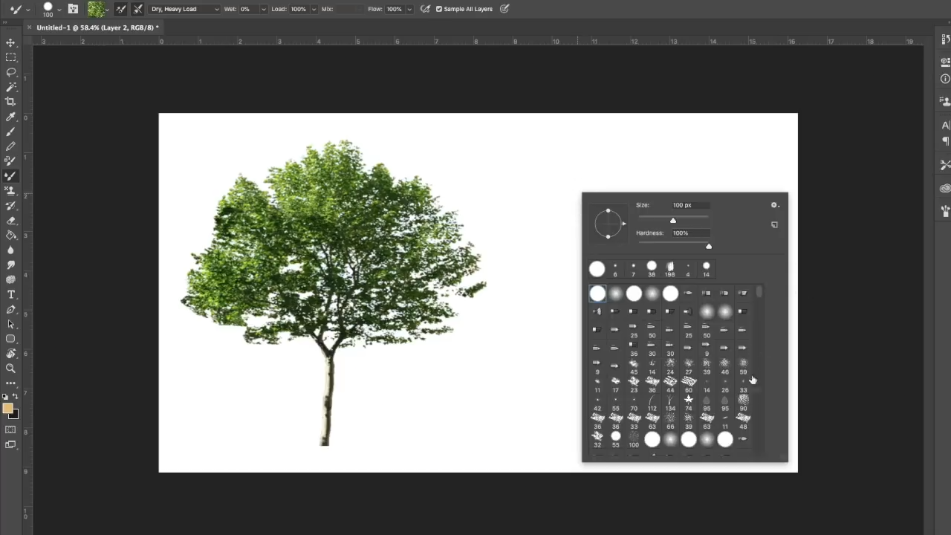
I suffered a lot without my favourite Photoshop brush in Krita
If you know what a mixer brush is, here it is.
If not, look it up on youtube - it is a great help in creating textures and photobush.

Brush - click

It is .kpp file so it goes to C:\Users\Your Username\AppData\Roaming\krita\paintoppresets or in the Resource Management dialog, click the Import Bundles/Resources button, select the .kpp file and click Open.
How to use : CTRL+click where you need and go

17 Likes

This looks like the clone brush though, not the mixer brush tool I knew from Photoshop.

2 Likes

Yes! It is a clone brush in krita. But most artists use the mixer brush only for texturing. Here is more info about what I am talking about → Youtube

1 Like

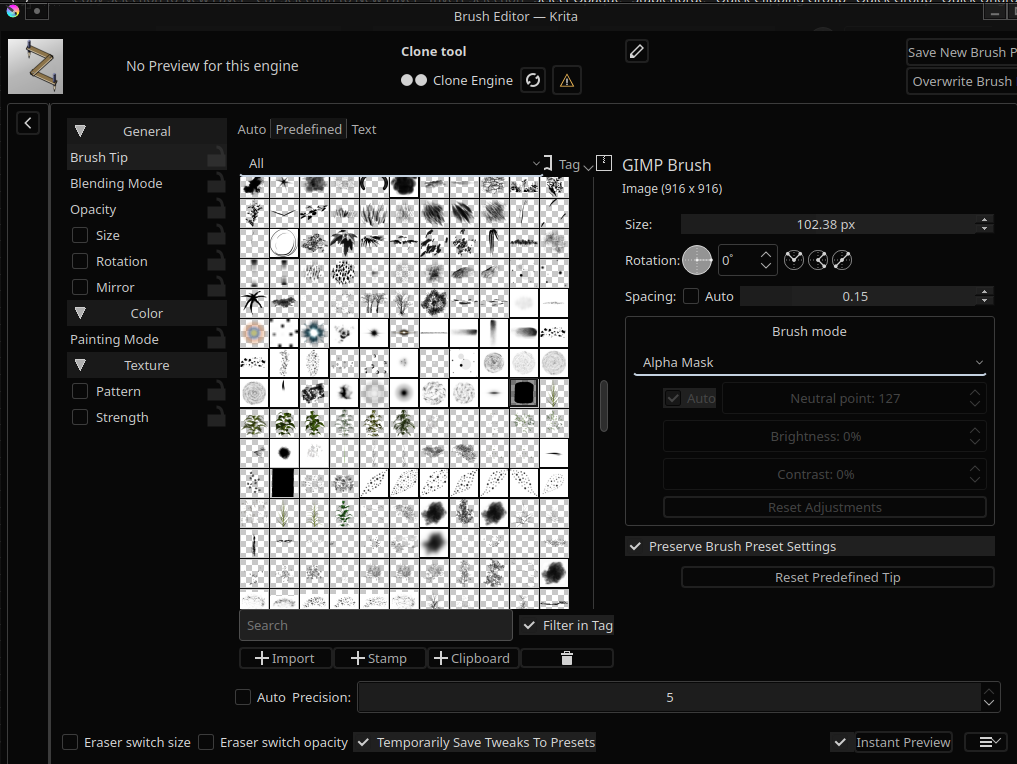
Go to the clone - tool brush setting F5. Brush tip predefined try different brushtips. And the other setting like size rotation to add randomness. Creating krita brushes is an art in itself. You can create an animated tree leaf brush. Check out iforce73’s environment brushes.

3 Likes

If you’re missing your favorite Photoshop brush in Krita, particularly the mixer brush, here’s how you can import it:

  1. Download the Brush
  2. Import the Brush:
  • Option 1: Manual Import
    1. Navigate to C:\Users\Your Username\AppData\Roaming\krita\paintoppresets.
    2. Place the .kpp file in this directory.
  • Option 2: Using Krita’s Resource Management
    1. Open Krita and go to Settings > Manage Resources > Resource Management.
    2. Click on Import Bundles/Resources.
    3. Select the .kpp file and click Open.
  1. Using the Brush:
  • To use the imported brush, hold CTRL and click where you need on your canvas. This will apply the brush effect as needed.

This method should help you get your favorite brush working in Krita, allowing you to create textures and photobush with ease.

Thanks

1 Like