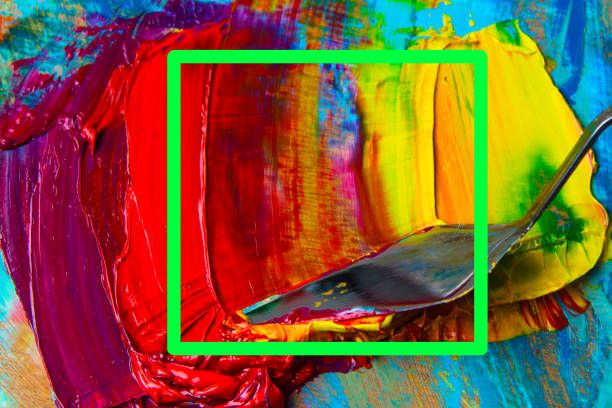
What I want this feature just make this steps in one quick click ,like pick up a color .
Some one may say that feature in blend brush ,but blend brush can not keep mixed color in drawing.
For example ,I use blend brush in blue background color ,it makes like mixed blue color ,but when I draw next time ,this mixed blue color is gone ,instead of other color ,but I want to keep this blue color.
Like a dirty knife not cleaned in real life.
I use the clone brush to achieve this. I have made a brush using the clone engine. I just have to sample the area by holding ctrl and keep painting. The brush that I have is a rake but it can be a flat shape like a knife
I agree this would be awesome if I didn’t have to choose the starting point.
In another thread @tachiko suggested a docker to mix colours in by painting in it. This got me thinking - what about a docker that would update the RGBA brushtip of the current brush? So you could sample a part of the canvas into that docker, or paint whatever you want in there, or paste an image, and that would then become your brushtip.
Edit: This would also make editing and creating brush tips a lot more straightforward, I think.
You do not need to look for the layer you made for clone picking. Or turn it on/off.
I find a dedicated feature helps draw attention to how great the Rad_pack.bundle (edit: not RZVbrushes) are. And to not forget to incorporate them in your project. I think way too many Krita users do not even realize they exist. I would include some out of the box in the Krita download. And have a guide in the Krkta manual.
The docker will also have things that just make editing the part your picking easier, such that it is just right and how you want it. And shortcut keys will make this faster when using docker. Arrow keys could shift the area. (A few pixel shift can make a big difference with some Rad_pack.bundle (edit : not RZV brushes).
@raghukamath Thank you so much that tell me this clone tool is so powerfull and thanks all the Krita developers!
@raghukamath@tachiko I think krita could add a Color palette docker ,which let artist to blend or mixed color like real world to pick a color or an area color ,that would be so much fun like real world painting!
@raghukamath do you mean which brushes from the set or the set itself?
If it is the set itself you/he will most likely mean Răzvan C. Rădulescu or also known as “razcore”, from him comes the RZV-Brushkit described here, on Github the most recent one is listed under krita-resources (at least if I understood it correctly), downloadable from the releases page.
I’m probably not explaining my idea very clearly. I’ll try to write up what I’m thinking in more detail once I find time, but basically I’m thinking of something where you could create a new brushtip with one click. It would be temporary, and only saved to the library if the user specifically chooses to do so .