Update: New Features and Performance Upgrades
Performance:
- After finding a bug in the code I corrected all Panels and Sliders and they have become faster overall but not noticeable enough to make a big note except the OBJ panel that has become surprisingly light even in Linux. For that alone I am happy. No more performance issues. done!

Extension:
- Previous version Extension sadly was a failed experiment. Or at least for it’s use case implemented that way. I started to upgrade it and noticed it did not keep stability on conversion values so I deleted the actions file and all connections to it.
Memory:
- Added versioning in order to not give errors when downloading a new version, it will simply ignore everything in the “kritarc” file and write over it after. if the version is the same of the code it will load the settings but if they are different it will do a default boot. Default boot is much more stable now but the rest might bog somewhere, simply way to many combinations to test. just warn me if something goes wrong after installing.
- Save information of the Harmony settings of the previous session.
- Differentiates the colors of the Sphere object and between the colors of the User object instead of being shared colors between all objects.
Display:
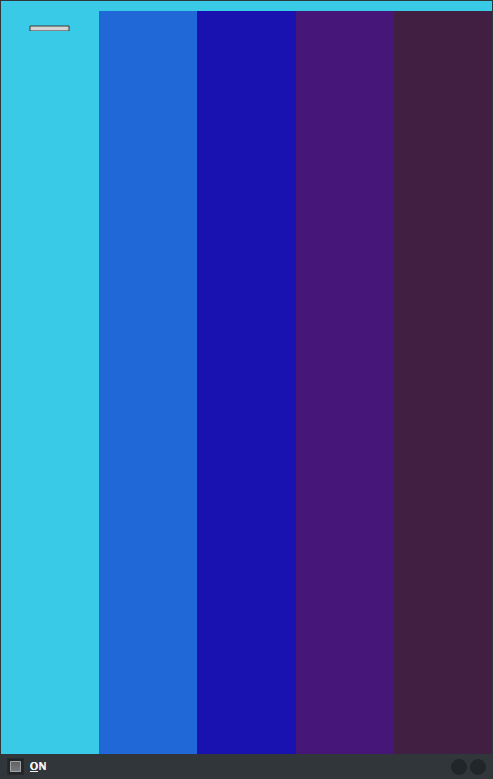
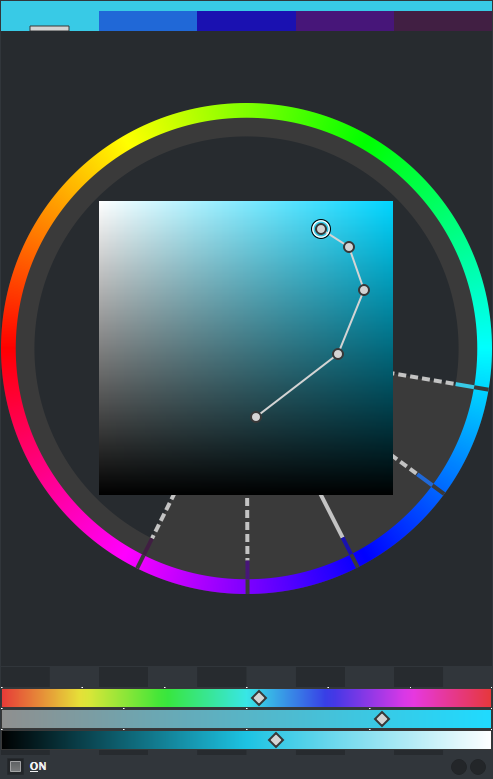
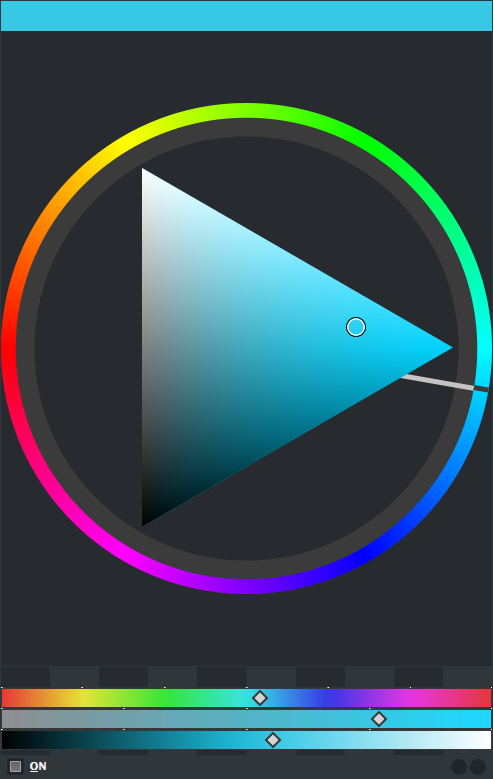
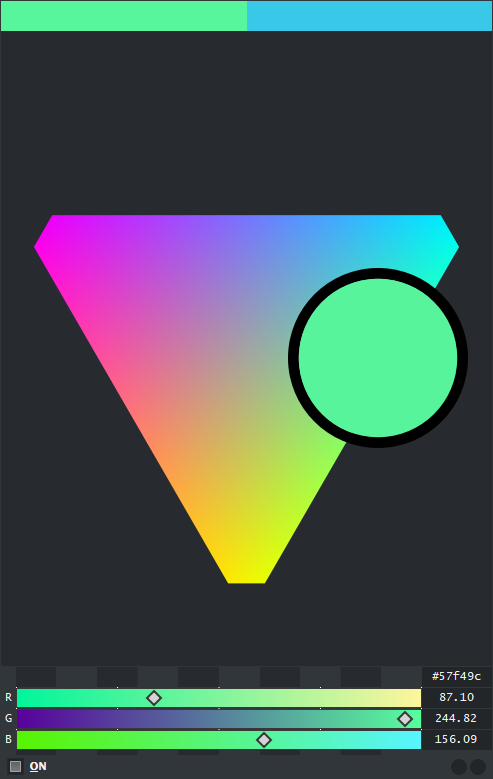
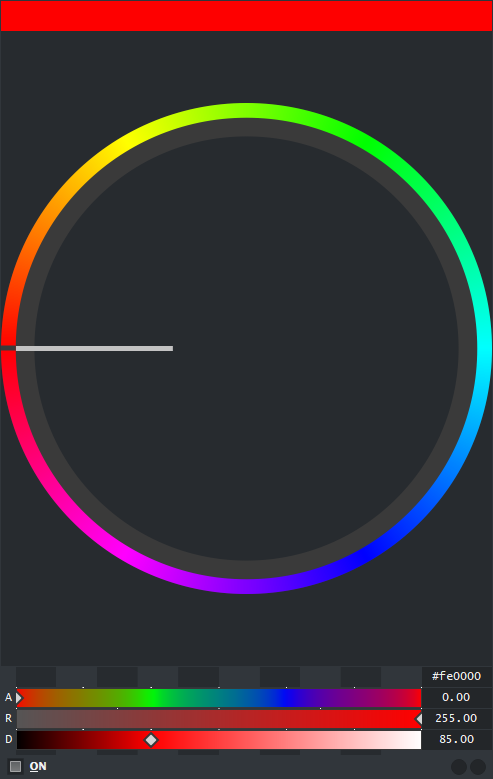
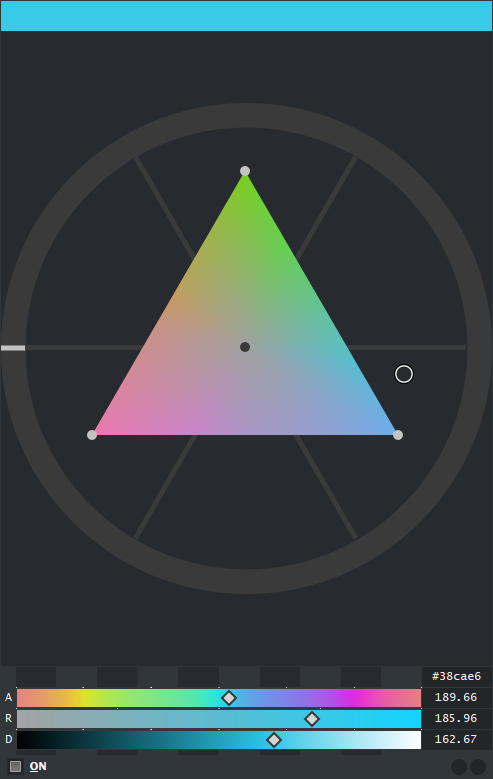
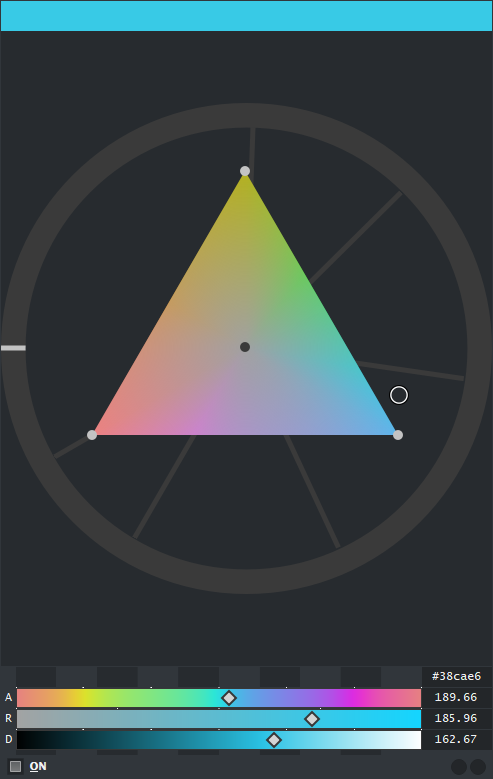
- Added harmony display in FGC, HSV, HSL, ARD. The dotted line becomes present when in Harmony Edit mode.
- Gray Display - Killed it. No more use for it and it was getting in the way creating way too many forks in the road. Considering the forks in the road created by the locks are actually useful now I replaced the paths.
- GUIs are in much higher resolution due to anti aliasing as shown before.
- By correcting the panel I gained some unexpected benefits, as in the zoom tool (RMB) can now view outside the panel limits, however this is only limited to the RGB and ARD panels.
- Color Names - When selected to display you can see color names be shown on the lower bar. Also if your having a hard time to find one press the Closest button next to the display and it will find the closest color with a name from the list and go to it. The color names list exists in a separate file where you can simply enter and add your own color names as desired you just need to follow the formatting.
- Reference Illuminants - Since I integrated the color names I thought in adding illumination white color references. It is only visible when you edit the Kelvin slider so it does not get in the way.
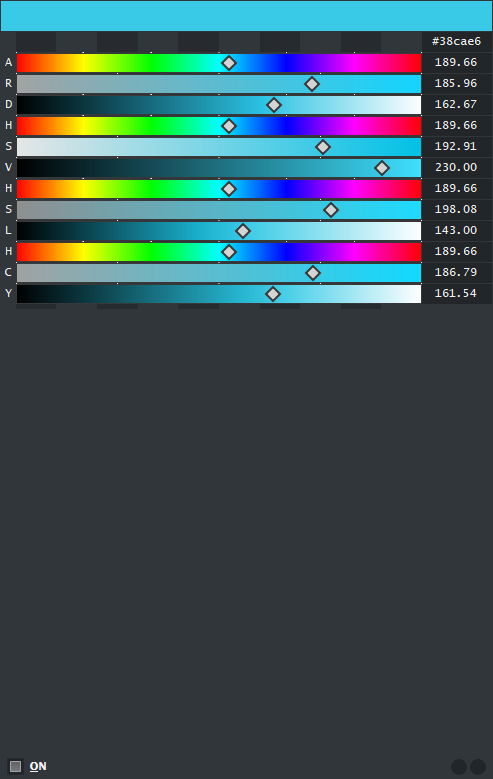
- Hue Shine- When active the Hue sliders display colors in full saturation and brightness.

GUI:
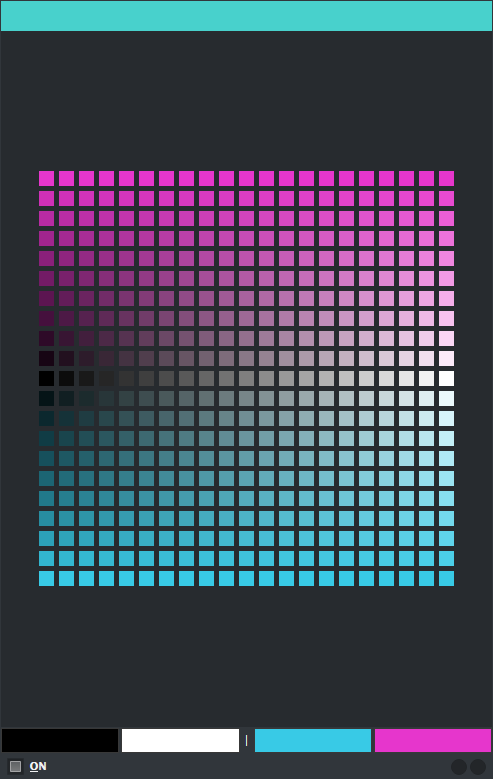
- DOT - Minor change but makes a big difference. After writing the skin tutorial for it and thinking of it’s short comings I added a small button that swaps the order of the colors allowing you to select the other color combinations. Just press the little button between the 2 color pairs, it is marked with a “|” character.
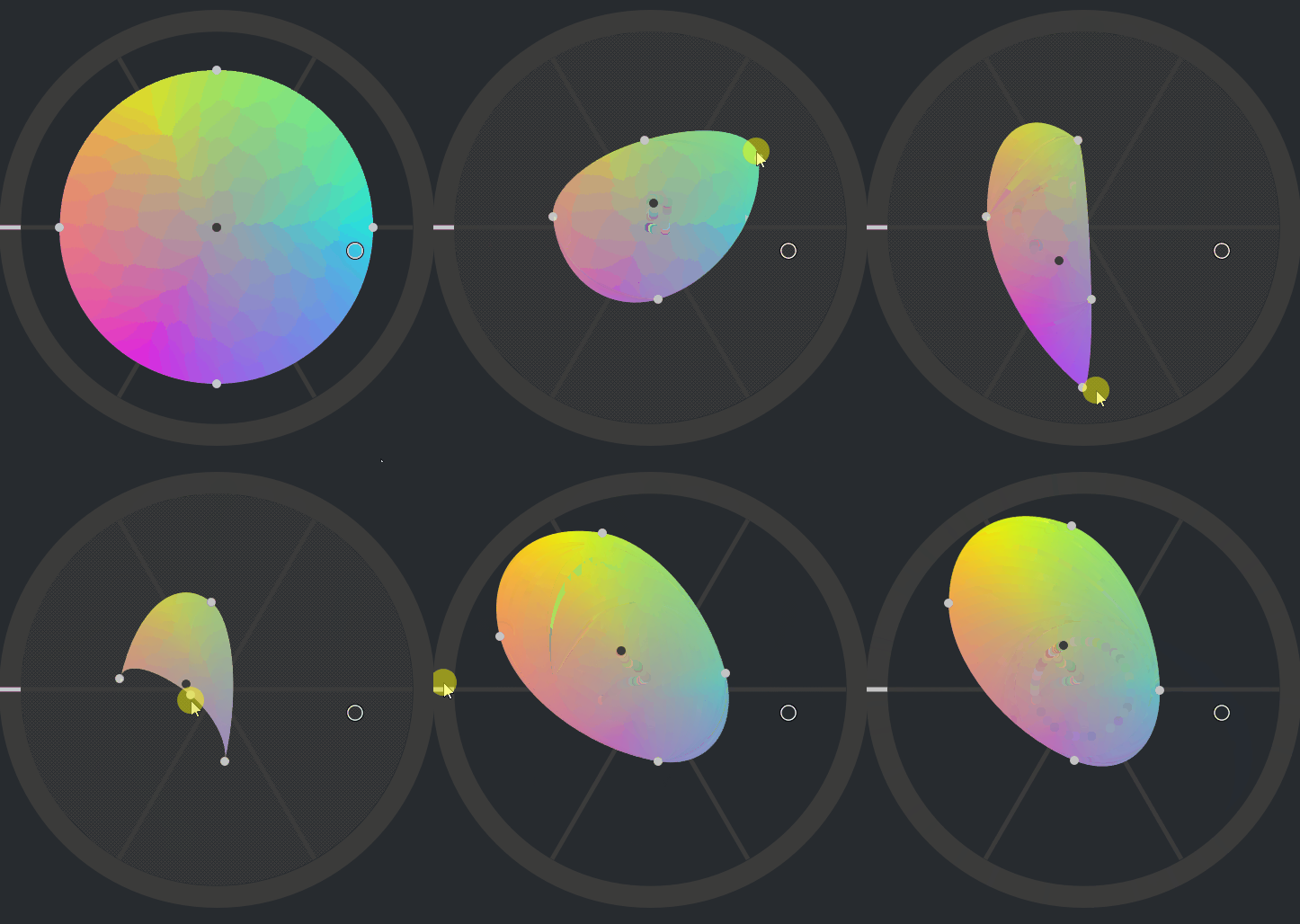
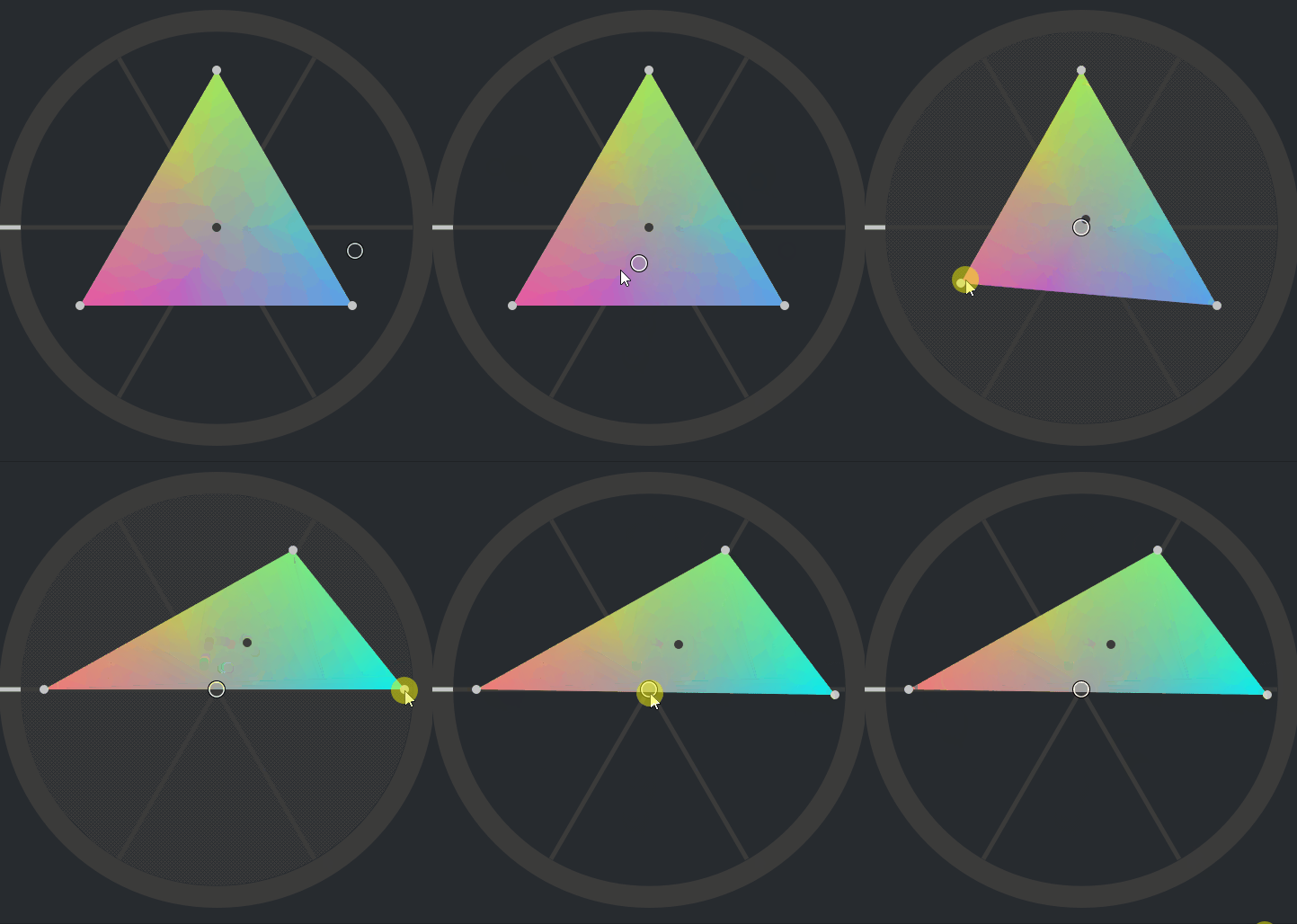
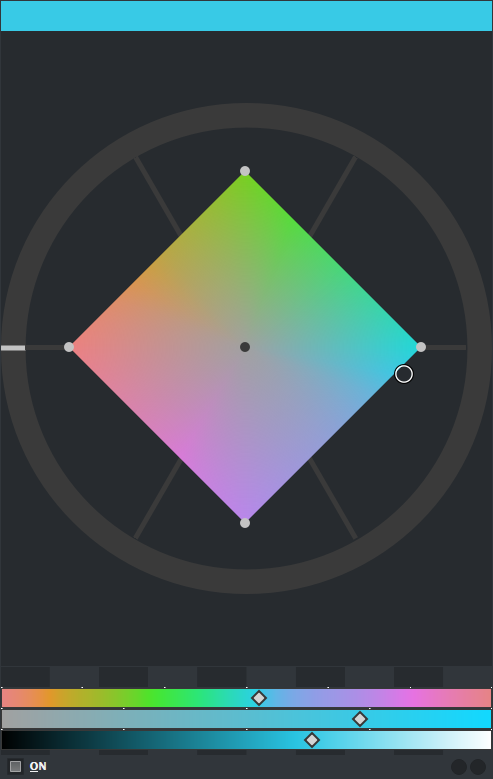
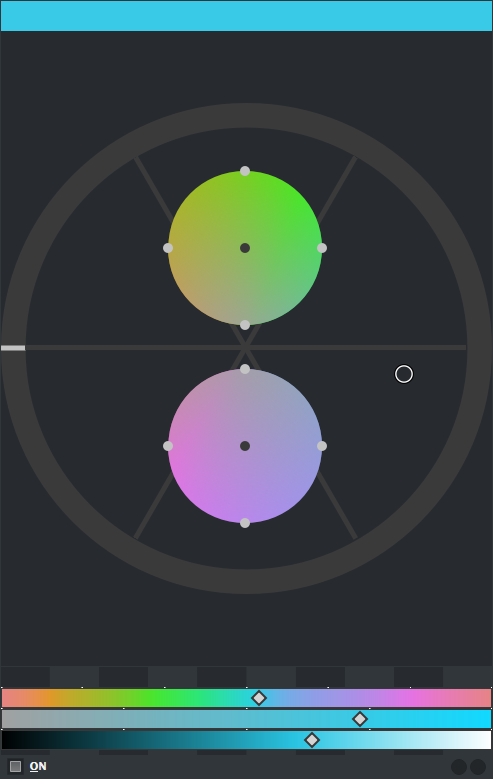
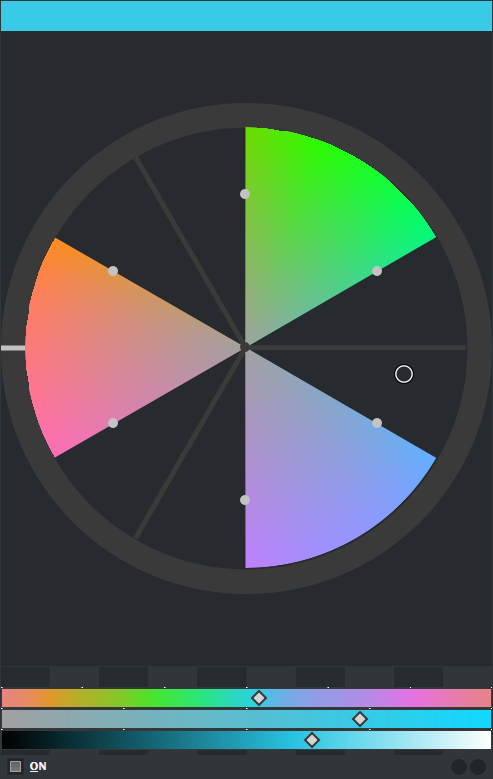
- Gamut Mask - Open the panel, select the color space you like and then select the Mask for it.
Color Spaces:
Masks:
Press Shift to Edit Mask or Rotate Mask:
Press Alt to Snap to Mask Primaries and Neutral Colors:
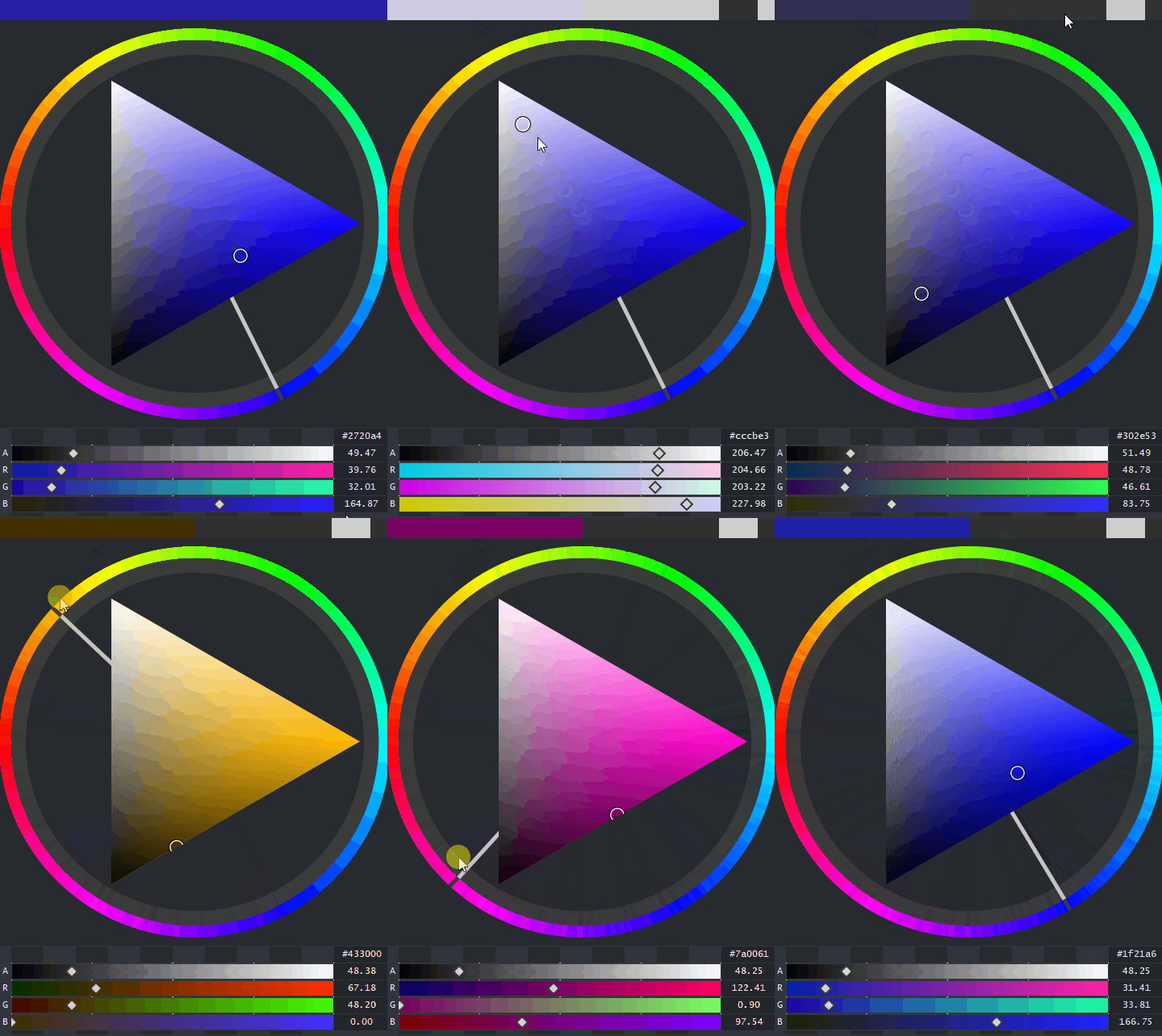
- Luminosity Lock - Select from BT.601 or BT.709 to stabilize your gray calculations to that rule. To activate this lock you need to press the active color display on the top and see the control grey on the right side. After it is active performing a HUE shift in a Panel will maintain the luminosity.
- CMYK Key Lock - Activate the lock to keep the CMY mix fixed in place as you edit the sliders and the Key value for the active color.

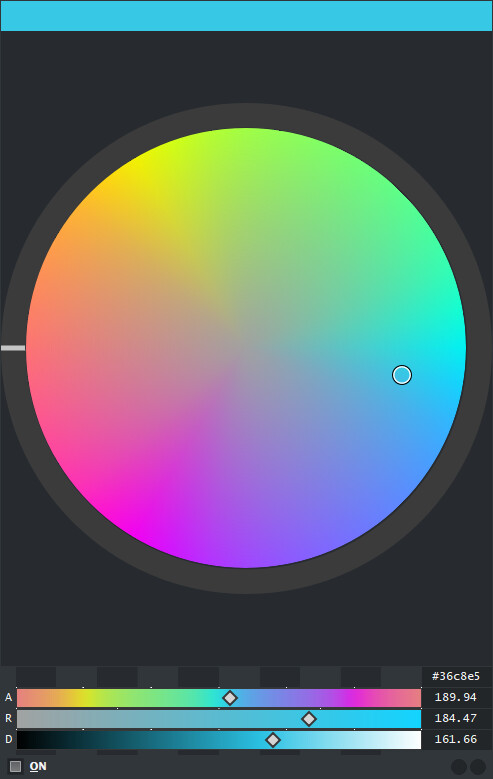

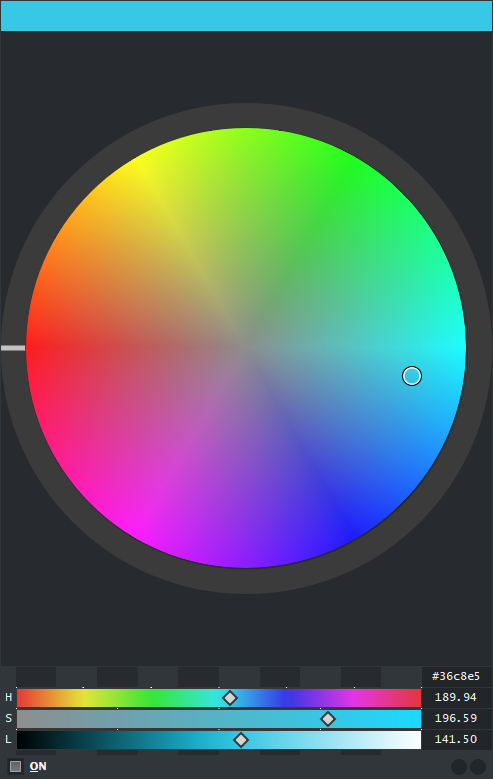
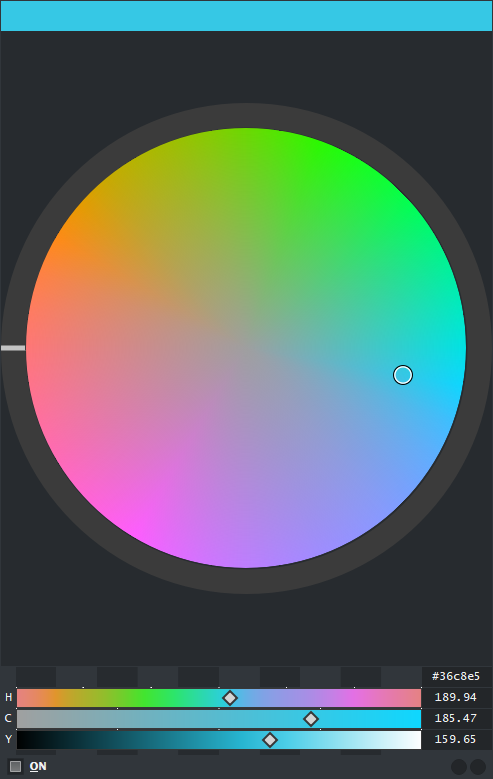
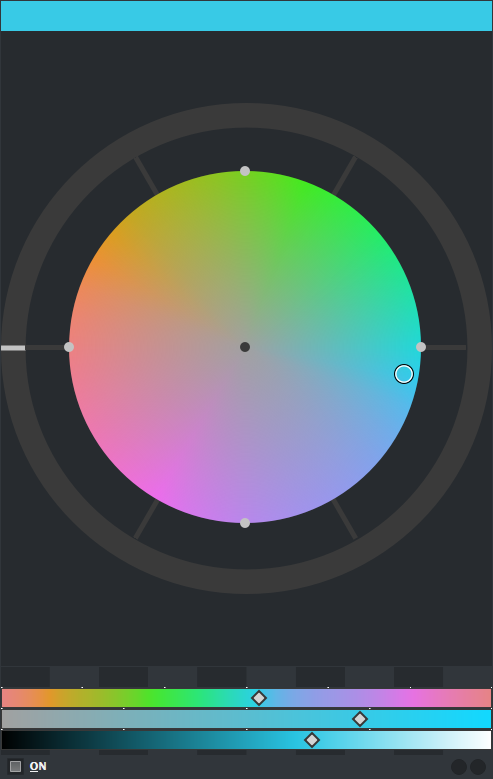


Color Spaces:
- RYB - Implemented RYB angles to the color wheel that can be changed in the options. The HUE color wheel and the GAM color wheel both react to this mode. You can work in: CMY(Standard) or RYB. This obviously reflects in the Harmony mode as it is able to follow color theory properly now.
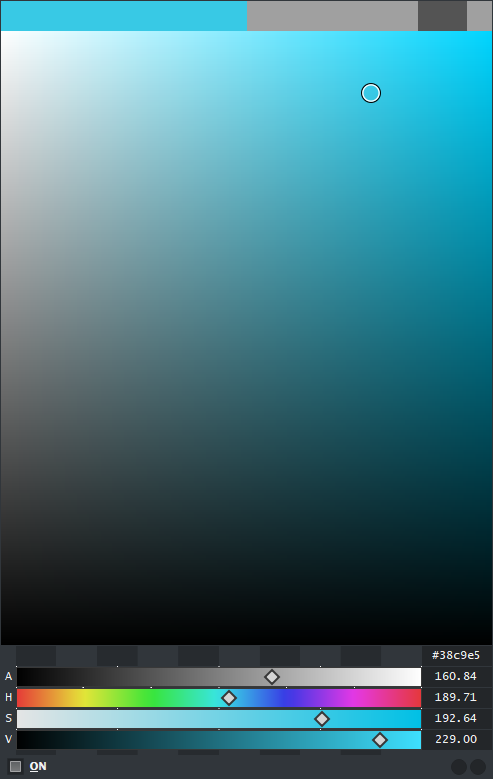
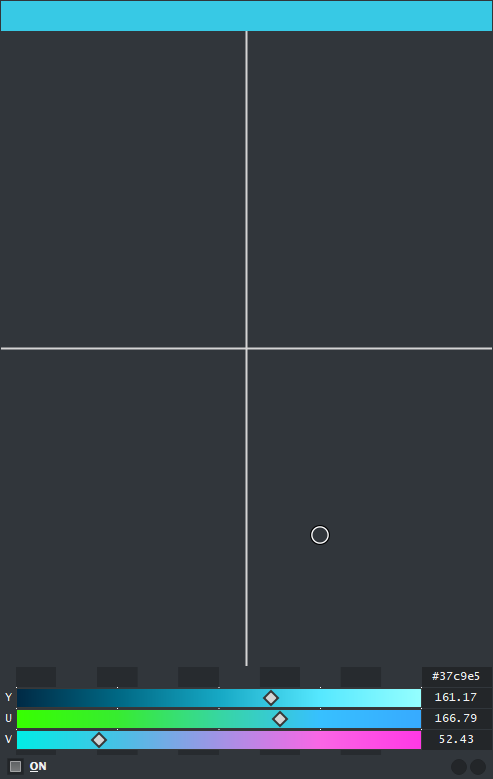
- YUV - I added the yuv color space and also a GUI that works but display wise is incomplete. However I had a hard time to scrap it out so even so i maintained it in. you can press RMB to see the color your selecting. However I do not expect much use of this panel so I am not too worried.

Thoughts
This kinda completes my initial vision for Pigment.O. There are still some ideas I did not put because of limitations on the APIs and my own knowledge to do it too, but if I find a way to push it in I will. But overall docker wise it is almost fully complete. Maybe I will do something like a extension somehow connected to it but I don’t really know yet depends if I get a cool idea and it is doable. I will keep bug fixing it if any issues arise and polish it here and there. Hopefully it will become a nice tool for a production environment.
If you guys find a bug just send me word, I hope you guys like it.