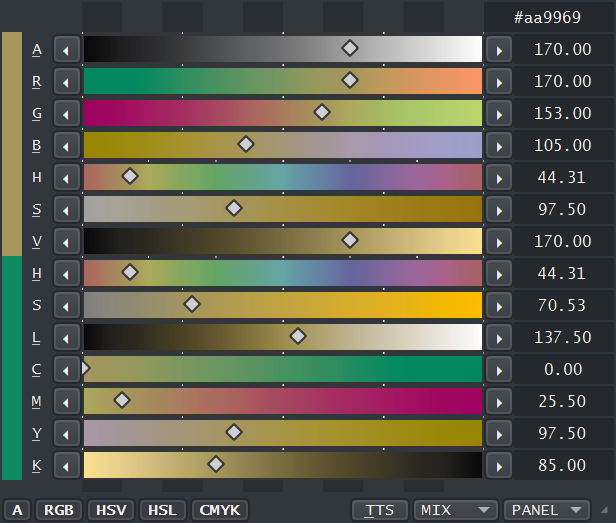
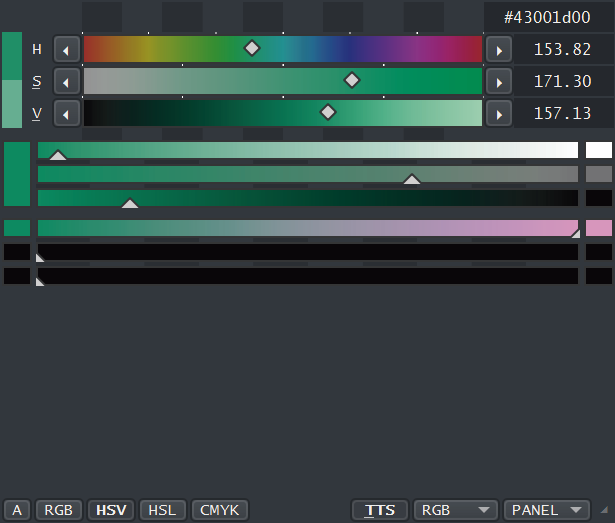
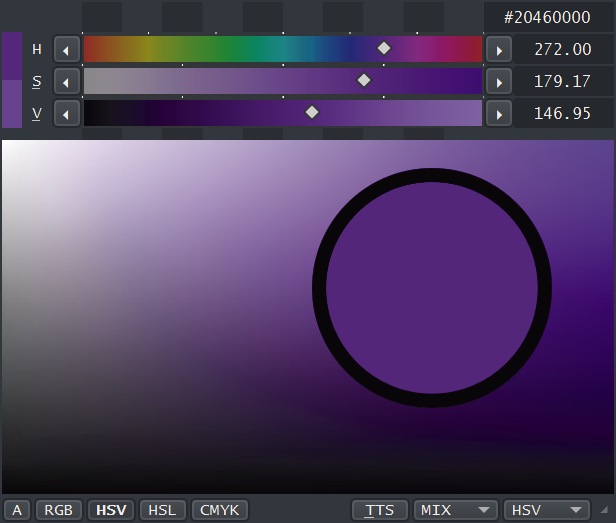
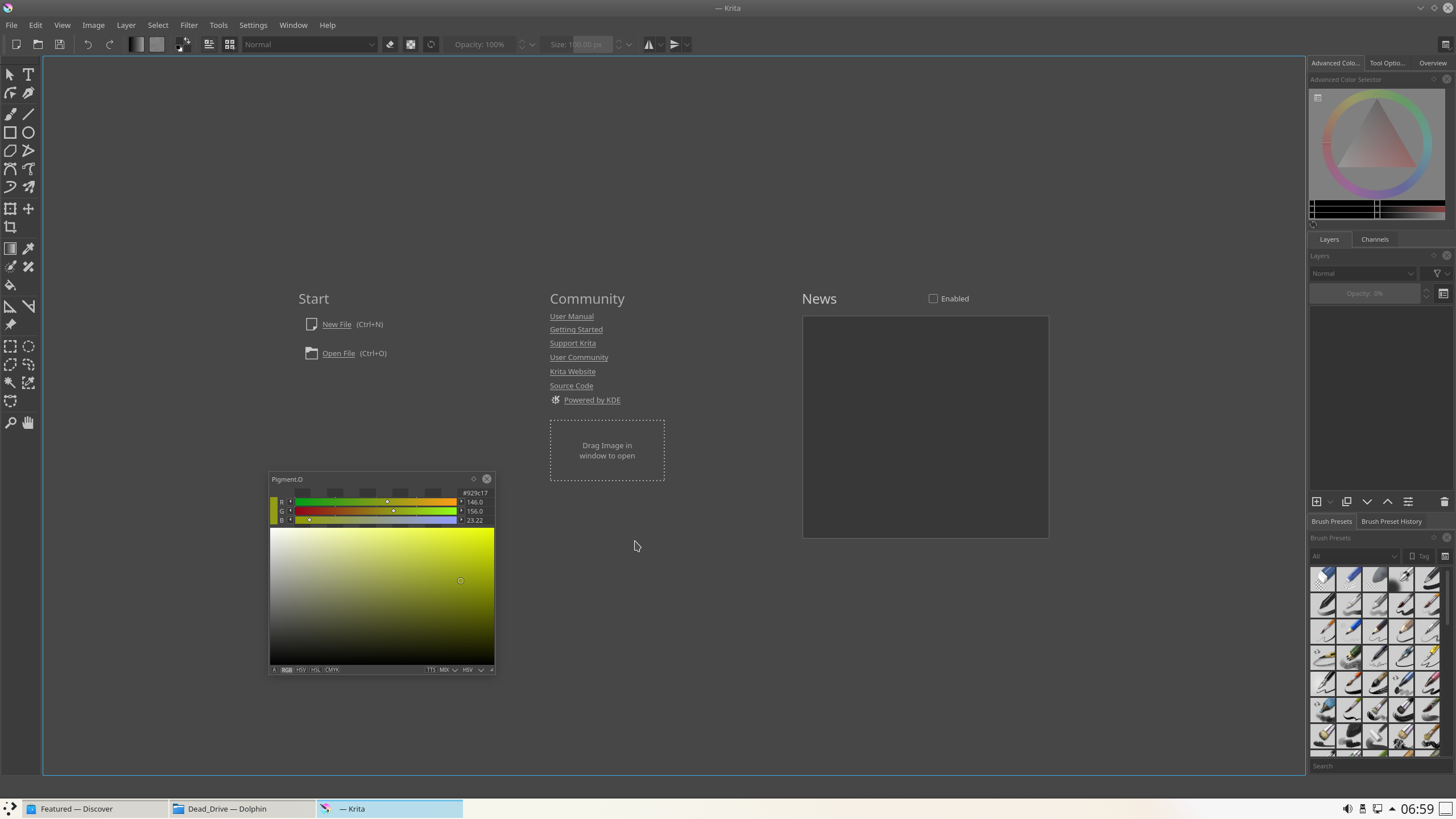
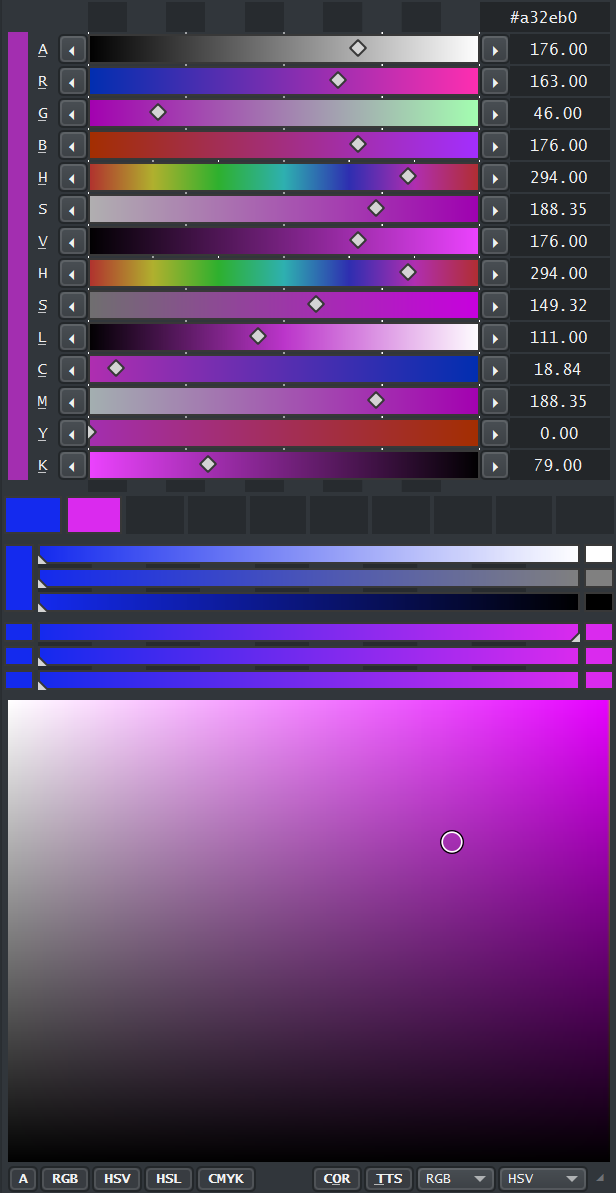
I just gave it a try, but for some reason I can’t use the eraser mode when this plugin is active, it keeps resetting the mode after a split second.
Also, for me font size seems to be bigger, I can’t really read what any of the buttons say because the text is cut off, and the numeric fields don’t show the decimal places.
text size and button size are fixed so they work together and don’t inherent from a different source. that actually puzzles me.
Sure your just not compressing the UI like this?
I think I managed to fix the UI and the Eraser, it kinda felt like a massive strike of luck honestly. It is really working but I don’t even believe it yet. I thought it would be impossible to patch it.
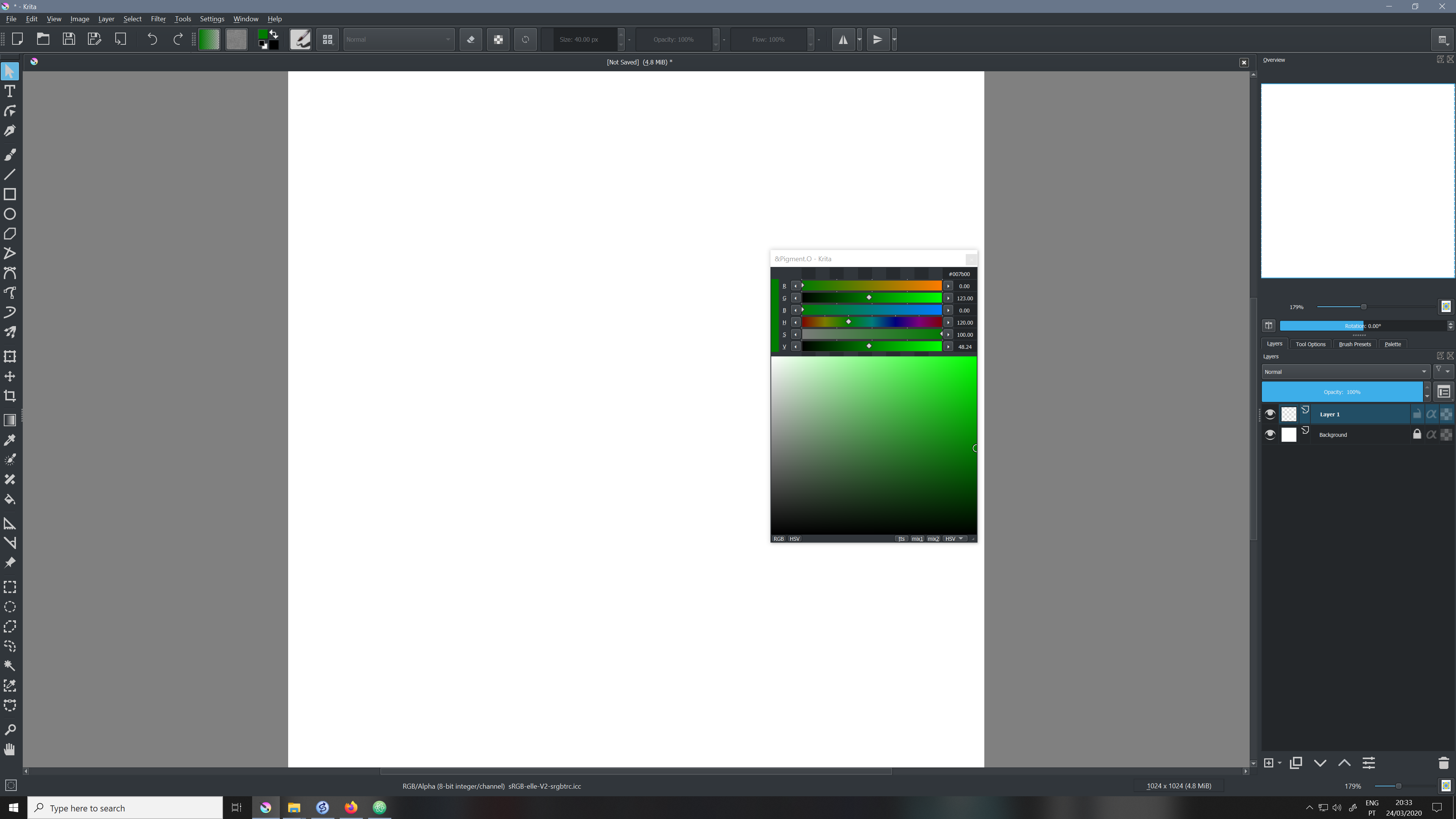
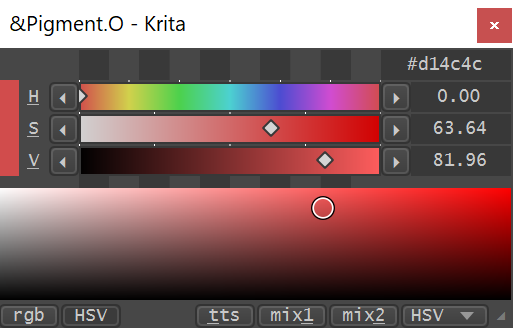
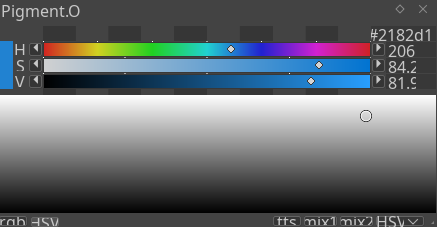
For the UI it is looking like this on 3840x2160 with 100% and 150% scaling and at 1920x1080 with 100% scaling.
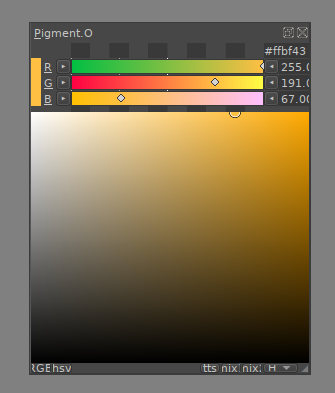
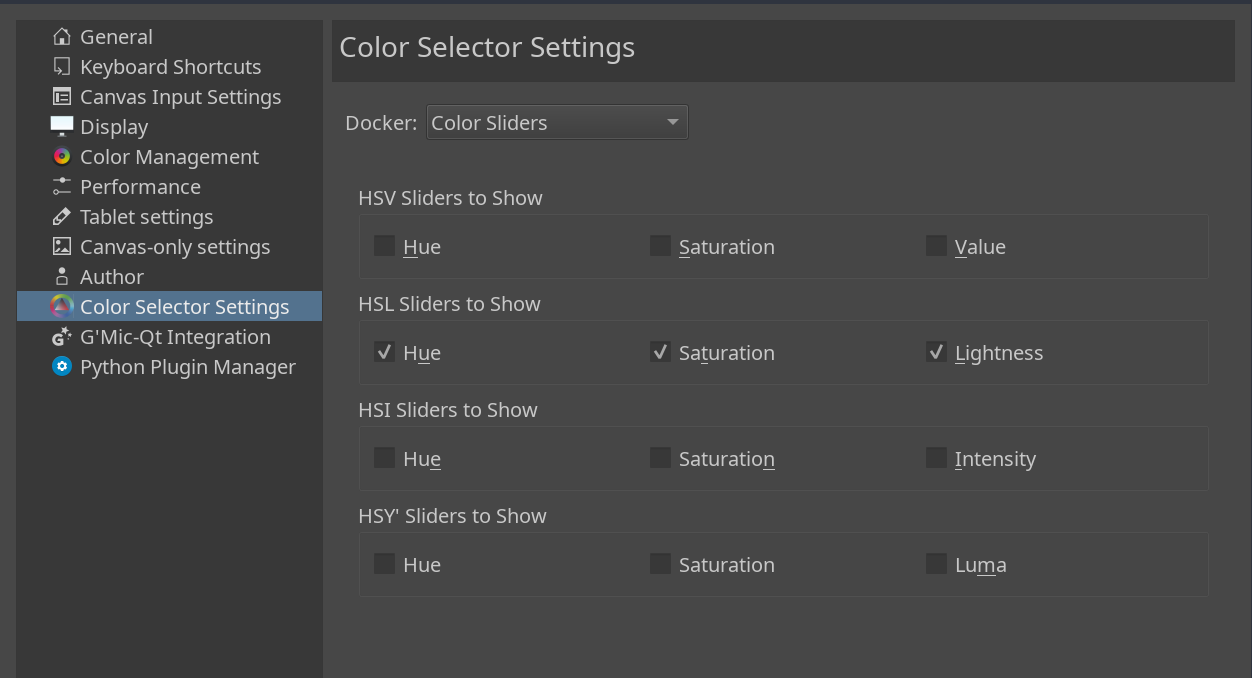
Thank you for making this!!! These work almost like the color sliders that used to be in Krita before they were removed in 4.1
Any cool ideas or bugs just tell me about it.
I notice that when I use it in linux (manjaro) the “color rectange box” is in greyscale. Changing the color by moving the icon in the box still works but the color doesn’t change. I don’t see this bug in windows.
For some reason the sliders aren’t that high when I use it without scaling on linux or windows. On windows they’re scaled correctly in hidpi mode. But I don’t like using that mode because the interface gets too big for me. Maybe it’s because I’m using a 1440p monitor?
I also suggest that you should edit the OP thread to better advertise the HSV slider feature. Like adding a pic of the HSV sliders along with the RGB sliders. Or maybe edit the title to say for example
Pigment.O (“HSV and RGB color sliders”)
This is an important feature for a lot of artists and they would be happy to know a new plugin exists for it!
Yes… that was such a sad event, I never got over it. That is actually why I made this! I learnt how to paint on THAT docker and later it was GONE DX crushed
By the looks of it Linux is then not interpreting the Alpha well on the style sheets. I checked the code and it looks correct on that spot. I would have to go around that somehow to solve that but sadley I do not have access to a Linux machine currently and to my experience Linux is not very good with displays overall. Not sure what to say there. I will try and re implement that again if I find a better way to assemble it.
I am not able to replicate the issue with the monitor resolution. I used that resolution on my computer and my laptop and it holds up on windows at least :\ when I updated it I checked for 4k display at 100% and at 150% scaling and then for 1920x1440 at 100% scaling, it should not be a problem. my laptop has that as a native resolution too and you can see it on the video I made.
maybe if I make a UI that locks values and has no internal scaling? but then all of it would be super massive, and swapping UI feels it would have to change the code or something too. I kinda did not want to do that. A thing that annoys me on the krita menus is they are always on the way and too big because they are all locked and with way too much empty space inside. That is why i wanted it to compress to fit anywhere.
I did want to implement more color spaces but I wanted to make 1 work properly first before tackling that. And it was a headache already since Qt is a pain in the ass with color conversions and before I noticed it “ouchies”, so I was literaly forced to use Python only because it does not hold up at all. I was searching for more modules too do that too because XYZ and LAB seem to be absent on Krita’s built in modules. LAB is really good and was one of my objectives to implement I just don’t know how…yet XD
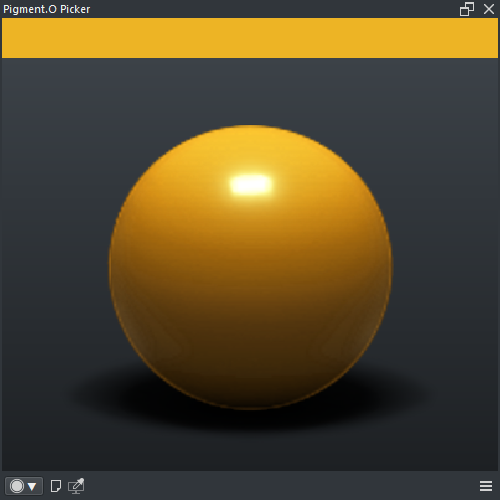
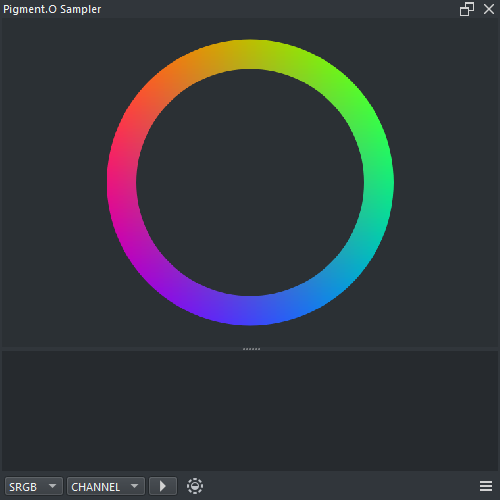
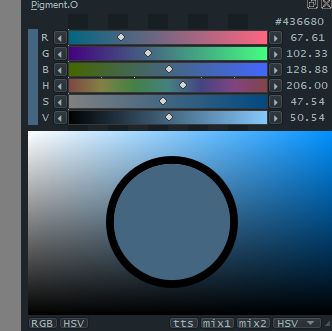
I will edit the first post a bit, but I placed that image because that is the Foundation of all of it and what you get as soon as you open it, since the menus open and close everywhere to save space.
I get more and more the feeling Qt does not read very well in Linux if you dont lock it down, would you mind if I made you a custom UI to try out? Do you have custom fonts installed?
I think that happens because the new window has the brush opacity is set to zero on the second window by default. I will make an exception for that. if you ignore the error for now and adjust your brush opacity to any value it goes away as you close it.
P.S. - I worked that bug out, I will update once I have some more colorspaces done too.
Ahh yeah… exactly like me… in fact, it was my first and probably last support question on subreddit Thank you for making these! Since I have 4K display and Linux, I will try to maybe check it out soon.
interesting look nods the letters are buttons too, but since you don’t want the numbers i imagine that is not really that important either way. As long as you feel good with it, edit it too your taste.
Btw if someone has “Tilt” on their tablet tell me if it is working on the panel.
Active:
-Now it has Alpha/Grayscale, HSL and CMYK color spaces.
-Mixer for HSL and CMYK.
-Color Space Range Agnostic
On Hold:
-UI swap on boot (but I still need to investigate linux to make the UI)
-Color spaces converter for XYZ, Lab and YCbCr (but there is a constraint to represent the selected color on the widget on screen? I actually wanted to have implemented those 3 already, but I am not sure if it is possible )
I think I identified some odd issue with krita’s CMYK masks color space scale. they have a different value compared to RGB masks? I am not sure why, I still need to test values to see whats up, but it seems really smaller despite Krita’s CMYK working at the same color range as RGB.
Mind Set:
-I will work on the UI for linux next.
-If I manage to surpass the representation thing I can hook up the rest for the other color spaces.
-Curious to make some more panels.
After alot of time around to force push Linux on my pc.
I made the UI inside Linux, It was just one or two values that where a bit off.
This is how it is looking currently on both:
I noticed that Linux does not Hcenters the numbers on the QDoubleSpinBox on the linux version too, it pushes all to the left for some reason and stays there. It seems a pyqt5 issue it was not responsive to those options.
I also noticed that Linux is like, extremely SLOW calculating, I was even surprised by it. Not to mention 30minutes just to boot Krita. I will try and thread the calculations to lift up the weight of the UI. I do not even notice it on Windows but I guess people would like it not to freeze their computers because of it. I thought initially it was performing so well it did not even had need for it.
Once I got both done I will post the new UI and Thread thingy at the same time.
P.S.
This was really fast to make.
-I implemented the UI.
-Placed the Thread, now it is much faster both in Windows and Linux. You can actually use it in Linux now even thought it is a bit slow overall.
-Confirmed the transparency bug on the panel is corrected.
Save Brush Size / Opacity / Flow - Double Click to Apply saved Setting. (Shift or Ctrl or Alt) and double click to save current settings. On the top left.
Mini Palette - 10 slots to save selected colors. Double Click to apply color. (Shift or Ctrl) and double click to save current color. Alt and double click to clean slot.
HSL Panel - Click on panel to select Sat and Light on the given Hue.

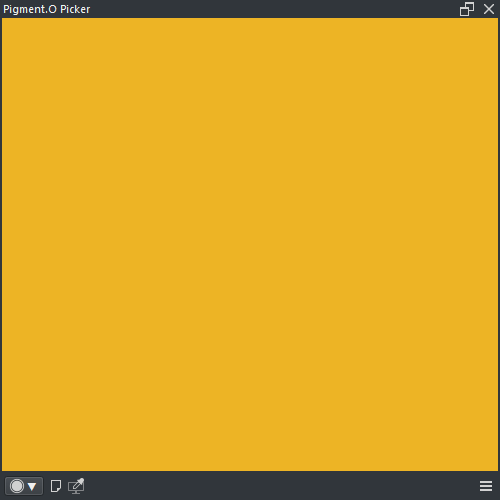
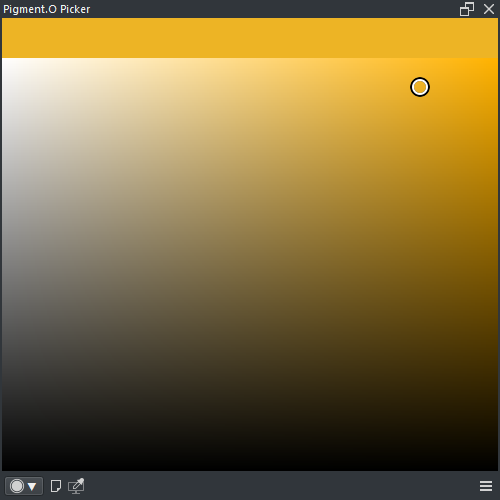
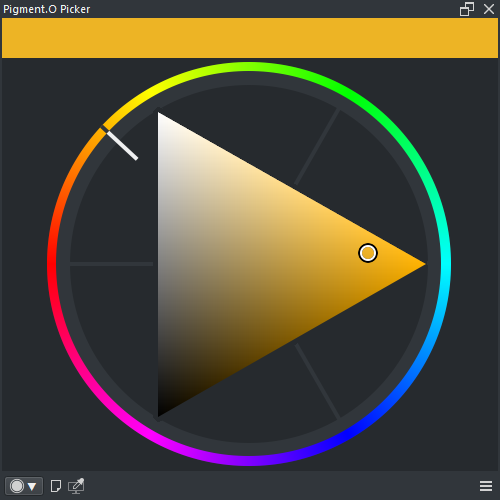
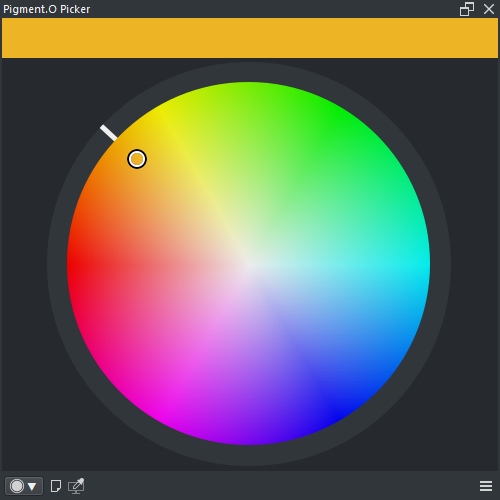
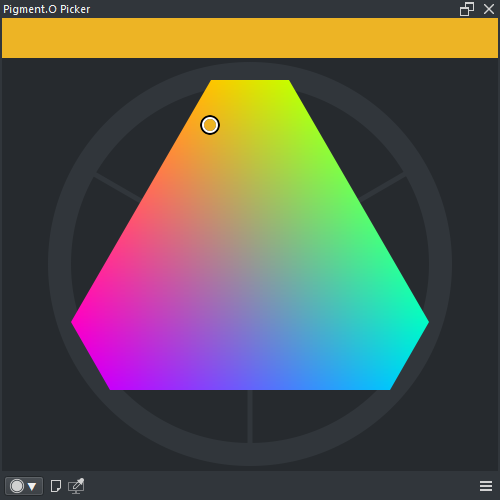
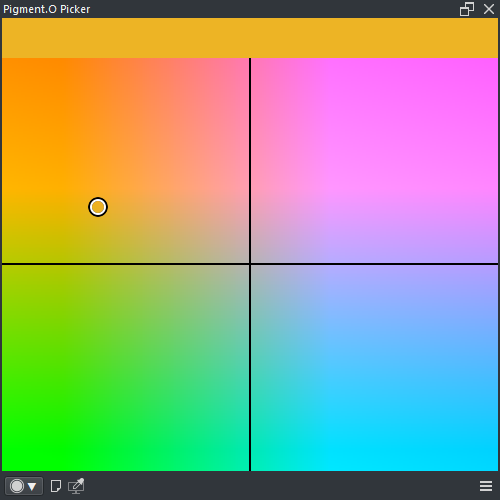
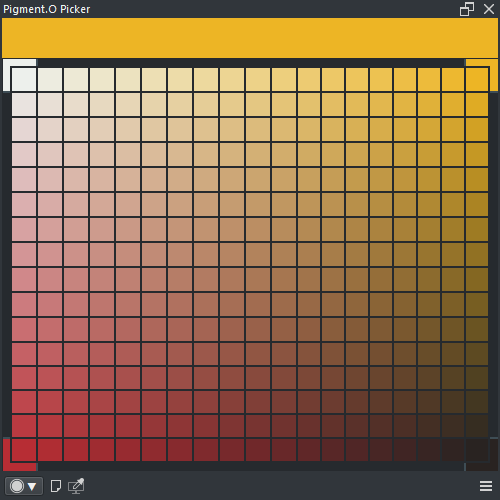



 These work almost like the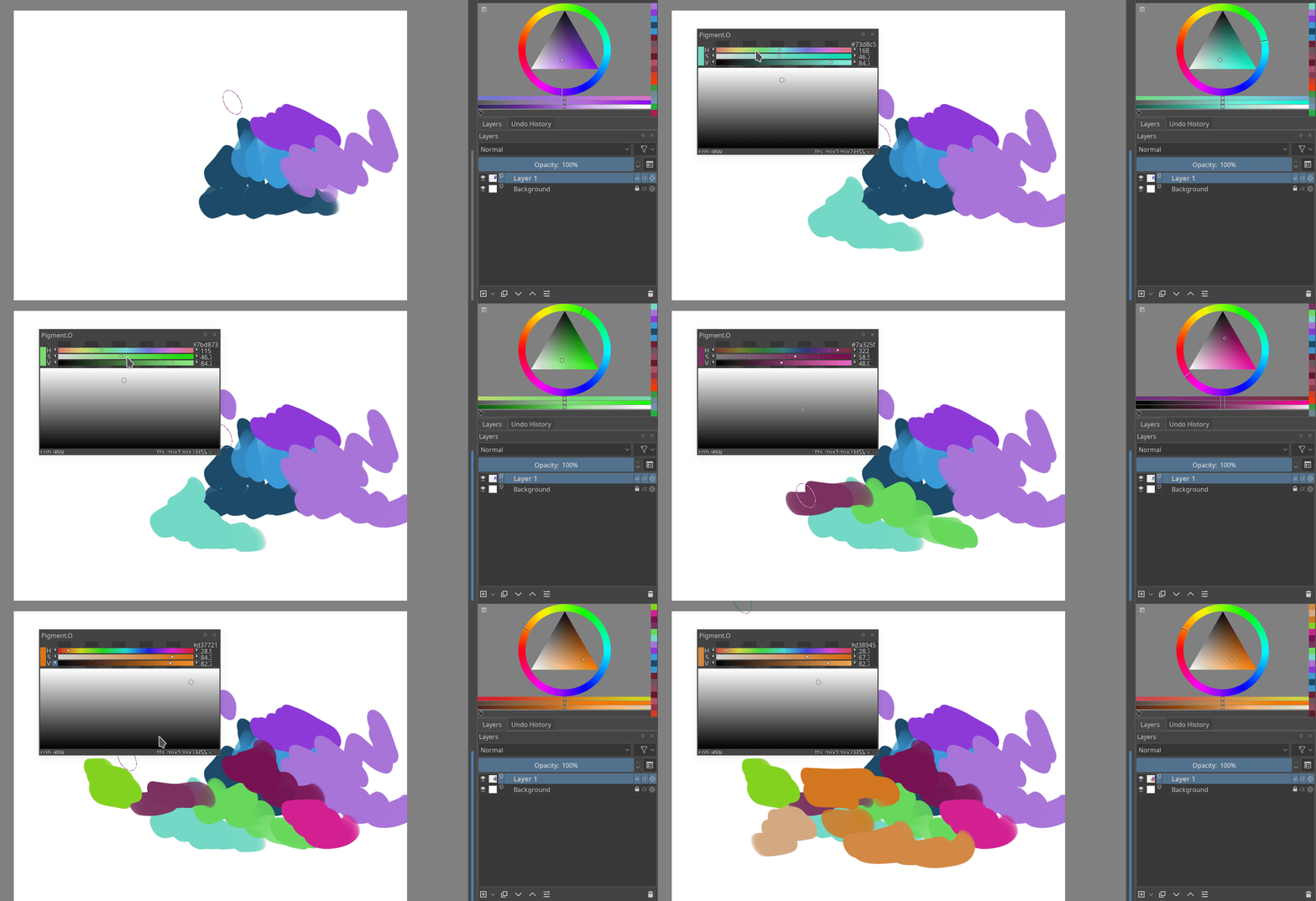


 )
)