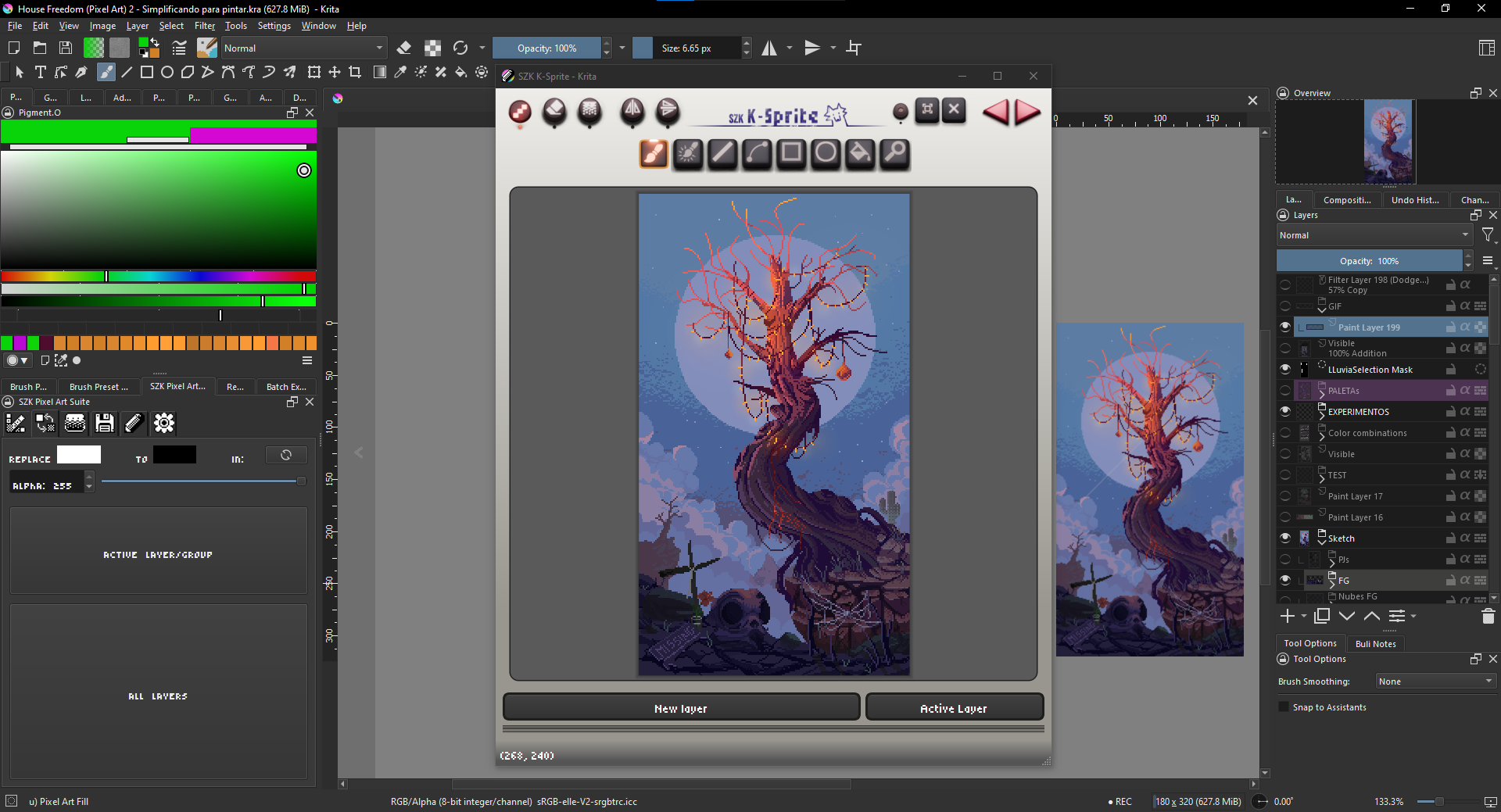
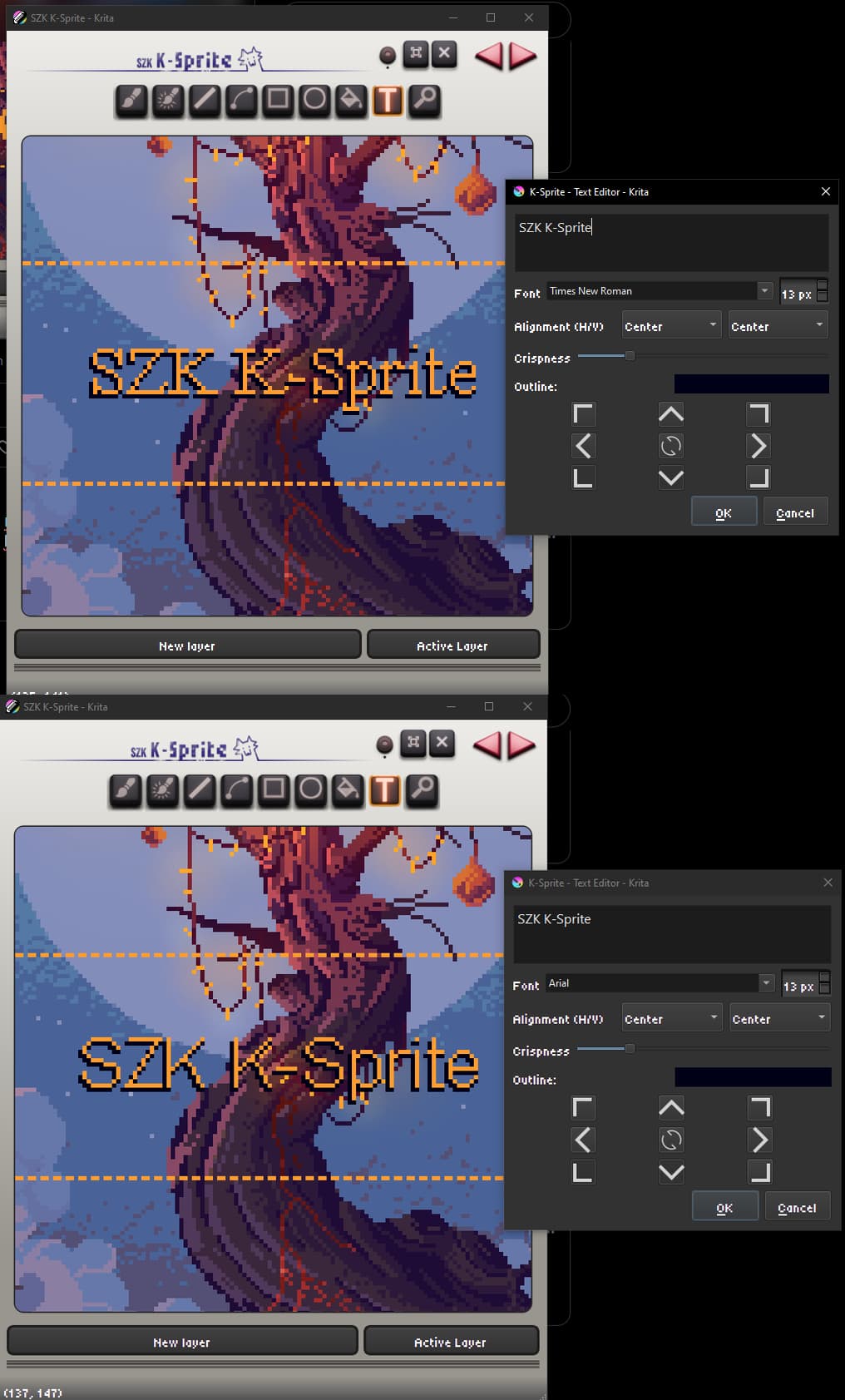
Hi, I’m testing this feature in the krita-x64-5.3.0-prealpha-57685f11 build, and I wanted to give a bit of feedback.
Location of the feature
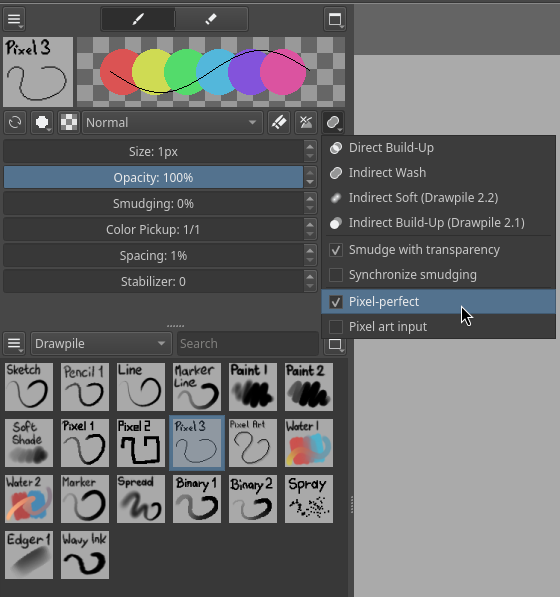
First of all, it is not very convenient to have this in the Tool Options docker, and the reason is that you need to toggle it on and off each time you need to change your brush, luckily there is the keyboard shortcut to set the pixel smoothing and then disable it, but I think that this option would be more useful to have on a brush level instead, and be able to toggle with a shortcut at the same time if needed, but that is fine overall, it works, so I thank the developer who implemented this!
Inconsistency and other issues
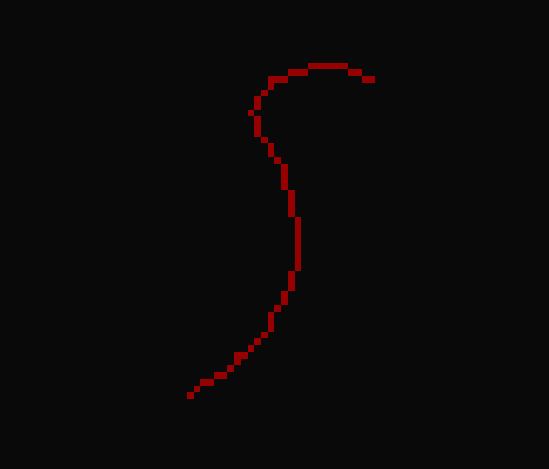
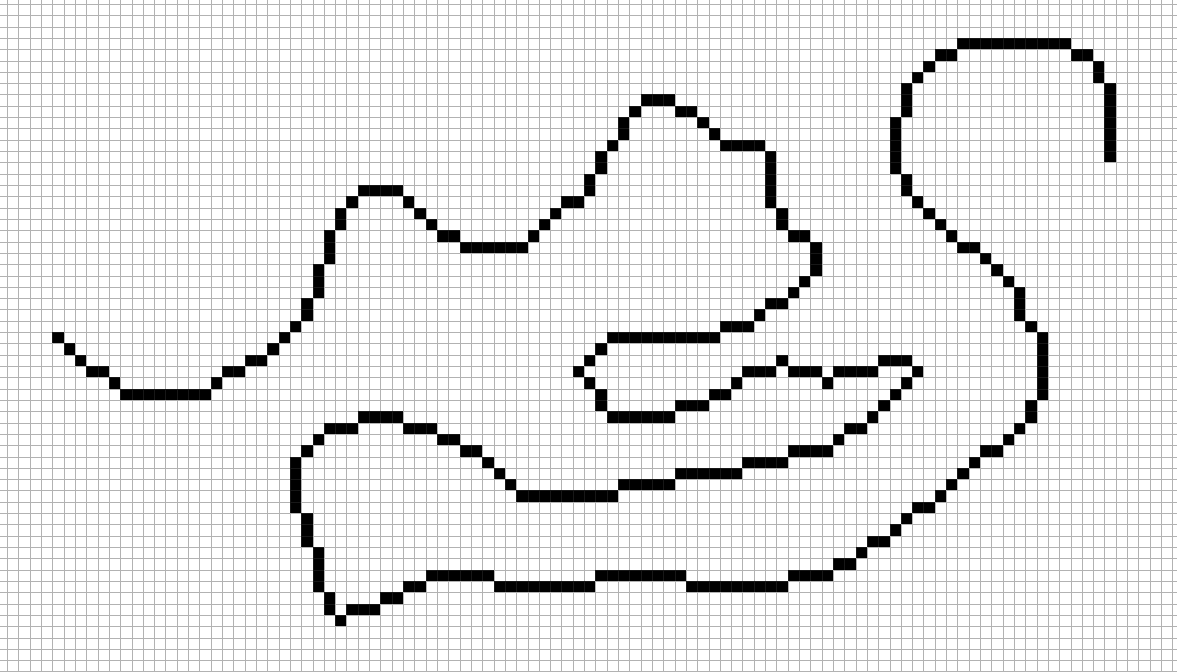
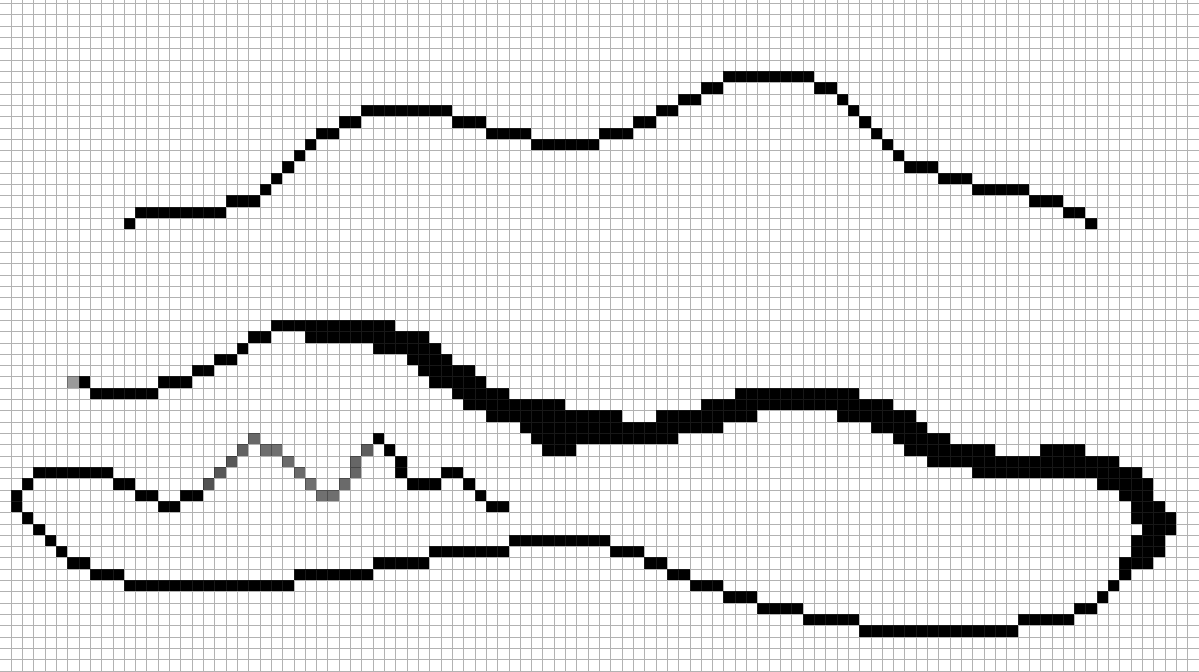
Currently the biggest issue is that the smoothing works quite inconsistently. In some cases it still produces not smooth parts in your lines. I know that a lot of effort has been put into it already, but I hope that this can be improved further. Here is the screenshot:
Secondly, and this one is probably not as important compared to the issue above, but when you have pixel smoothing, it doesn’t work when you have a brush with a non 1px size. For example I have a brush which has a base size of 8px, but it also has a variable size linked to the pressure sensor, and in this case the size is always 8px, no matter the pressure. So in this case what should happen ideally is the following: the pressure still should work, even with the pixel smoothing being enabled, but which won’t affect the smoothness anymore, but if taking it further (if possible) it should produce smooth lines when the line is as thin as 1px.
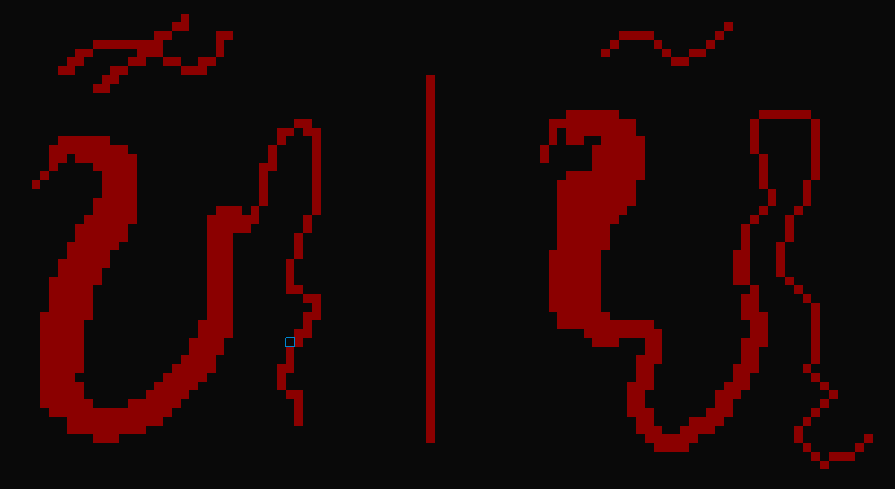
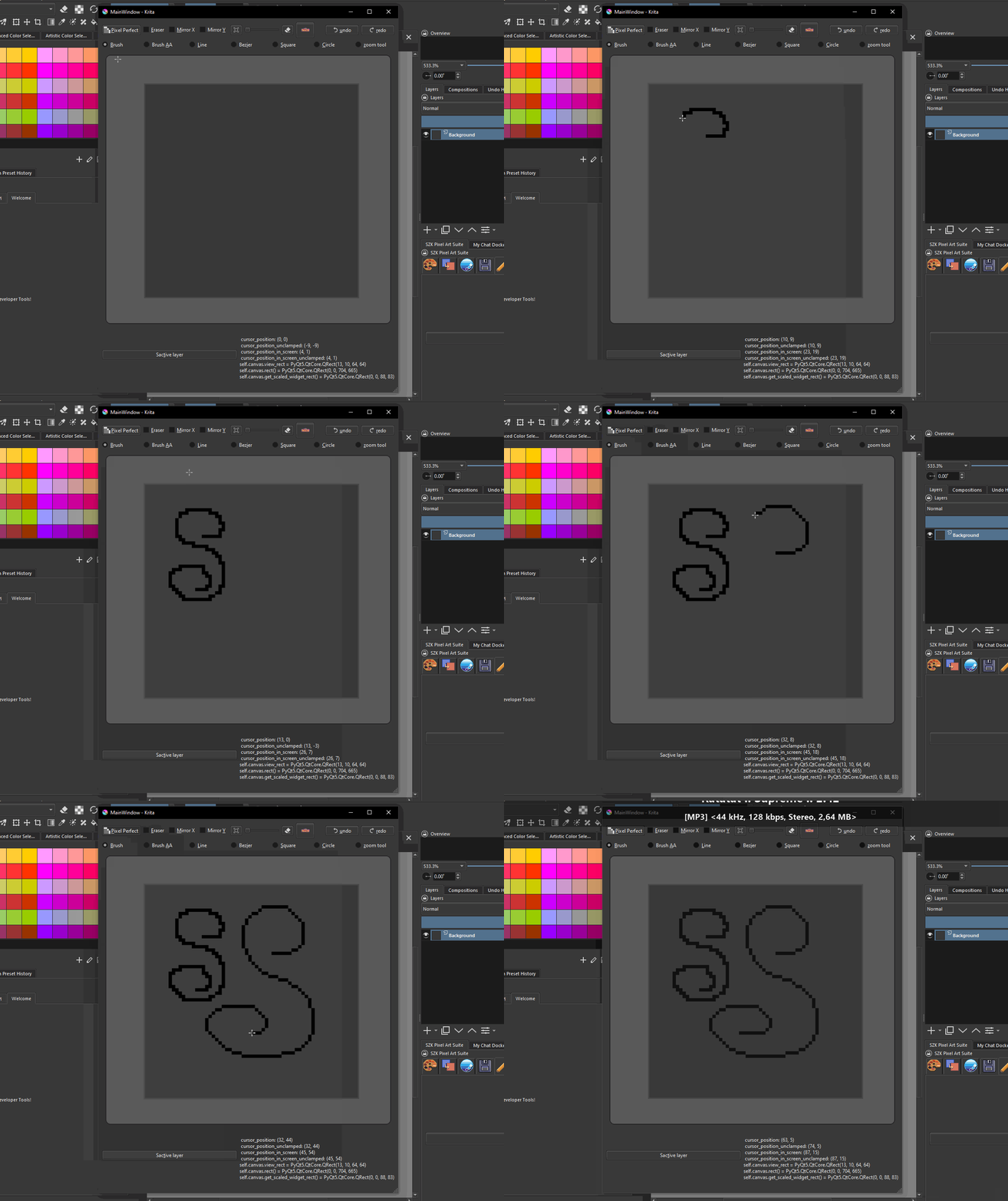
Below is the screenshot from Pixelorama (open source pixel art editor), where on the left the pixel perfect line is disabled and on the right it is enabled. It seems that it works correctly, but it also seems that it tries to make the thicker lines smooth as well, and it produces some not as smooth edges for such thick lines, so I’m not sure if that can be avoided or not, because if not it is probably be reasonable to just make the pressure sensor work without using the pixel smoothness feature if the base size is more than 1px, but it needs to be decided by the developers of what is better, of course.
Afterwords
Anyway, thanks for the hard work, I think that Krita already works relatively well for pixel art, but a few more features and improvements will make it really good.
I mentioned Pixelorama, and you may ask why I don’t use it instead, but unfortunately it is still quite new and it doesn’t have all of those cool features such as Recorder, perspective tools (crucial for me) and it doesn’t have a brush editor/creator, so you can’t create your own presets, all configurations for brushes are global and you need to change it every time for a different behavior, it doesn’t have patterns feature, which makes it really hard to create dithering fast, so for me at least it is unusable at the moment. It also nice that you can use only one program and one workflow for different art styles and supporting one development team rather than spreading your donations across multiple programs that mainly specialize in digital painting, a large part of which I believe is pixel art. (Edit, I was mistaken, there is Recorder and Perspective dockers)
 ).
).