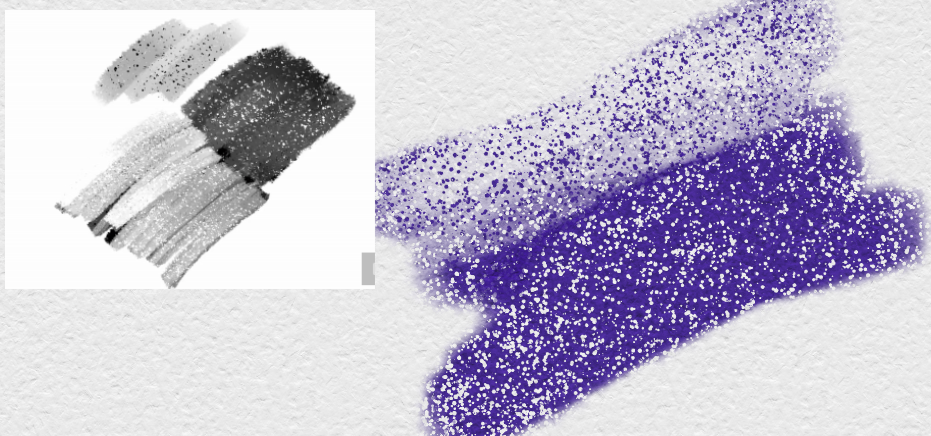
I have a brush I created myself in Photoshop, and I desperately want to replicate it in Krita as I slowly make the switch.
As you can see, the brush uses a static texture that doesn’t change scale when resizing the brush. Additionally, when the brush is set to Erase mode, the texture is inverted. I want to achieve that specific ‘sparkle’ look in Krita where the texture behaves inversely: the parts that are darker in the texture become the brightest (most transparent) when erasing.
I tried to recreate this in Krita using the Masked Brush feature, but the texture scales up and down with the brush size. It also feels random and doesn’t seem to anchor to the canvas like a static texture.
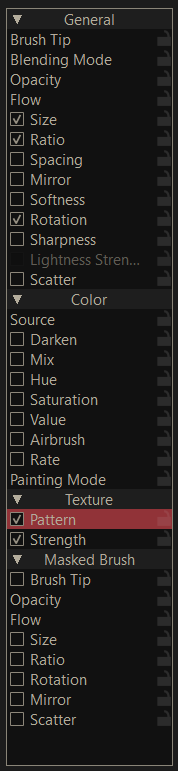
Hi, I’d use Texture > Pattern, AFAIK it should not scale with size change and should be static. Take a look also at the Options tab, to adjust it to your needs.
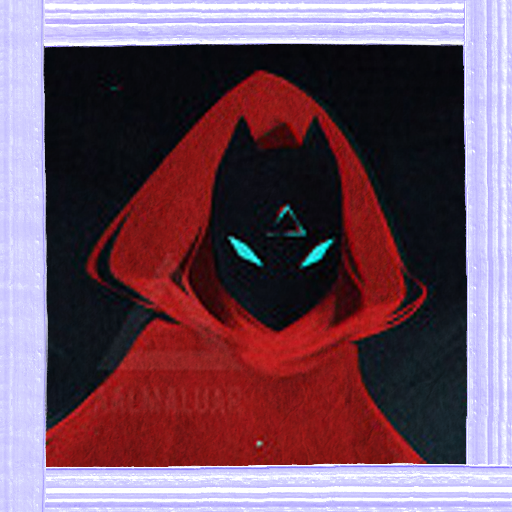
Made a functioning prototype for ya! Below is the icon I used based on your profile pic, and the texture. You can edit it however you like (wrap around mode can be used to paint seamlessly), and also swap in a better brushtip too.
Limitations: The “random horizontal/vertical offset” (ticked on) in the texture settings is key to making it work, but it also causes the texture to move around slightly (it doesn’t change scale tho). That same setting also means if you go over the same area with your brush, the sparkle effect will lessen/intensify.